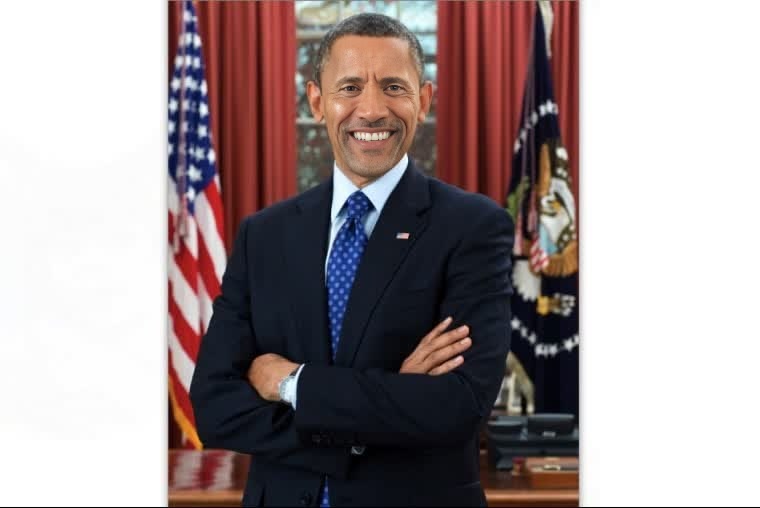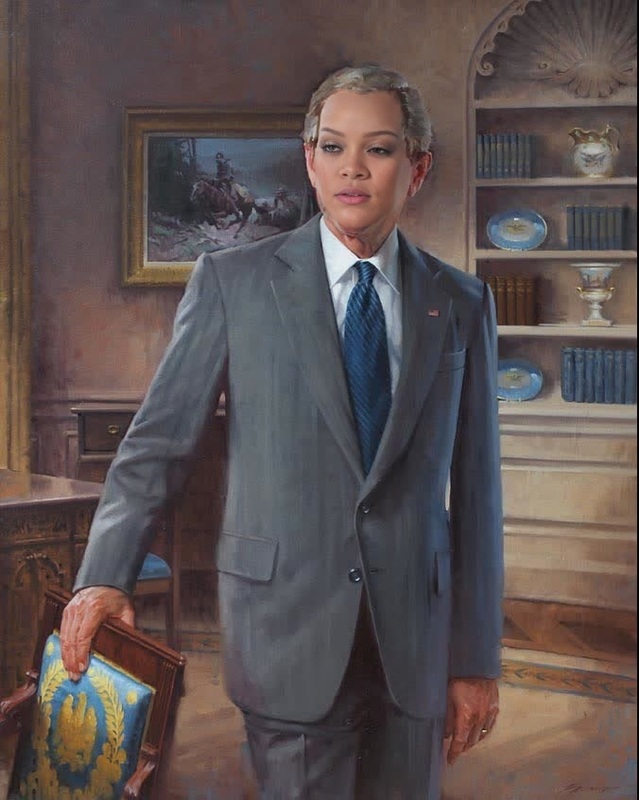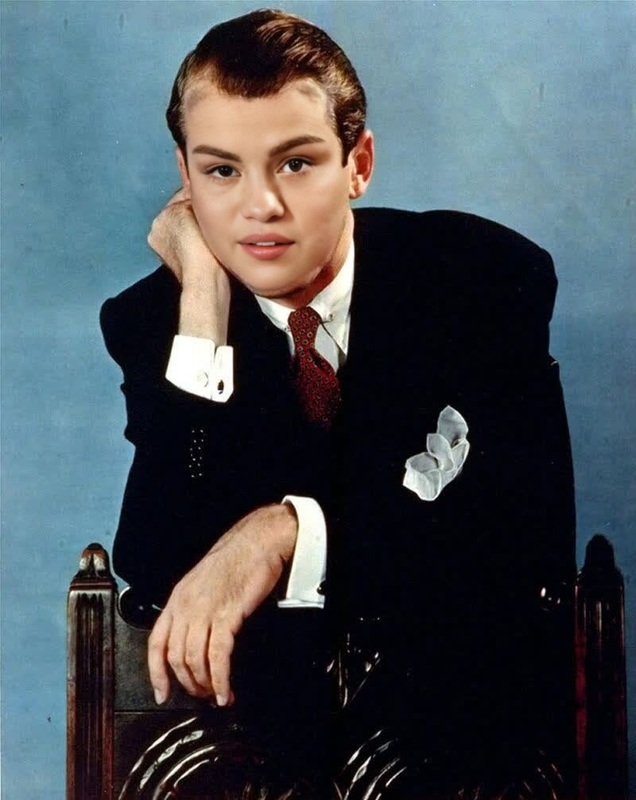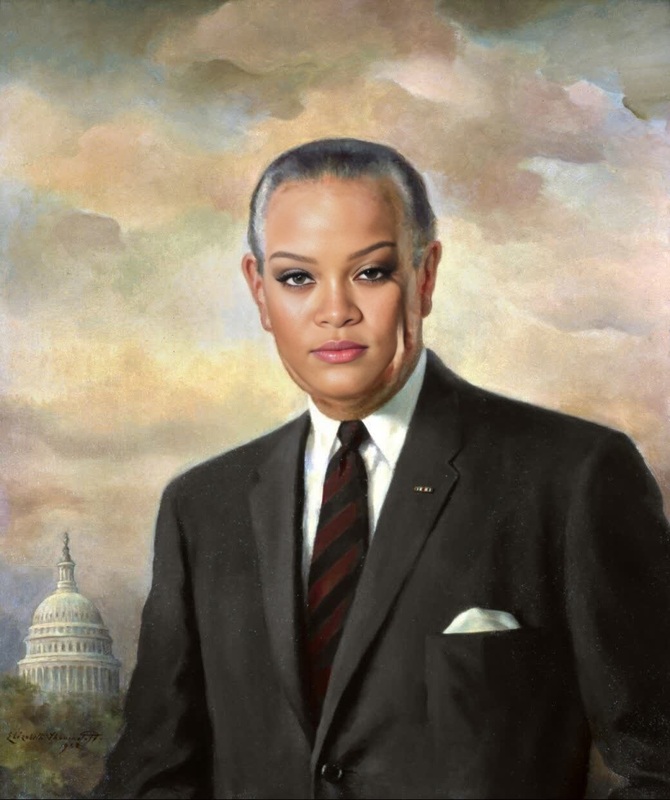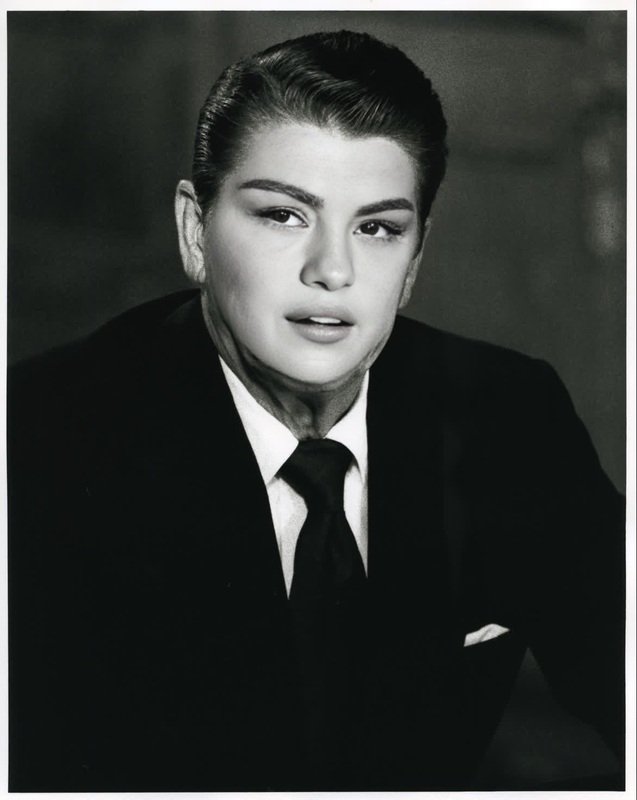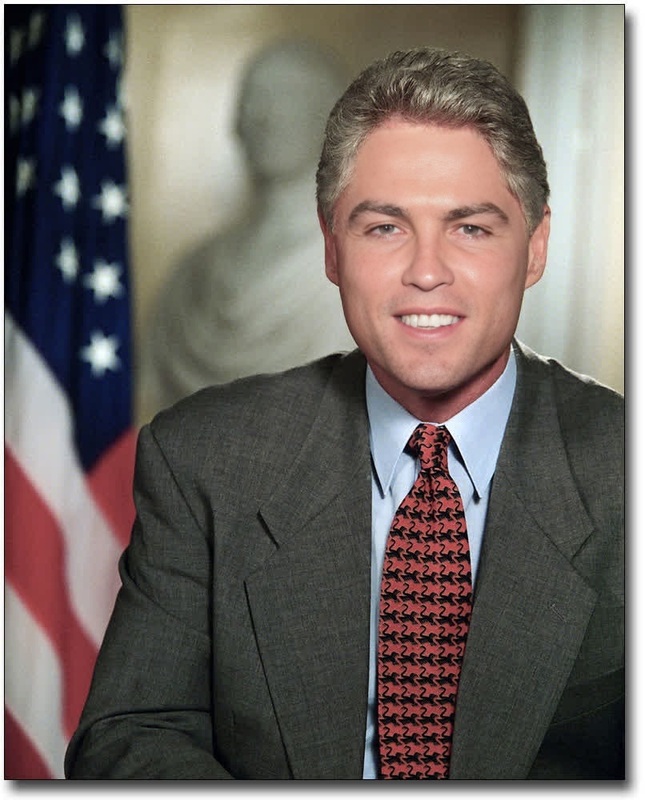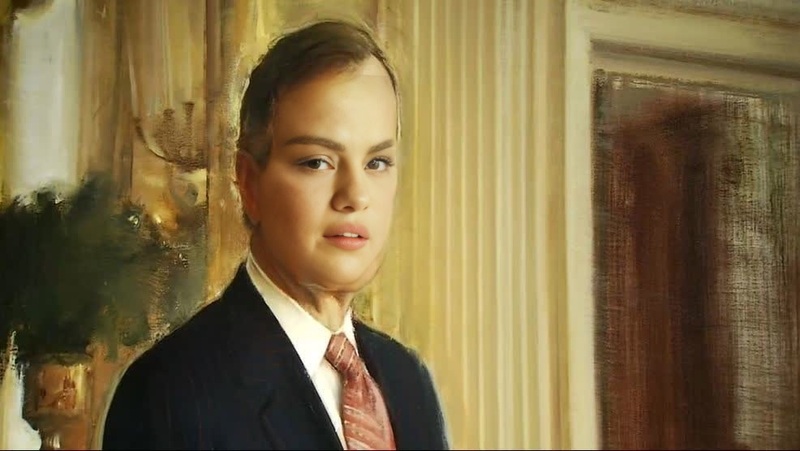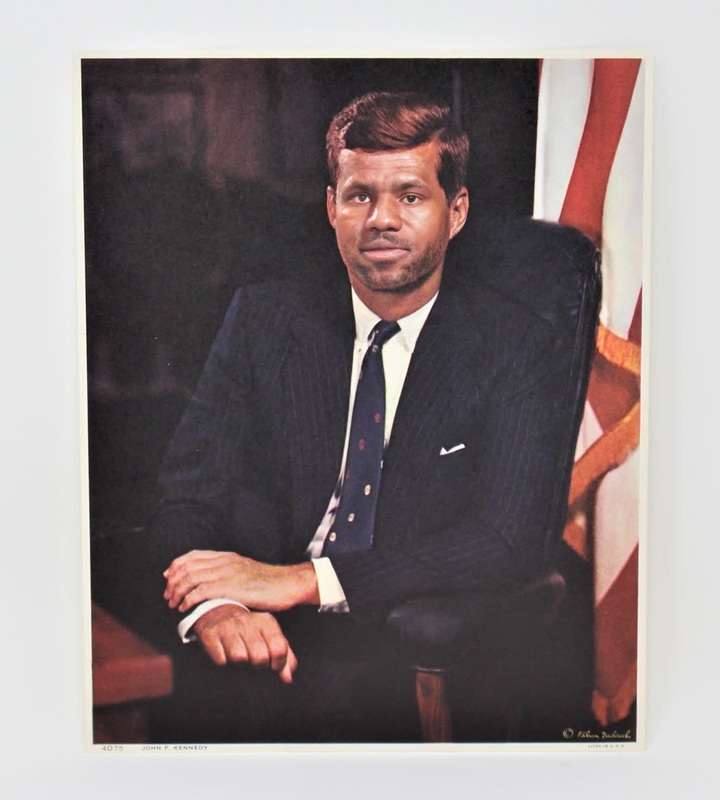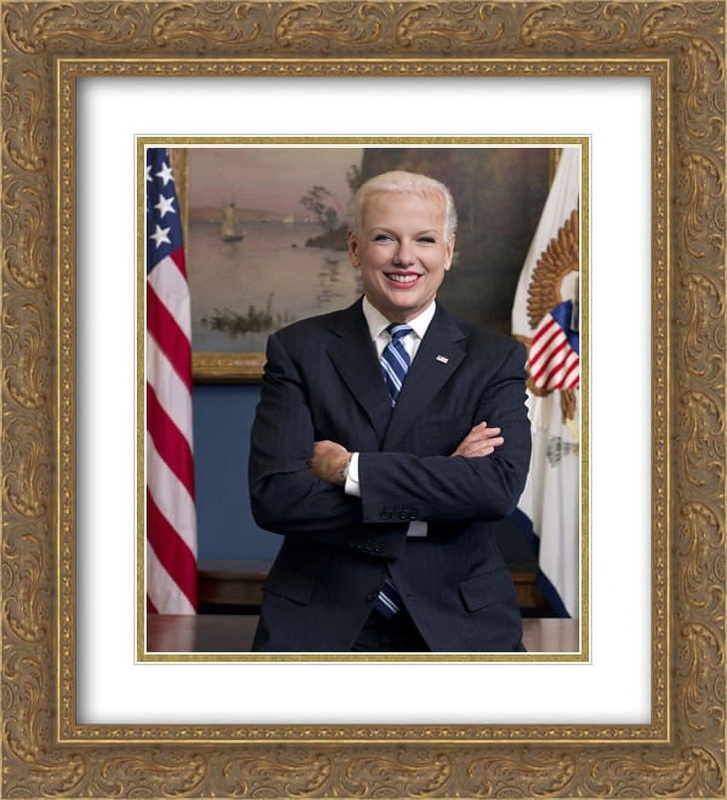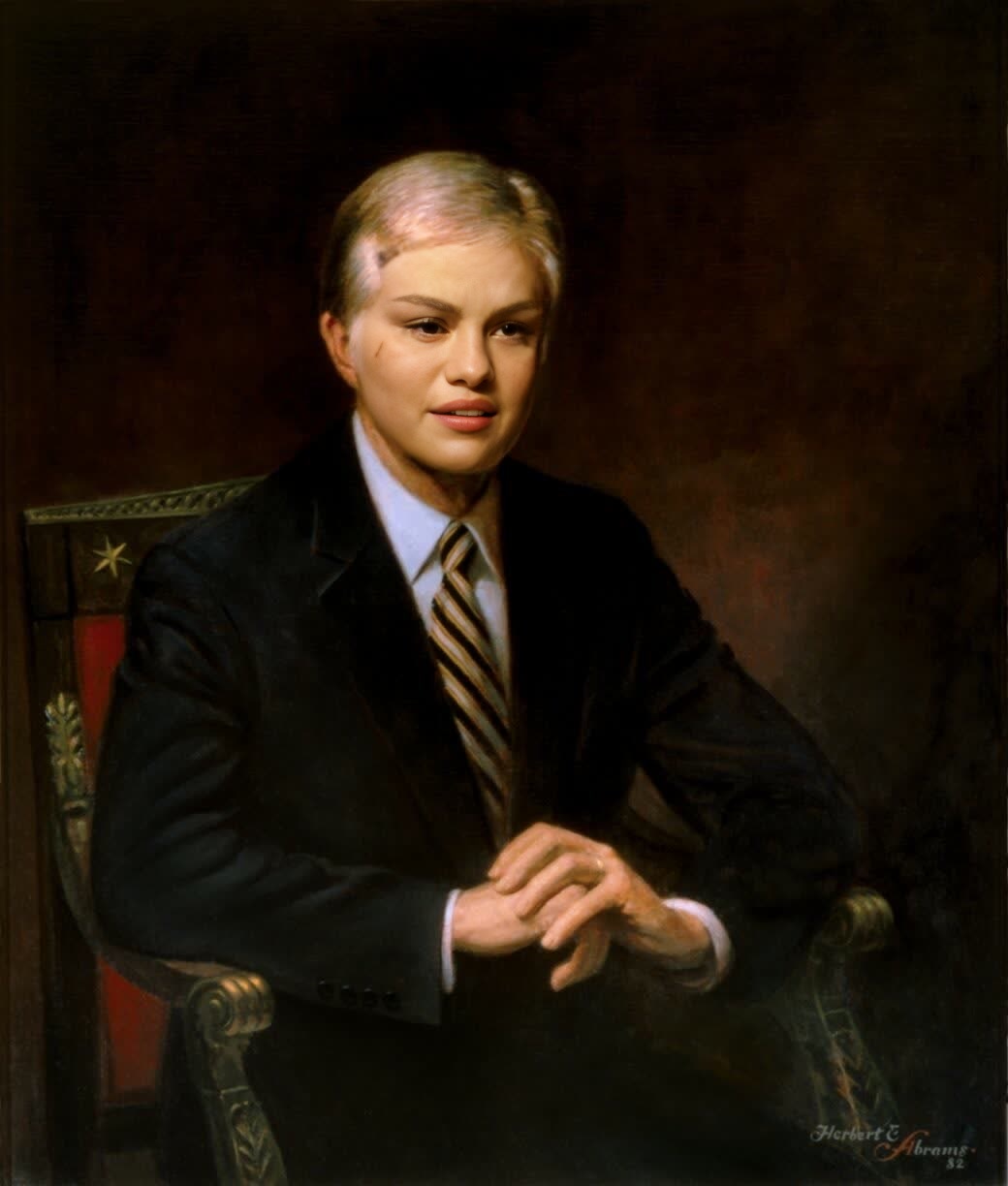
Jimmy Carter President Official Portrait
- Image
- 1040 × 1224 px
Any aspect ratio
Overview
This Video Face Swap template allows you to place your face or another face on Jimmy Carter's official presidential portrait. This versatile template uses advanced AI to deliver lifelike swaps, creating amusing and intriguing videos for both personal amusement and broader content needs.
What It Does
The template utilizes AI technology to swap faces in Jimmy Carter's presidential portrait video frame. It captures facial nuances and seamlessly integrates them into the target video to maintain a natural look. If you're seeking to blend nostalgia with personalization, this tool is designed to meet your needs. Explore similar features with our AI Image Editor and Face Swap products for diverse creative opportunities.
Who It's For
Content creators looking to add a satirical or historical twist to their videos, educators aiming to create engaging educational content, and individuals seeking to craft memorable digital moments will find this tool invaluable. The easy-to-use interface makes it accessible for beginners and pros alike.
Summary
Leverage the power of AI to transform any face into a piece of presidential memorabilia with this engaging template. Whether you're updating your social media or planning an innovative educational piece, this template is both fun and functional. For more expansive video creation options, check out Image to Video and AI Video Generator.
How to Use
Choose the Template

Customize Your Inputs

Generate Your Video

Use Cases
Social Media Content
- Engage your audience with creative historical mashups.
- Ideal for viral video trends.
Educational Videos
- Enliven classes with personalized presidential content.
- Help students connect with historical events.
Video Marketing Campaigns
- Boost engagement with shareable content.
- Ideal for a playful twist on traditional campaigns.
Best Practices
Choose High-Quality Images
Ensure the input image has good lighting and clarity to make the face swap more realistic.Keep the Face Clearly Visible
Faces should not be obscured to ensure accurate swapping.Experiment with Roles
Try swapping faces with historical figures for an engaging twist.