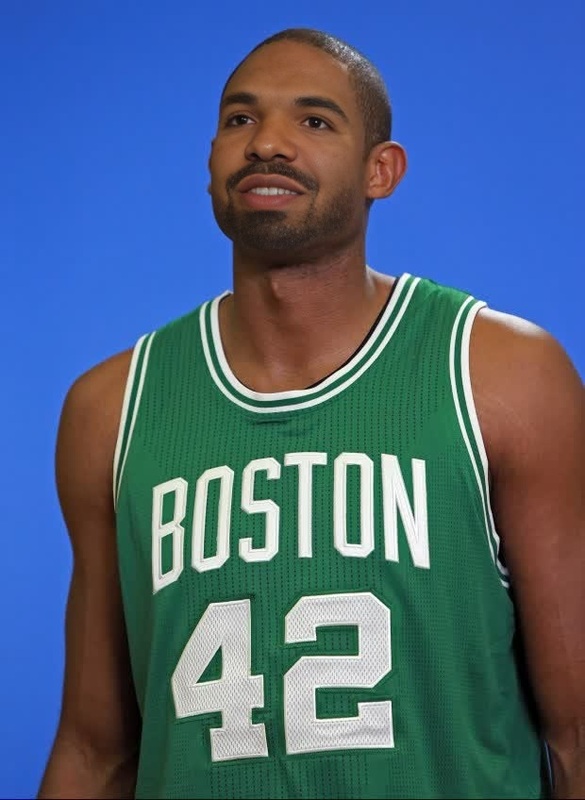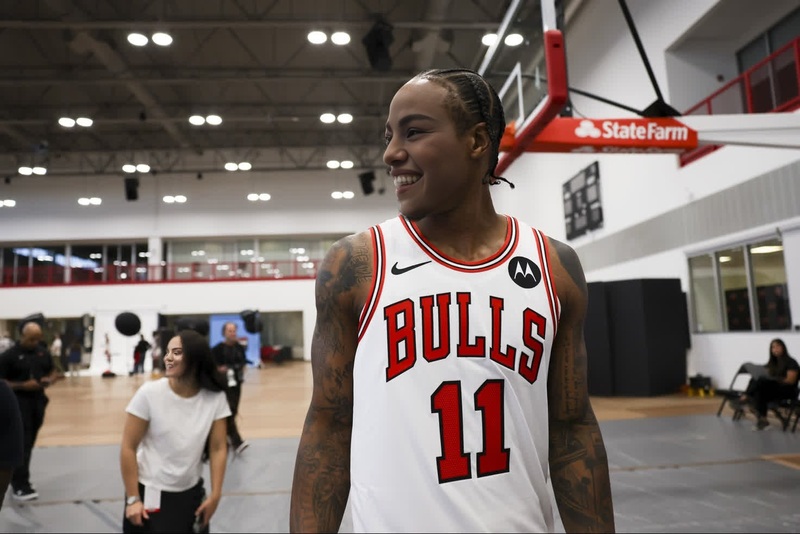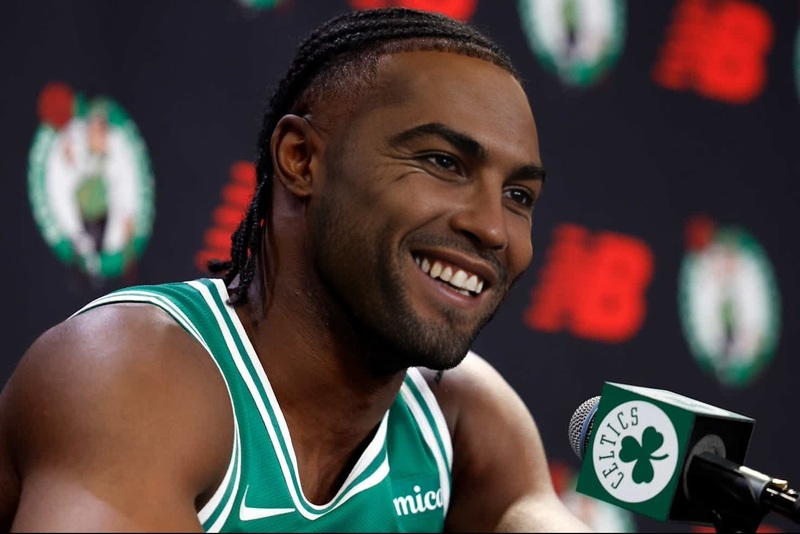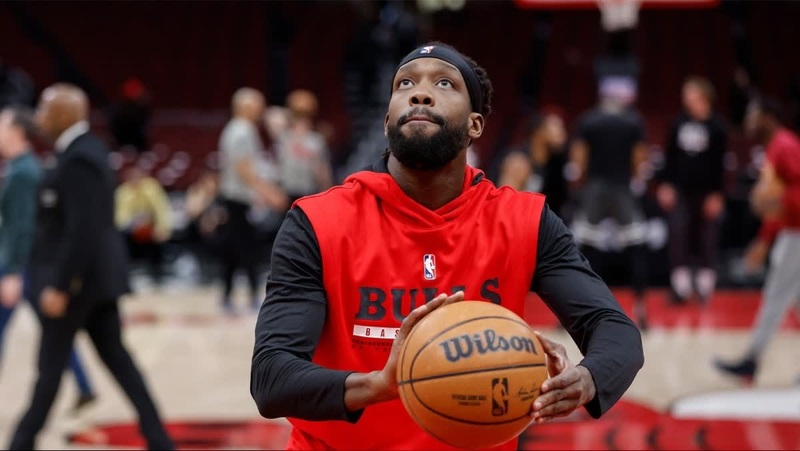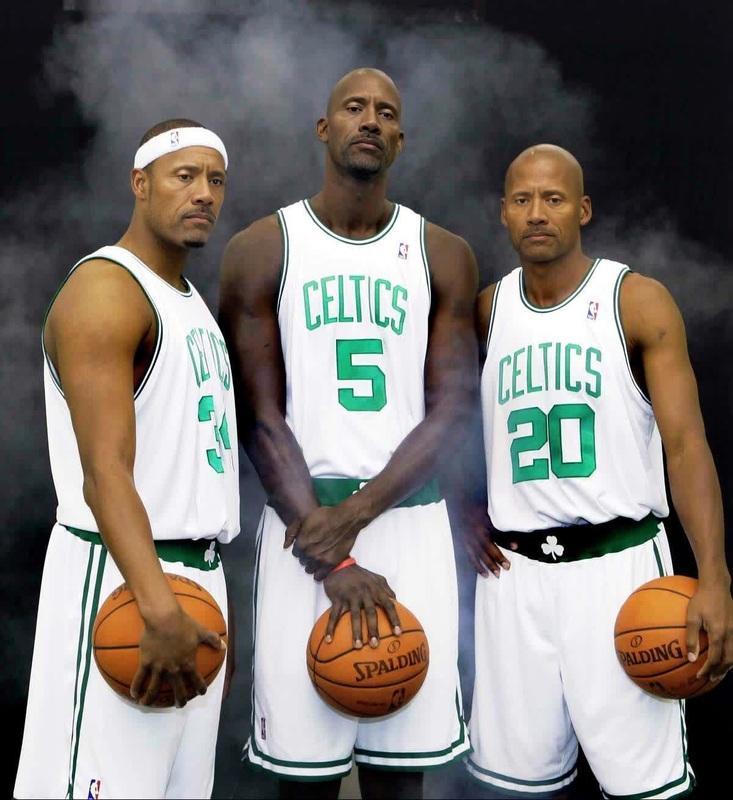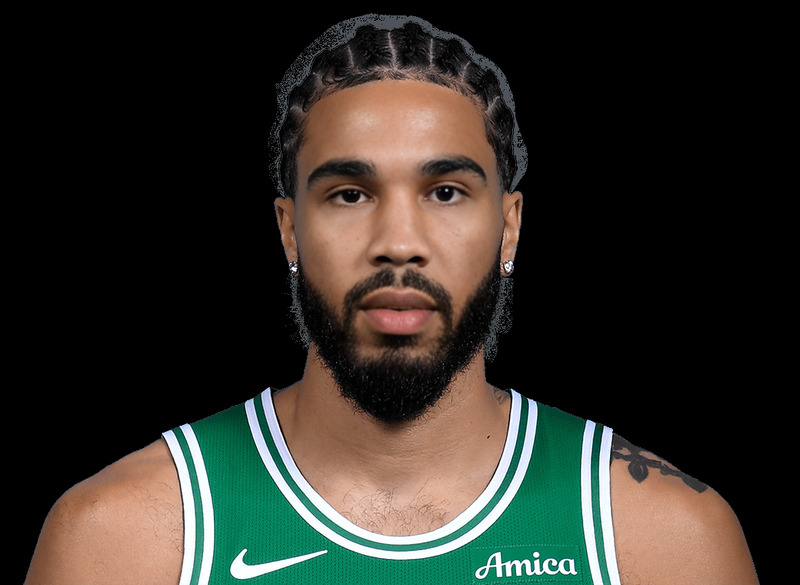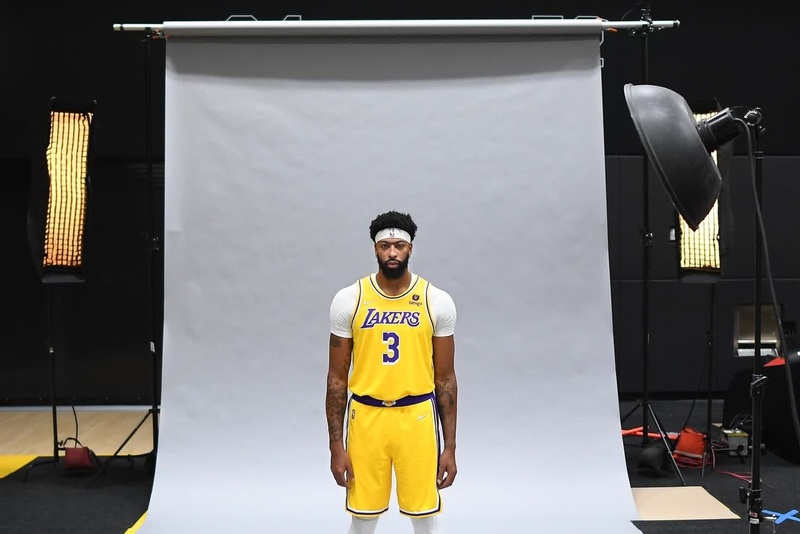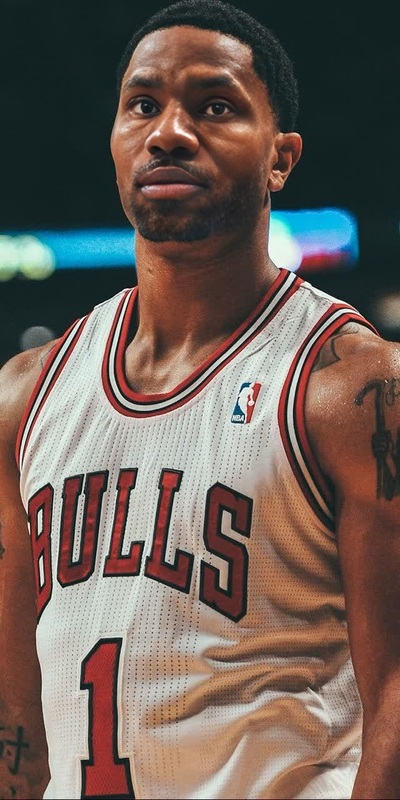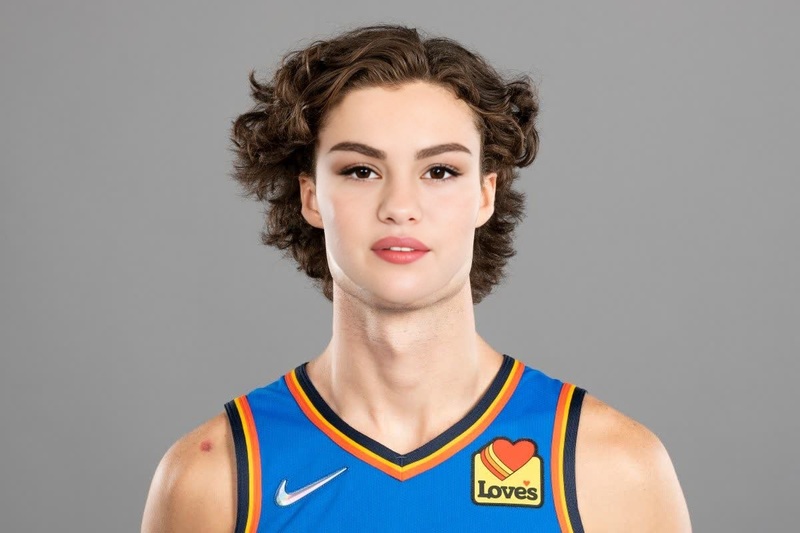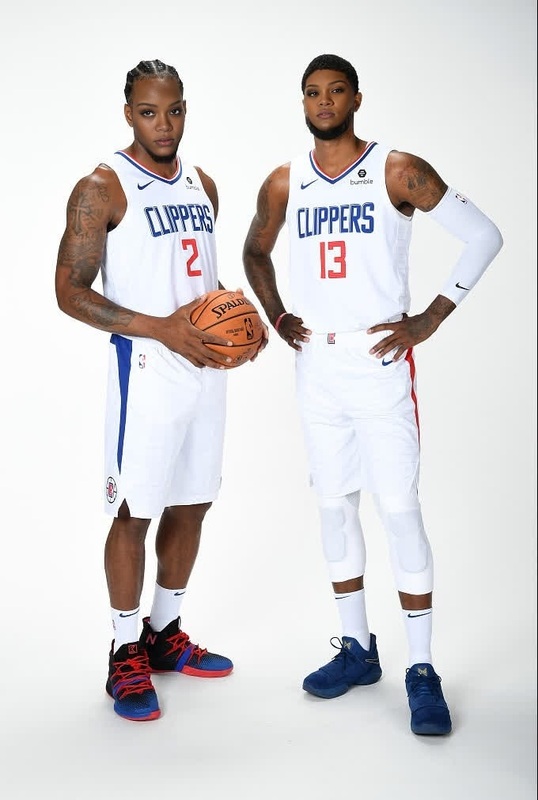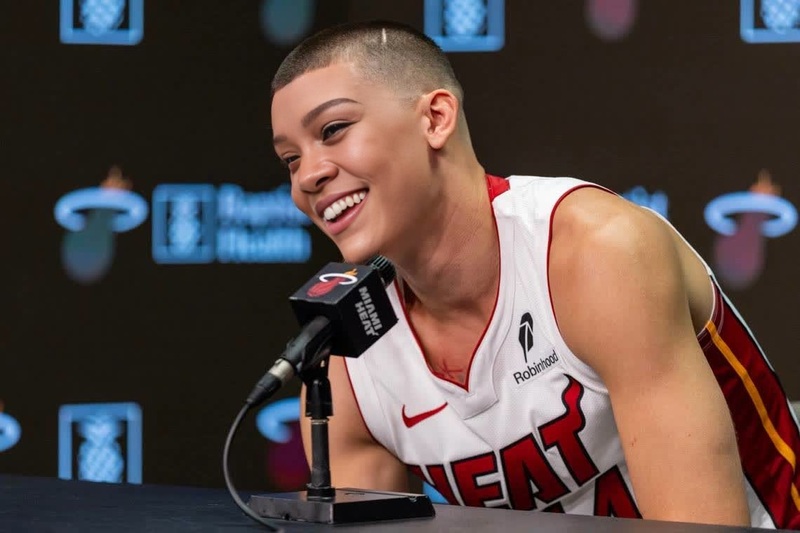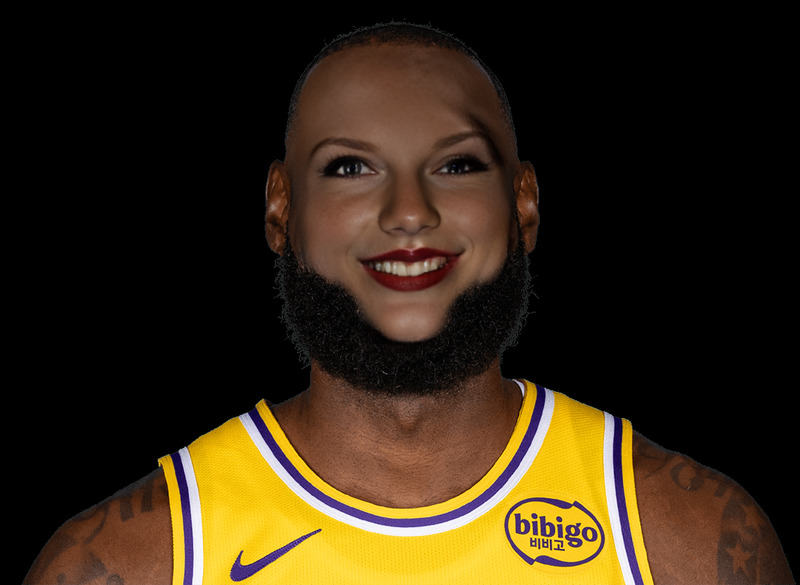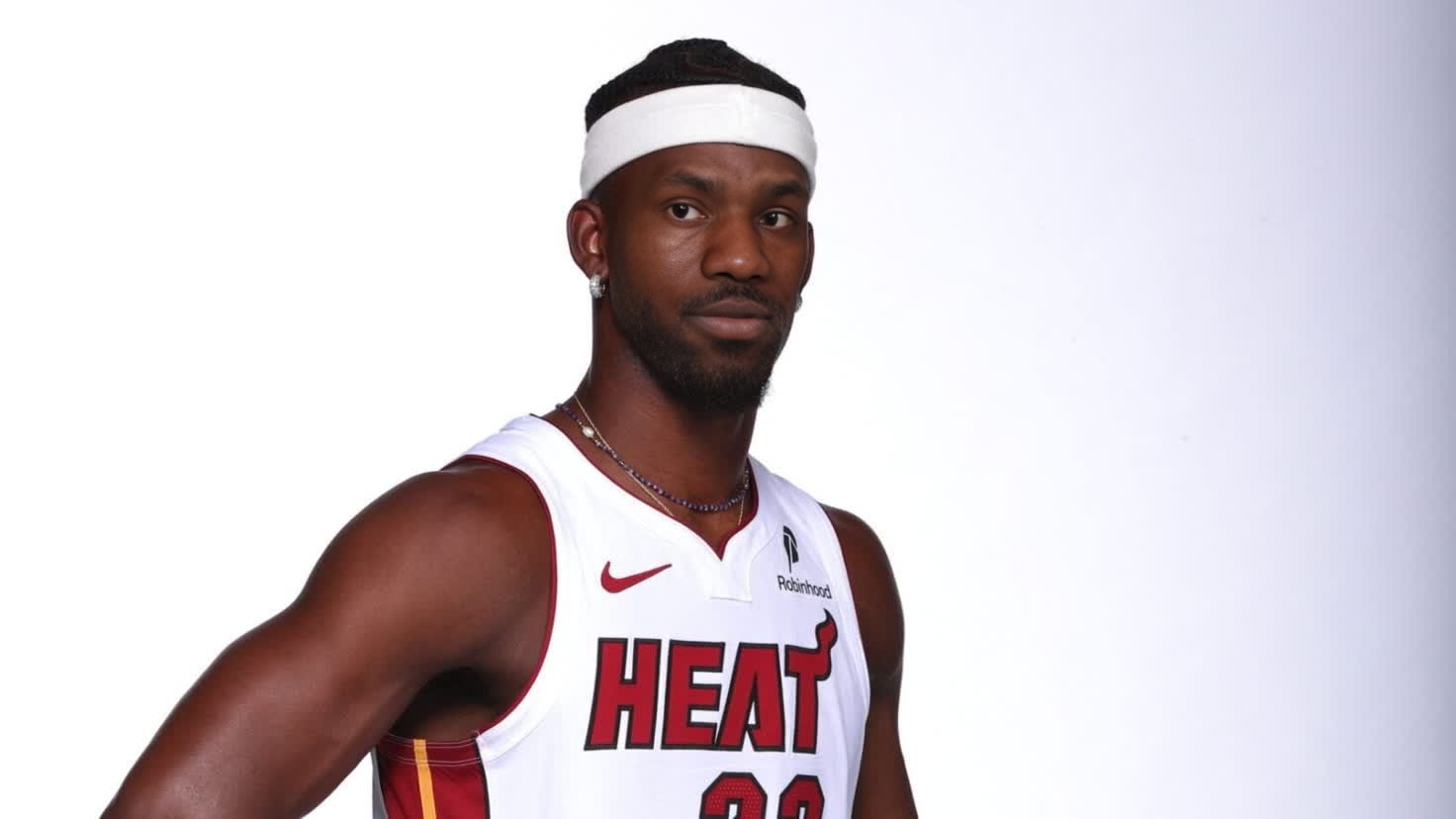
Jimmy Butler Miami Heat Media Day Portrait
- Image
- 1472 × 828 px
Any aspect ratio
Overview
Dive into the world of sports transformations with the Jimmy Butler Miami Heat Media Day Portrait video face swap template. This tool allows you to insert Jimmy Butler's recognizable media day look into your own video content. It's perfect for creating engaging sports-themed videos that capture attention.
What It Does
The Jimmy Butler Miami Heat Media Day Portrait template specializes in Video Face Swap, allowing you to replace faces in your video content with Jimmy Butler’s media day visage. This transformation is not only seamless but also maintains the natural expressions of the original video, thanks to advanced AI models.
Who It's For
This template is ideal for sports enthusiasts, content creators, and marketers aiming to produce engaging videos. It's particularly useful for those looking to create dynamic sports content or viral social media posts with a touch of celebrity flair. Those familiar with AI Video Generator tools will find it straightforward to use.
Summary
The Jimmy Butler Miami Heat Media Day Portrait template transforms ordinary videos into captivating sports clips by integrating a Video Face Swap feature. With user-friendly customization and high-quality output, it simplifies creation for both amateur and professional content creators interested in the sports niche. Explore the possibilities with similar tools like the Face Swap to enhance your creative projects further.
How to Use
Choose Your Template

Input Your Details

Generate and Download

Use Cases
Social Media Engagement
- Enhance sports highlights with celebrity faces
- Make fan engagement videos more appealing
Marketing Campaigns
- Create fun, shareable content for team promotions
- Engage more fans with personalized video messages
Fan Content
- Great for personal or fan club use
- Boosts team spirit and engagement
Best Practices
High-Quality Input
Use high-resolution videos to optimize the video face swap feature for the best visual quality.Alignment Adjustment
Carefully adjust face alignment settings to maintain naturalness and prevent abnormal distortions.Experiment with Angles
Test different video angles to find the most convincing swap results.
Frequently asked questions
More Like This