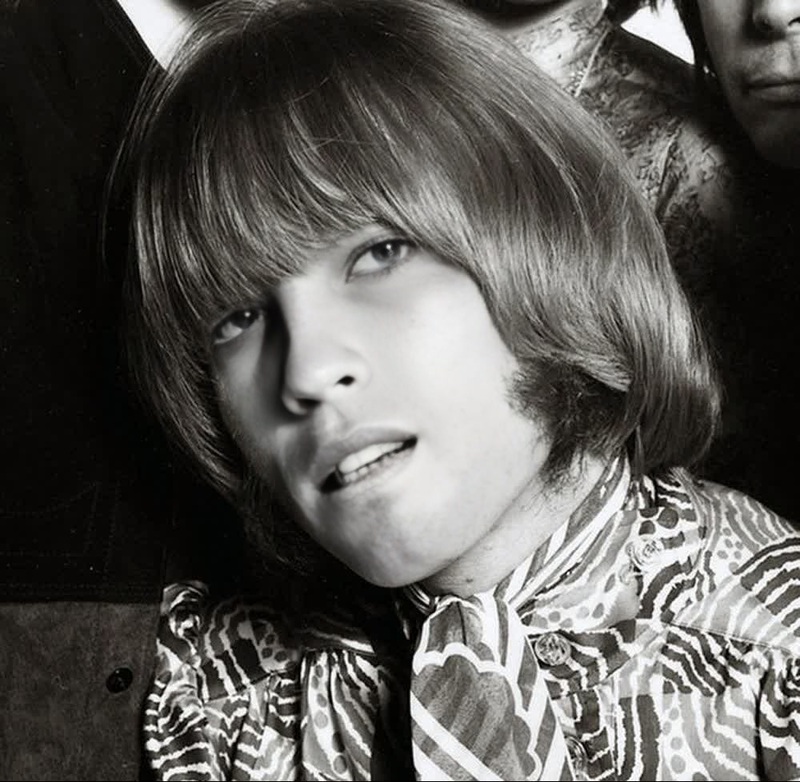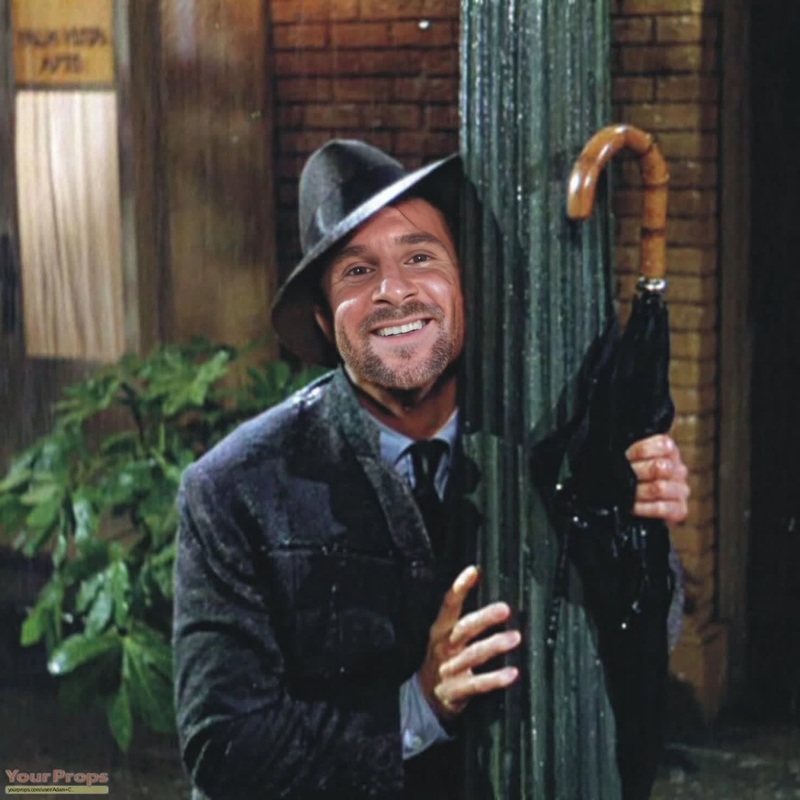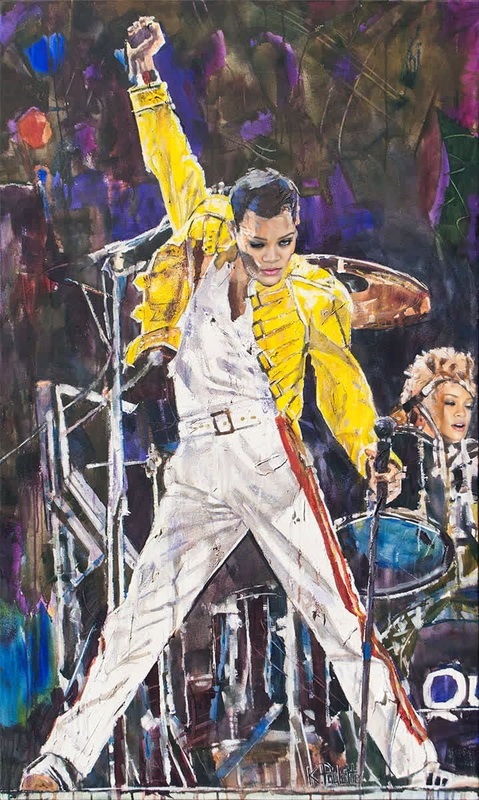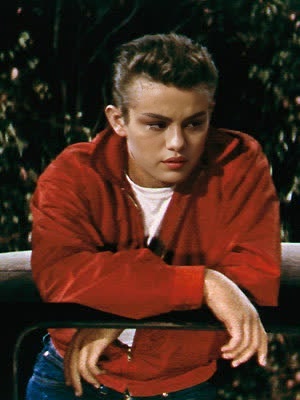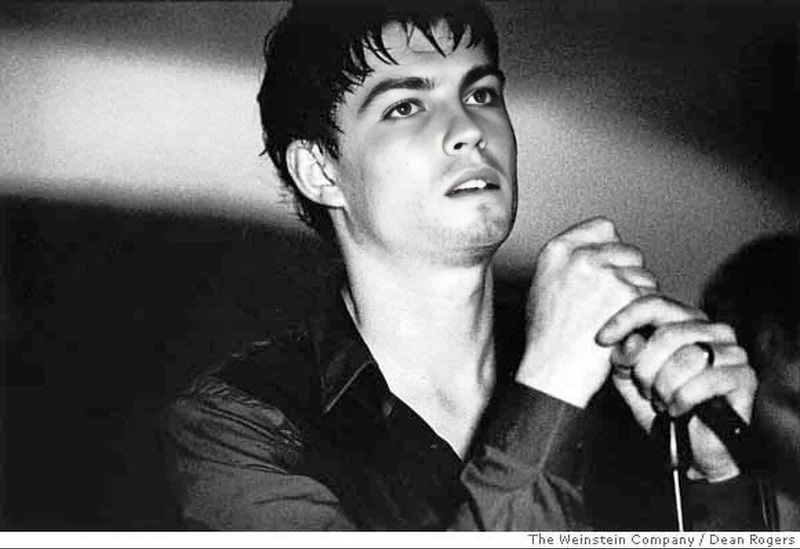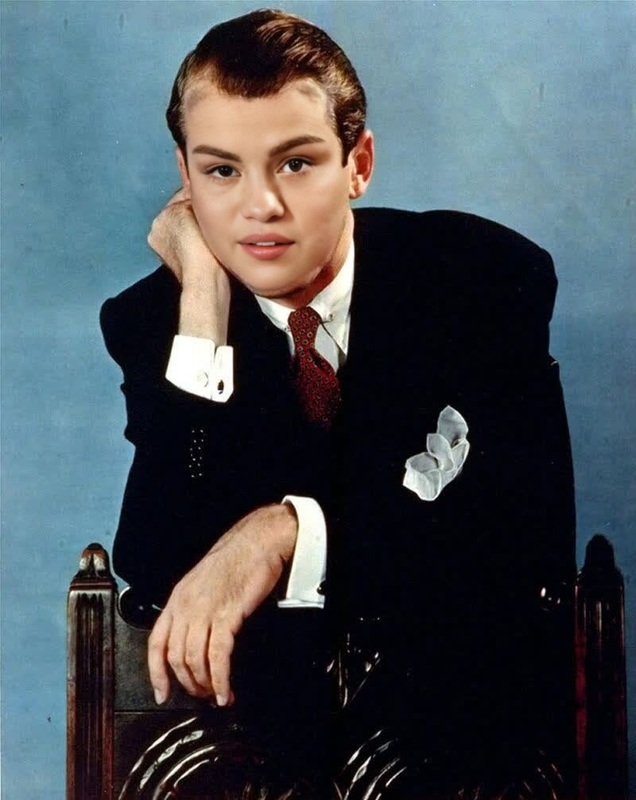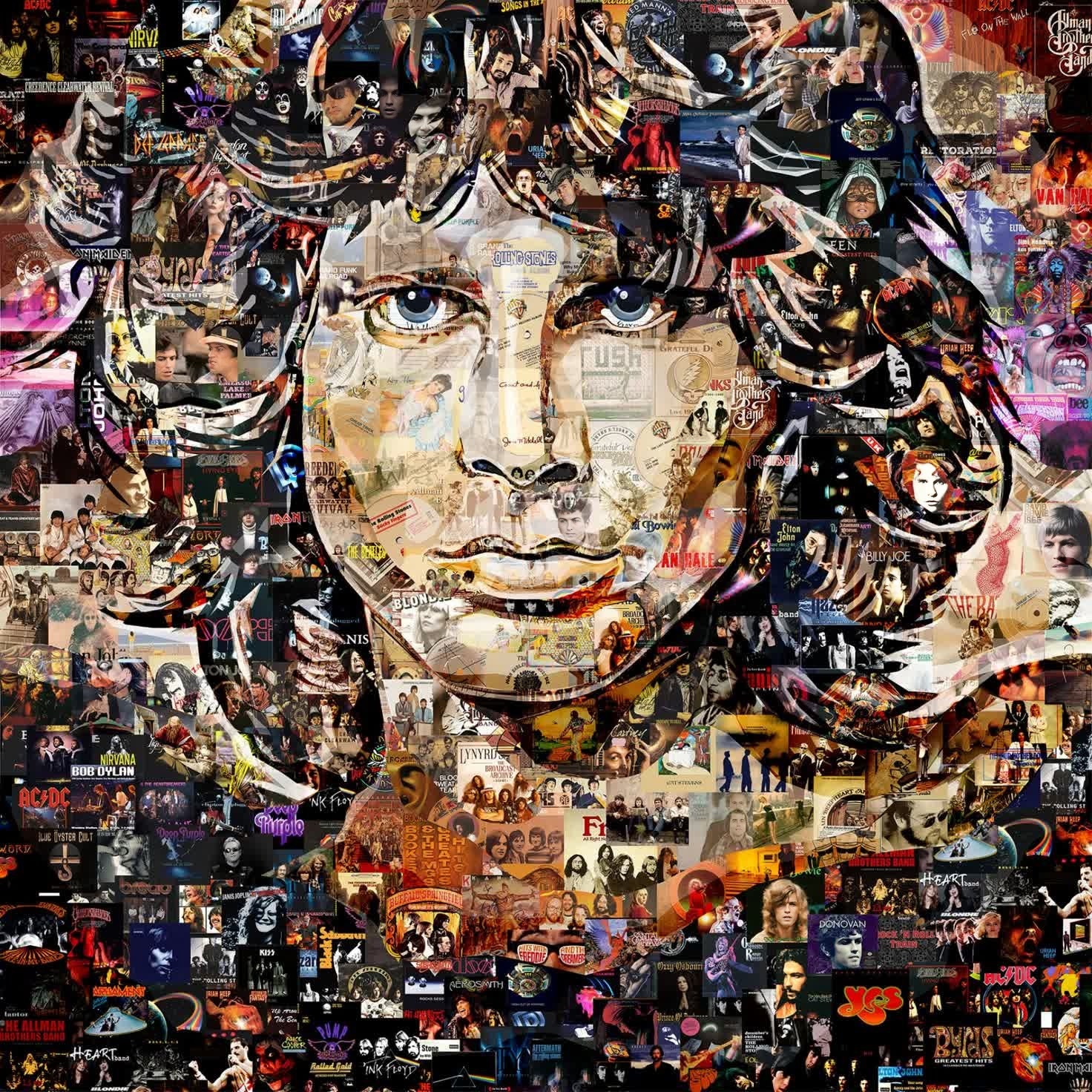
Jim Morrison The Doors Portrait
- Image
- 1472 × 1472 px
Any aspect ratio
Overview
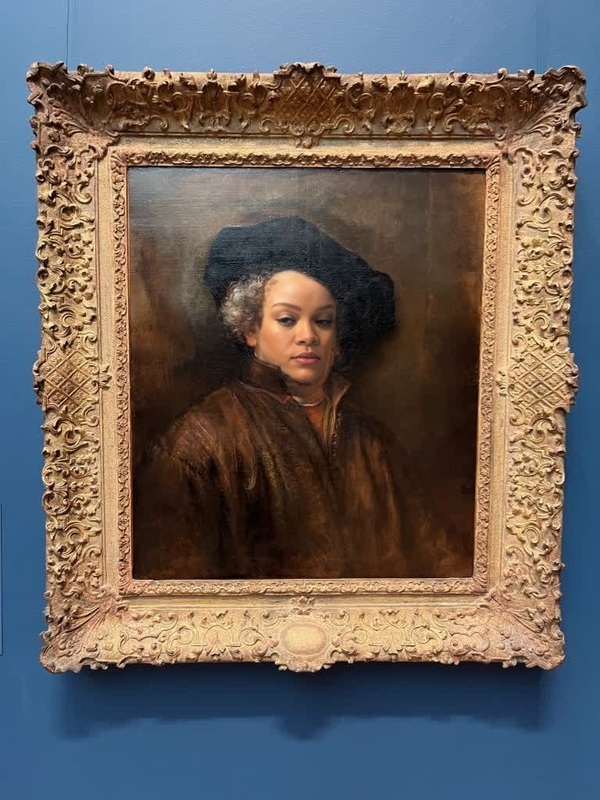
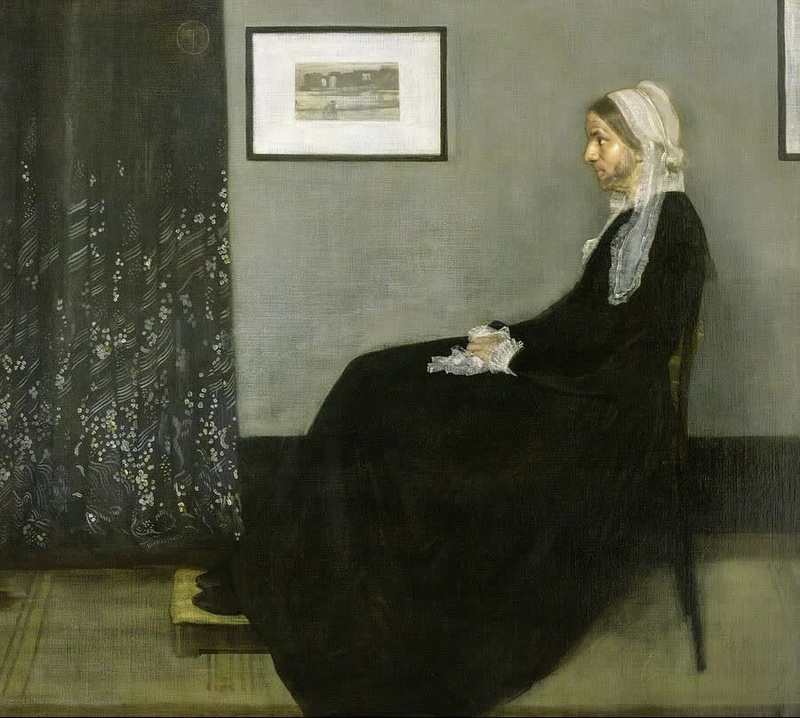
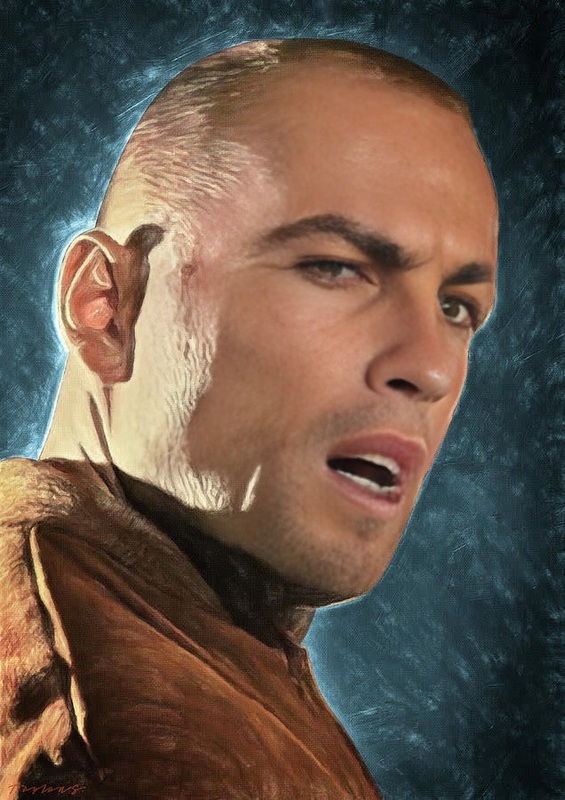
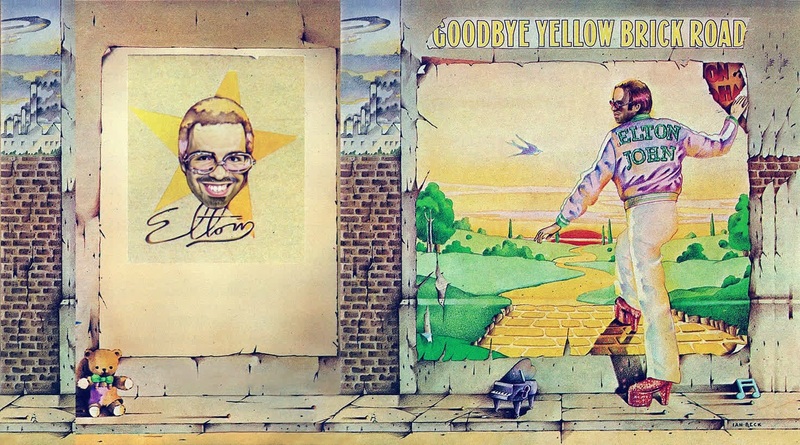
The Jim Morrison The Doors Portrait template offers a unique way to bring rock legend Jim Morrison into your videos. With this Video Face Swap template, you can seamlessly integrate Morrison's iconic features into your media, adding an unmistakable edge to your content.
What It Does
This template allows you to perform a Video Face Swap, transforming any subject within your video to look like Jim Morrison. Using advanced AI, it matches Morrison's facial features and expressions to your video, creating a lifelike and dynamic portrayal. Enhance your content with this creative integration of classic rock charisma.
Who It's For
Ideal for documentary filmmakers, music enthusiasts, and creative video producers, this template lets you infuse videos with a touch of rock history. It's perfect for anyone looking to create engaging content or for educators discussing music history. Pair this with other transformations and enhance your production value.
Summary
This template is a specialized tool for those looking to leverage the power of Face Swap technology with a musical twist. By incorporating Jim Morrison's likeness, it offers a unique opportunity to create visually captivating content. Whether for entertainment, education, or marketing, it diversifies your video portfolio.
How To
Choose Template

Customize Video

Generate and Download

Use Cases
Music Videos
- Integrate into classic rock-themed videos
- Visually narrate a song with a cameo appearance of Morrison
Documentaries
- Depict Morrison in music history documentaries
- Enhance educational content with realistic simulations
Creative Content
- Create viral social media content
- Experiment with modern art video projects
Best Practices
Use High-Quality Source Material
Ensure your source video is of high quality for the best results. Clearer videos result in more realistic face swaps.Adjust Lighting
Pay attention to lighting conditions in both the original and the reference videos for a seamless blend.Combine with Other Tools
Enhance your project by using additional tools, such as the AI Video Extender to lengthen scenes or the AI Talking Photo to add more dynamic elements.
FAQs
More Like This