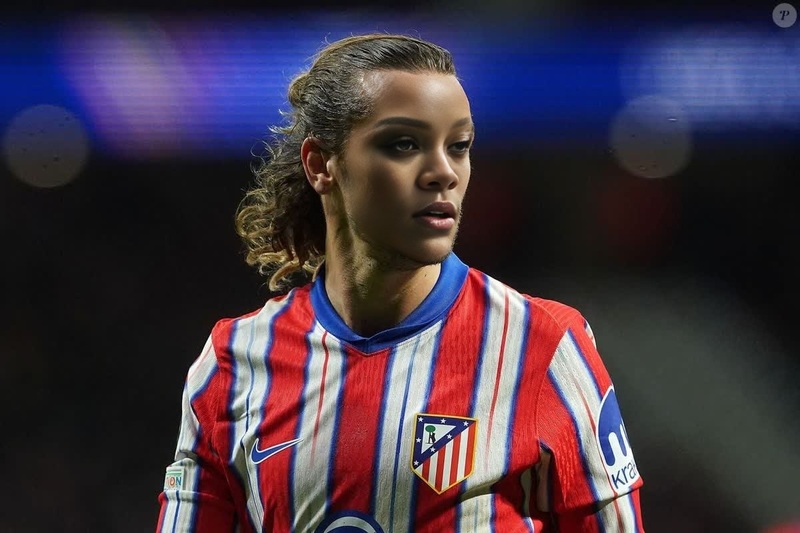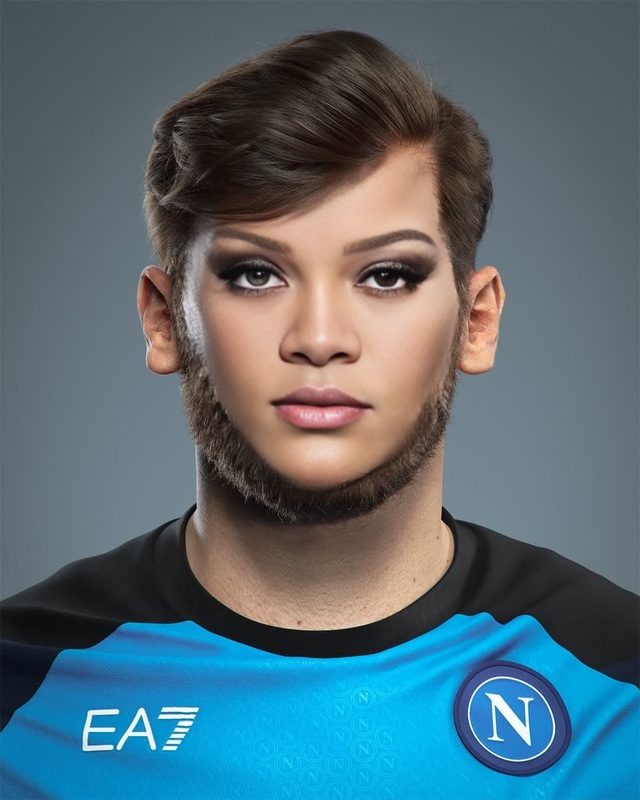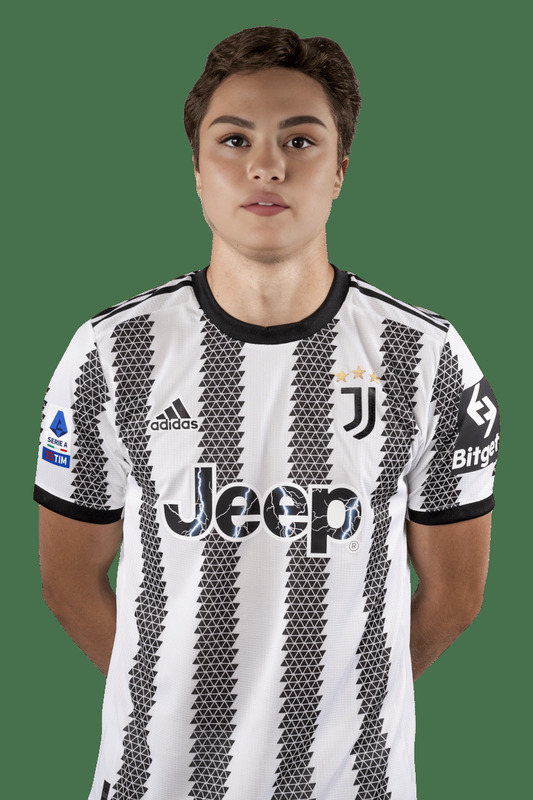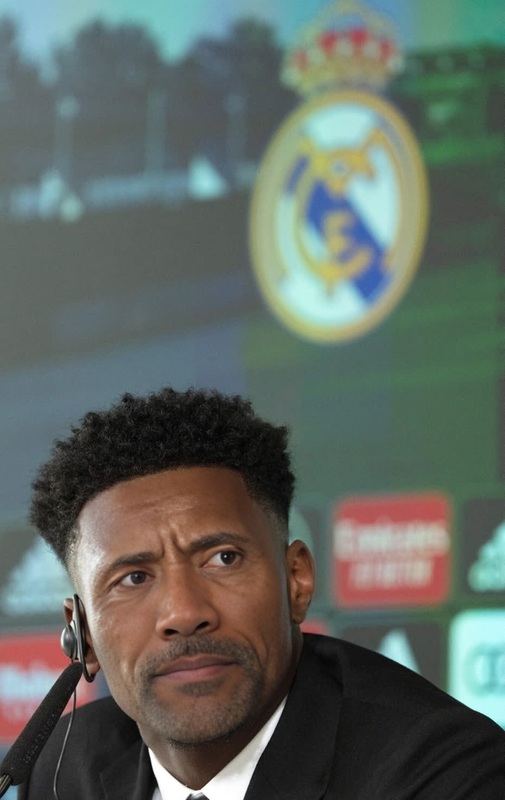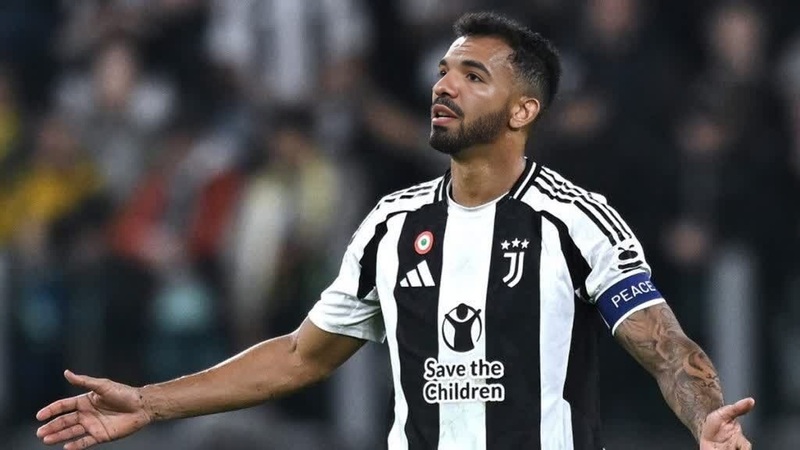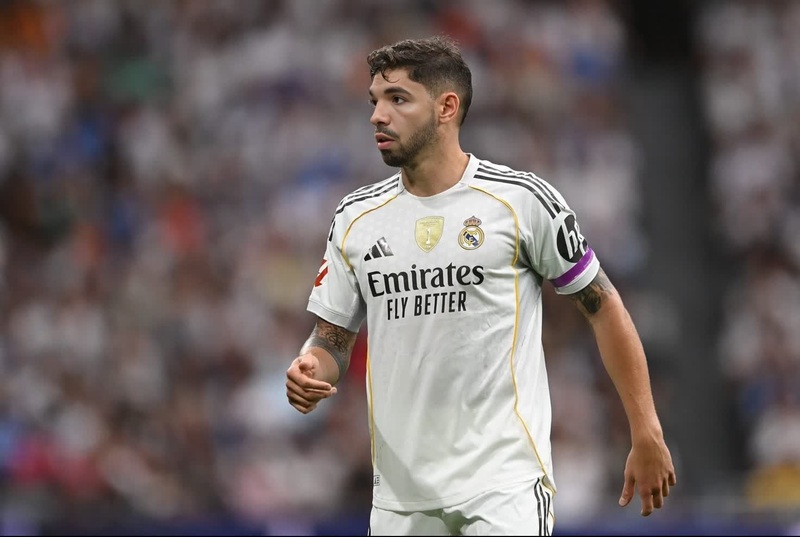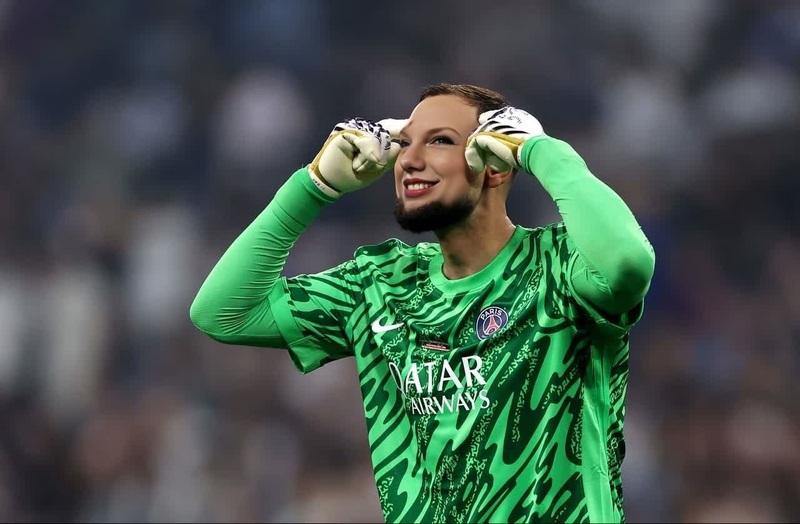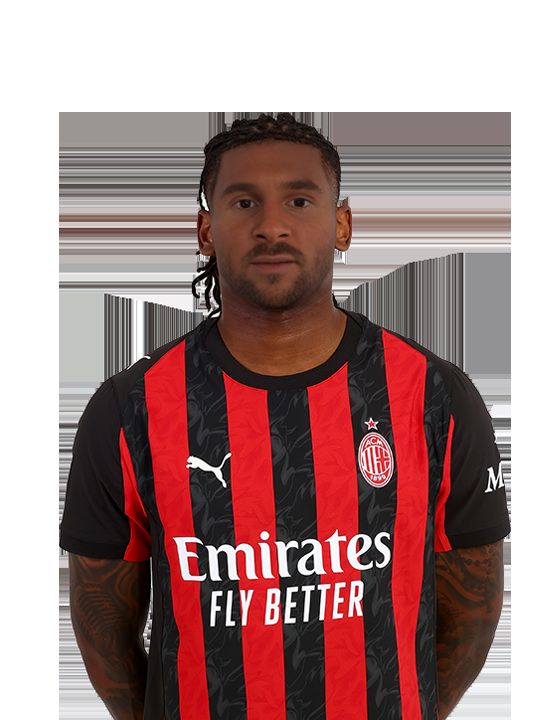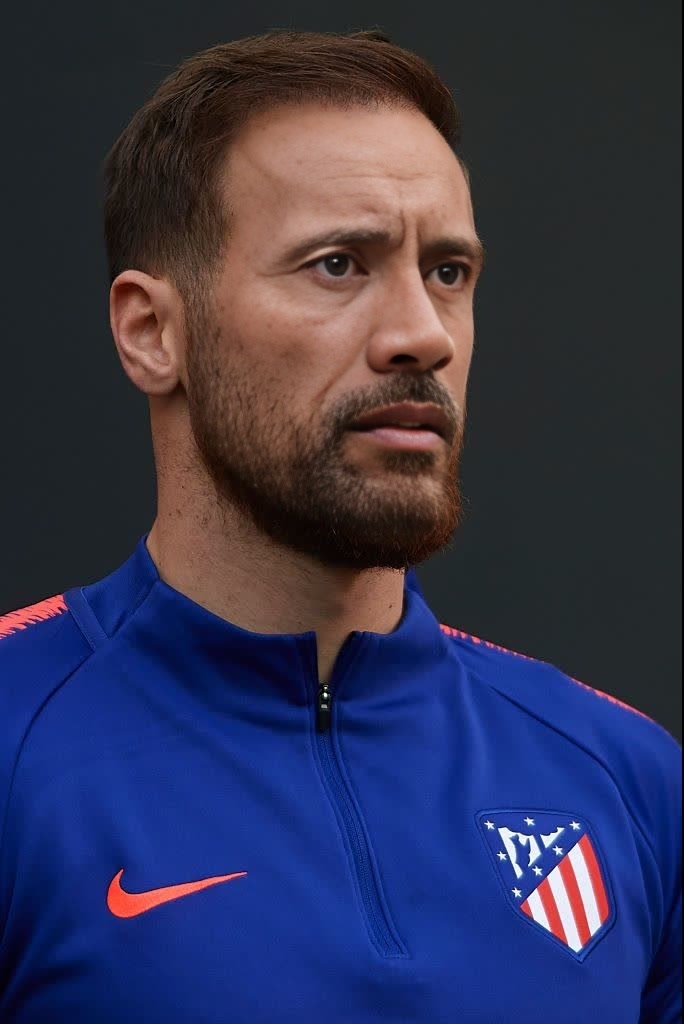
Jan Oblak Atletico Madrid Media Day Portrait
- Image
- 684 × 1024 px
Any aspect ratio
Overview
Step into the world of innovative video editing with our "Jan Oblak Atletico Madrid Media Day Portrait" template. This Video Face Swap template allows creators to swap faces in videos using Jan Oblak's iconic image. Whether you're an influencer or a content creator, this tool lets you reimagine your videos effortlessly.
Explore more transformations with our Face Swap solutions that cater to diverse creative needs.
What It Does
This template brings a playful twist to your videos by easily swapping a face with Jan Oblak's Atletico Madrid Media Day portrait. It's perfect for creating engaging content with a unique angle. The tool allows you to customize facial expressions to fit the mood of your video seamlessly.
Looking to enhance images before swapping? Try our AI Image Editor to get the best results.
Who It's For
This template is ideal for sports enthusiasts, social media creators, and marketers aiming to engage audiences with eye-catching content. It's also perfect for anyone looking to add a humorous and entertaining element to their videos.
Expand your creativity further with our AI Talking Photo tool for animated storytelling.
Summary
With just a few clicks, the "Jan Oblak Atletico Madrid Media Day Portrait" template allows for quick and effortless face swaps in videos. Use this tool to capture attention, whether for personal enjoyment or professional marketing.
See what else you can create with our Image to Video solutions, offering dynamic and creative editing.
How To
Choose the Template

Customize Your Face Swap

Generate and Download

Use Cases
Sports Highlights
- Add a fun twist to memorable goals
- Make post-match compilations exciting
Social Media Content
- Create viral challenges
- Engage followers with unique storytelling
Marketing Campaigns
- Develop catchy advertisements
- Run interactive campaigns
Best Practices
Ensure Quality Footage
Always start with high-quality video footage. This ensures that the face swap appears natural and seamless.Match Lighting and Angles
Adjust lighting and angles when customizing to make the swap appear more realistic and less noticeable.Utilize Tight Edits
Apply precise editing techniques to refine the swap's final look and maintain the illusion.
Frequently asked questions
More Like This