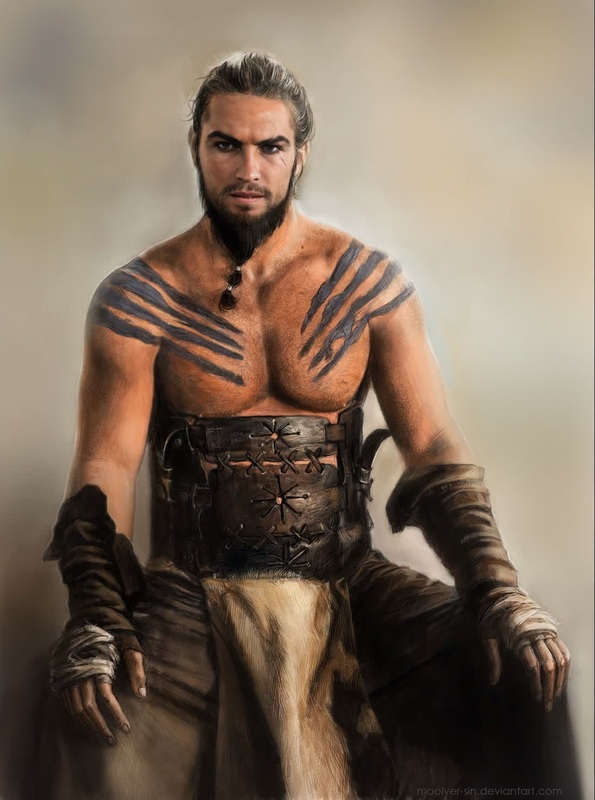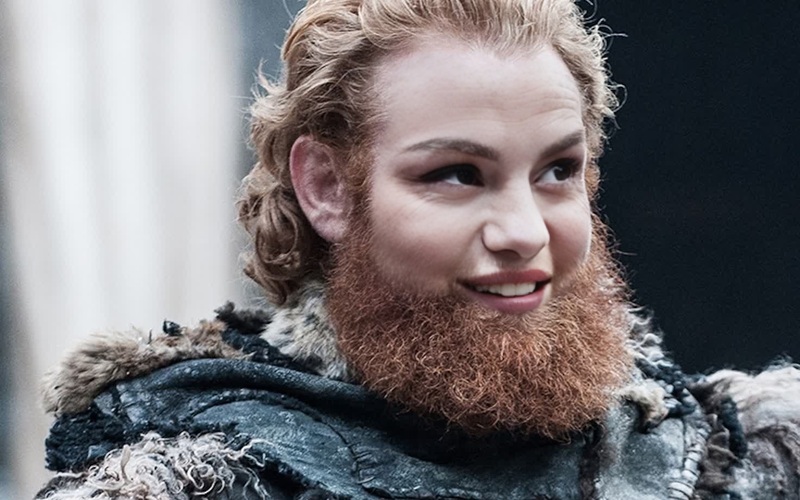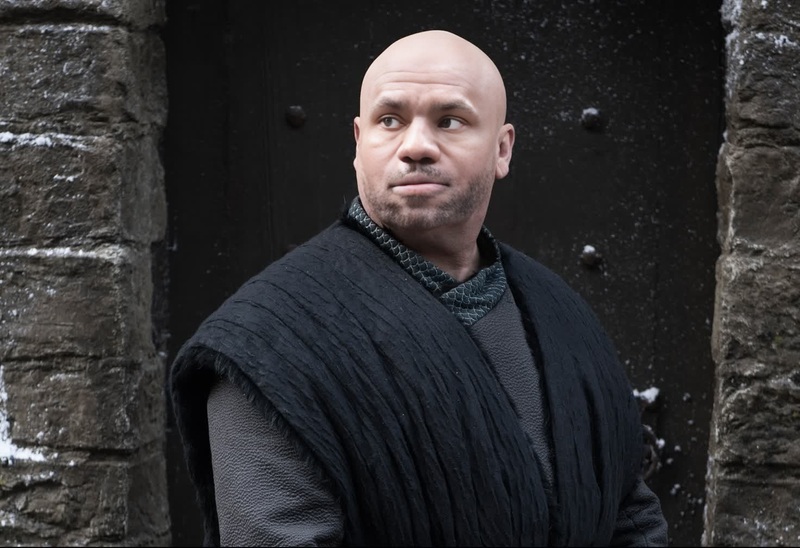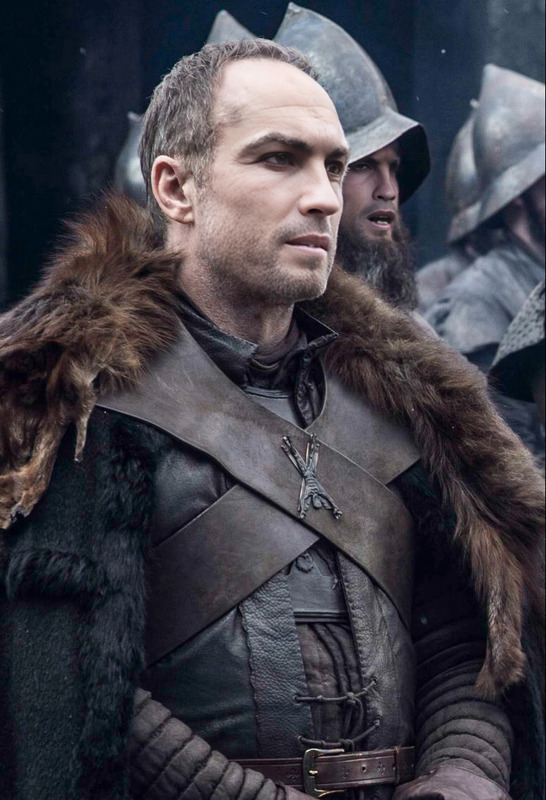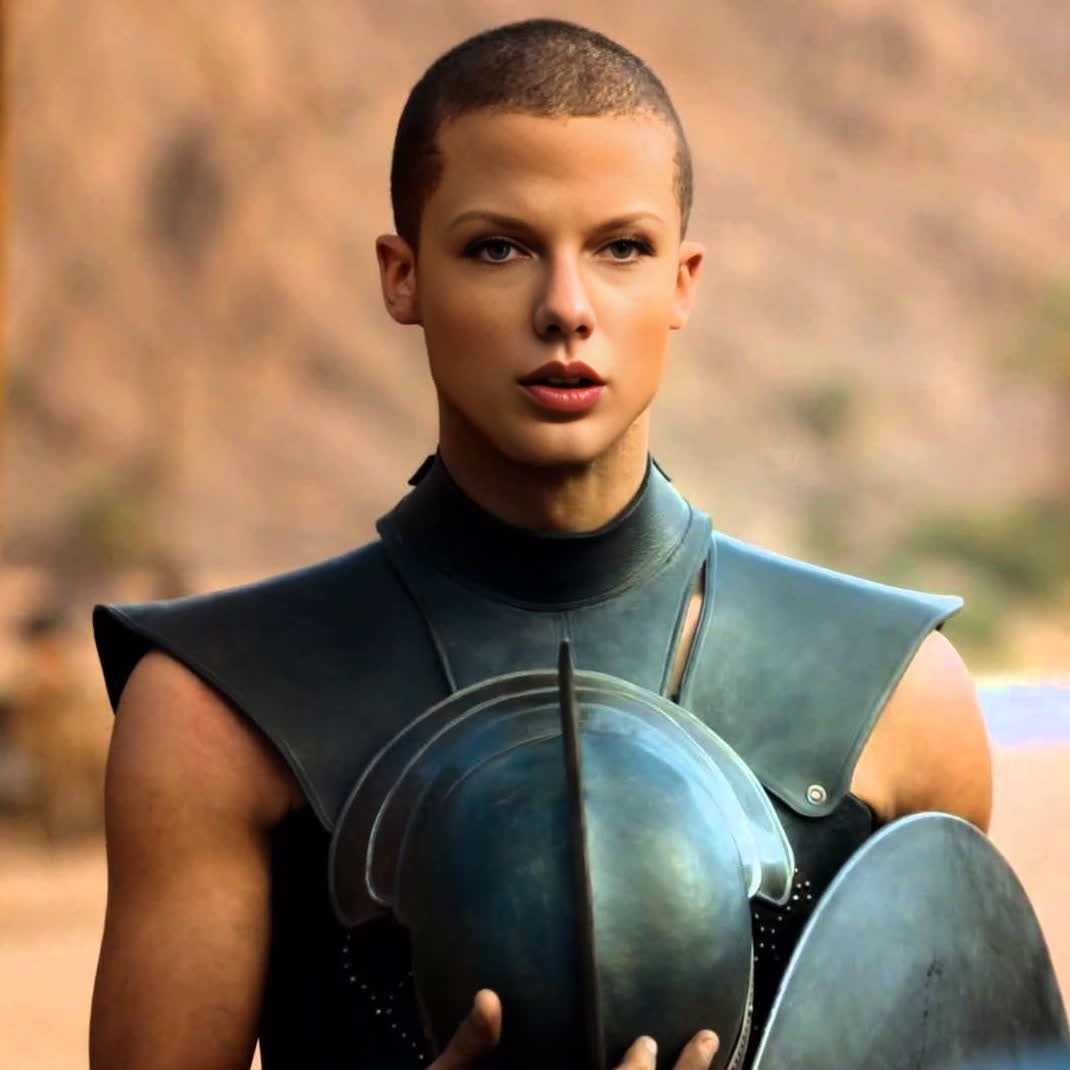
Grey Worm Game Of Thrones
- Image
- 1070 × 1070 px
Any aspect ratio
Overview
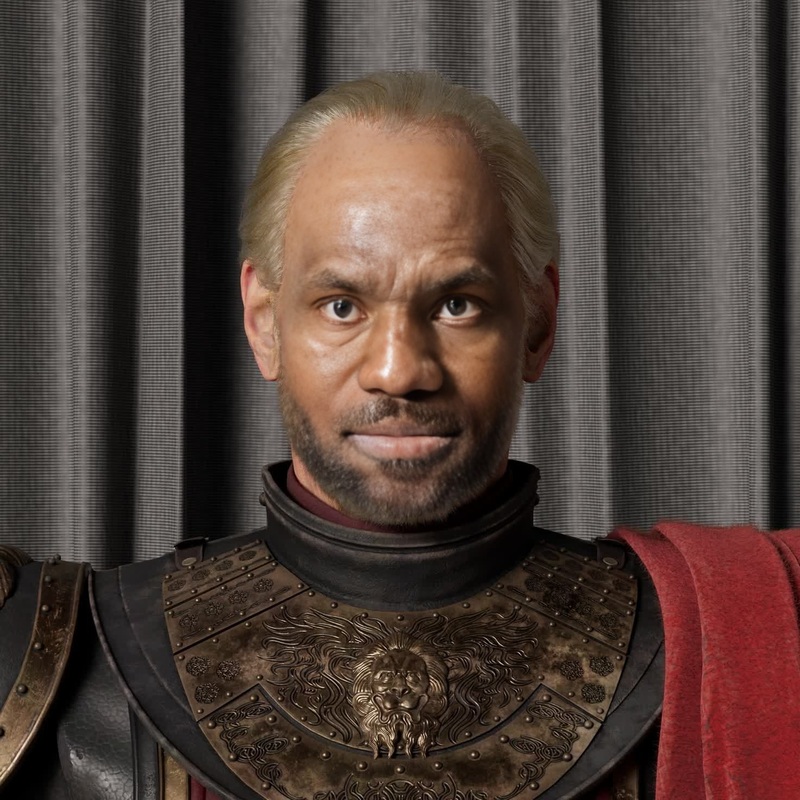
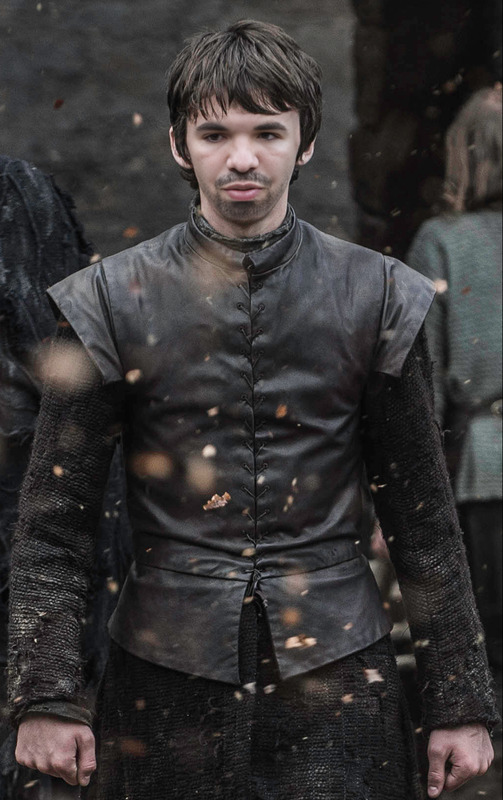
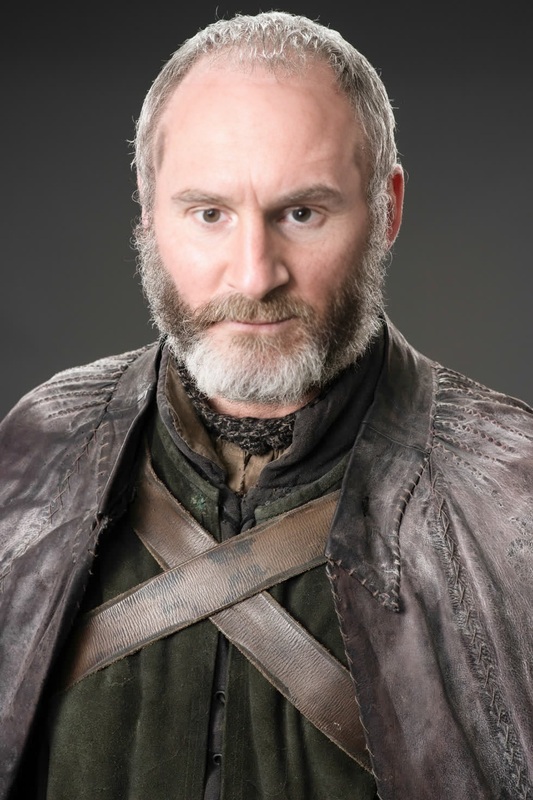
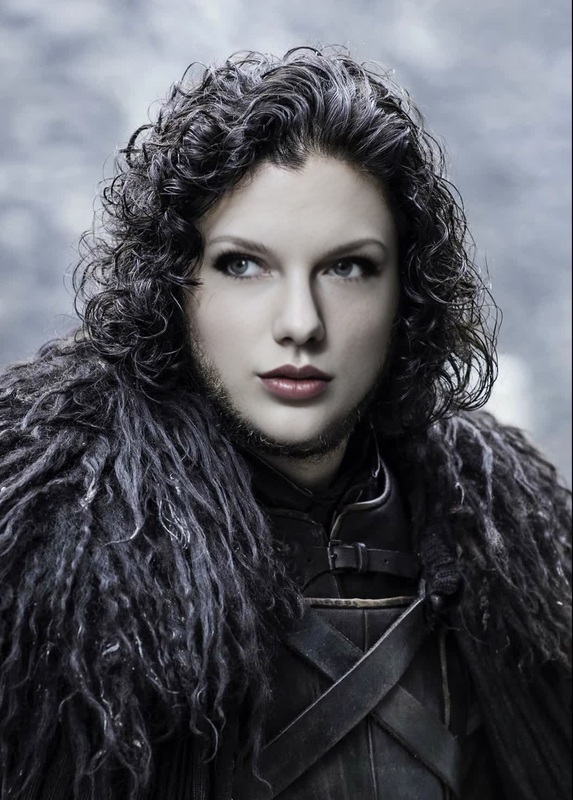
Step into the fantasy world of Westeros with our Grey Worm Game of Thrones Video Face Swap template. Perfect for the fans and creators who want to bring the unforgettable characters of Game of Thrones into their own video projects. This template offers the ability to transform any character in your footage to resemble Grey Worm, complete with his signature features.
What It Does
The Grey Worm Game of Thrones Video Face Swap template allows users to integrate Grey Worm's character seamlessly into any video. It uses advanced AI to accurately map Grey Worm's facial features onto the subject in your video clip, producing a natural and realistic transformation.
For those interested in broader face swapping capabilities, explore our Face Swap products to find other character options and innovative uses beyond Westeros.
Who It's For
This template is perfect for video creators, social media influencers, and fans of Game of Thrones looking to add a unique twist to their content. Whether you are creating parody videos, social media clips, or content for a themed party, this tool offers a fun way to engage your audience. Additionally, professionals working on creative media projects can utilize this tool to enhance narrative storytelling.
Summary
Enhance your video editing toolkit with the Grey Worm Game of Thrones Video Face Swap template. Transform any character to have the distinctive look of Grey Worm and bring a touch of fantasy to your projects. Match this tool with others, like the AI GIF Generator for short, shareable animations or explore the AI Image Editor for image-based transformations.
How To
Choose Template

Customize Inputs

Generate Video

Use Cases
Creative Parodies
- Use in fan-made Game of Thrones parody videos.
- Replace famous scenes' characters with Grey Worm.
Social Media Content
- Create viral content by integrating popular characters.
- Use for themed posts during special events.
Promotional Videos
- Promote events with themed video content.
- Engage viewers quickly with visually compelling transformations.
Best Practices
Select High-Quality Footage
Using video clips with good lighting and a clear focus will improve the accuracy and realism of the face swap.Pay Attention to Angles
Choose video clips where the face is mostly visible to enhance the template's effectiveness.Experiment with Various Scenarios
Try different scenes to discover how Grey Worm's features blend with diverse settings.