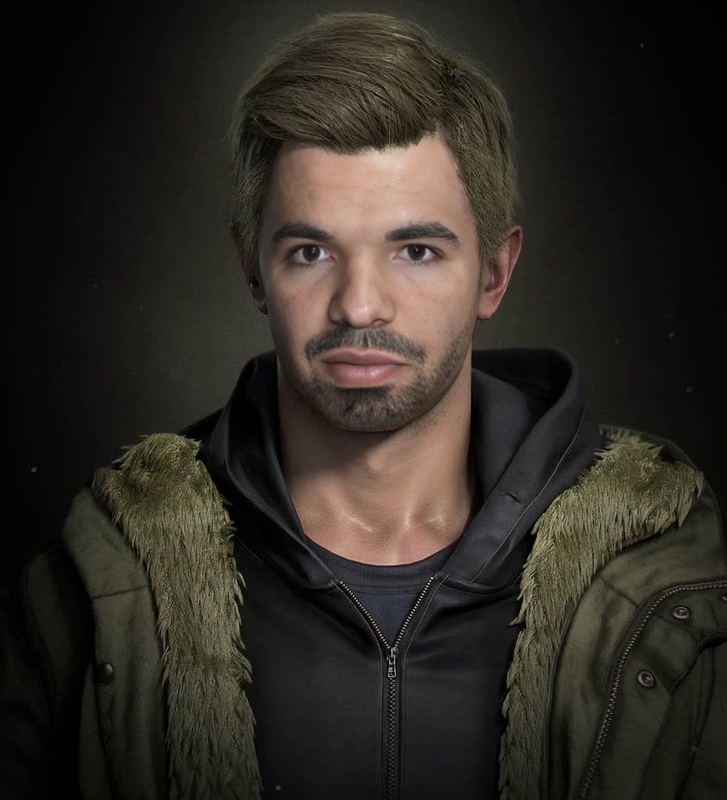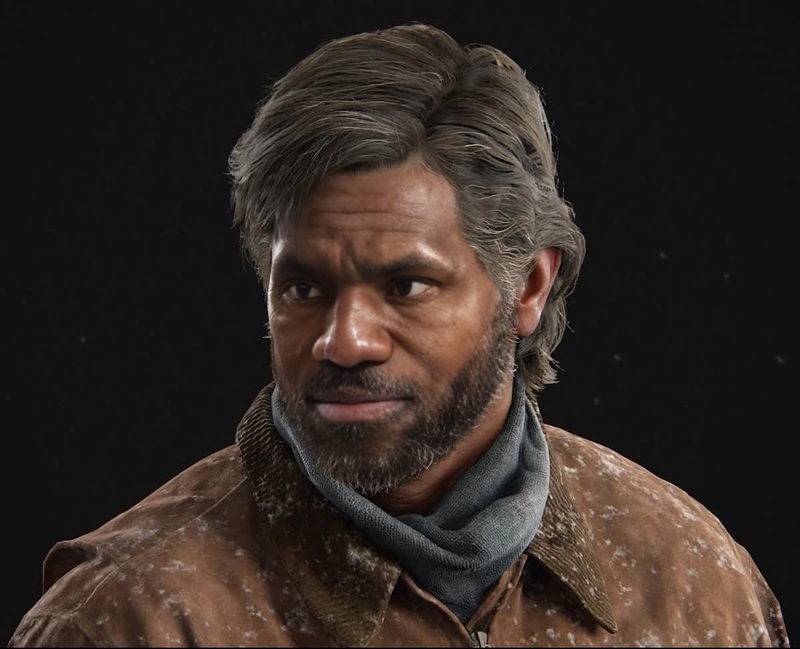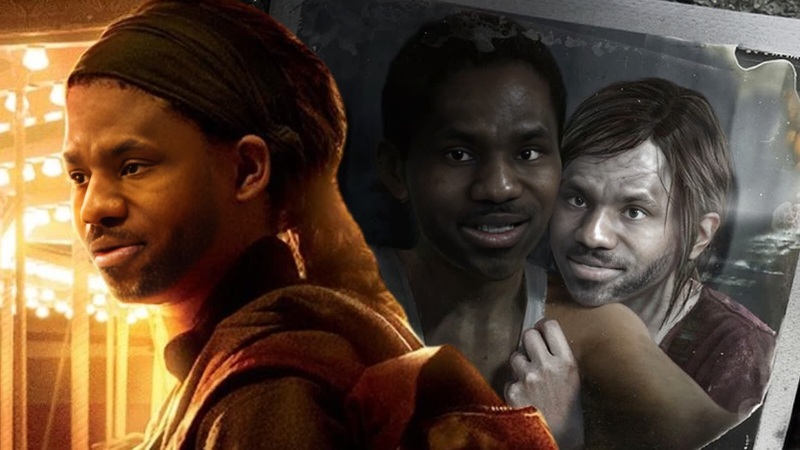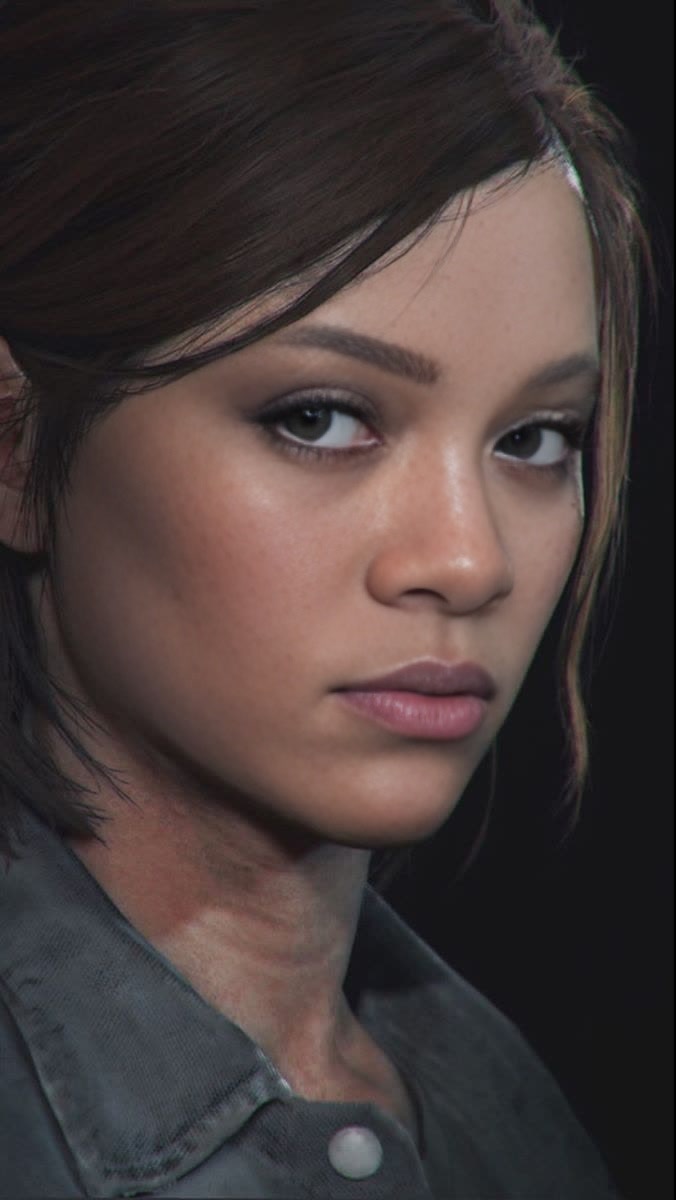
Ellie The Last Of Us Part Ii Photorealistic Portrait
- Image
- 676 × 1200 px
Any aspect ratio
Overview
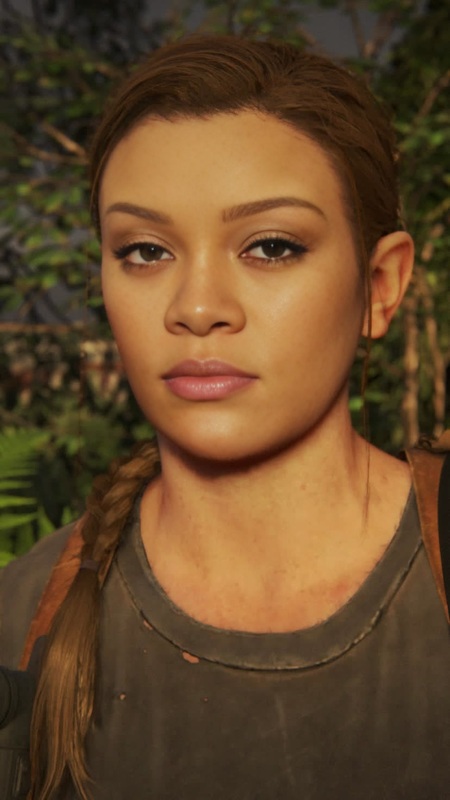
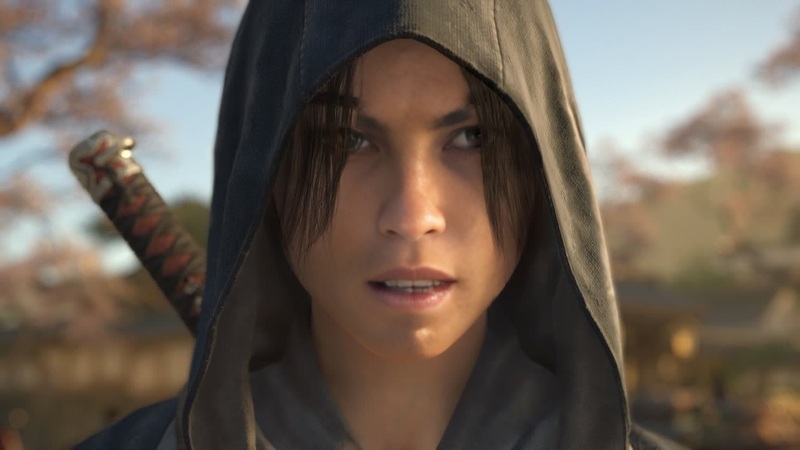
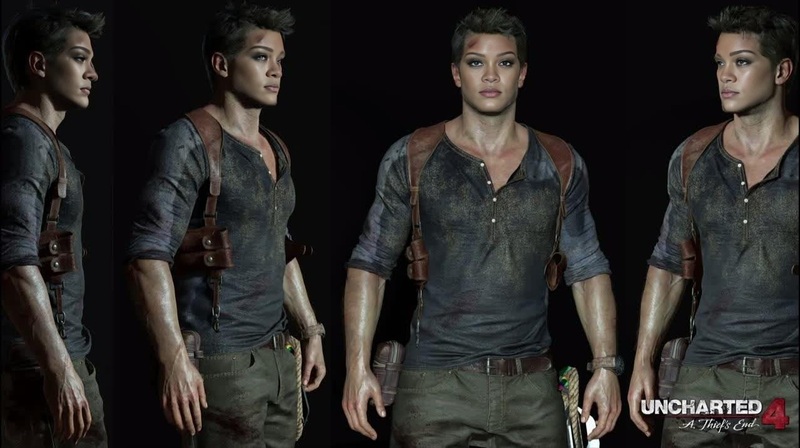
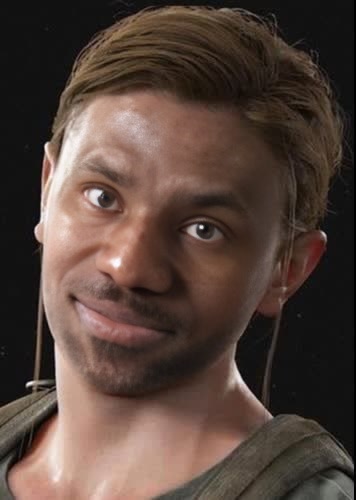
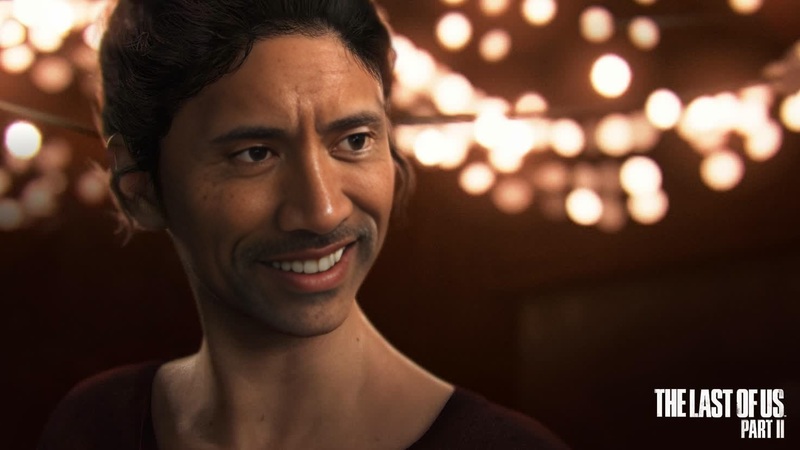
Transform your videos with the Ellie The Last Of Us Part II Photorealistic Portrait template. This Video Face Swap tool allows you to integrate a photorealistic version of Ellie from the hit game into your video content, creating dynamic and engaging visuals. Ideal for storytellers and gamers alike, this template leverages advanced Face Swap technology to bring a new level of realism and impact to your projects.
What It Does
This template enables you to swap any face in your video with a hyper-realistic version of Ellie, capturing the expressive nuances and details that make your video compelling. By using our Video to Video capabilities, it integrates smoothly into diverse video formats, ensuring high-quality outputs suitable for various applications.
Who It's For
Whether you're a gamer wanting to include video game characters in your creative projects or a content creator looking to add cinematic effects, this tool is perfect for you. It's designed for users who want to experiment with character-driven videos and improve visual storytelling through enhanced realism and emotional depth.
Summary
With the Ellie Photorealistic Portrait template, you are equipped to produce innovative content by swapping faces in videos with Ellie's likeness. From game teasers to personal edits, this tool integrates with Magic Hour's suite of offerings such as the AI Video Generator, enhancing your video projects with unmatched quality and ease.
How-To
Choose the Template

Customize Your Video

Generate Your Project

Use Cases
Cinematic Fan Videos
Game Trailer Edits
Content Creator Projects
Best Practices
Choose High-Quality Source Video
For the best outcome, use high-resolution videos. This ensures that Ellie's photorealistic details are preserved in the swap.Optimize Lighting Conditions
Ensure that lighting in your videos matches the lighting Ellie's character would naturally be in; this gives a seamless appearance.Review Before Finalizing
Check the swap for any inconsistencies. Adjust settings or choose a different frame if needed to preserve realism.
Frequently asked questions
More Like This