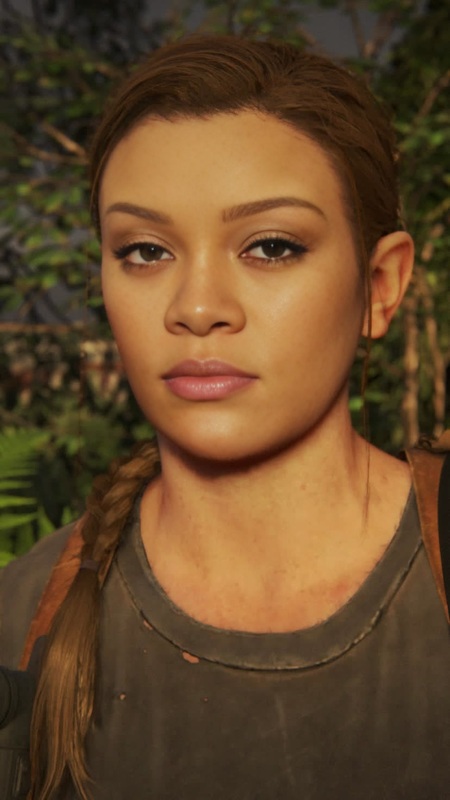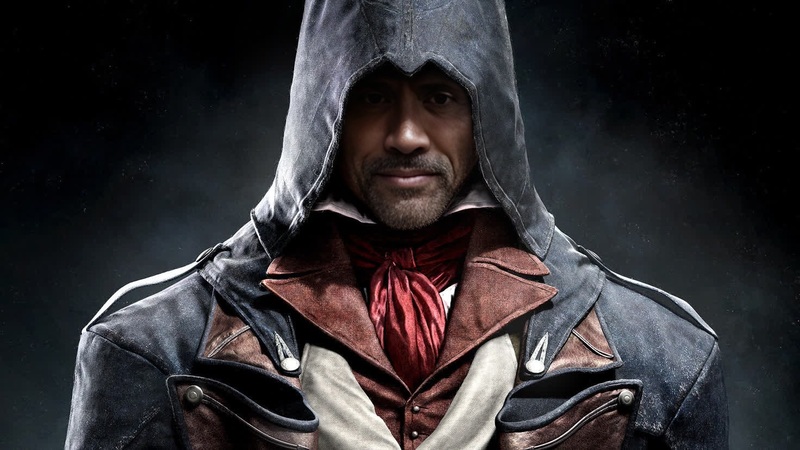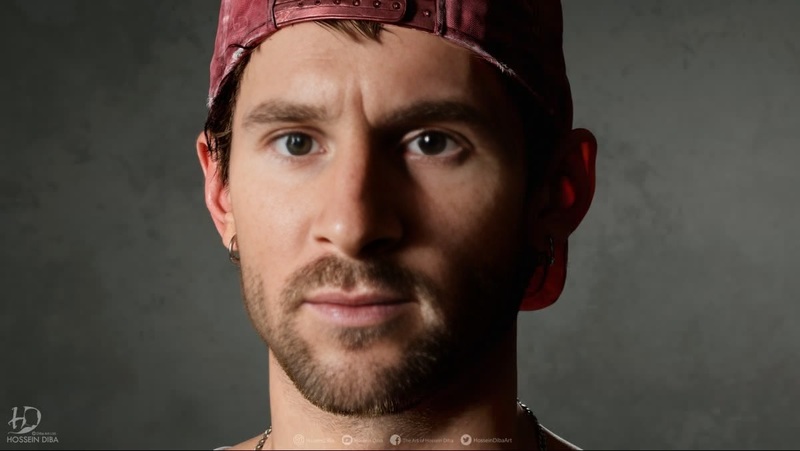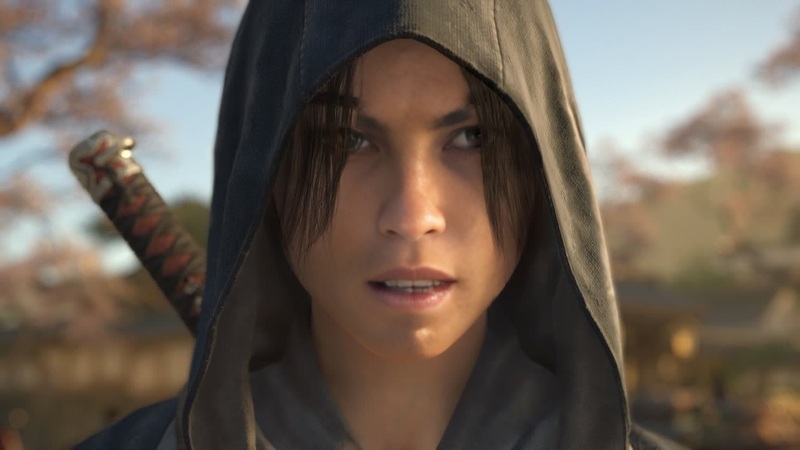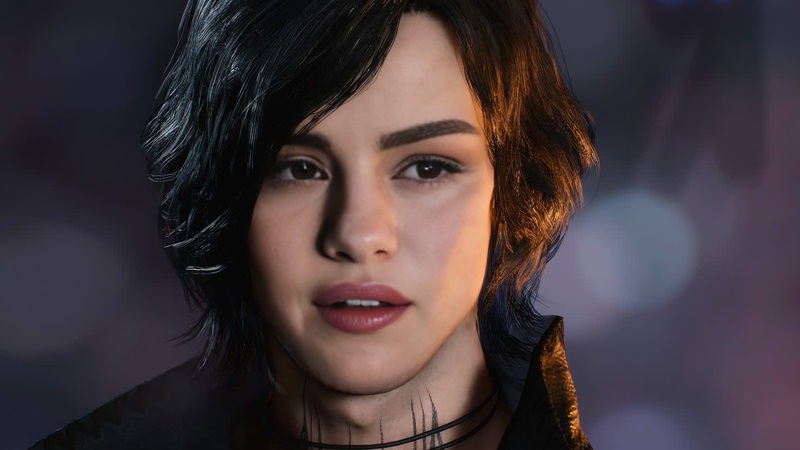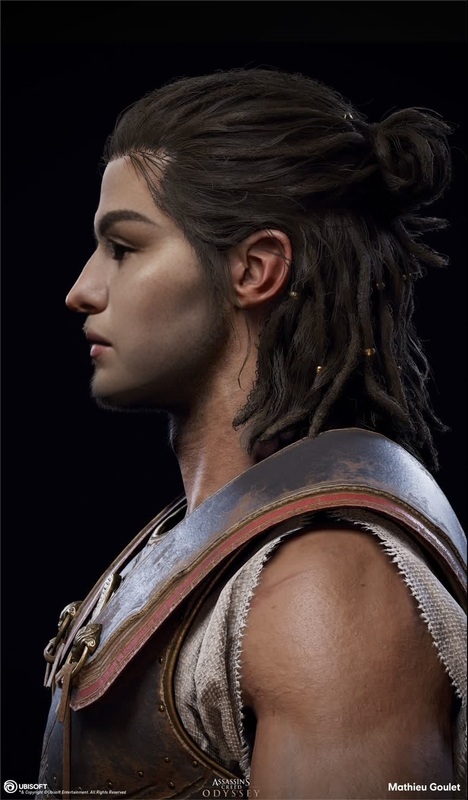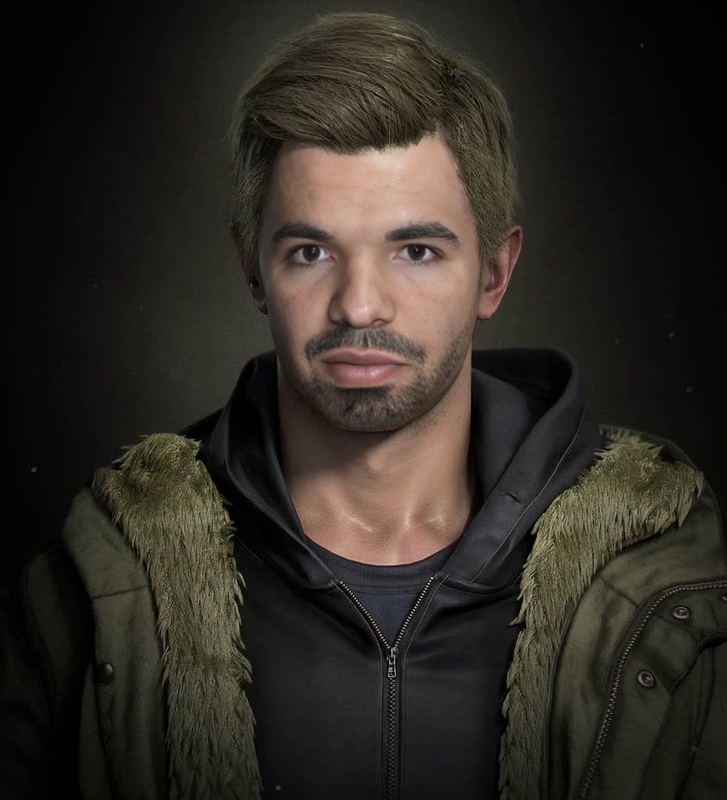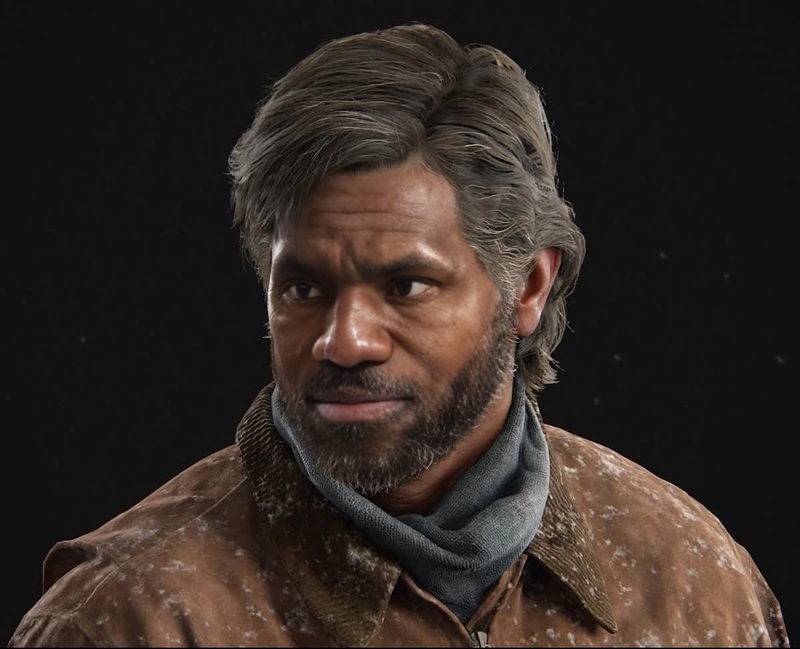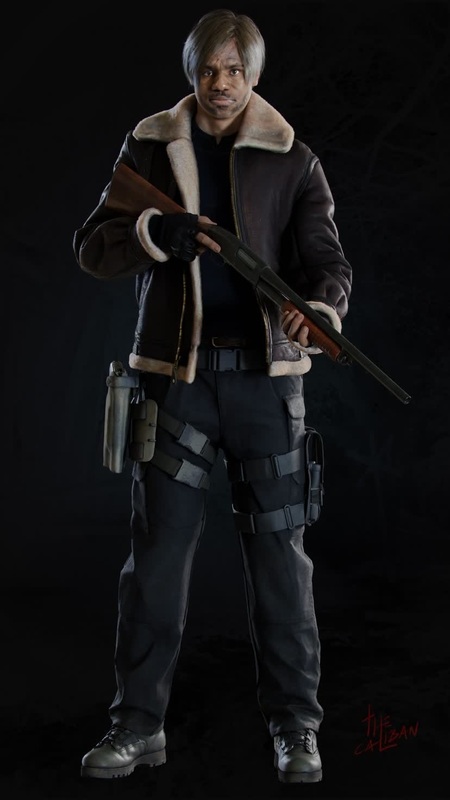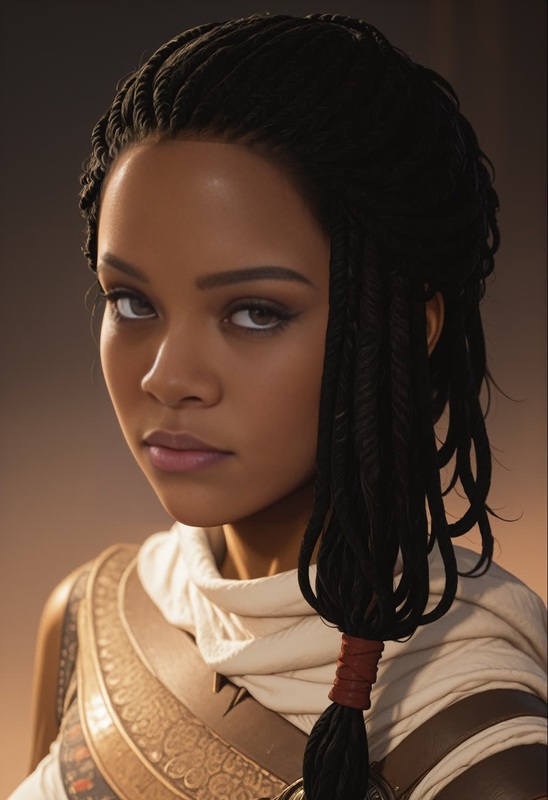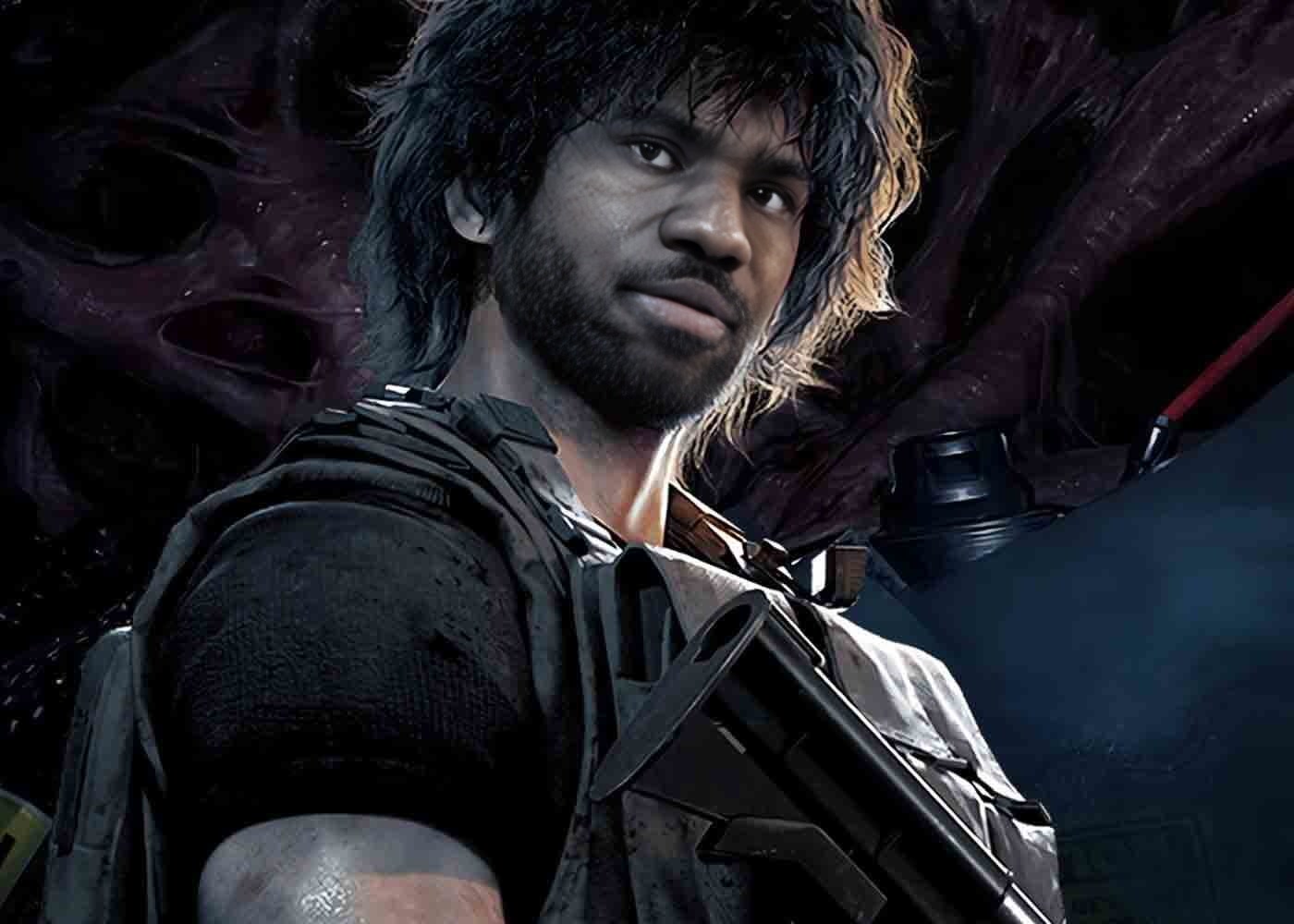
Carlos Oliveira Resident Evil 3 Remake Photorealistic Portrait

Carlos Oliveira Resident Evil 3 Remake Photorealistic Portrait

face-swap

1 clip
0 uses

Any aspect ratio

Tags

transformations

Create hyper‑realistic talking portraits from any face in seconds. This template uses Magic Hour’s AI Face Swap technology to map your face (or any approved face) onto an existing video, giving you studio‑grade content without a camera, crew, or complex VFX.


What this template does

This template is built on the Face Swap Video workflow. It:

  • Replaces the face in an existing video with your chosen face
  • Preserves the original motion, lighting, expressions, and camera movement
  • Outputs a ready‑to‑share video for social, ads, product explainers, UGC, and more

Because it’s based on Magic Hour’s core Face Swap model, it’s optimized for:

  • High‑fidelity facial details (eyes, teeth, skin texture)
  • Natural motion and lip alignment
  • Minimal artifacts, even in fast movement or complex scenes

How to remix this template in Magic Hour

You can create your own version of this template by remixing it directly inside Magic Hour:

  1. Open the template
    Start from this page and open it in the Face Swap Video editor.

  2. Swap in your source face

    • Upload a clear, front‑facing photo or video of the face you want to use
    • For best results, use good lighting, no heavy filters, and minimal occlusions (no big sunglasses, hands over face, etc.)
  3. Choose or replace the target video

    • Keep the existing base video from this template, or
    • Upload your own footage (talking‑head, reaction video, product demo, short skit, etc.)
  4. Preview and iterate

    • Generate a quick preview
    • If needed, try alternative face images (different angles, expressions, or lighting) for better realism
  5. Export and reuse

    • Download your swapped video
    • Reuse the same face in new remixes, or build a repeatable content pipeline for campaigns, UGC, or internal training

You can repeat this process to create a whole library of on‑brand avatars across different scenes, outfits, and formats.


Who this template is for

This Face Swap template is designed for:

  • Creators & influencers

    • Turn one good selfie into a week of content
    • Localize your persona into different markets and styles
    • A/B test hooks and angles without reshooting
  • Marketers & growth teams

    • Generate UGC‑style ads at scale
    • Test different presenters, demographics, or tones
    • Create “founder‑led” videos without pulling execs into a studio
  • Startups & product teams

    • Produce onboarding and feature walkthroughs with a consistent face
    • Spin up internal training or sales enablement videos fast
    • Personalize demos for different customer segments
  • Developers & technical teams

    • Prototype AI‑driven video experiences
    • Create synthetic personas or assistants for apps, demos, and pitch decks
    • Test workflows for content automation and video personalization

Best practices for high‑quality face swap videos

To get professional‑looking results from this template:

1. Use strong source images

For the source face:

  • High resolution, ideally from a modern smartphone or DSLR
  • Good, even lighting (face fully visible)
  • Neutral or slight smile expression
  • No heavy motion blur, filters, or AR effects

This aligns with common recommendations from academic work on face reenactment and face swapping (e.g., “face frontalization” and high‑resolution reference imagery).

2. Match general characteristics

You’ll get more convincing outputs if you roughly match:

  • Head position: If the target video is mostly frontal, use a frontal source face
  • Lighting: Soft, natural light in the source helps it blend into most scenes
  • Age & gender: The model is robust, but closer matches often look more realistic

For advanced experimentation, you can deliberately mis‑match these for stylized or surreal results (e.g., swapping faces across very different demographics for obvious parody or meme content).

3. Iterate quickly

Instead of chasing perfection on the first try:

  • Try multiple source images for the same person
  • Test different base videos (closer framing often yields higher realism)
  • Combine this template with other Magic Hour tools (listed below) to polish and repurpose outputs

Extend this template with other Magic Hour tools

Once you’ve created a strong base video with Face Swap Video, you can chain it with other Magic Hour tools to build advanced workflows.

Make the swapped face talk, sing, or lip‑sync

Transform the entire video

If you want more than a face replacement:

  • Use Video‑to‑Video to restyle the whole clip (cartoon, 3D, painterly, anime, etc.) while keeping the motion
  • Turn static art or character designs into animated clips with Animation

You can also:

Polish, upscale, and repurpose

After swapping faces, you can:


Example workflows for serious users

Here are concrete, remixable flows you can adapt:

1. Performance‑driven UGC ad pipeline

  1. Use this template in Face Swap Video with your preferred “creator face”
  2. Create a base library of b‑roll / talking‑head videos (pointing, unboxing, reacting, etc.)
  3. Swap the same face into each clip to keep persona consistent across creatives
  4. Use Lip Sync + AI Voice Generator to test different scripts and tones
  5. Auto‑caption variants with the Auto Subtitle Generator
  6. Export multiple versions, track performance, and quickly remix new winning variants

2. Founder‑led product explainers without recording

  1. Get a solid portrait or short video of your founder / PM / sales lead
  2. Use this Face Swap template to map their face onto pre‑recorded or stock explainer footage
  3. Generate a product walkthrough script and voice via AI Voice Generator or AI Voice Cloner
  4. Sync with Lip Sync
  5. Finish with a polished thumbnail via Thumbnail Maker and AI Logo Generator

3. Character‑driven content for apps and games

  1. Design your character with:

  2. Convert that character into motion with Image‑to‑Video or Animation

  3. Use Face Swap (this template) to test different “actor faces” or stylistic faces on that same animated body

  4. Give the character a voice with AI Voice Generator

  5. Package for pitch decks, product onboarding, in‑app assistants, or game trailers


Ethical, legal, and brand considerations

For professional and compliant use:

  • Consent: Only swap faces where you have the right and permission to do so
  • Brand safety: Avoid misleading or deceptive use, especially in sensitive domains (news, politics, finance, healthcare)
  • Disclosure: In many jurisdictions and platforms, disclosing AI‑generated or synthetic media is recommended or required
  • IP & likeness: Respect trademarks, copyrights, and likeness rights for celebrities, public figures, and private individuals

These guidelines align with emerging best practices from regulators and industry bodies on synthetic media and deepfakes.


How to adapt this template to your stack

Because Magic Hour runs fully in the browser, you can:

  • Use this template as a repeatable pattern:
    • Specific face → specific type of footage → specific distribution channel
  • Standardize “personas” across:
    • Product pages
    • Email sequences
    • Ad account creatives
    • Internal documentation and training

Advanced teams often:

  • Maintain a shared folder of “approved faces” for different campaigns
  • Keep a library of base videos (explainers, reactions, hooks) ready for swapping
  • Use this template as the default starting point so new team members can spin up on‑brand content immediately

Related tools you might want to explore

If you’re building a deeper AI‑first content pipeline around this template, these tools are often used together:


Use this Face Swap template as your base, then remix it with Magic Hour’s ecosystem to go from a single image to an entire content system: ads, explainers, avatars, memes, and more—all consistently on‑brand and repeatable.

More Like This

Insufficient credits