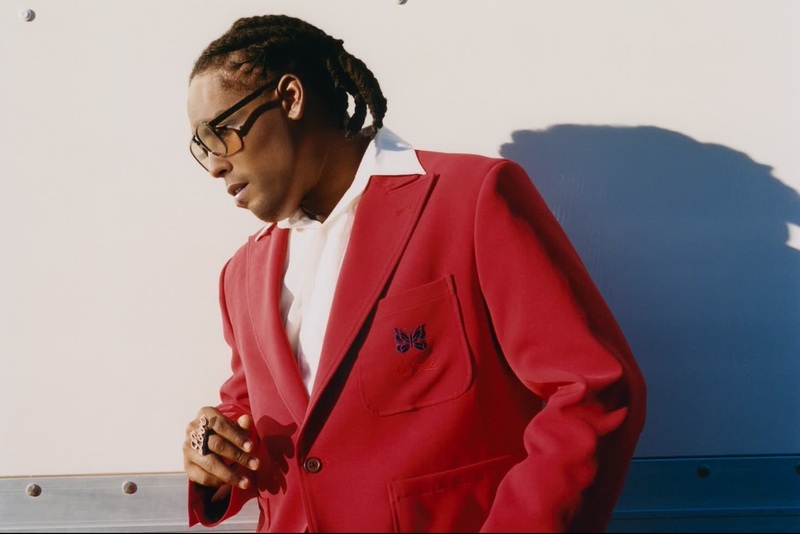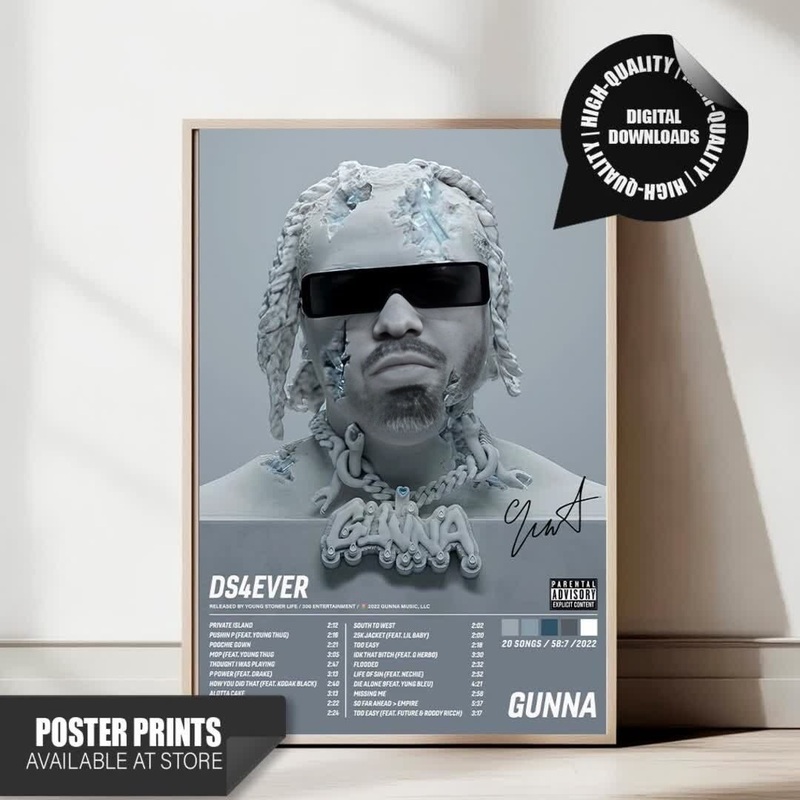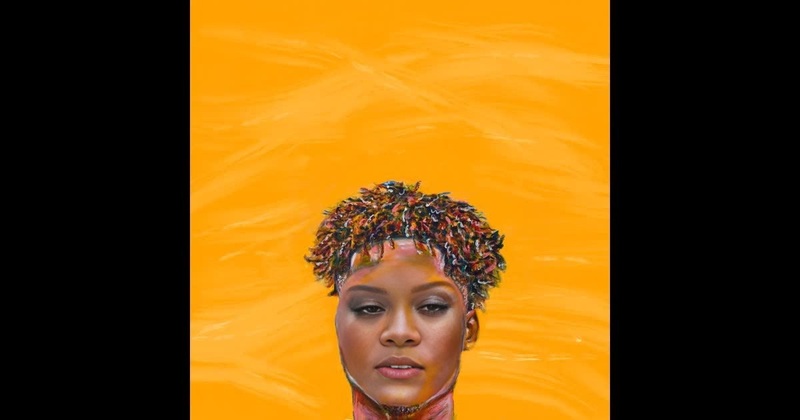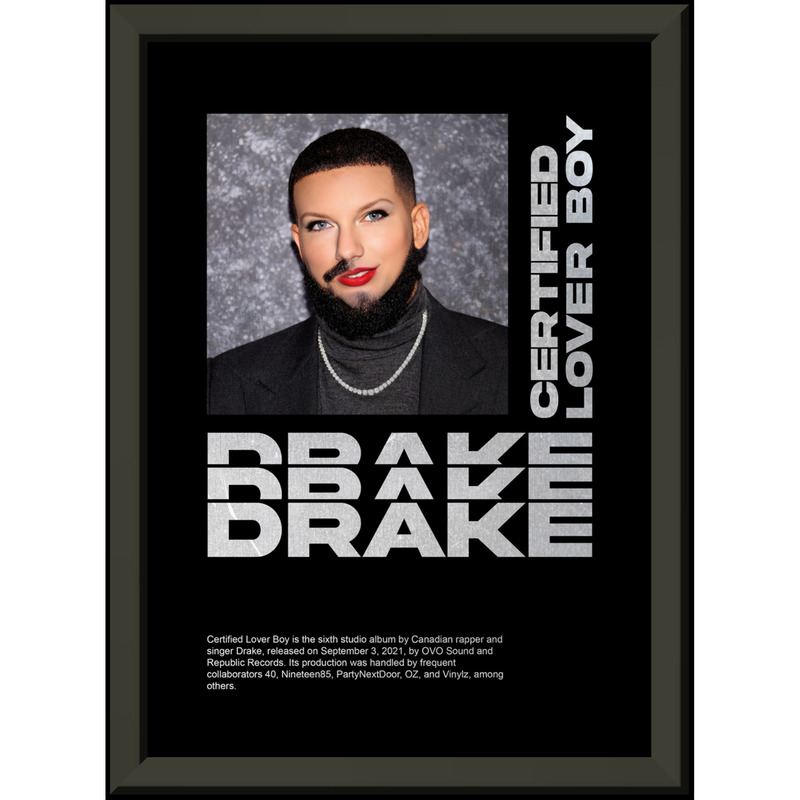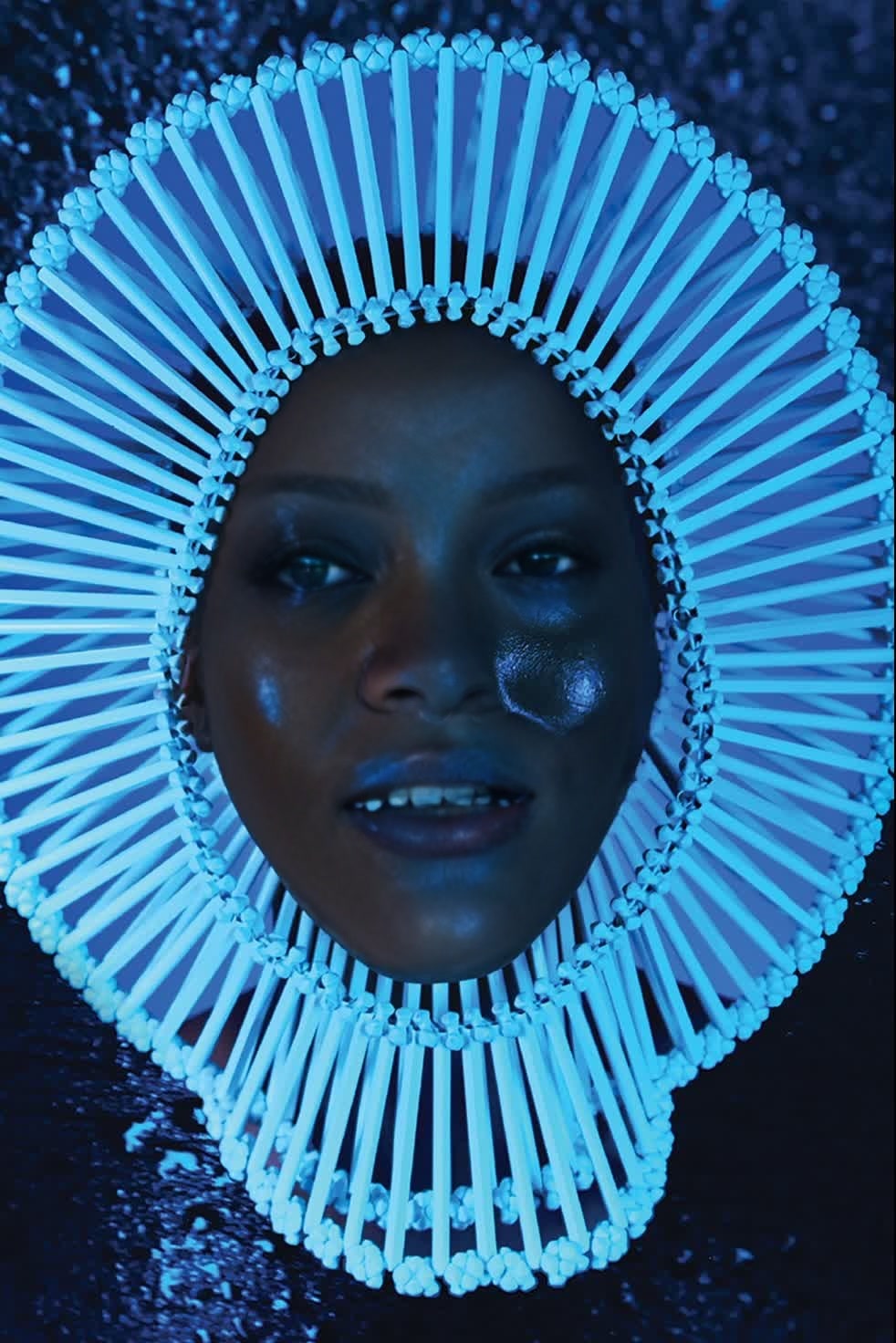
Childish Gambino Awaken My Love Press Portrait
- Image
- 982 × 1472 px
Any aspect ratio
Overview
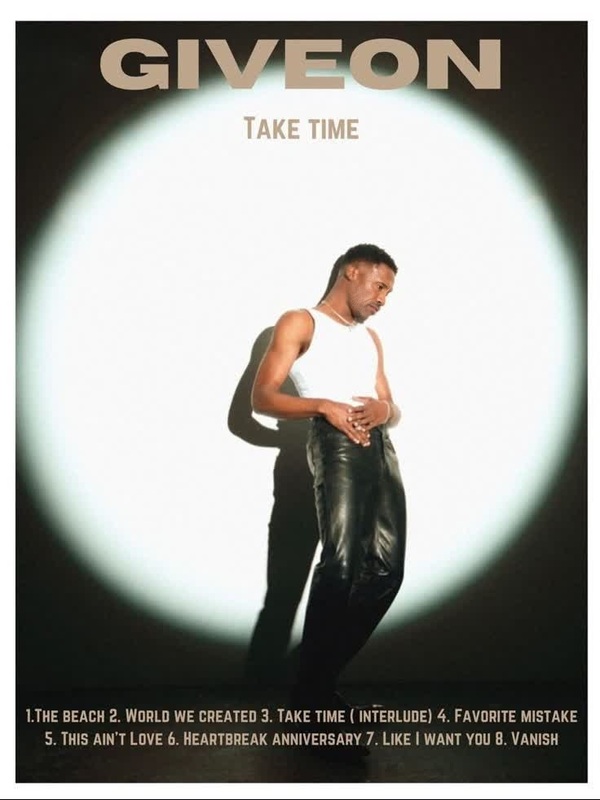
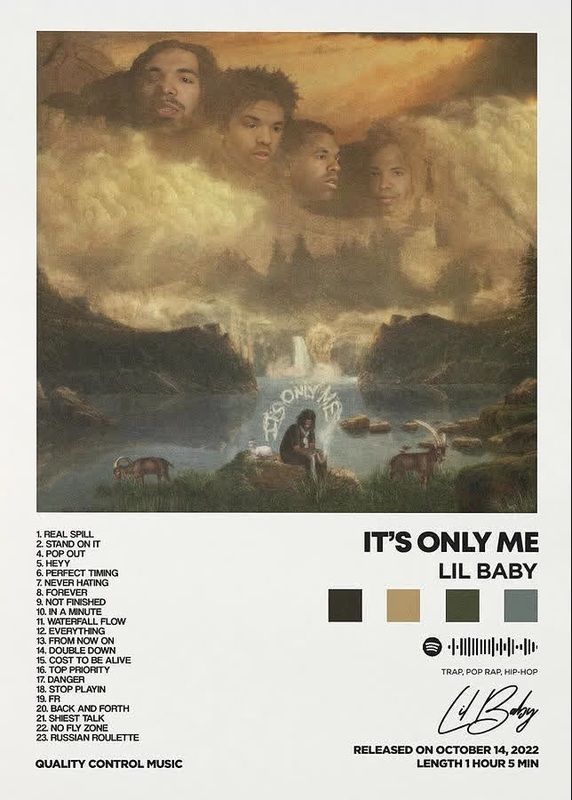
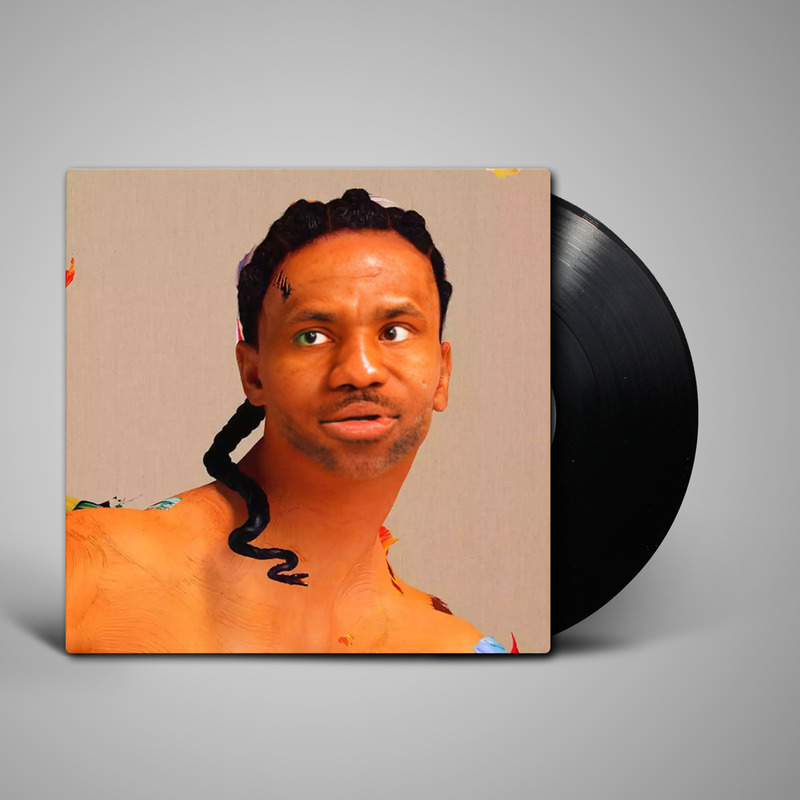
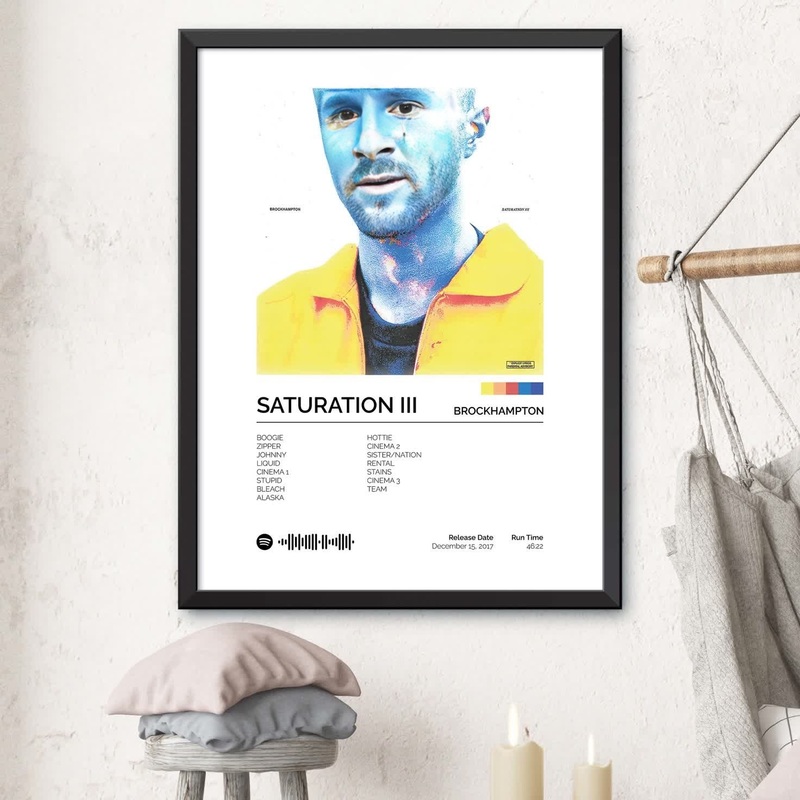
Step into the world of creativity with the Video Face Swap template inspired by Childish Gambino's Awaken My Love! press portrait. This tool allows users to transform themselves into the distinctive style of Gambino's iconic imagery. Perfect for personal projects and promotional content, this template lets you inject a unique flair into your visuals.
What It Does
The Video Face Swap template lets you replace faces in photos with the iconic look from Childish Gambino's Awaken My Love! press portrait. Use this template to create standout images that blend portraiture with dynamic visual transformation. Integrating with the Face Swap capabilities ensures a seamless and realistic transition between original and swapped faces.
Who It's For
This template is designed for those in creative industries looking to make a splash, from social media influencers to marketing teams. Whether you're crafting content for a campaign or enhancing a personal gallery, the AI Image Editor can further refine your imagery, offering endless possibilities for unique presentations.
Summary
Enhance your visual projects by utilizing the Childish Gambino Awaken My Love! theme with our Video Face Swap template. Combine it with tools like the Text to Video for a fully integrated multimedia approach. This template not only provides a visually striking transformation but also expands the scope of creative possibilities.
How To
Choose the Template

Customize Your Inputs

Generate and Download

Use Cases
Social Media Content
- Snapchat stories or Instagram posts
- Marketing and promotion material
Personalized Art
- Portrait gifts
- Wall displays
Promotional Videos
- Brand introductions
- Event promotions
Best Practices
High-Quality Inputs
Use high-resolution photos for the best swap results. The clearer the input, the more realistic the final transformation will appear.Consistency in Lighting
Maintain consistent lighting between the input photo and the template image to achieve seamless blending. Consider using the AI Photo Relighting tool to match illumination conditions.Further Editing
Utilize the AI Clothes Changer to modify attire for a cohesive look, adding another layer of customization to your project.