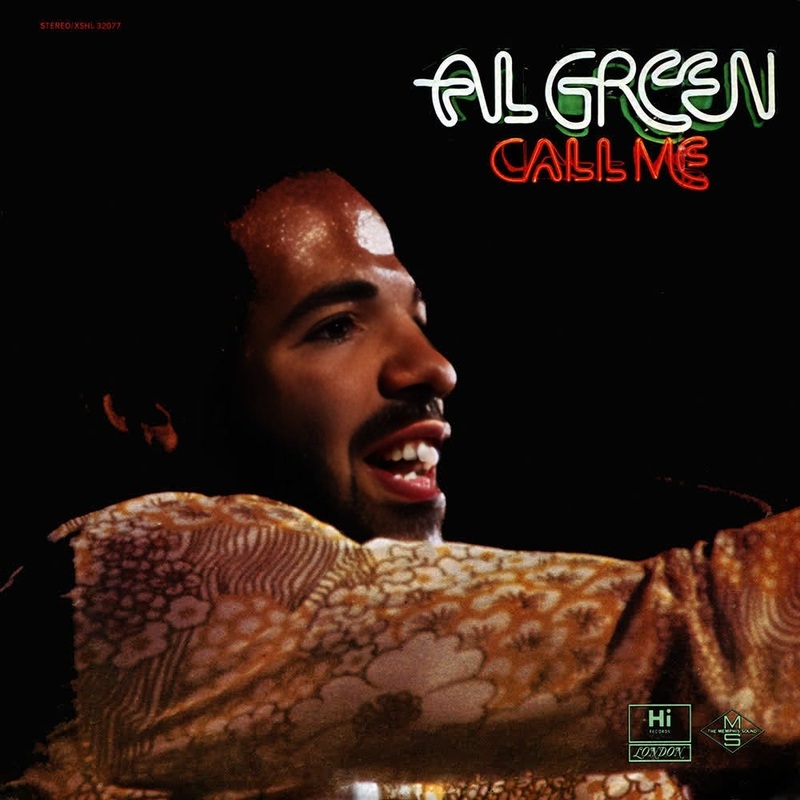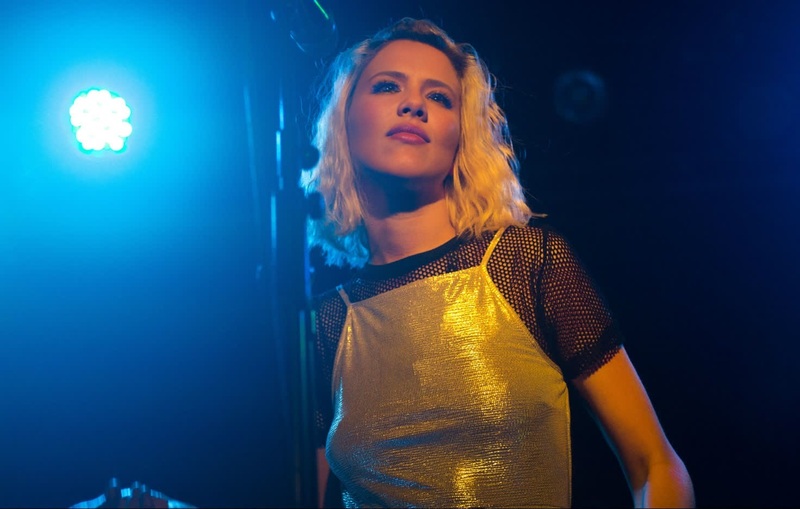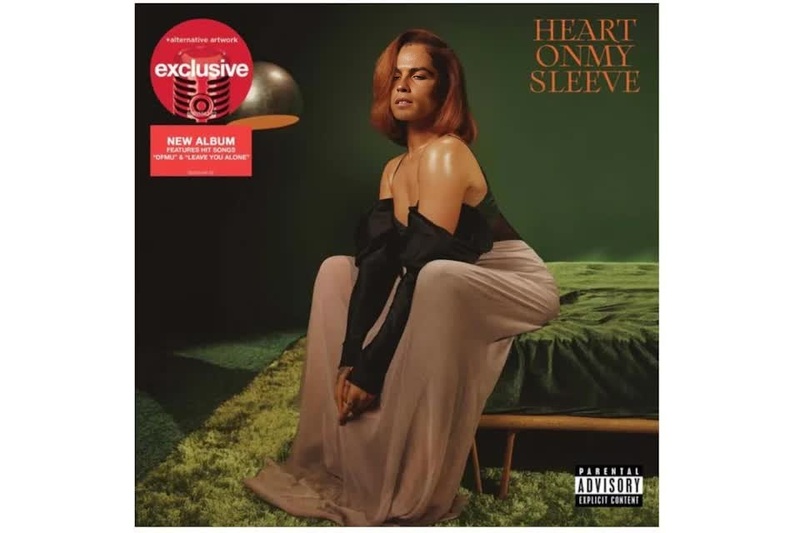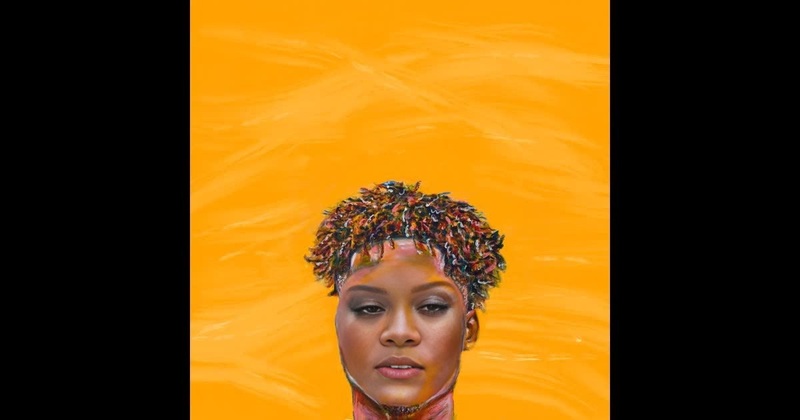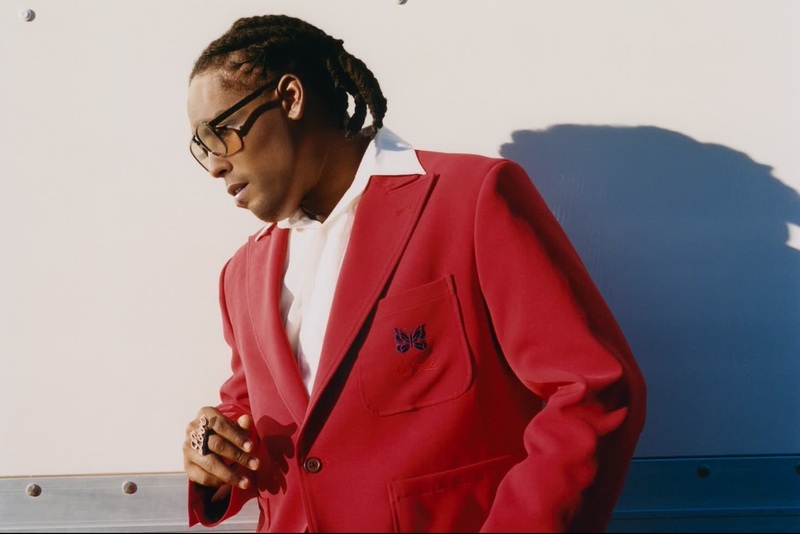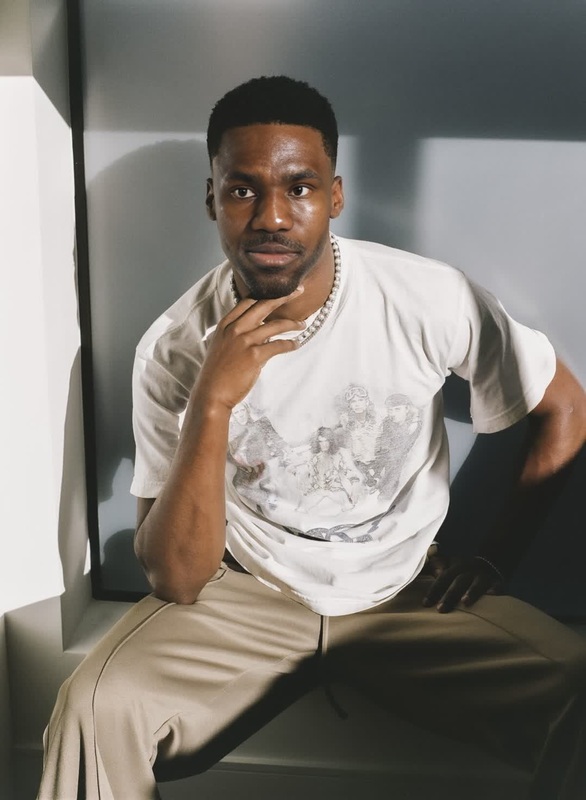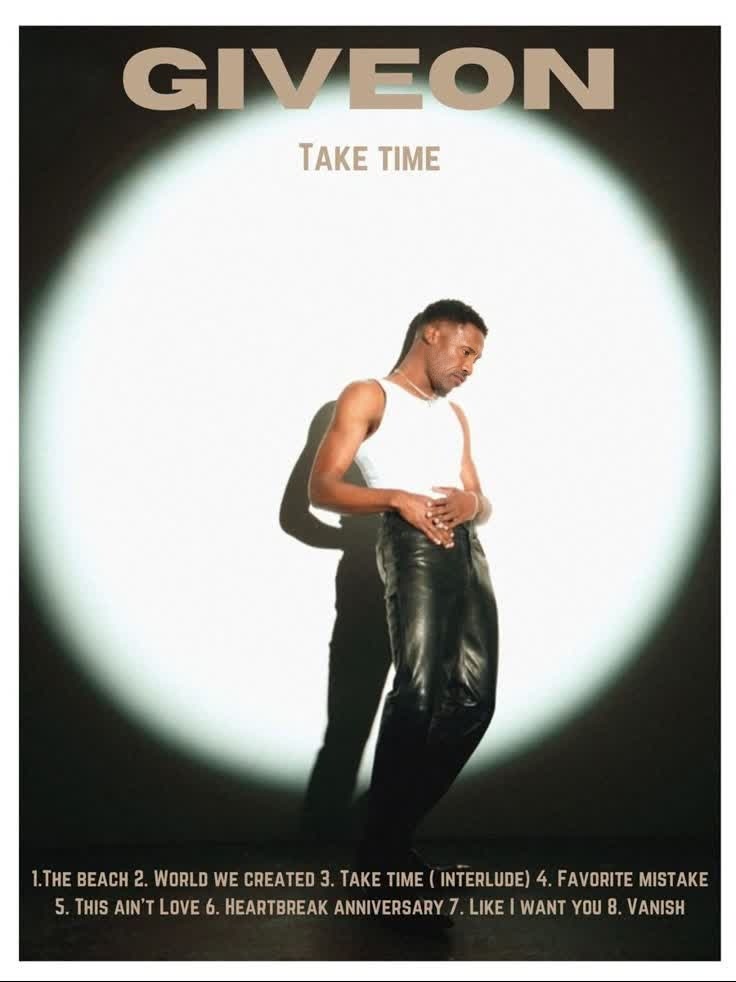
Giveon Take Time Press Portrait
- Image
- 736 × 982 px
Any aspect ratio
Overview
Immerse yourself in the musical world of Giveon with our Giveon Take Time Press Portrait template. This Video Face Swap tool invites you to transform your videos by swapping your face onto press portraits styled after Giveon's 'Take Time' album. Enhance your video creations by adding a unique aesthetic touch that resonates with Giveon's vibe.
What It Does
This template leverages advanced AI technology to apply face swapping on video. It uses Giveon's distinctive album art style to transform standard portraits into striking visuals. While primarily focused on faces, the template adapts seamlessly to different lighting and angles, ensuring the swapped image maintains authentic expressions. Explore more with tools like AI Image Editor for post-production refinements.
Who It's For
Perfect for content creators, musicians, and social media enthusiasts who wish to embed a personalized touch in their promo materials. It's also an excellent choice for fans of Giveon looking to engage with his music visually. By using the AI Video Generator, you can further finesse your projects, ensuring each frame captures the essence of your vision.
Summary
Craft videos that captivate with the Giveon 'Take Time' Press Portrait template. This Video-to-Video Face Swap conversion offers extensive customization to create memorable, music-themed visuals. Whether you're amplifying an Instagram campaign or setting the stage for your next event, this tool's transformative abilities bring your imagery to life.
How To
Choose the Template

Customize Your Input

Generate Your Video

Use Cases
Social Media Campaigns
- Instagram Reels
- TikTok videos
- YouTube thumbnails
Music Promotions
- Album teasers
- Concert announcements
- Digital press kits
Brand Collaborations
- Influencer partnerships
- Product features
- Collaborative events
Best Practices
Match Lighting
Ensure the lighting in your input video matches that in the target portrait for a seamless face swap effect.Optimize Expression
Use videos with natural expressions to maintain authenticity after the swap.Utilize AI Tools
Incorporate the AI Image Upscaler for higher resolution outputs, especially when targeting high-definition platforms.