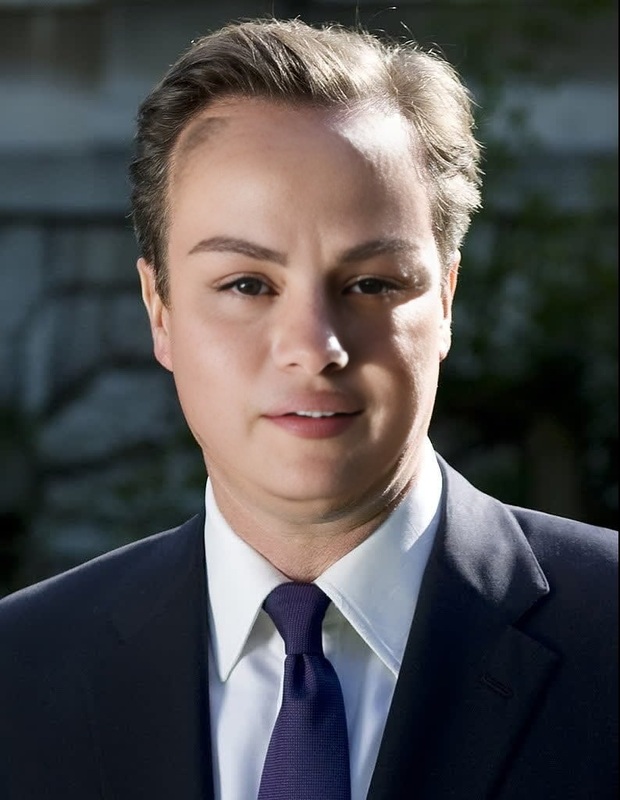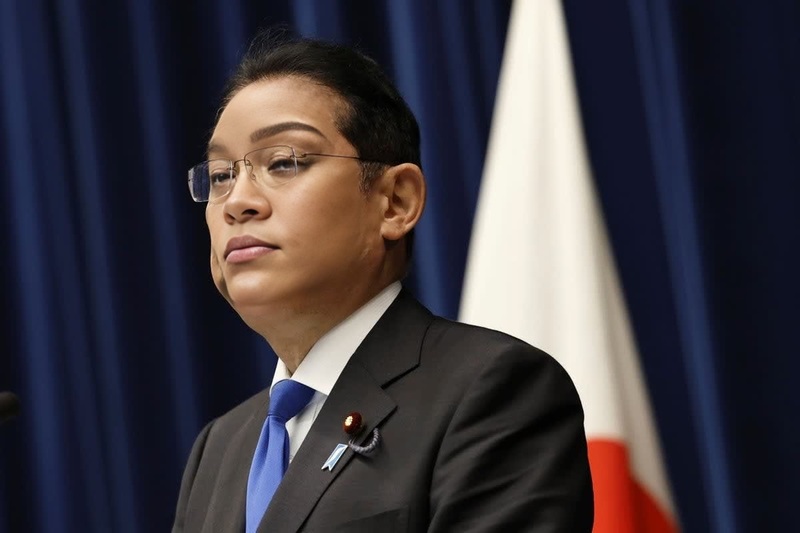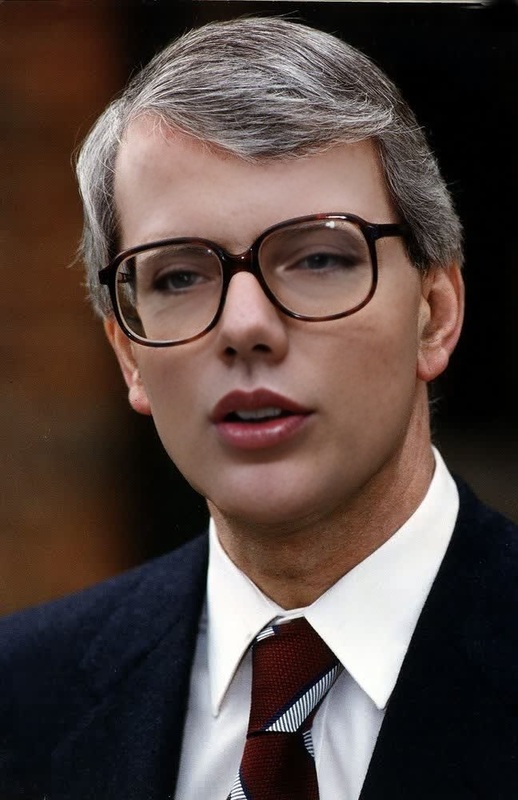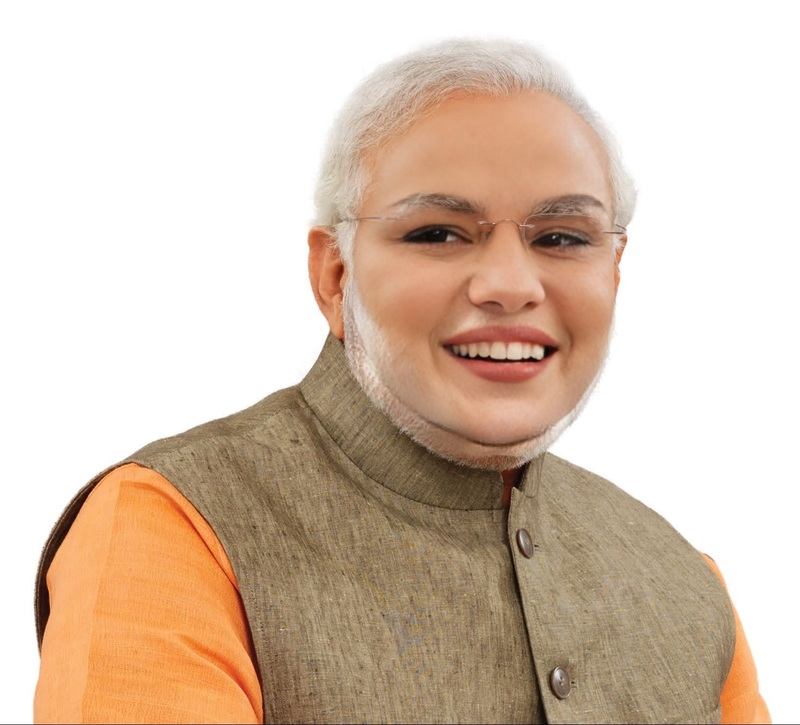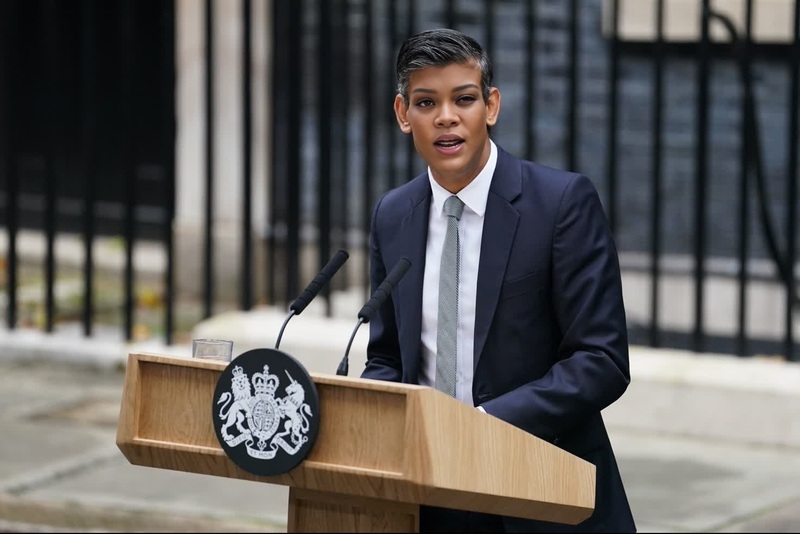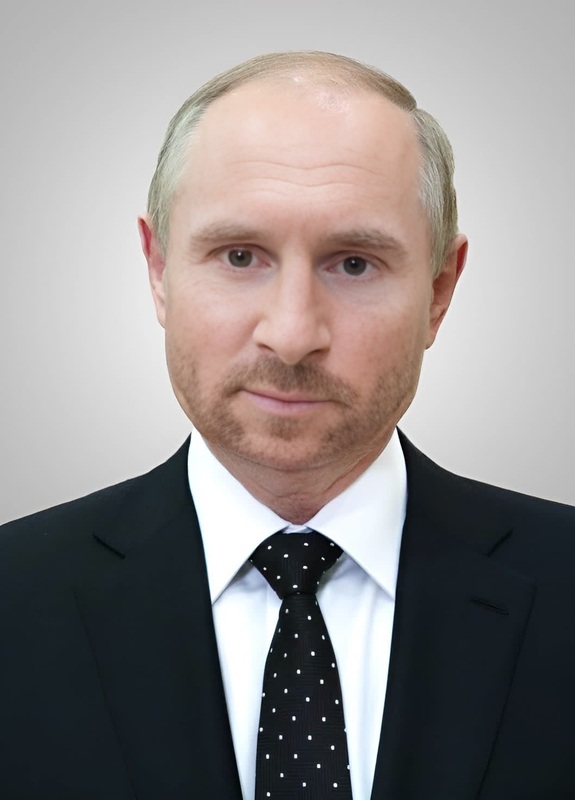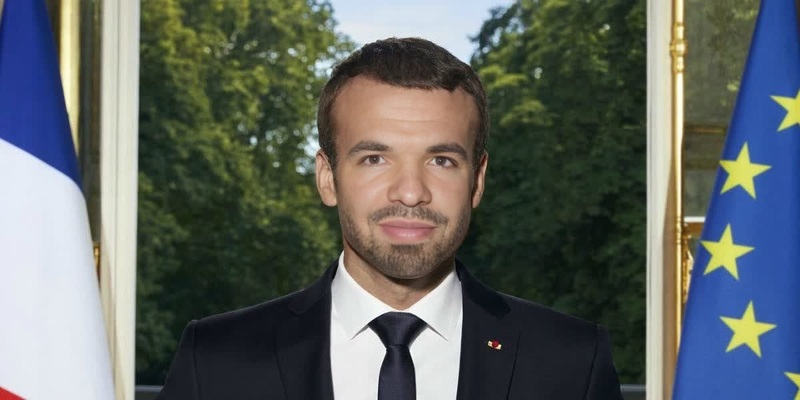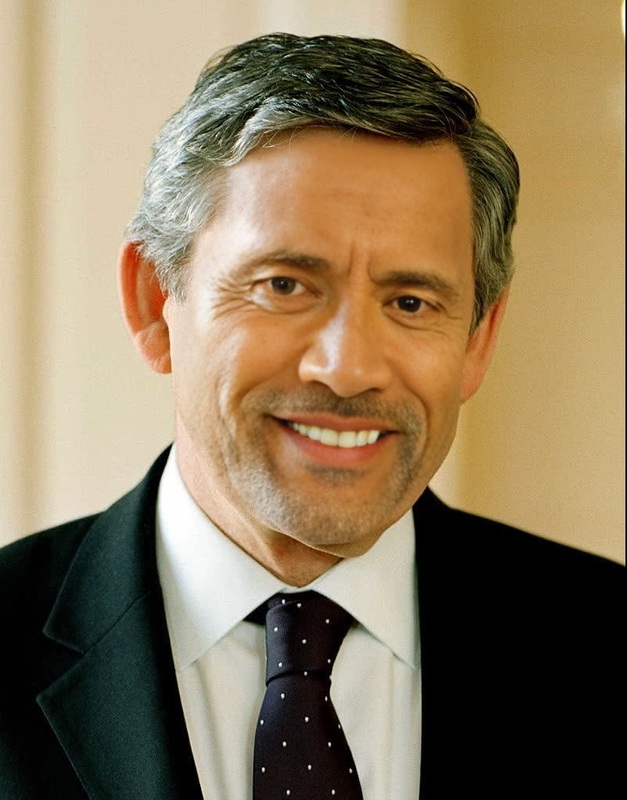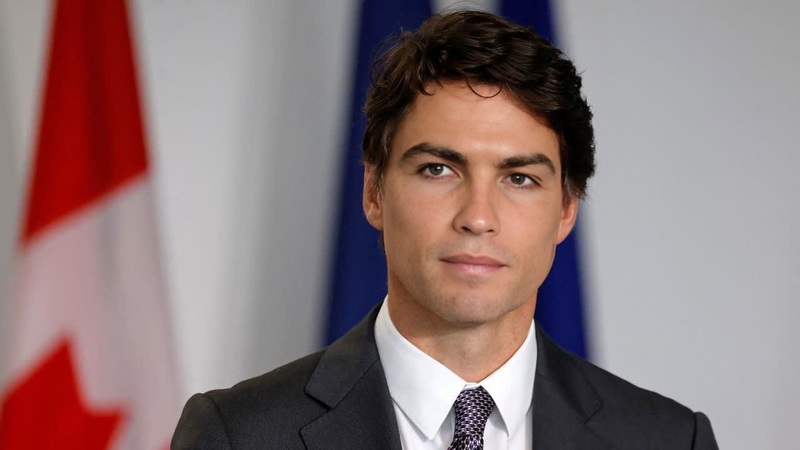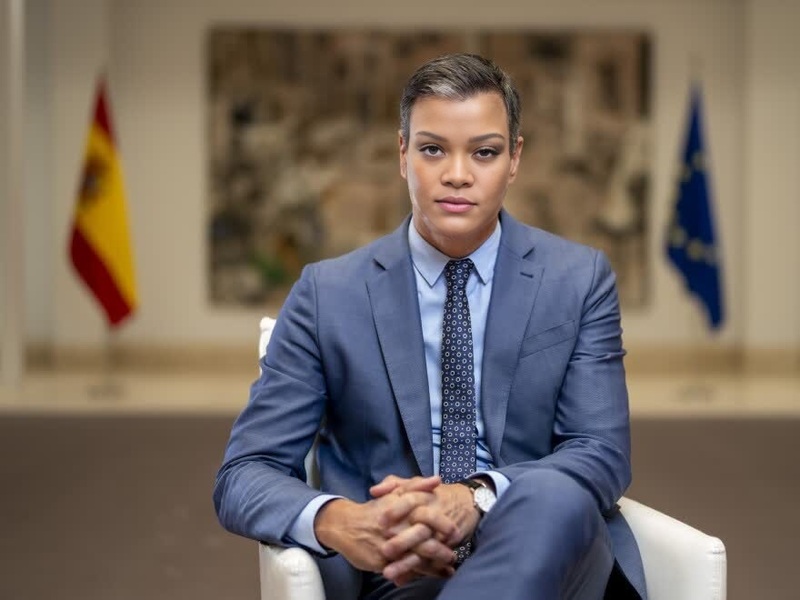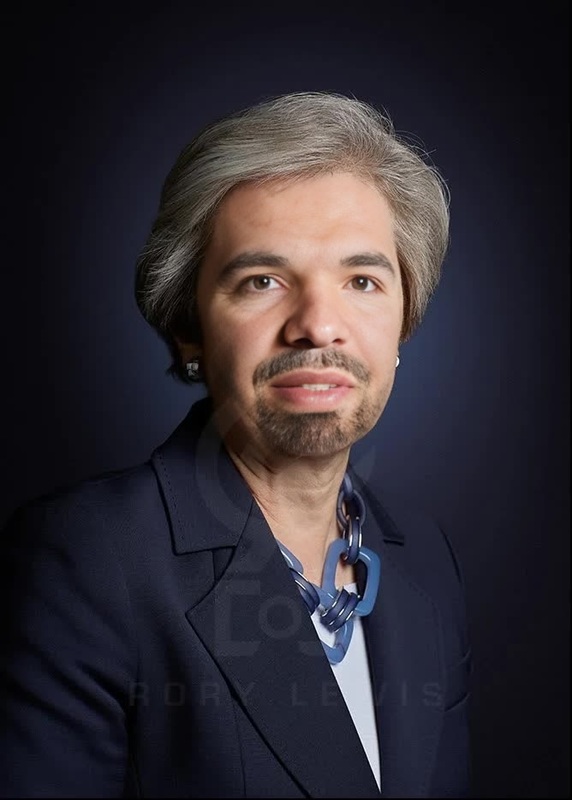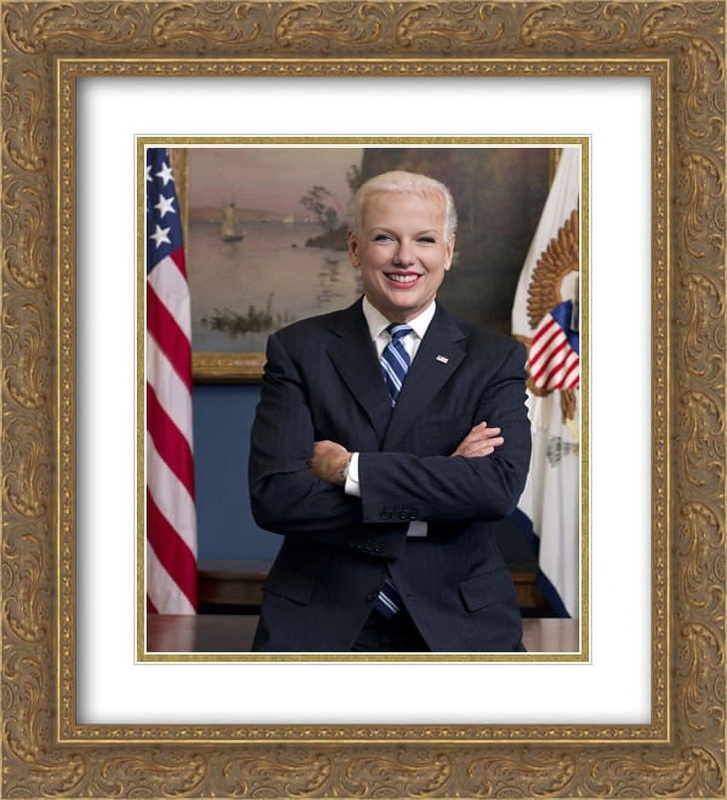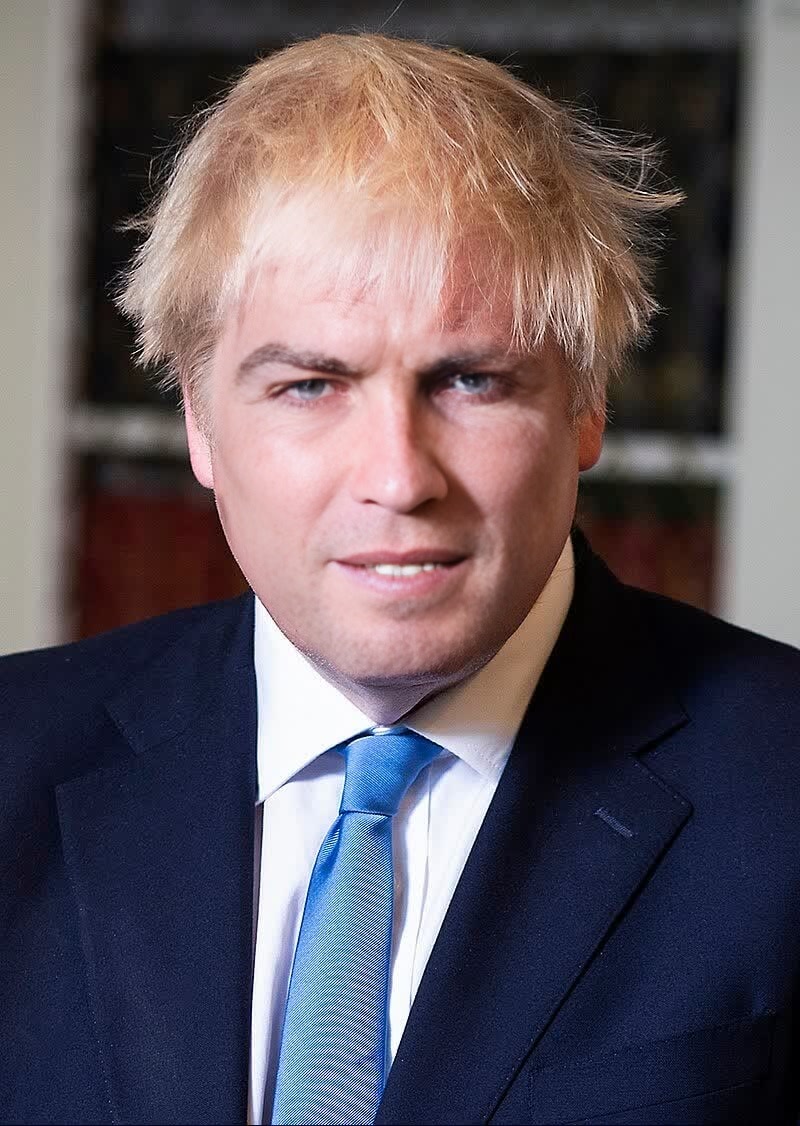
Boris Johnson British Prime Minister Press Portrait
- Image
- 800 × 1126 px
Any aspect ratio
Overview
Step into the shoes of a political figure with the Boris Johnson British Prime Minister Press Portrait video face swap template. This tool allows you to transform videos by replacing a subject's face with Boris Johnson's, creating unique and engaging content.
What It Does
The template is designed to replace faces in your videos with that of Boris Johnson using advanced AI technology. It's a perfect tool for content creators aiming to produce satirical or humorous content, speeches, or skits.
Explore more options to customize face swaps or see our Image to Video tools for other transformation possibilities.
Who It's For
This template is ideal for digital artists, comedians, video producers, and social media influencers who wish to spice up their content. Whether for viral marketing or creative expression, the Boris Johnson press portrait template offers limitless possibilities.
Perfect for those interested in political satire, it complements other tools like our AI Meme Generator to create shareable content.
Summary
If you're looking to inject some humor or political commentary into your videos, this Boris Johnson face swap template is for you. This easy-to-use tool makes it simple to swap faces and create entertaining video content.
How-To
Choose Template

Customize Inputs

Generate Video

Use Cases
Political Satire
Entertainment Content
Social Media Engagement
Best Practices
Select High-Quality Videos
For best results, use high-resolution videos that clearly capture facial details.Edit with Discretion
Ensure the context of your video is suitable for face swapping, avoiding sensitive content.Experiment with Angles
Try different video angles to see how the swap translates for more dynamic outputs.
Frequently asked questions
More Like This