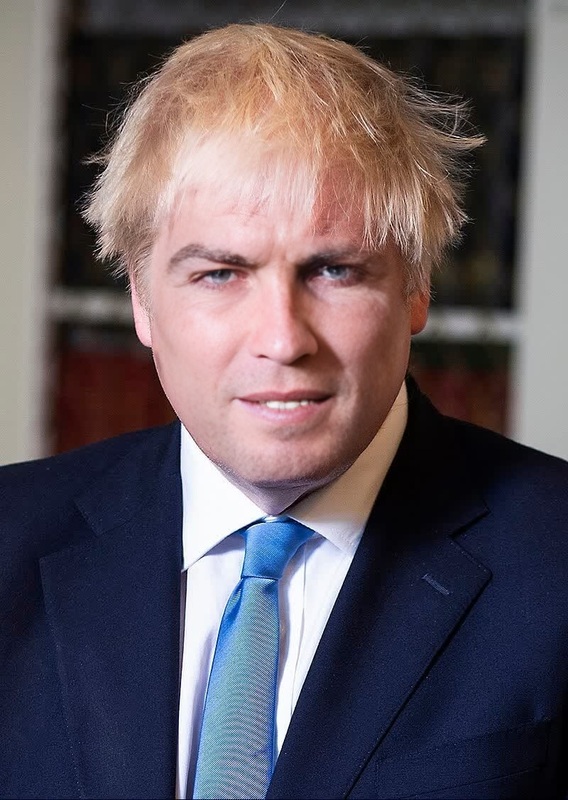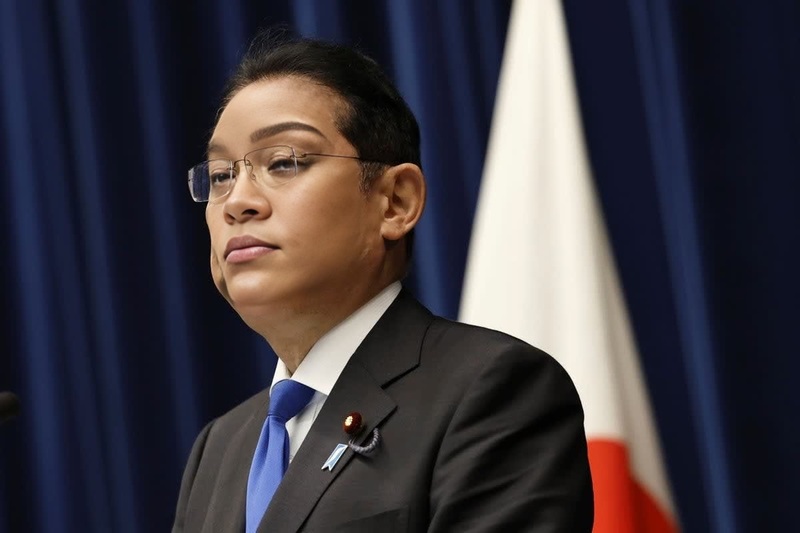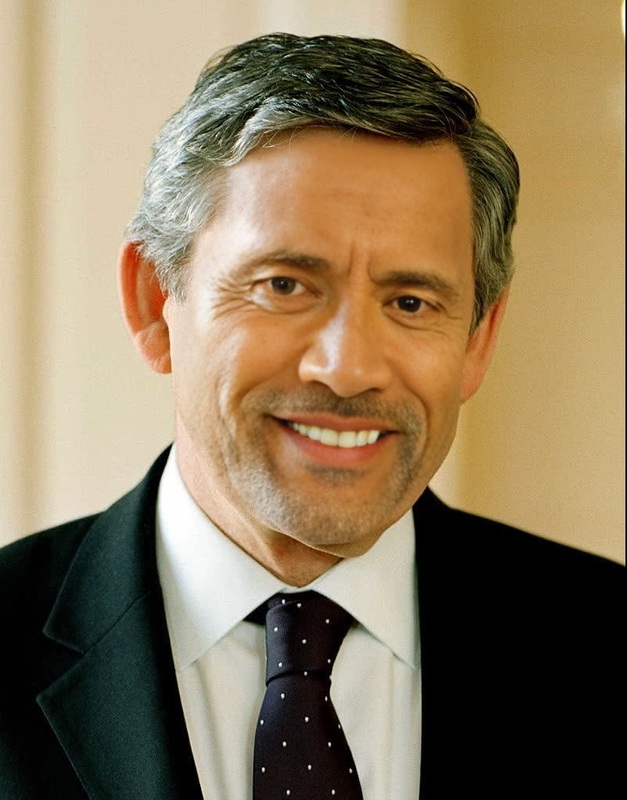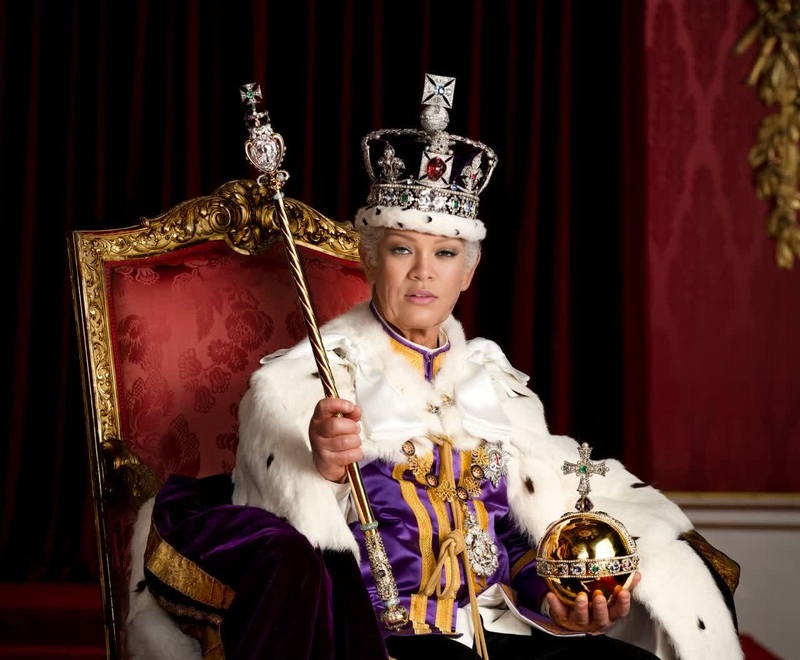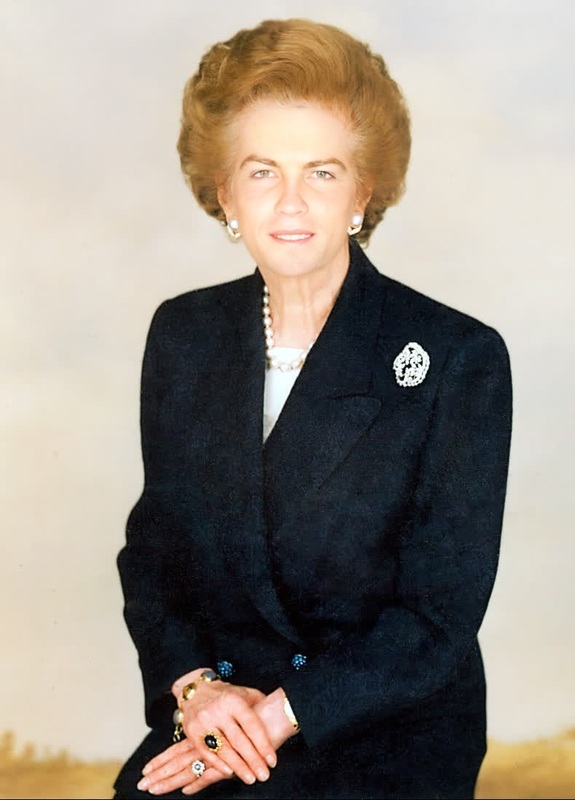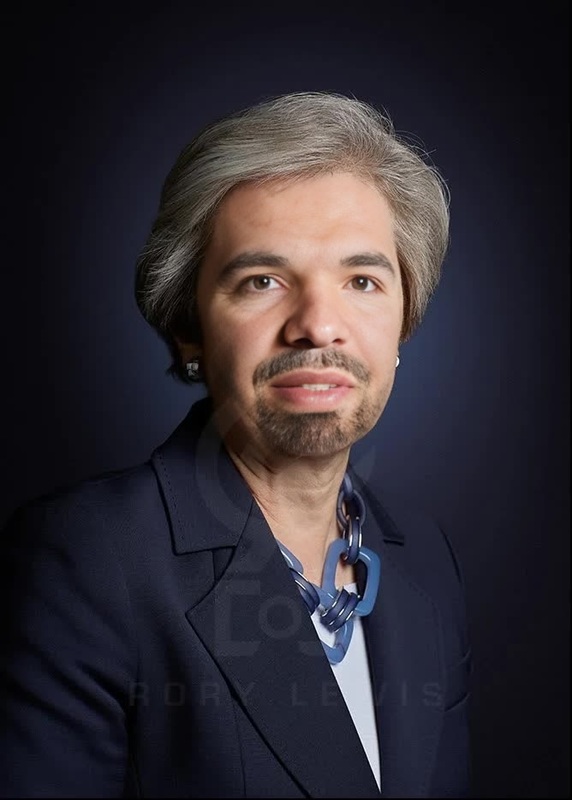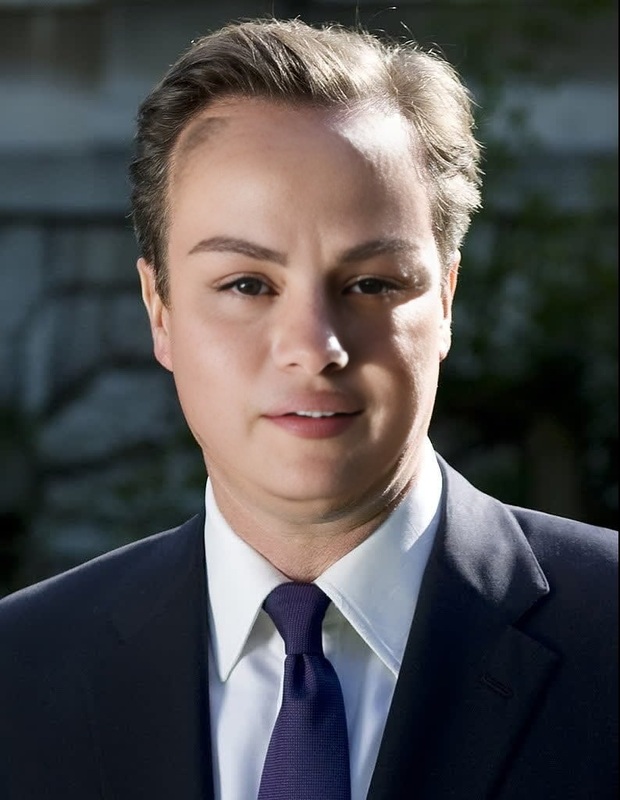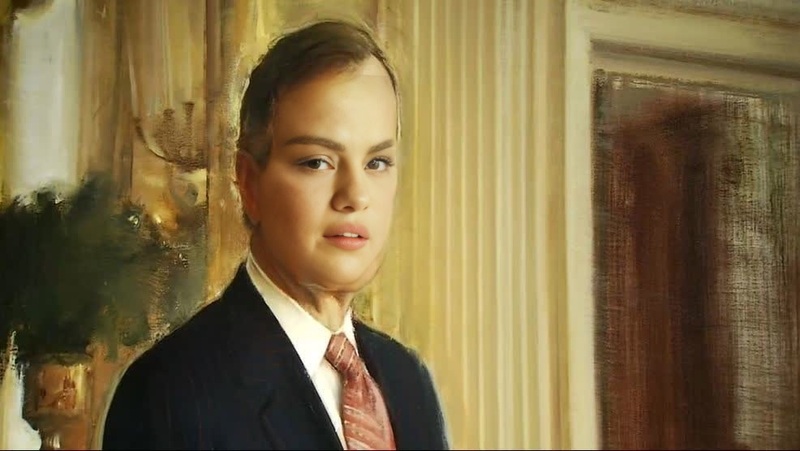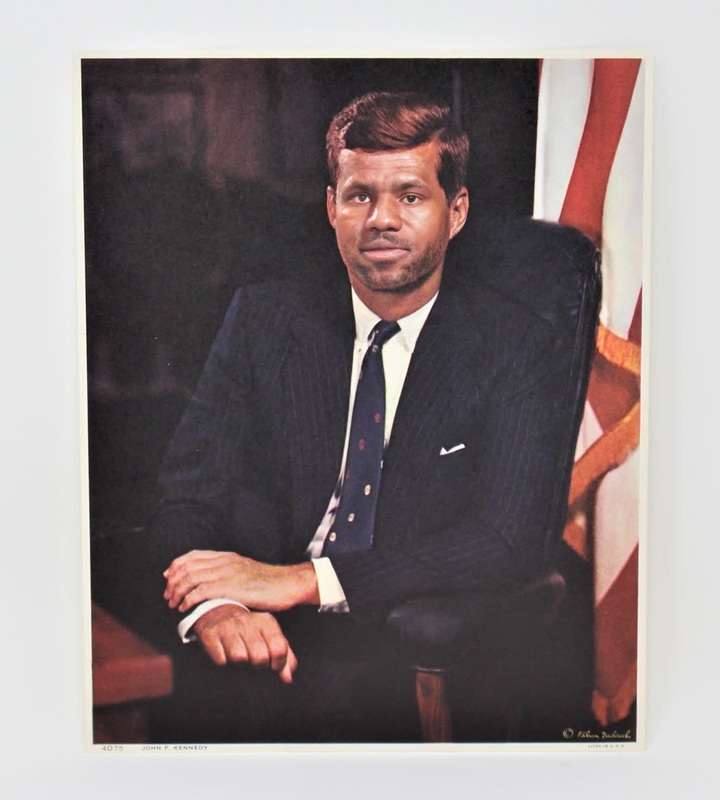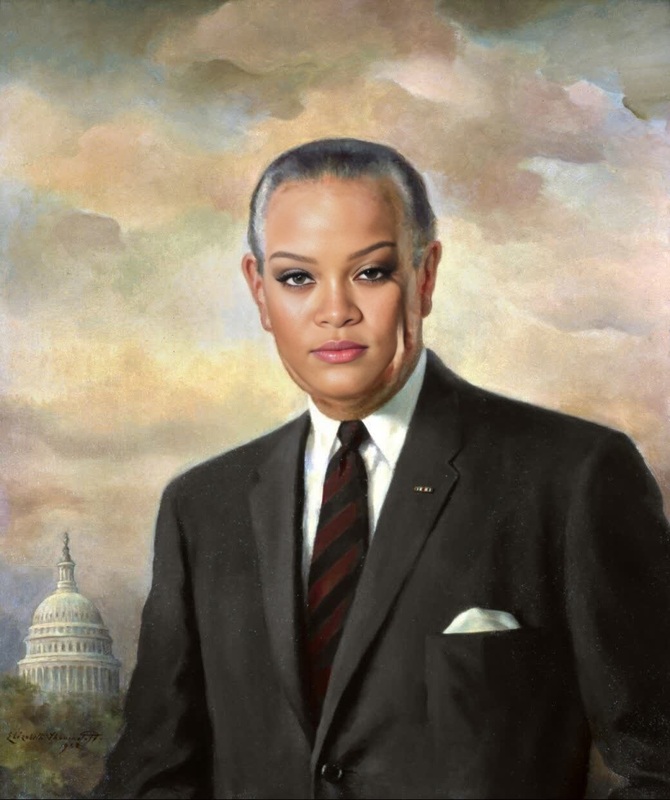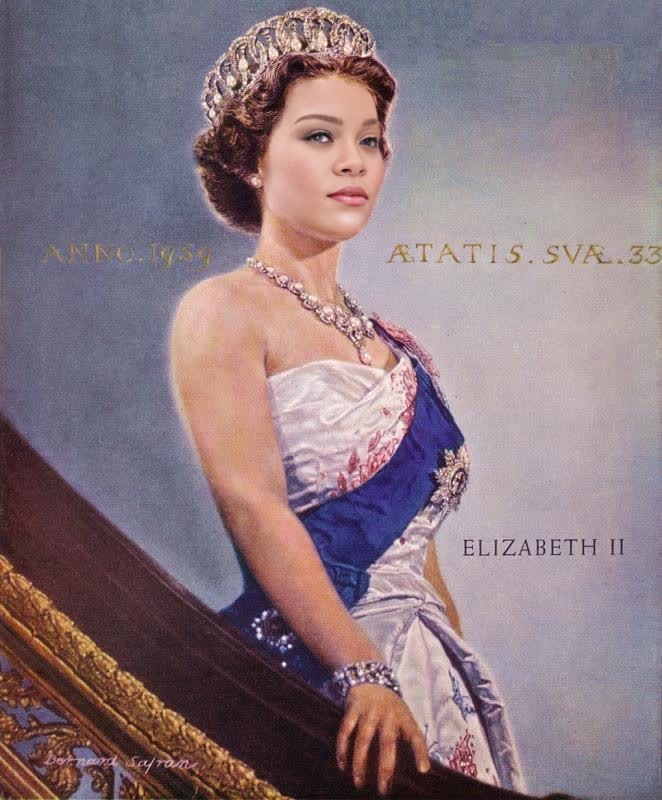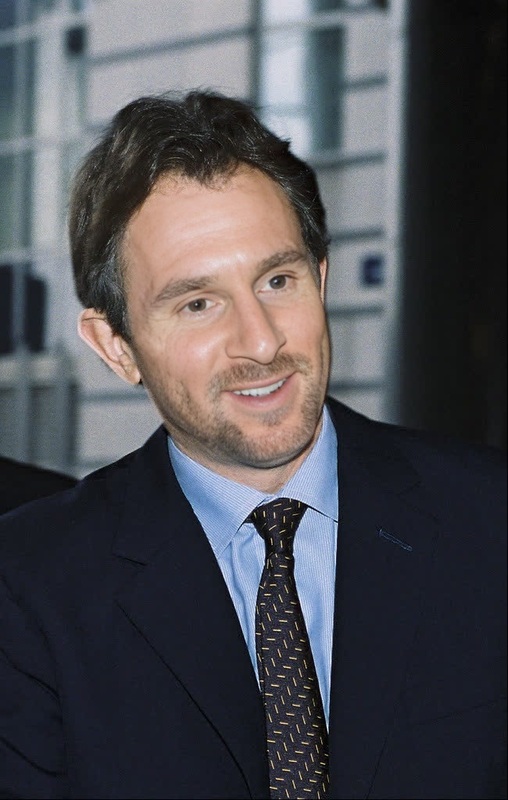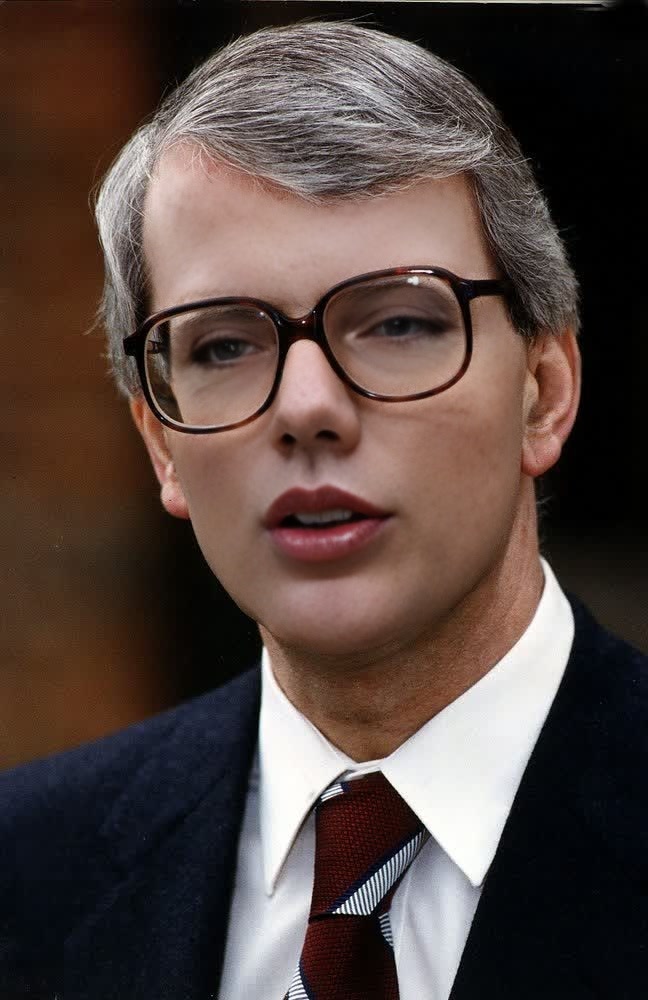
John Major United Kingdom Prime Minister Archival Portrait
- Image
- 648 × 1000 px
Any aspect ratio
Overview
Step back in time with the "John Major United Kingdom Prime Minister Archival Portrait" template. This Video Face Swap tool allows you to infuse any video with the distinguished presence of former Prime Minister John Major using archival portrait techniques.
What It Does
This template takes advantage of advanced facial recognition technology to replace existing faces in your video content with that of John Major, the UK Prime Minister during the early 1990s. It's perfect for creating historical documentaries or fun, fictional scenarios.
With just a few clicks, you can achieve an authentic swap that respects the video's original lighting and facial movements. This isn't just for entertainment—it's a powerful way to engage with historical storytelling.
Who It's For
The template is ideal for content creators, educators, and history enthusiasts interested in UK political history. By integrating with our AI Image Editor, you can refine results further, ensuring professional quality for both educational and promotional content.
Summary
Transform your video projects by incorporating the historical figure of John Major. This template offers intuitive editing within the AI Video Generator ecosystem, making it accessible for both amateurs and professionals looking to add a touch of history to their videos.
How to Use
Choose the Template

Customize Your Video

Generate and Download

Use Cases
Historical Documentaries
Social Media Content
Promotional Videos
Best Practices
Start with High-Quality Videos
Use high-resolution video files for clearer and more precise face swaps.Match Lighting Conditions
Ensure that the lighting conditions in your video align with the archival portrait for a natural look.Utilize Editing Tools
Post-process your videos with the AI Image Editor for any necessary retouches.
FAQs
More Like This