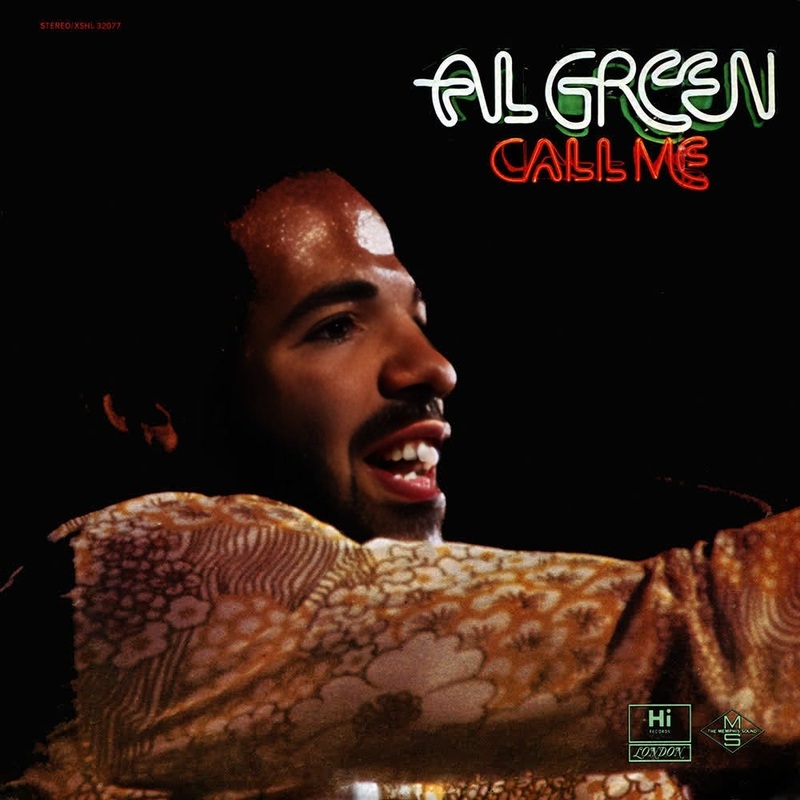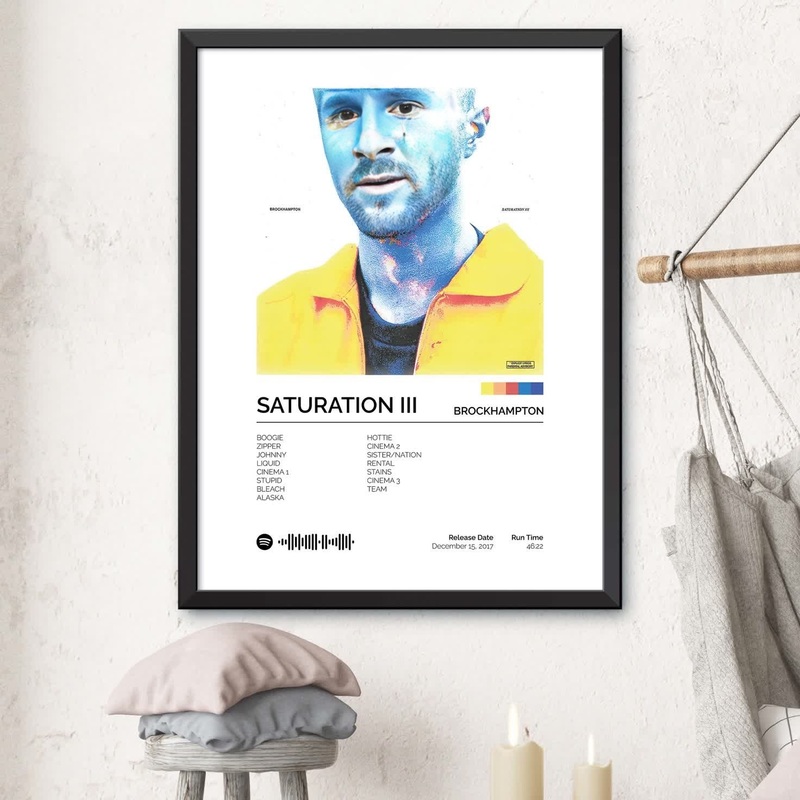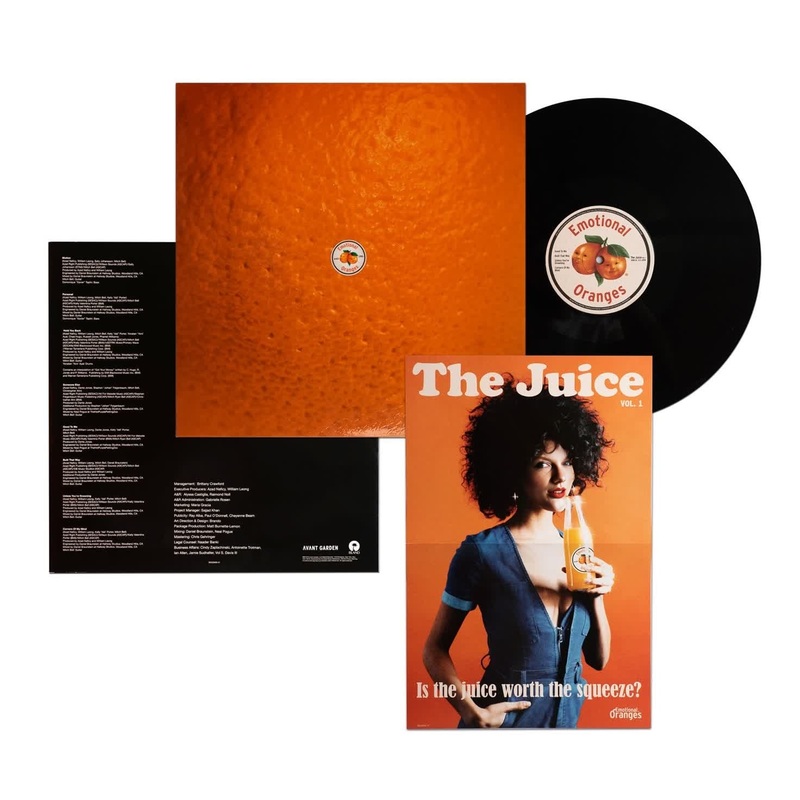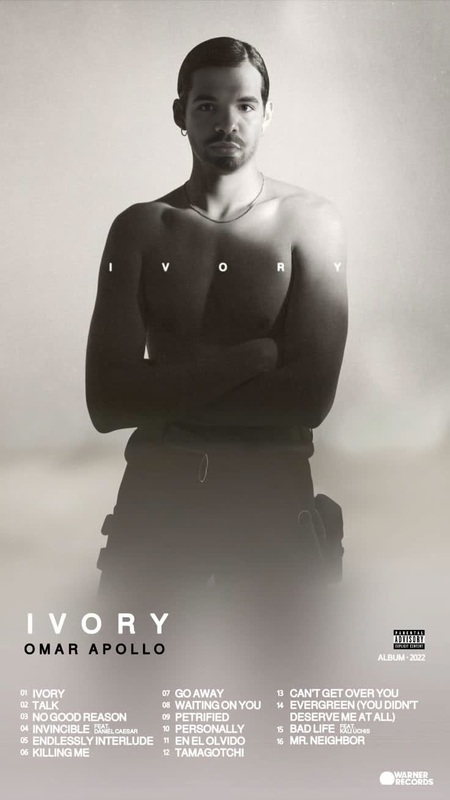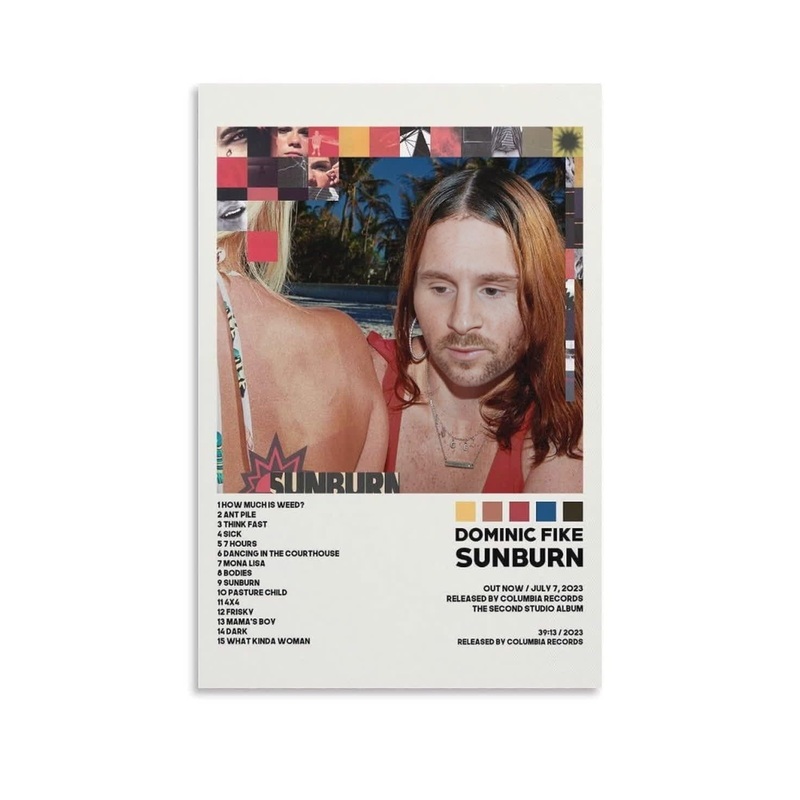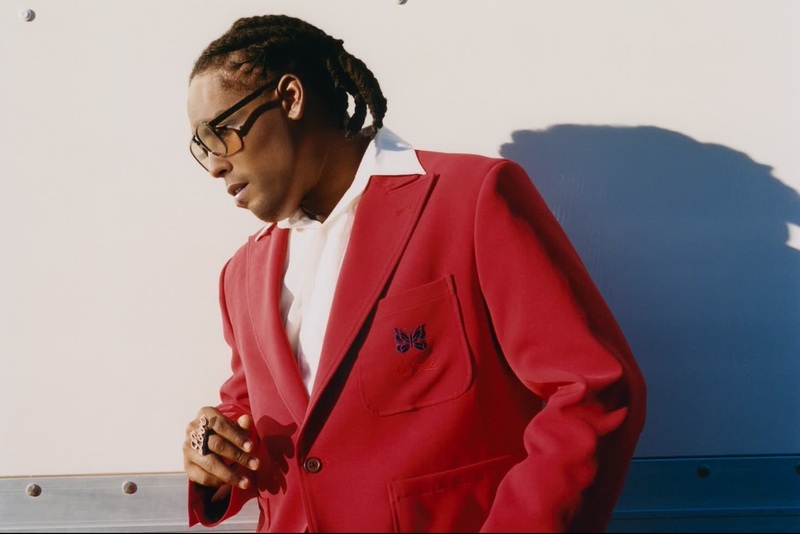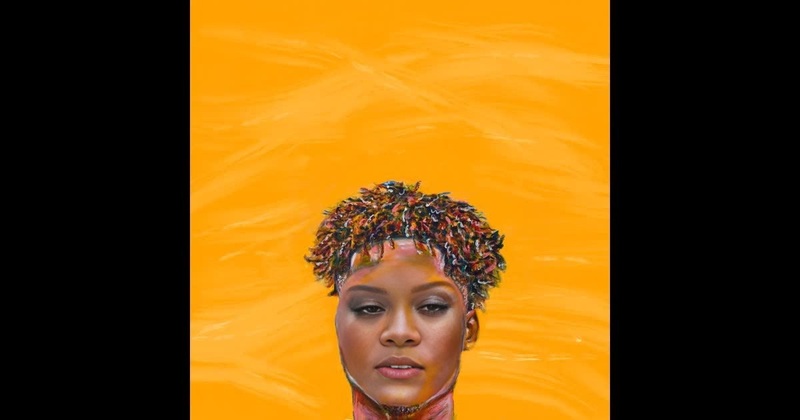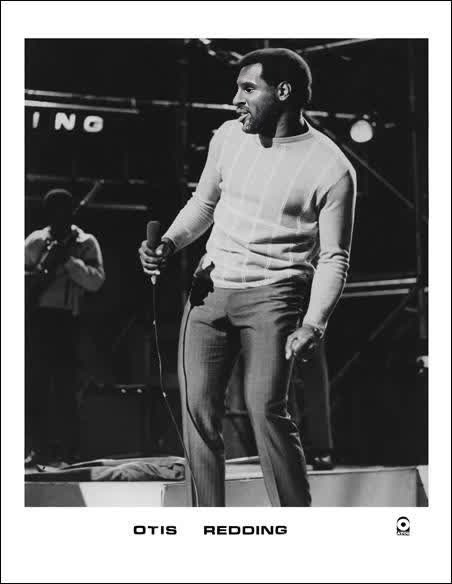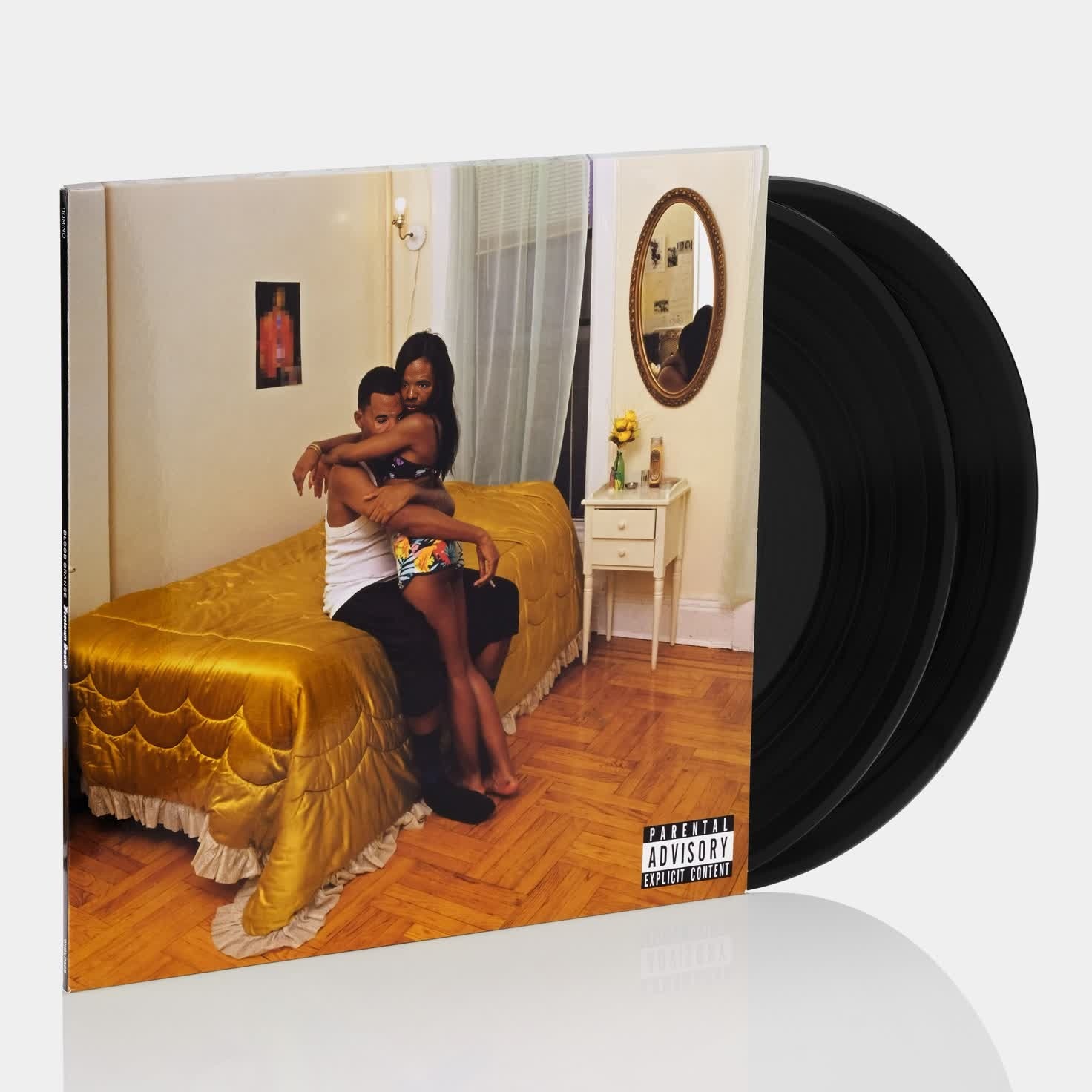
Blood Orange Freetown Sound Press Portrait
- Image
- 1472 × 1472 px
Any aspect ratio
Overview
Transform your creative projects with the Blood Orange Freetown Sound Press Portrait Video Face Swap template. This tool enables users to exchange faces in videos effortlessly, producing eye-catching and engaging content that elevates any visual project.
Whether you're looking to revamp a marketing campaign or adding a fresh twist to personal videos, this template provides a unique way to connect with your audience through stunning visual artistry.
What It Does
The Blood Orange Freetown Sound Press Portrait template utilizes advanced Video Face Swap technology to transform videos by swapping faces seamlessly. It maintains high resolution and natural expression in the resulting video.
With its intuitive interface, users can impart new personalities to existing footage. The template supports various video formats including MP4 and MOV files, so you can easily integrate your edited content into multiple platforms.
Who It's For
This template is ideal for creators in the entertainment industry, such as directors, video editors, and social media marketers striving for innovative storytelling methods. It also caters to educators and influencers who wish to add a creative dimension to their educational or promotional materials.
Additionally, hobbyists interested in video editing will find this template accessible and rewarding, providing a fun way to enhance personal projects or participate in social media trends like those seen on TikTok.
Summary
Utilizing the Blood Orange Freetown Sound Press Portrait template enables creatives to swap faces in video formats with high precision and artistry. Perfect for social media ads or engaging personal projects, this Video Face Swap template is a versatile addition to your toolkit.
Build captivating narratives by transforming your video content's visual impact. This solution is tailored for professionals and hobbyists alike who are seeking to harness face swap technology in unique and compelling ways.
How To
Choose Your Template

Customize Your Inputs

Generate Your Video

Use Cases
Social Media Campaigns
- Instagram Stories
- TikTok Challenges
Marketing Content
- Product Launch Videos
- Corporate Advertisements
Educational Videos
- Historical Reenactments
- Character Introductions
Best Practices
Select High-Quality Source Videos
Use high-resolution videos for both source and target files to ensure the final output maintains its quality.Match Skin Tones and Lighting
Make sure the lighting and skin tones of the source and target faces are similar to achieve a natural look.Preview Before Finalization
Utilize the preview feature to check the swapped face alignment and make necessary adjustments before generating the final video.