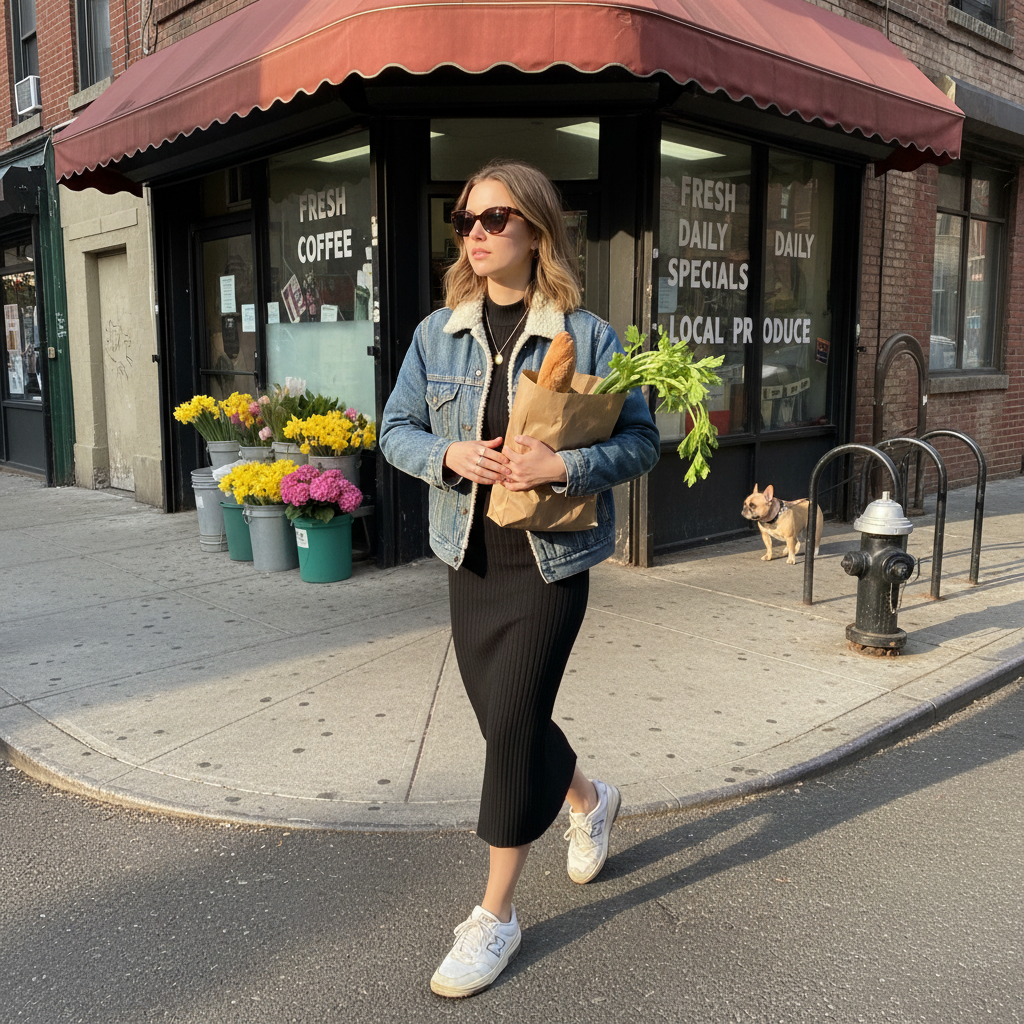
Brooklyn Bodega Run
- Model
- Nano Banana
- Image
- 1024 × 1024 px
Prompt
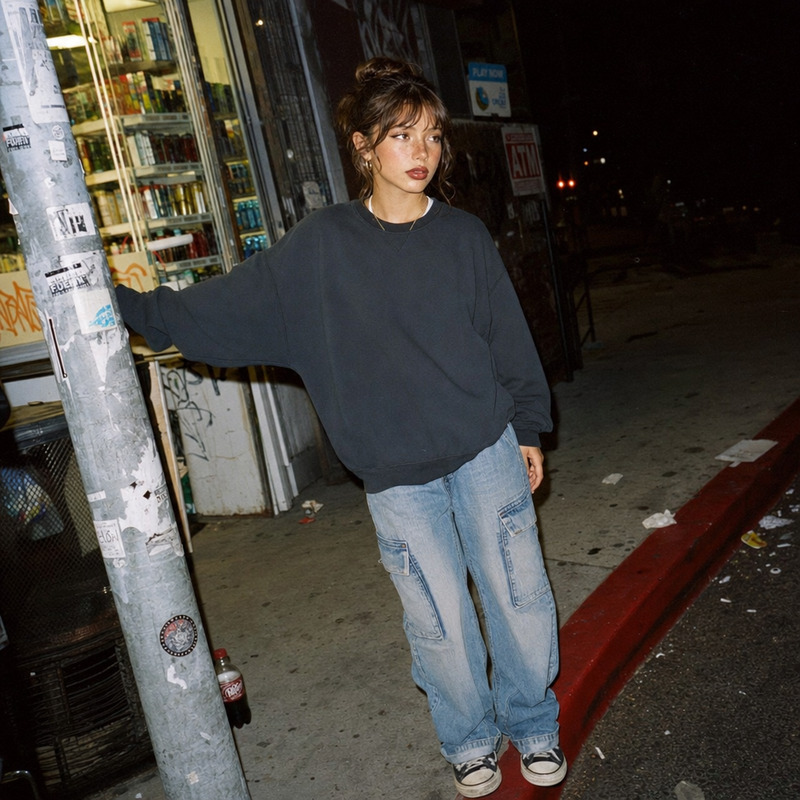
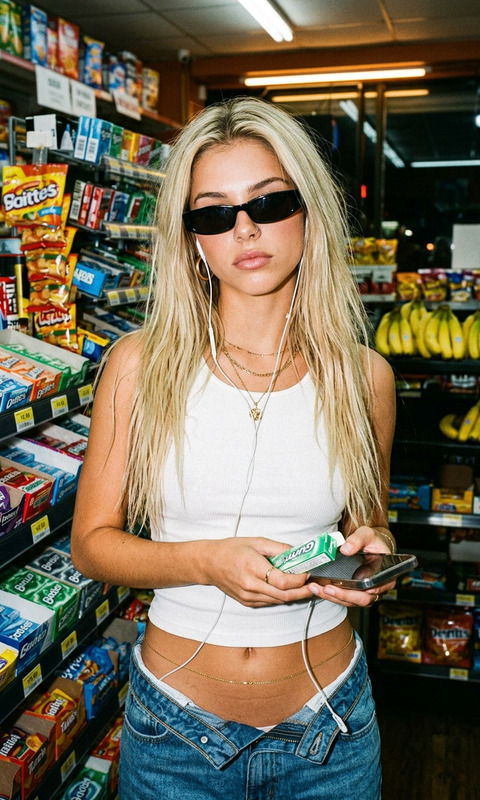
A candid iPhone snap of a subject stepping out of a corner bodega on a Brooklyn side street, a brown paper bag cradled in one arm with a baguette and leafy green celery tops poking out. Subject wears a vintage washed denim jacket with a shearling collar over a fitted black ribbed midi dress and beat-up white New Balance 550s with visible wear marks. Tortoiseshell cat-eye sunglasses sit on the subject’s face, and a thin gold chain necklace catches the light. Subject’s light brown hair is air-dried and slightly wavy, tucked behind one ear. The bodega facade shows a faded red awning, stacked flower buckets in bright yellows and pinks, and hand-lettered specials on the window in white paint. The sidewalk is cracked concrete with a fire hydrant and a leashed French bulldog in the background waiting by a bike rack. Late afternoon sun hits the street at a low angle, casting warm light on one side of the subject’s face. Shot from across the narrow street with a slight upward angle, the casual composition captures authentic neighborhood energy — bodega run, shot on iPhone.
Any aspect ratio
Overview
The "Brooklyn Bodega Run" template leverages the AI Image Editor capabilities of the nano-banana model to transform your images into a quintessential New York scene. Capture the essence of a day in Brooklyn with precise AI adjustments tailored for a realistic yet artistic rendition.
What It Does
This template refines your image to create a vivid narrative of a Brooklyn day, complete with detailed elements like the bodega's facade and the subject's fashion. The AI Clothes Changer and color enhancement features enrich your photos by weaving in textures and adjusting tones to highlight the scene's key features.
Who It's For
This is ideal for photographers, content creators, and marketers looking to craft authentic visual stories. Whether you're documenting urban lifestyle or producing content for social media, the AI Image Upscaler offers you high-quality imagery that resonates with viewers.
Summary
Using the AI Image Editor template "Brooklyn Bodega Run," you can effortlessly bring a local Brooklyn vibe to your content. The integration of AI tools allows for nuanced edits that maintain the authenticity of the scene, making it perfect for expressive and vivid storytelling.
How to Use
Choose the Template

Customize Your Image

Generate Your Image

Use Cases
Social Media Content
- Highlight fashion items
- Showcase urban lifestyles
Marketing Campaigns
- Promote local brands
- Illustrate urban stories
Digital Art Projects
- Create authentic street captures
- Embellish digital exhibitions
Best Practices
Focus on Details
Enhance features such as lighting and textures to make your images stand out.Maintain Authenticity
Keep the edits subtle to preserve the natural feel of the image, enhancing rather than overwhelming.Experiment with Angles
Utilize unique perspectives and angles in your original photo to add depth and intrigue before applying edits.