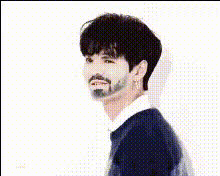
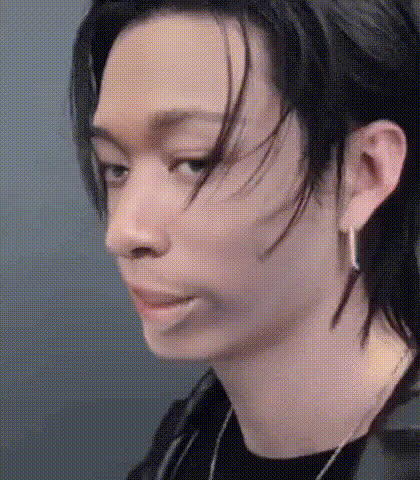
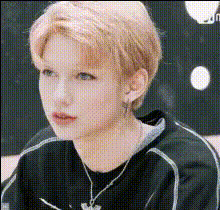
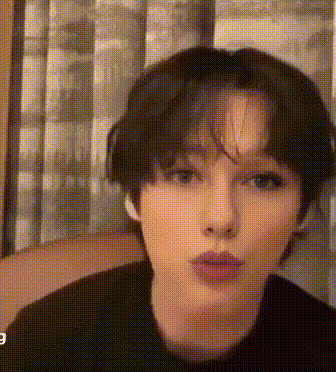
"Look at me" #StrayKids #SKZCODE
face-swap
Any aspect ratio
Tags
kpop“Look At Me” #StrayKids #SKZCODE Face Swap Video Template
Overview
The “Look At Me” #StrayKids #SKZCODE template lets you drop your face into an iconic Stray Kids moment in a few clicks. Built on Magic Hour’s AI Face Swap technology, this template is designed for fast, high‑quality fan edits, reaction clips, and social content that feels studio‑produced without requiring editing skills.
You can use this template as‑is, or remix it inside Magic Hour to build your own reusable face swap workflow for K‑pop, memes, and shorts content.
What This Template Does
- AI Face Swap on Stray Kids Clip
Instantly place your face (or a friend’s) onto a Stray Kids member in the “Look At Me” style scene. Magic Hour aligns facial features, lighting, and expressions for a natural‑looking result. - Optimized for Social Platforms
The edit is structured to perform well on TikTok, Instagram Reels, and YouTube Shorts: tight framing, fast pacing, and a clear “wow” moment where the face swap is obvious. - Replayable & Remixable
You can reuse the same setup with different faces, or duplicate the template and extend it with other Magic Hour tools such as Face Swap Video, Video‑to‑Video, or Text‑to‑Video.
Inspiration & Context
Stray Kids (SKZ) are known for high‑energy choreography, strong stage presence, and a tight connection with their fandom, STAY. Fan edit culture around K‑pop has exploded across TikTok and YouTube, where AI‑powered face swaps are now commonly used for:
- POV edits (“you on stage with Stray Kids”)
- Bias‑focused clips (dropping yourself next to your bias)
- Reaction content and meme formats
This template is built to mirror that aesthetic: bold expressions, dynamic motion, and a clearly readable face so the swap is instantly recognizable in a fast‑scroll feed.
How to Use This Template in Magic Hour
- Start from the Face Swap Video tool
Open Face Swap Video. Pick the “Look At Me” #StrayKids #SKZCODE template from the template gallery. - Upload the face you want to swap in
Use a clear, front‑facing photo (good lighting, minimal obstructions like masks or large sunglasses). For best results, match the angle and expression roughly to the target video. - Generate your face swap video
Let Magic Hour apply the face swap. Preview the result, then download or share directly to your social channels. - Remix the template (for creators and marketers)
Duplicate the template in your Magic Hour workspace. Swap in:- New faces (influencers, UGC creators, team members)
- Other performance clips using Video‑to‑Video
- Custom AI‑generated characters using AI Character Generator or Avatar Generator
Advanced Remix Ideas
If you’re building more than a one‑off meme, you can chain Magic Hour tools together to create a richer workflow:
- Turn photos into performance clips
Start with a still image, then animate it with AI Talking Photo or Animation. Once animated, run a face swap on top using Face Swap or Face Swap Video. - Create your own “idol” persona
Use AI Headshot Generator or Avatar Generator to design a stylized version of yourself, then insert that face into the template. This gives you a consistent on‑brand identity across all your edits. - Build branded fan campaigns
Marketers can:- Invite fans to upload their photo
- Run it through a cloned version of this template
- Return a short, share‑ready clip with your branding
Best Practices for High‑Quality Face Swaps
- Use high‑quality face photos
Clear, high‑resolution images with neutral lighting yield better swaps. Avoid heavy filters, extreme makeup, or very low‑light selfies. - Match pose and expression when possible
According to research on deepfake and face‑swap quality, alignment between source and target (head tilt, gaze direction, and expression) significantly improves realism. Try to use a photo where your face angle roughly matches the Stray Kids member in the frame. - Keep the subject centered
Faces that are centered and unobstructed (no hands covering the face, no large hats) will track more accurately across fast dance moves. - Respect rights and platform policies
When using AI face swap tools, make sure you:- Have consent from anyone whose face you upload
- Follow the terms of use for footage you incorporate
- Comply with platform guidelines on synthetic and edited media
Combine Face Swap With Other Magic Hour Tools
To turn this into a full content pipeline, you can connect:
- AI Image Generator or AI Photo Generator to design original backgrounds, concepts, or posters around your “Look At Me” clip.
- AI Image Editor, Remove Object from Photo, or Watermark Remover to polish thumbnails and promo images.
- AI Voice Generator or AI Voice Cloner to create voiceovers that match the energy of the clip for trailers, teasers, and narrative edits.
- Thumbnail Maker to generate high‑CTR thumbnails for YouTube or Shorts compilations featuring your Stray Kids edits.
Who This Template Is For
- K‑pop and Stray Kids fans who want fast, polished fan edits without learning After Effects or deepfake tooling.
- Creators and VTubers building a recurring “you on stage” or “idol POV” format for Shorts, TikTok, and Reels.
- Marketers & startup teams testing AI‑powered UGC campaigns, interactive fan experiences, or creator tools.
- Developers & product teams exploring face swap as a feature inside apps, communities, or fan platforms using Magic Hour as a prototyping environment.
How to Remix This Template Into Your Own
To turn the “Look At Me” #StrayKids #SKZCODE template into a custom reusable asset:
- Open the template via Face Swap Video.
- Duplicate it in your workspace.
- Swap the source video with your own performance clip, stock footage, or AI‑generated video via Video‑to‑Video or Image‑to‑Video.
- Standardize your inputs (for example, always use a portrait‑style selfie, or a branded avatar created with Avatar Generator).
- Save and reuse this remixed template for campaigns, content drops, or fan interactions.
Get Started
Open the “Look At Me” #StrayKids #SKZCODE template in Face Swap Video, upload your photo, and generate your clip in minutes. From there, you can iterate, remix, and scale the format into a complete AI‑powered content system inside Magic Hour.