stray-kids-face-mask-fun
Overview
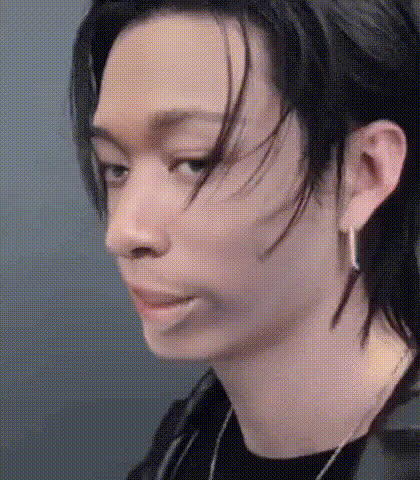
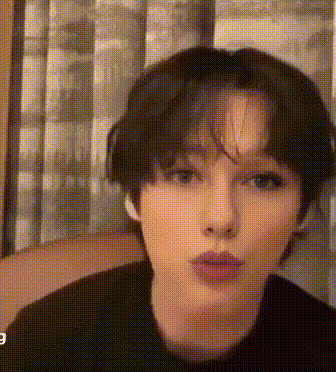
The Stray Kids Face Mask Fun template is crafted for fans and creators eager to blend their footage with the distinct personalities of Stray Kids. Rotate your clips into captivating video experiences by swapping faces seamlessly.
What It Does
Designed as a Video Face Swap tool, this template enables you to insert Stray Kids' members' faces into your own videos. Utilizing advanced face swap algorithms, you can maintain facial expressions and angles, resulting in a realistic transformation.
Explore other options like the AI Image Editor for refining your video after the face swap. This ensures every frame looks top-notch and ready to share with others.
Who It's For
This template is perfect for Stray Kids fans, social media influencers, and content creators who thrive on creativity and fan-led engagement. Whether you're making meme-worthy content or personalized fan videos, this template suits all.
If you're looking for more transformations, the Image-to-Video and Body Swap products can further enhance your video projects.
Summary
With the Stray Kids Face Mask Fun template, creating viral video content with a touch of your favorite K-pop band has never been easier. Leverage the Face Swap Templates for a simple yet powerful solution to stand out in digital spaces.
How To
Choose the Template

Customize Your Inputs

Generate the Video

Use Cases
Fan Engagement
- Extend reach on social media platforms
- Encourage re-shares by fans and groups
Social Media Content
- Participate in trending challenges
- Stand out with innovative transformations
Creative Projects
- Ideal for fun edits
- Perfect for experimenting with video effects
Best Practices
Choose High-Quality Clips
Start with high-resolution video clips for the best face swap results. This minimizes distortion and ensures a cleaner face swap.Maintain Original Expressions
Where possible, match the angles and expressions of the original footage with the Stray Kids' faces to maintain realism.Leverage Additional Tools
Use the AI Image Upscaler for post-editing enhancements, ensuring your video composition is clear and attractive.