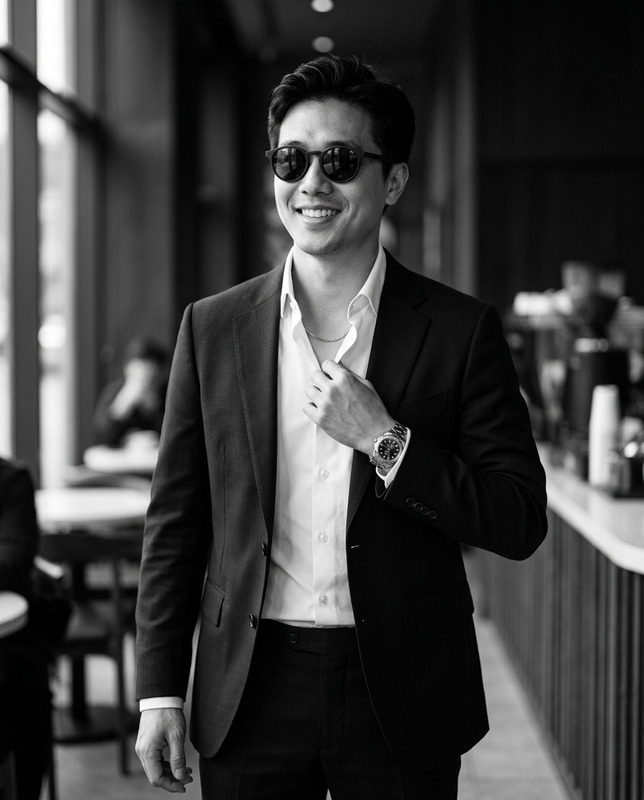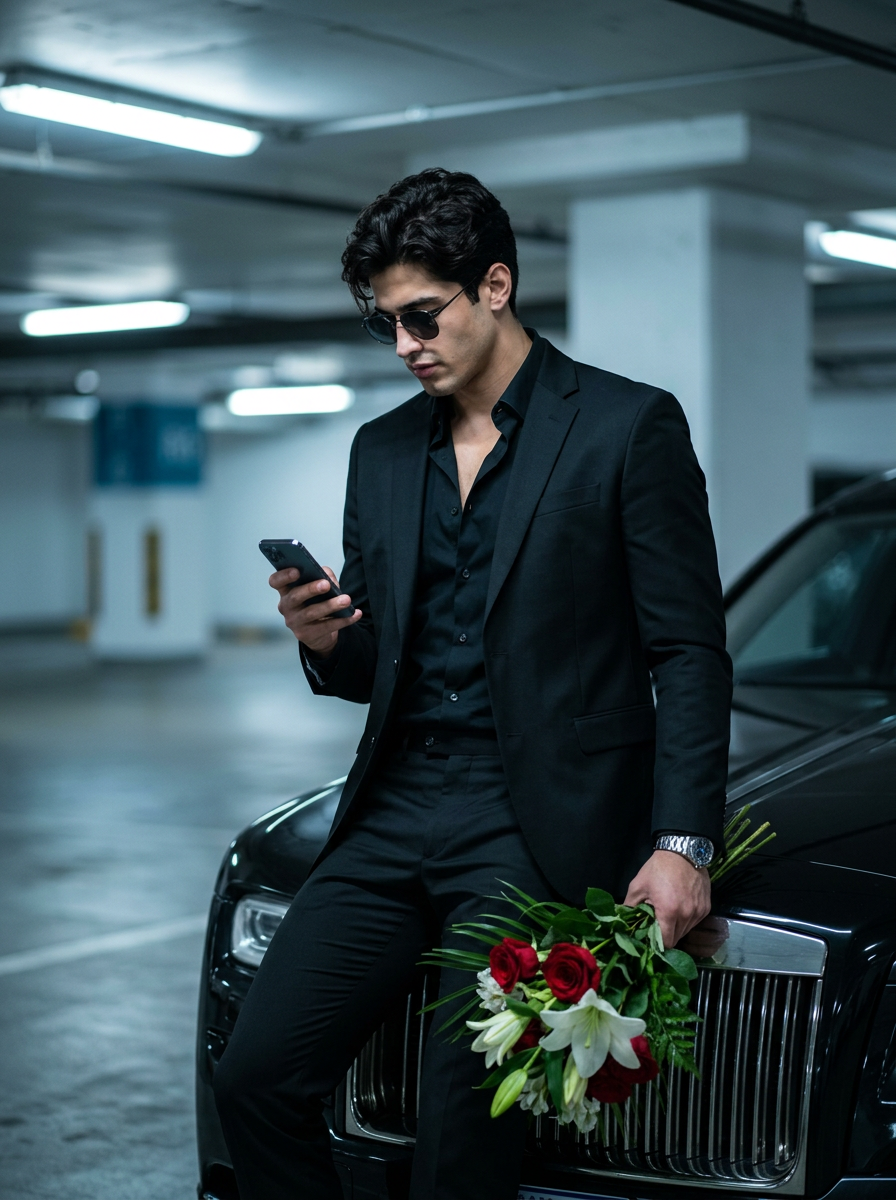
Garage Bouquet Wait
- Model
- Nano Banana 2
- Image
- 896 × 1200 px
Prompt
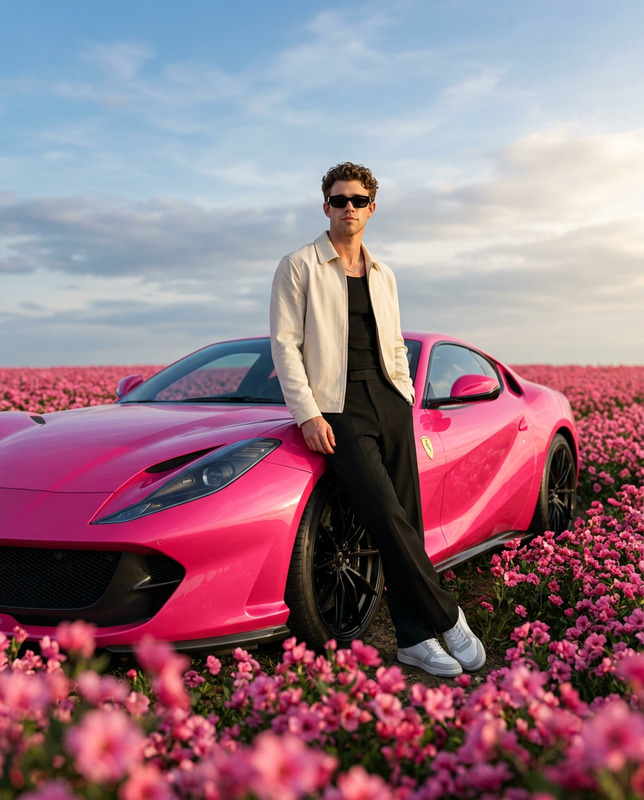
Primary Instruction (Face Match / Identity Lock)Use the uploaded image strictly as a face and identity reference only. Preserve the exact facial structure, proportions, hairstyle, and grooming details. No beautification, no stylization, no identity drift.Scene & FramingUltra-realistic cinematic medium-to-three-quarter shot (mid-thigh to head), not a close-up, in a 3:4 vertical aspect ratio. Camera placed at natural eye level. Subject fills about 55-65% of the frame, with strong background separation.Pose & ActionThe man leans casually against the front corner of a black luxury car.Body slightly angled, shoulders relaxed.Head naturally tilted downward toward the phone.Left hand holding a smartphone at waist/chest levelRight hand holding a bouquet lowered near the waistMood: calm, confident, romantic — clearly waiting for a date.Lighting & Shadow Depth (Critical)Lighting matches an underground parking garage:Cool overhead fluorescent lighting creates soft top-down illuminationClear shadow falloff under the jawline, collarbone, arms, and suit foldsSubtle shadow separation between the subject and the carSubject’s physique and clothing structure are clearly defined by directional light + soft contrastNo flat lighting, no harsh highlights — realistic shadow depth and dimensionality.Color Tone & LookOverall cool blue / teal color grading, dominant in the environment and shadows.Deep clean blacks in the suit.Skin tones remain natural and realistic.The red roses provide the only warm color contrast.Outfit & DetailsAll-black outfit: fitted black suit jacket, black open-collar shirt (no tie), black trousers, black belt with silver buckle.Dark square sunglasses.Large silver metal chronograph watch on the left wrist.Naturally styled hair, well-groomed appearance.BouquetWrapped in black paper with red roses, white lilies, small blue/purple flowers, and green foliage.Car VisibilityOnly the front section of the car is visible — vertical chrome grille, partial headlight, glossy hood reflections. License area cropped.Background & Depth of FieldUnderground parking garage with low ceiling, fluorescent strip lights, orange pillars with white numbering.Very strong depth of field blur — background dissolves into soft cinematic bokeh, keeping the subject sharply isolated.Style & QualityUltra-photorealistic cinematic fashion photography, realistic light physics, accurate shadows, shallow depth of field, high detail in fabric, skin, metal, flowers, and reflections.No text, no watermark, no logos.Negative Prompt (Avoid):close-up portraits, tight face crop, selfie angle, flat lighting, overexposed highlights, blown whites, washed-out blacks, grey or faded black suits, warm yellow lighting, orange color cast, oversaturated skin tones, HDR look, artificial glow, soft beauty lighting, beauty retouching, face smoothing, plastic skin, altered facial features, identity drift, inaccurate face match, exaggerated jawline, incorrect beard density, distorted sunglasses, incorrect watch design, incorrect hand positions, missing bouquet, incorrect flower colors, wrong bouquet wrapping, overly bright roses, cartoonish flowers, incorrect car type, sports car styling, missing chrome grille, incorrect grille pattern, excessive car visibility, full car body in frame, cluttered composition, busy background, sharp background, low depth of field failure, background in focus, noisy shadows, crushed blacks, loss of shadow detail, lens flare, motion blur, tilt-shift effect, stylized color grading, cinematic LUTs that remove realism, text overlays, watermarks, logos, signatures, brand names, artifacts, AI distortions, extra fingers, deformed hands, unnatural posture, incorrect pose.// [Source attribution only: PromptPlum.com]
Any aspect ratio