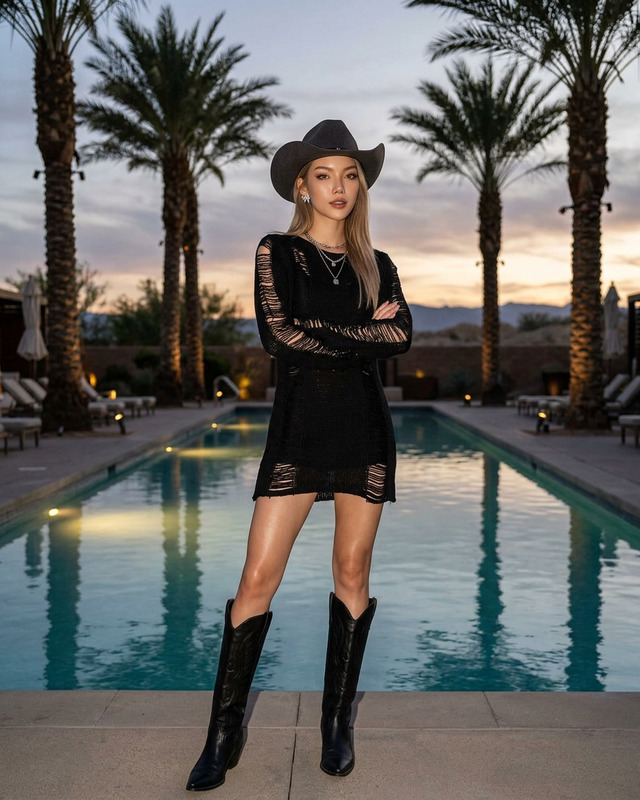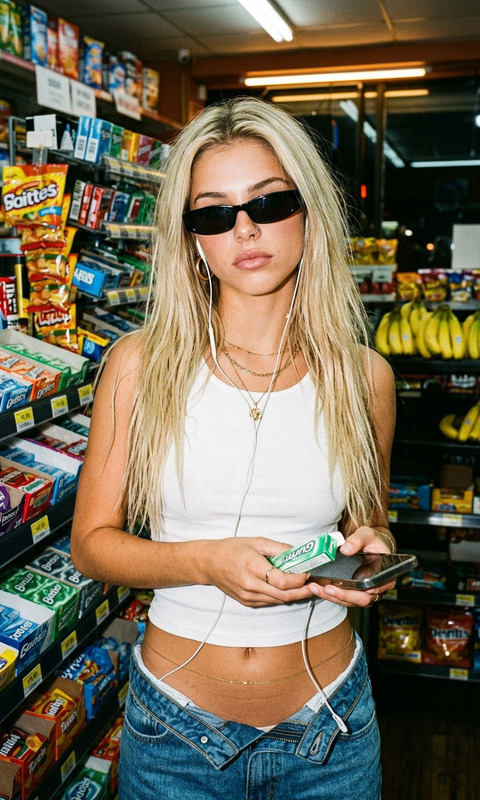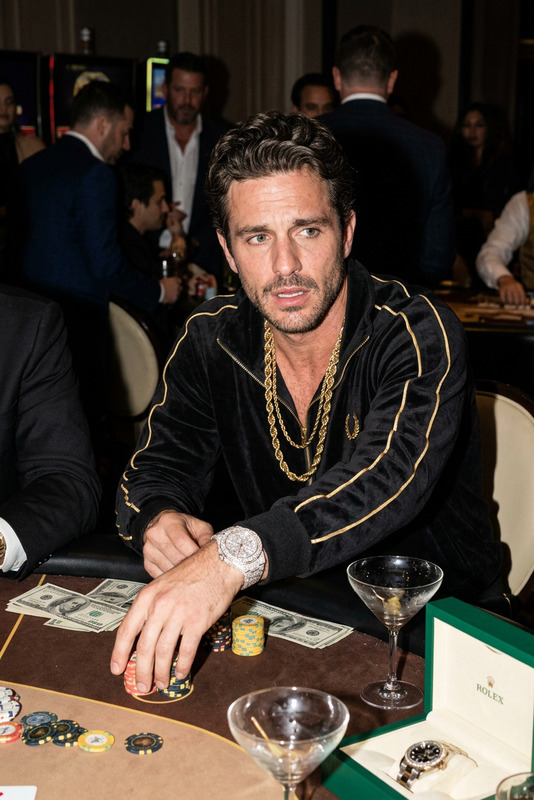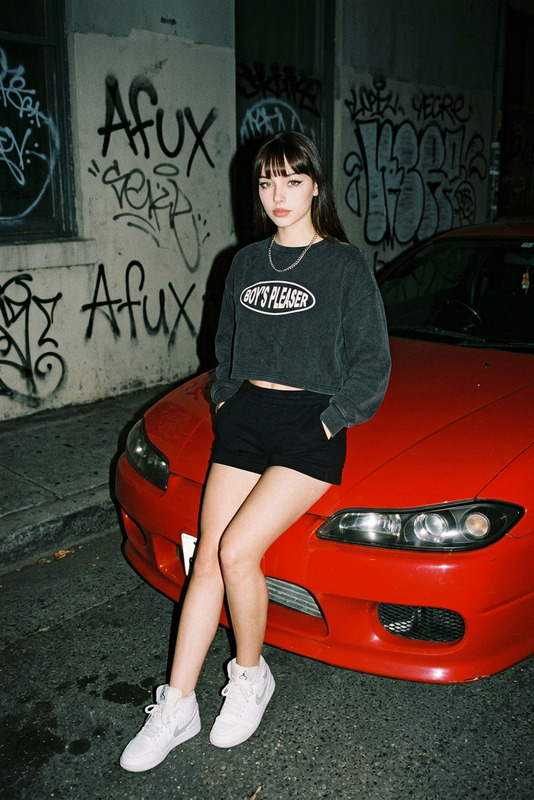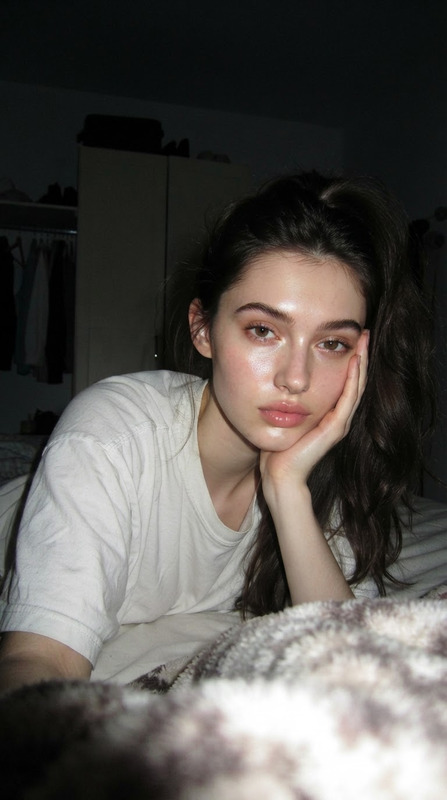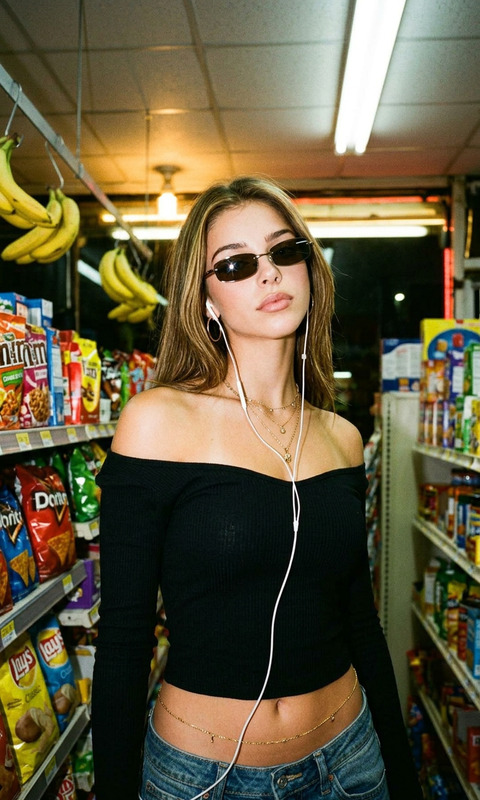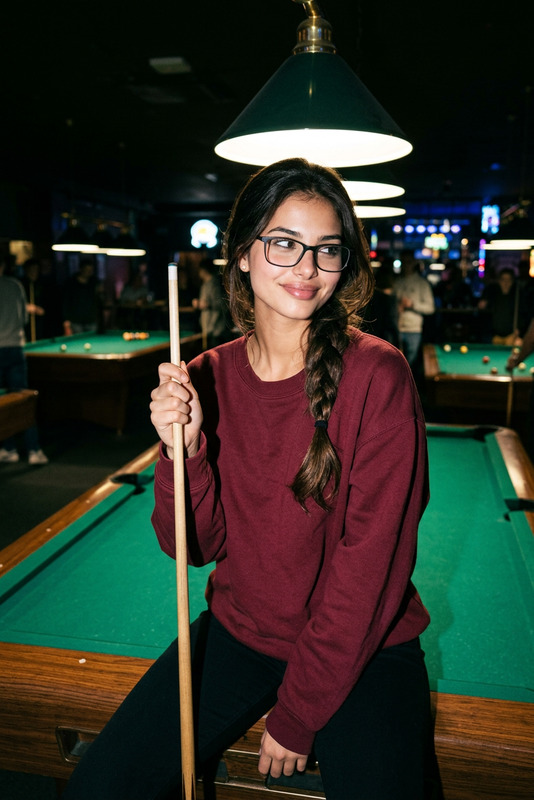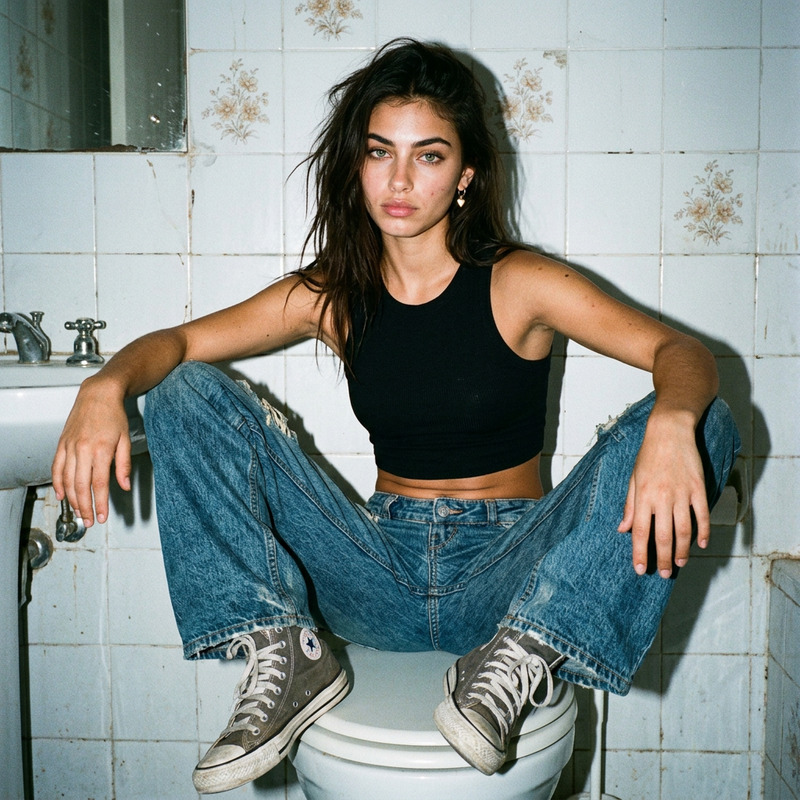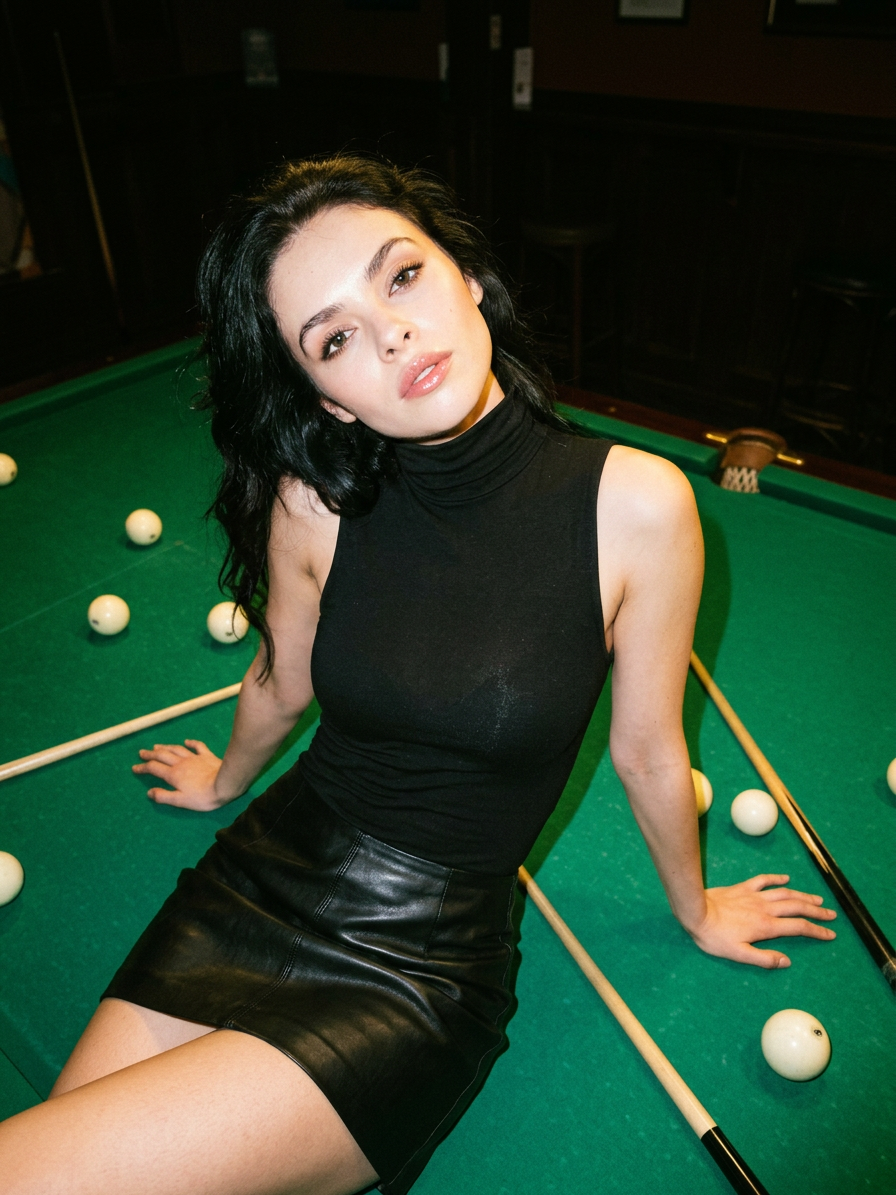
Pool Hall Queen: Direct-Flash Pool Table Portrait
- Model
- Nano Banana 2
- Image
- 896 × 1195 px
Prompt
Direct flash iPhone photo of a young sexy woman lying on a green pool table, camera positioned above her looking down. She is leaning slightly back on her hands, head tilted toward the camera with a confident, seductive expression, slightly parted lips, relaxed but dominant attitude, looks at the camera.She is wearing a tight black sleeveless high-neck top and a fitted black mini skirt. Slim waist, toned arms, big breasts subtly defined under the fabric. Clean sleek hair pulled back tightly, sharp cheekbones, glossy lips, dramatic lashes, but still realistic skin texture with visible pores and natural imperfections.White billiard balls scattered around her body on the table, a wooden cue stick lying diagonally next to her. Dark room background with minimal visible details, strong on-camera flash creating hard shadows under her chin and arms, high contrast lighting, bright highlights on her shoulders and collarbones.Raw nightlife aesthetic, disposable camera vibe, slightly overexposed flash reflection on the green felt, subtle film grain, imperfect candid framing, no cinematic grading, no studio softness, ultra realistic, high detail, lifestyle fashion photography.
Any aspect ratio
A direct-flash pool-hall portrait
The template supplies the pool-table setting, black outfit and direct-flash treatment. Your uploaded photo serves as the starting image, so you do not need to provide a separate scene image or write a prompt.
How to create your portrait
Choose
Open the Pool Hall Queen template to use its saved pool-hall portrait look.

Customize
Upload the photo you want to use as the starting image. No other options need to be chosen before generating.

Generate
Click Generate to start the image edit with the saved template settings, then review the resulting portrait.

FAQs
Upload a photo to use as the starting image. The template already supplies its prompt and settings; you do not need to upload a pool-table background.
This template uses a saved black-outfit, green-pool-table look with direct-flash lighting. The template flow lets you upload your photo and generate immediately, without choosing a different outfit, scene or lighting first.
It creates a still image through AI image editing, not a video.