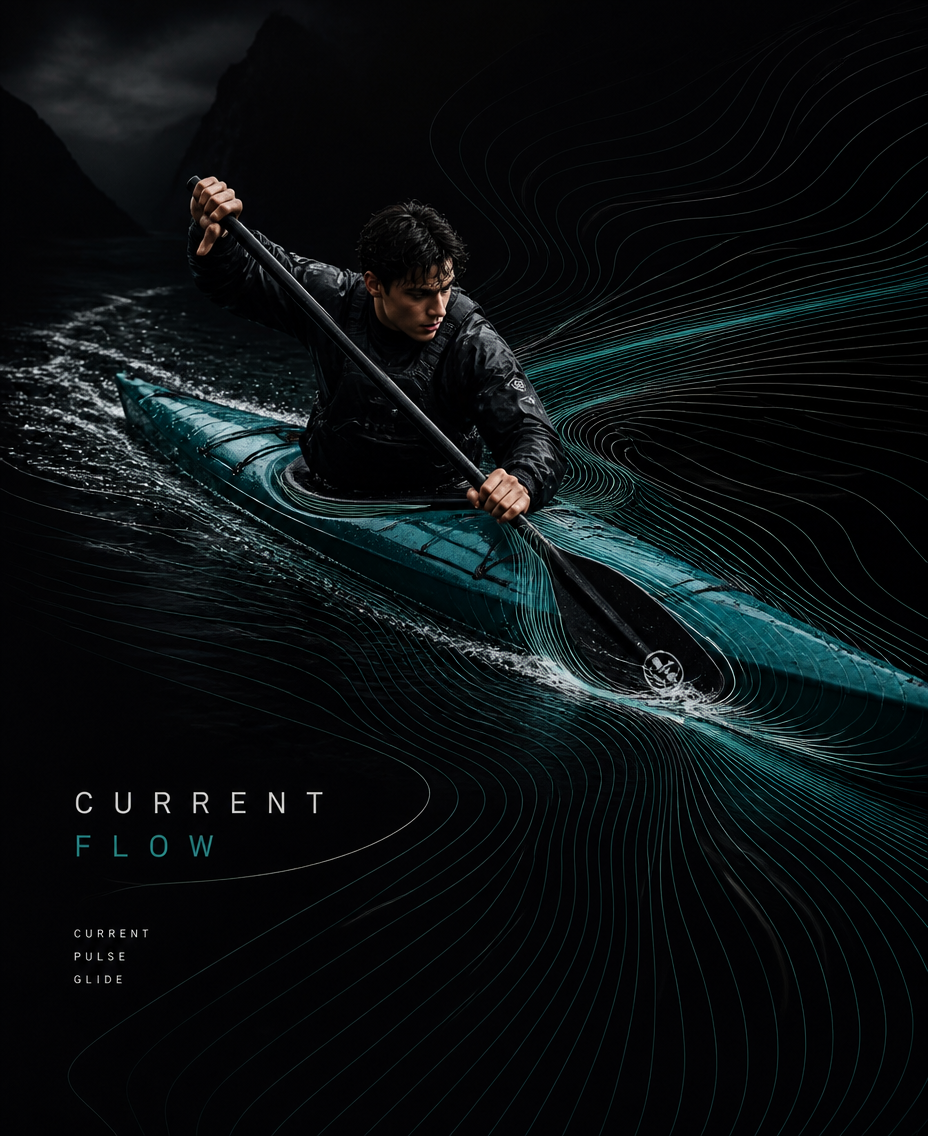
Current Flow — Kayaking
- Model
- GPT Image 2
- Image
- 928 × 1136 px
Prompt
[ACTION]: powerful forward paddle stroke through moving water, kayak cutting diagonally across the surface [FORCE]: water resistance / paddle impulse / current / wake / airflow [SCENE]: dark open river or coastal water surrounded by misty mountains and minimal atmospheric landscape [ACCENT COLOR]: deep turquoise [TITLE]: CURRENT FLOW [KEYWORDS]: CURRENT / PULSE / GLIDE [FORMAT]: 9:16 vertical Create an experimental kayaking editorial poster that visualizes the invisible forces created by movement. Use a deep black background with large negative space, realistic action photography, organic photo cropping, minimal typography, and one continuous flowing-line system. Capture the kayaker in a natural, believable moment of a powerful forward paddle stroke, with accurate paddling technique, realistic body mechanics, kayak proportions, paddle placement, outdoor clothing, water droplets and natural skin texture; the athlete should not look at the camera. Let the graphic lines originate naturally from the paddle stroke, kayak hull, water current and wake: ACTION → FORCE → FLOW. The flow lines should emerge from the paddle entry point and water displacement, curve around the kayak, follow the wake behind it, and gradually expand according to current, resistance and forward momentum. Use 30–60 long, thin, smooth continuous curves, elegant and evenly spaced, with gradual changes in curvature that mimic ripples, currents and flowing water. Compress the lines tightly around the paddle and hull, then stretch them into longer sweeping curves through the surrounding negative space. Keep every line continuous and clean — no broken segments, random intersections, short fragments, nodes, particles, polygon networks or technical UI graphics. Flow lines should follow around the athlete and kayak without crossing exposed skin or obscuring the body. Use a restrained palette of deep black, neutral photographic tones, white/gray lines and one subtle deep-turquoise accent reflecting the water. Include realistic reflections, controlled water spray, atmospheric depth and cinematic shadows while preserving the minimalist composition. The final image should feel like premium outdoor sports culture × generative graphic design, transforming water resistance, paddle impulse, current and wake into an elegant visual rhythm rather than simply decorating the photograph.
Any aspect ratio
Overview
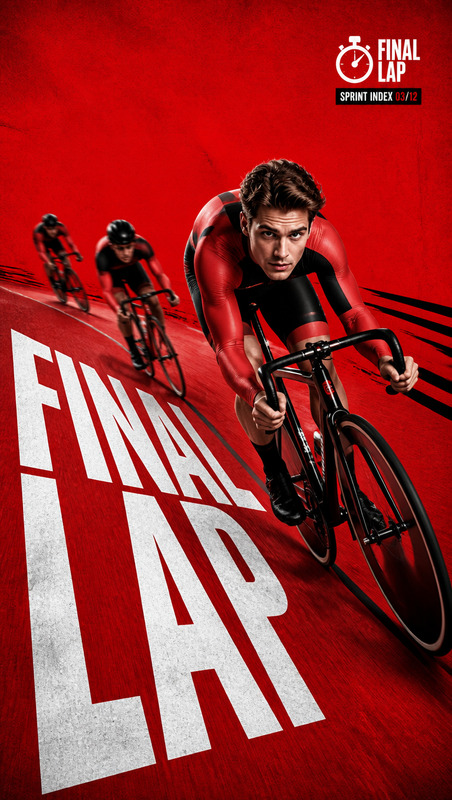
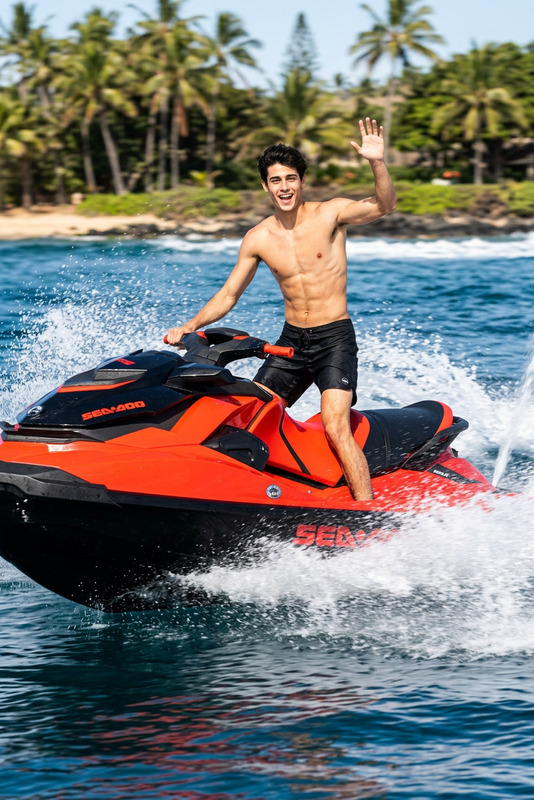
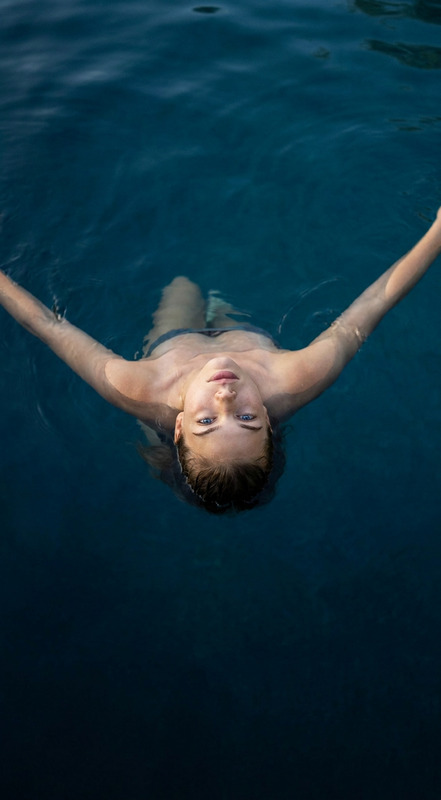
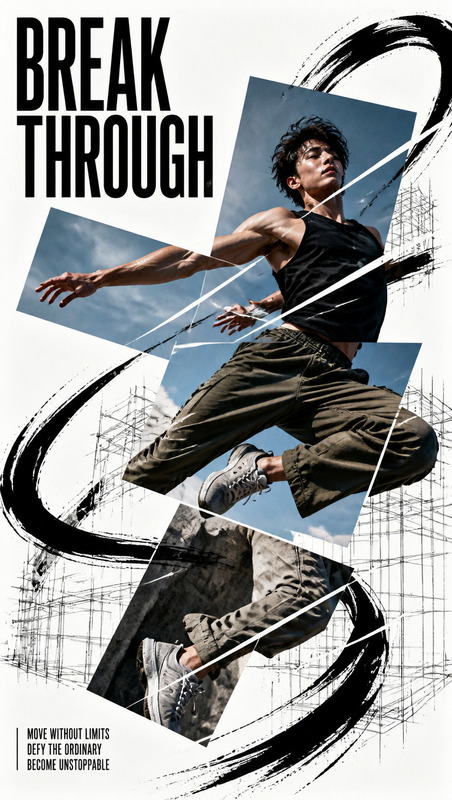
"Current Flow — Kayaking" is an advanced AI Image Editor template that transforms action photography into evocative editorial artwork. Using the AI Image Editor and powered by the gpt-image-2 model, this template captures the essence of kayaking through dynamic visuals that illustrate invisible forces like water resistance and paddle impulse. The design harmonizes high-quality photography with minimalist generative graphics, perfect for creating a poster that speaks to premium outdoor sport and style.
What It Does
This template converts your kayaking action shots into striking editorial pieces that depict the dynamics of movement. By overlaying subtle graphic lines representing water currents and paddle strokes, it emphasizes the flow elements inherent in kayaking. It incorporates realistic textures with deep black and turquoise accents, ensuring a professional look that highlights the sport's intensity and grace.
Who It's For
Ideal for graphic designers, sports brands, and outdoor enthusiasts, this template serves anyone looking to blend AI Product Photography with artistic flair. It is perfect for creating eye-catching marketing materials, editorial spreads, or wall art that resonate with the upscale values of outdoor sports and lifestyle.
Summary
This AI Image Editor template provides a sophisticated toolset to create editorial-quality kayaking images. It expertly merges realistic action with generative graphic design to bring a new dimension to sports photography. Explore it to produce compelling visuals that communicate the beauty of kayaking's natural forces. For those interested in video transformations, check out our Video-to-Video products.
How-To
Choose "Current Flow — Kayaking"

Customize the Image

Generate and Download

Use Cases
Marketing Collateral
- Sports equipment ads
- Outdoor adventure promos
- Event posters
Editorial Design
- Feature articles
- Online blog visuals
- Quarterly magazines
Personal Projects
- Wall art
- Custom gifts
- Personal portfolios
Best Practices
Choose High-Quality Images
Start with clear, high-resolution photos to ensure the final artwork remains sharp and detailed.Control Line Complexity
Keep the line graphics minimalistic and flowing without cluttering the focal points of the image.Focus on Balance
Maintain a balance between graphic elements and photographic realism to avoid overpowering the natural beauty of the scene.