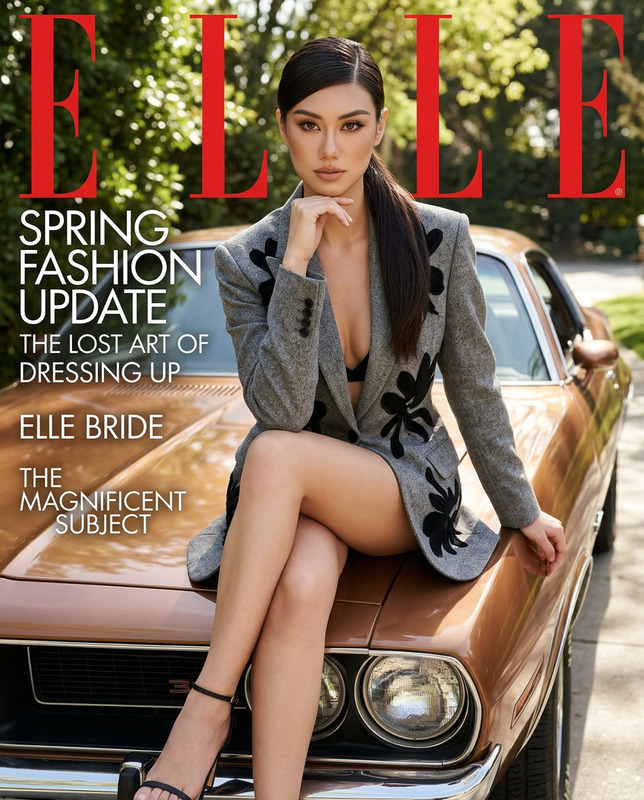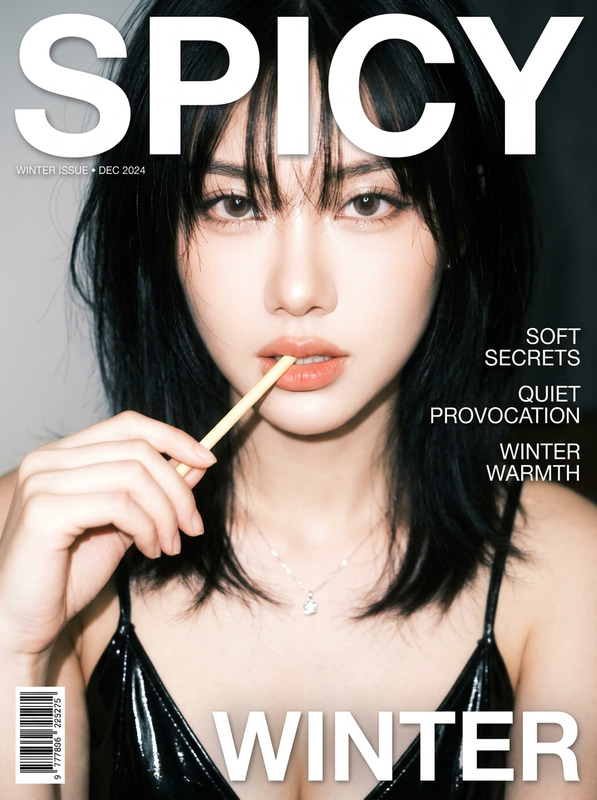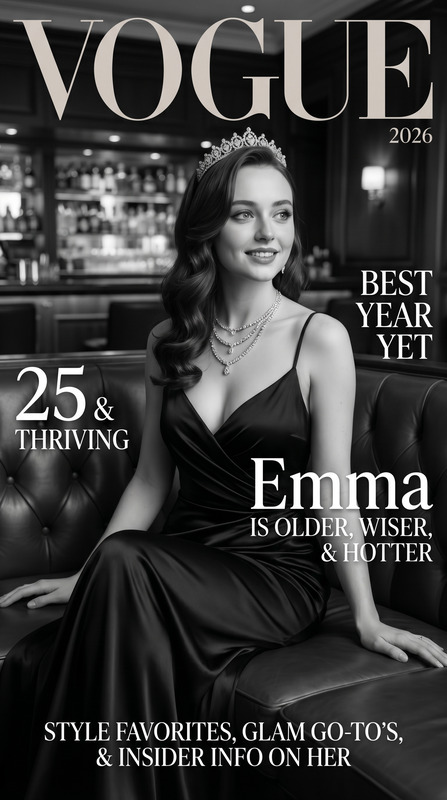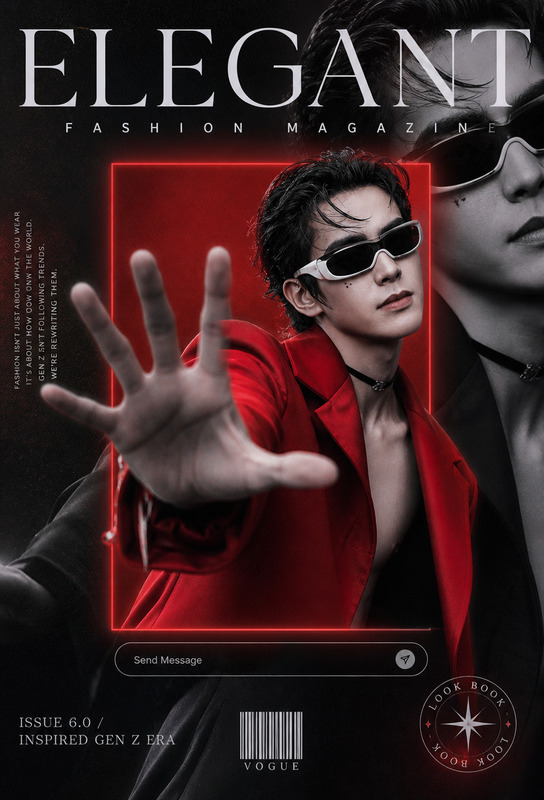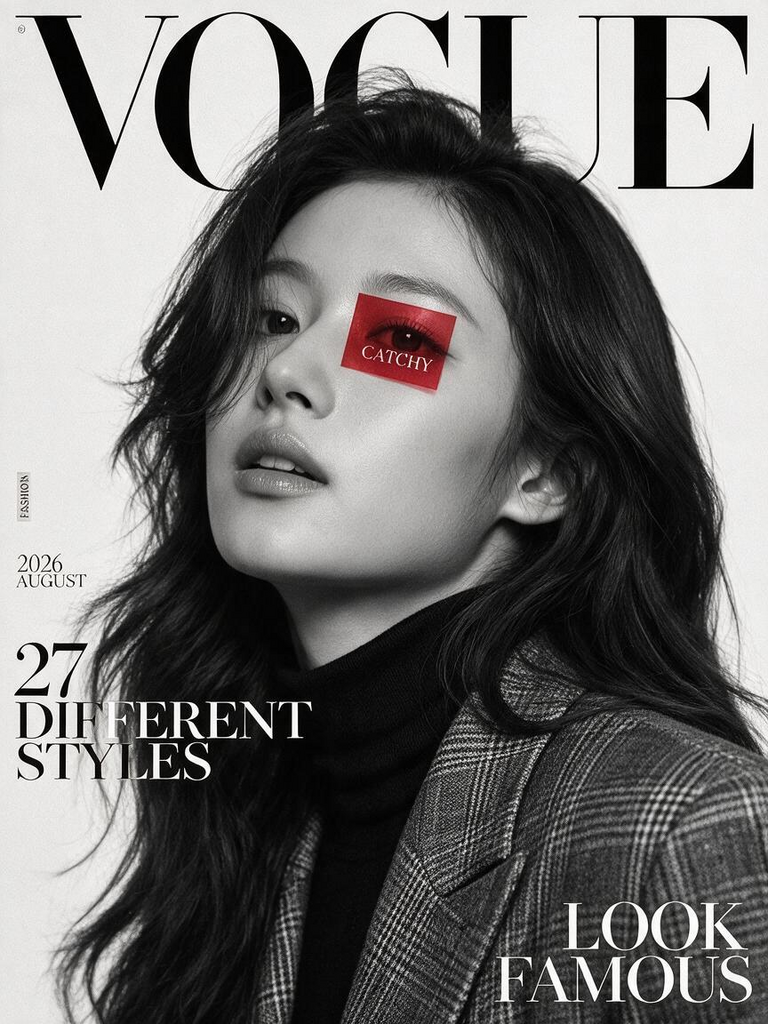
Timeless Vogue — Monochrome Fashion Cover
- Model
- Seedream 5 Pro
- Image
- 768 × 1024 px
Prompt
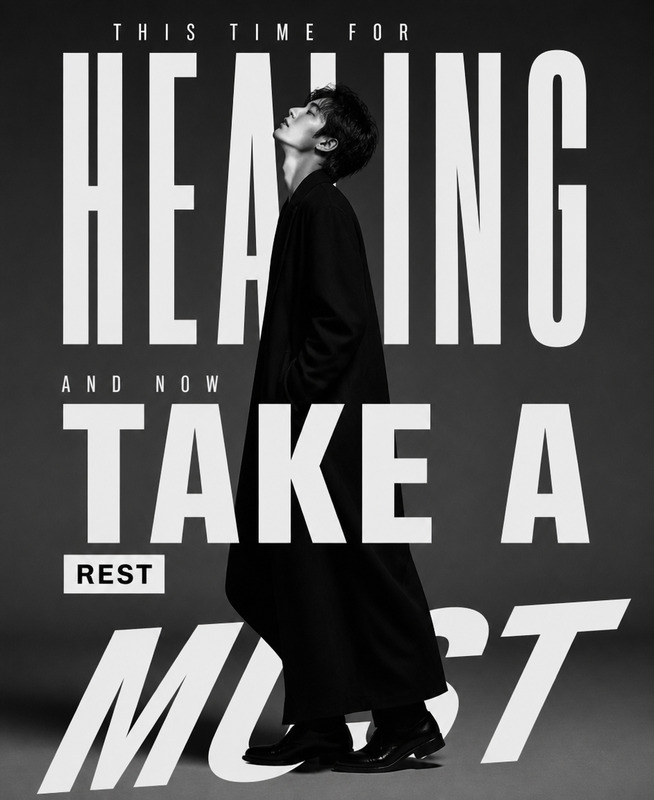
Create a high-fashion editorial magazine cover inspired by luxury fashion publications, using the reference image as the visual basis for the **subject**. Keep the subject gender-neutral and avoid explicitly defining the subject as male or female. Black-and-white portrait photography against a clean off-white studio background. The subject is posed confidently from a subtle low angle, looking slightly upward, with a sharp jawline, softly parted lips, and tousled wavy hair with natural volume and texture. The subject wears a dark turtleneck layered beneath a textured tailored plaid blazer, creating a sophisticated contemporary silhouette. Soft yet dramatic studio lighting sculpts the facial contours with elegant shadows and refined tonal contrast while preserving realistic skin pores, natural imperfections, and authentic hair texture. Design the composition as a premium vertical fashion magazine cover with oversized elegant serif masthead typography reading **“VOGUE”** at the top, partially obscured by the subject’s head. Include restrained editorial typography throughout the negative space: **“FASHION”** as a side label, **“2026 AUGUST”** as the issue date, **“27 DIFFERENT STYLES”** as the left-side headline, and **“LOOK FAMOUS”** as the bold bottom-right cover line. Add a small translucent red square overlay positioned across one eye with the word **“CATCHY”** inside. Maintain a clean, balanced hierarchy with generous negative space, sharp facial focus, sophisticated typography, realistic monochrome tonal range, subtle paper-print texture, and an expensive cinematic fashion-editorial aesthetic. Vertical magazine ratio, ultra-high resolution, photorealistic skin and fabric detail, timeless luxury cover design. **Important:** Do not gender the subject or add masculine/feminine-specific styling cues. Preserve the subject’s recognizable facial features, proportions, hairstyle, and overall appearance from the reference image while keeping the presentation gender-neutral.
Any aspect ratio
Overview
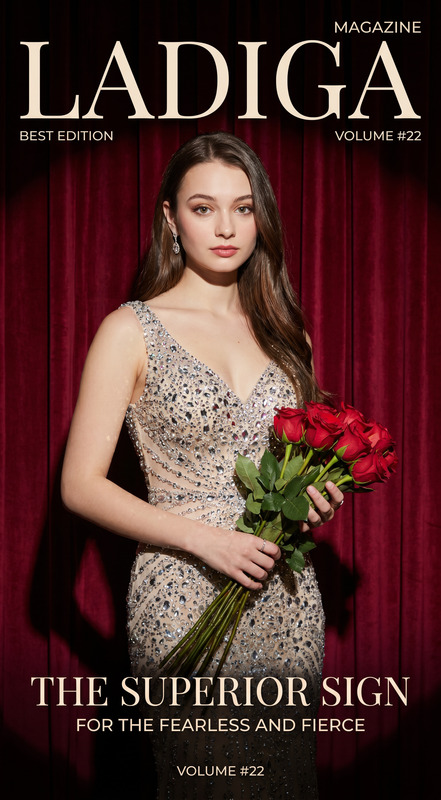
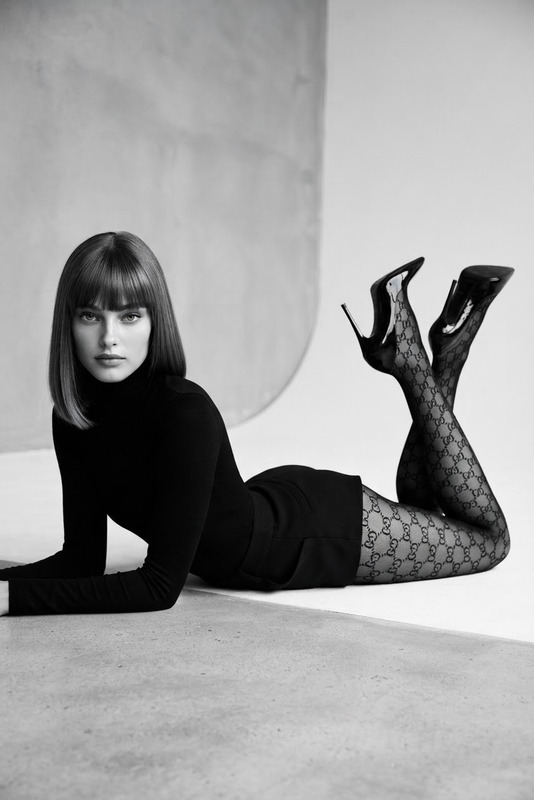
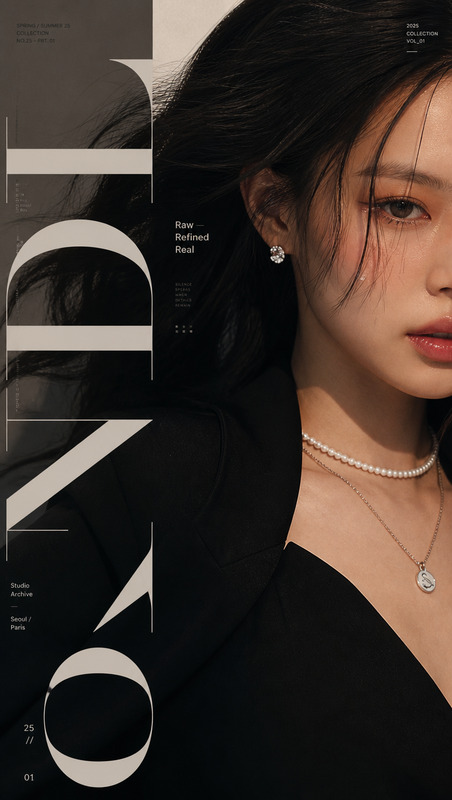
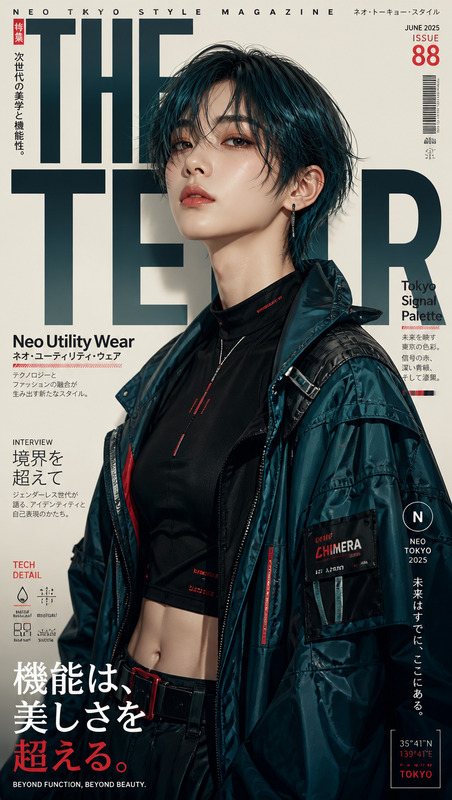
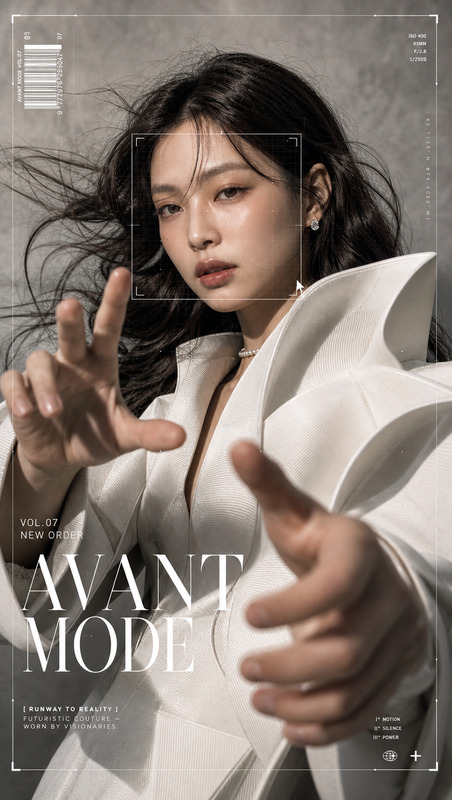
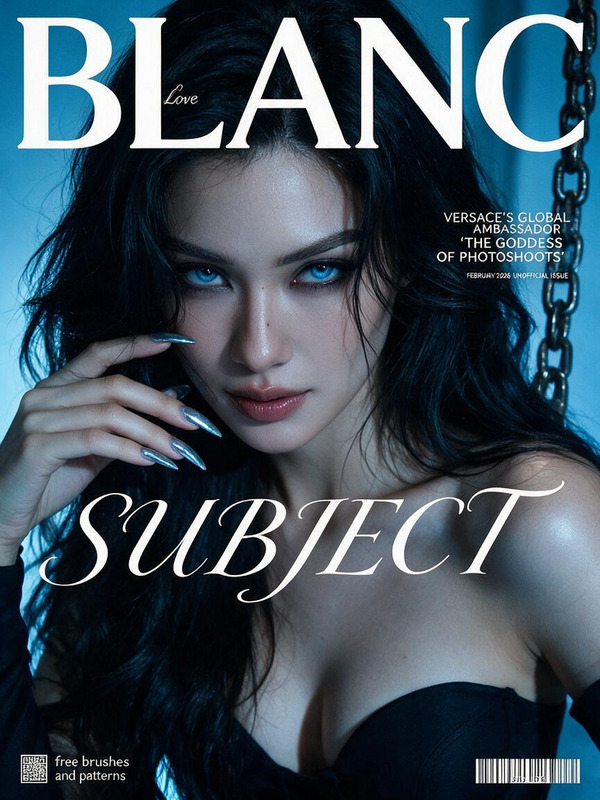
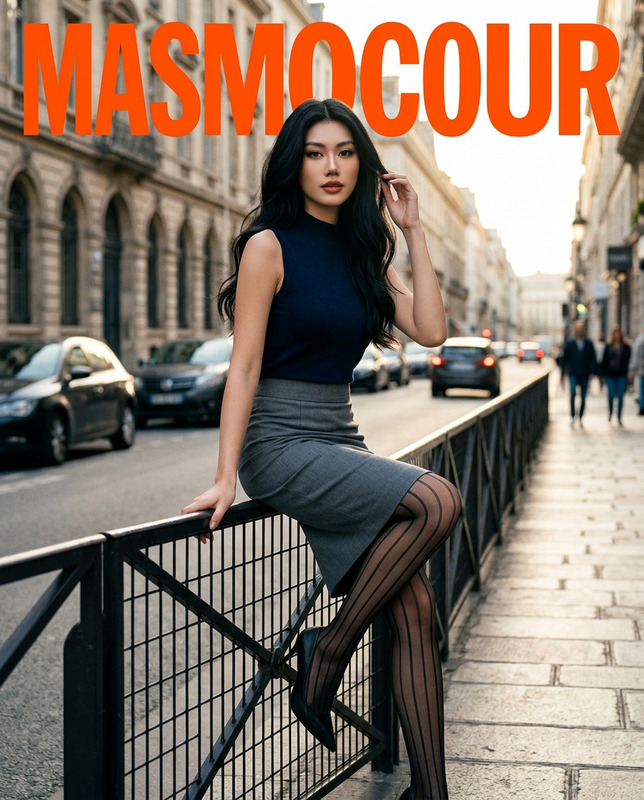
Introducing "Timeless Vogue — Monochrome Fashion Cover," a premier AI Image Editor template optimized for creating high-fashion editorial magazine covers. Using the potent capabilities of the AI Image Editor, this template transforms reference photos into sophisticated magazine covers reminiscent of luxury fashion publications.
What It Does
"Timeless Vogue" leverages the seedream-v5-pro model to craft photorealistic black-and-white fashion covers. The template edits images to depict a gender-neutral subject exuding confidence in a fashionable ensemble. It incorporates stylish yet subtle typography, creating an elegant layout and balanced composition akin to a real editorial page.
Who It's For
This template is designed for fashion photographers, magazine editors, and designers seeking to enhance their portfolio with high-end editorial covers. It's also ideal for marketing professionals in luxury fashion who need striking visuals for campaigns, aligning with tools like the AI Profile Picture Generator for consistent branding.
Summary
"Timeless Vogue" offers a seamless solution for high-fashion magazine cover creation, preserving the subject's essence while ensuring a contemporary and timeless aesthetic. By tapping into AI-driven image editing, this template ensures your covers maintain a professional, polished look, ready for print or digital distribution.
How to Use
Choose Your Template

Customize Your Design

Generate Your Cover

Use Cases
Editorial Magazine Covers
Portfolio Enhancement
Marketing Campaigns
Social Media Highlights
Best Practices
Maintain Balance
Ensure typography and imagery are balanced to keep the composition visually appealing.Focus on Texture
Highlight textures in clothing and facial details for a more realistic effect.Use High-Resolution Images
Start with high-quality images to achieve the best results in your cover design.