Cliffside Vows
- Model
- Nano Banana Pro
- Image
- 848 × 1264 px
Prompt
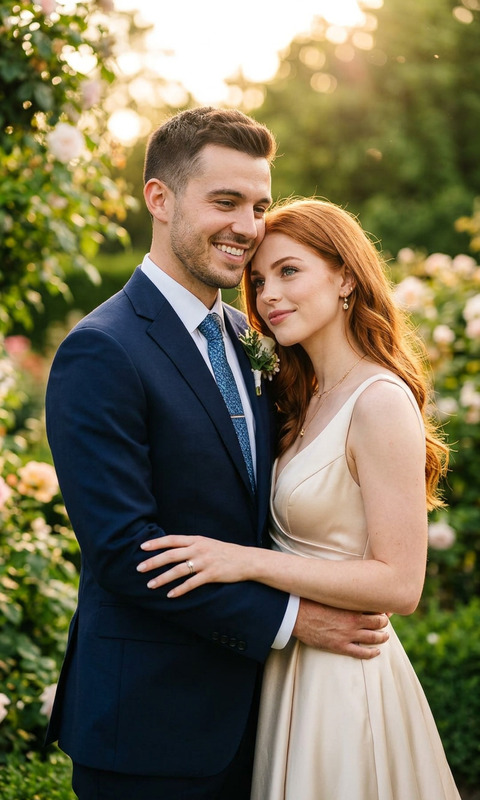
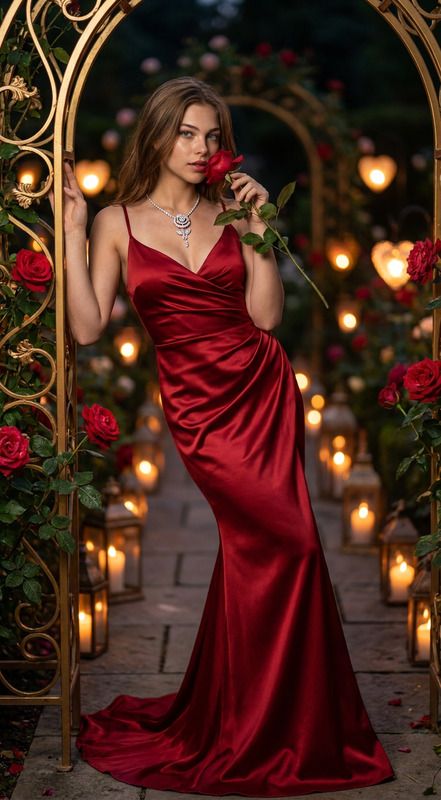
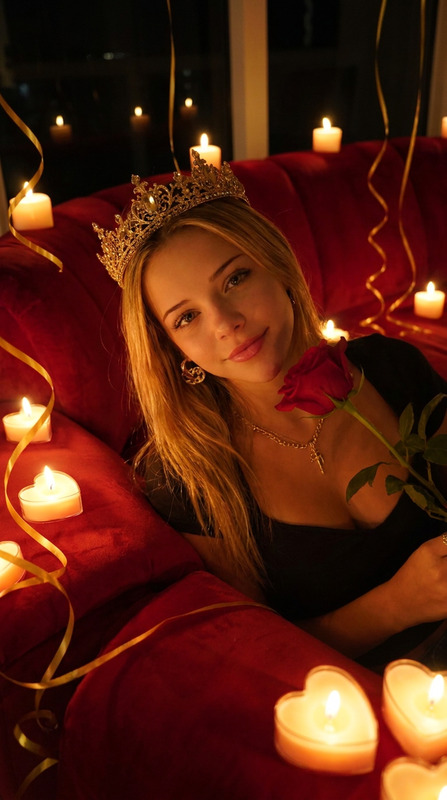
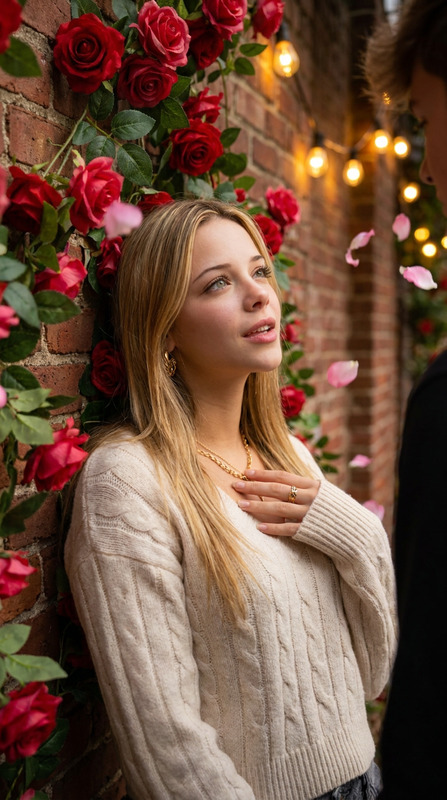
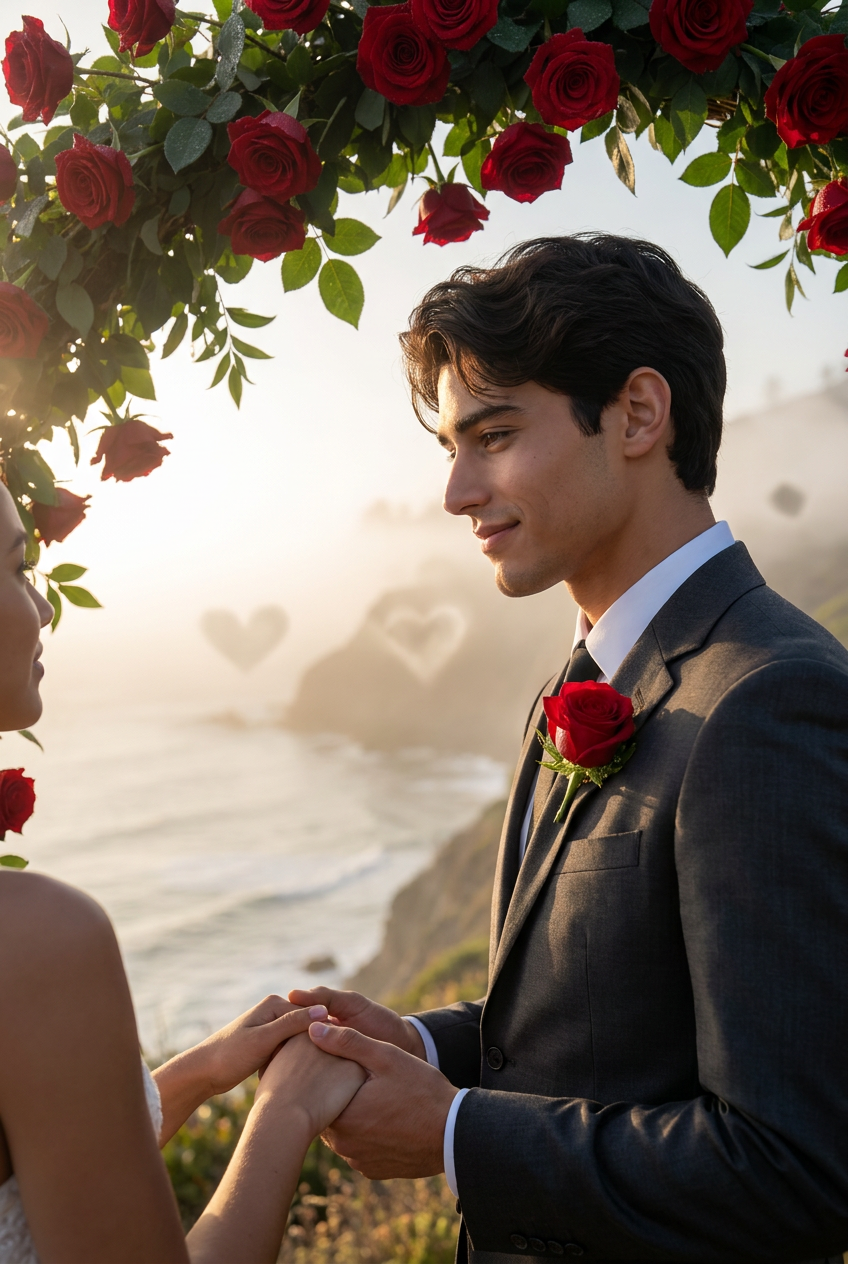
Transform this photo into a heartfelt scene of a couple exchanging vows under a canopy of blooming red roses on a misty morning cliffside overlooking the ocean, with the subject as the devoted partner gazing deeply into their lover's eyes, soft golden sunlight filtering through, hearts subtly etched in the fog, evoking a timeless promise of forever love, realistic style, high detail, photorealistic, true-to-life textures and emotions.
Any aspect ratio
Overview
The "Cliffside Vows" template from the AI Image Editor collection enables users to transform ordinary images into romantic scenes of couples exchanging vows. Utilized by the nano-banana-pro model, this template focuses on creating high-detail, photorealistic imagery with lifelike textures.
What It Does
"Cliffside Vows" turns any photo into a breathtaking ocean-side setting where a couple shares an emotional vow exchange. The advanced capabilities of the AI Photo Relighting tool come to play as it crafts a heartwarming scene complete with blooming red roses, soft golden light, and misty atmospheric effects.
Who It's For
This template is ideal for photography enthusiasts, digital artists, and lovers of romantic imagery. Perfect for wedding planners looking to create enchanting previews or for couples who want a timeless photo of their pledge of love. The tool is also useful for creative projects, helping content creators deliver breathtaking visuals.
Summary
Making use of sophisticated AI-driven capabilities, the "Cliffside Vows" template helps users convert simple photos into enchanting cliff-top vow scenes. By leveraging tools like the Gender Swap tool, it's easy to modify subjects and achieve the desired emotional impact, with guaranteed photorealism and attention to detail.
How to Use
Choose Your Template

Customize the Scene

Generate and Download

Use Cases
Wedding Imagery Enhancement
- Personalize vows scenes for wedding albums
- Create digital invitations featuring romantic scenes
Social Media Content Creation
- Post romantic scenes for special occasions
- Create content for anniversary posts
Marketing and Promotions
- Design promotional material for wedding planners
- Enhance advertisements for destination weddings
Best Practices
Detail and Texture
Ensure the uploaded image is high resolution to capture textures and details accurately.Lighting Adjustments
Leverage the AI Photo Relighting tool to emphasize dramatic lighting and shadow effects.Subject Positioning
Consider the positioning of subjects to ensure they fit naturally within the romantic scene.