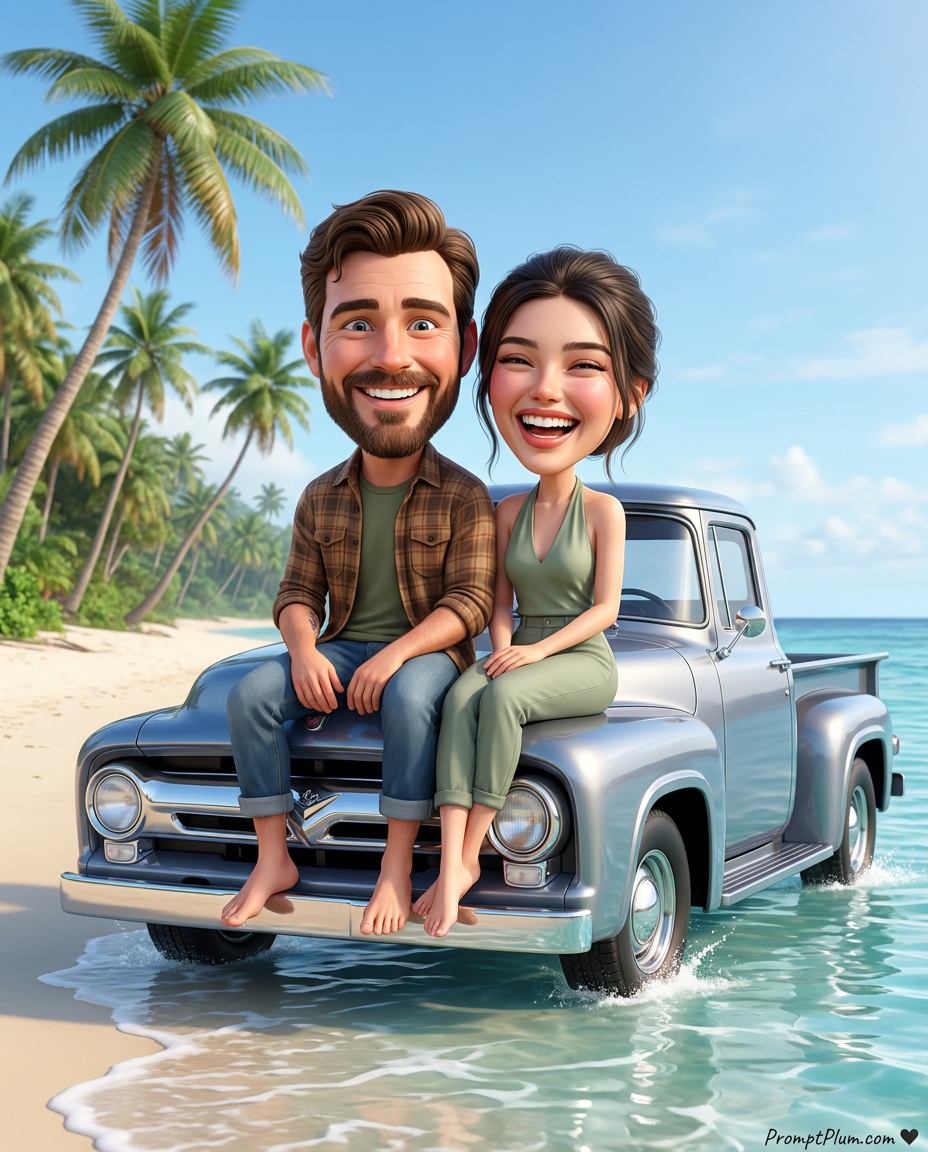
Vintage Beachside Vacation
- Model
- Nano Banana Pro
- Image
- 928 × 1152 px
Prompt
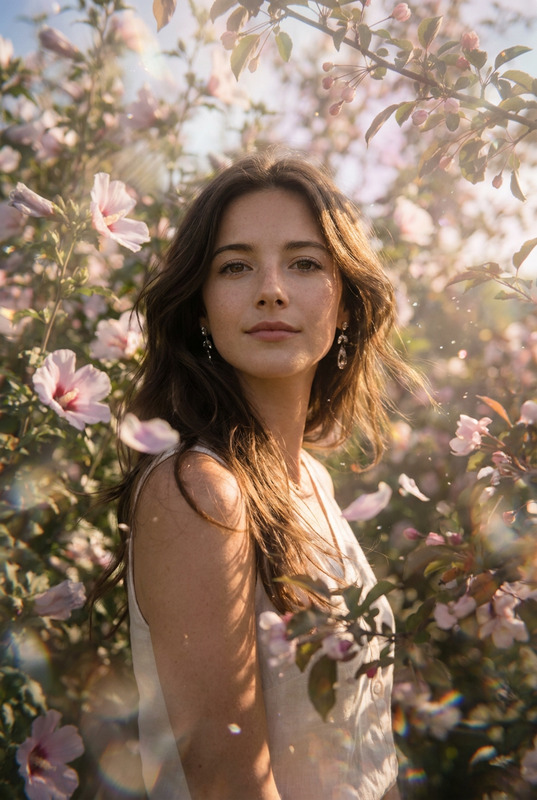
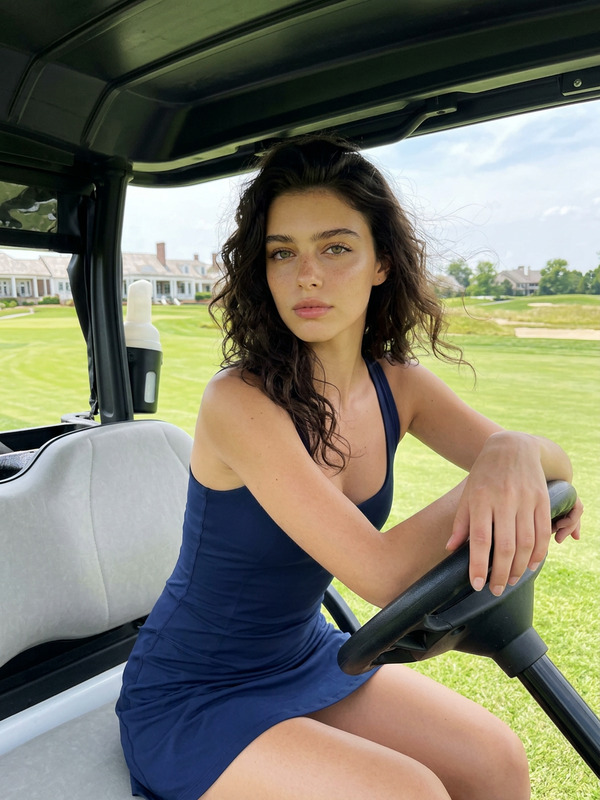
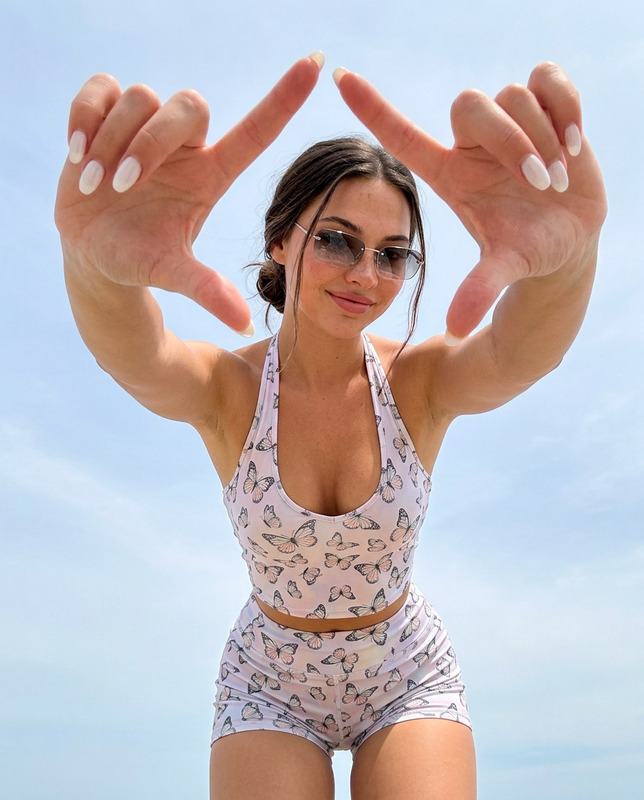
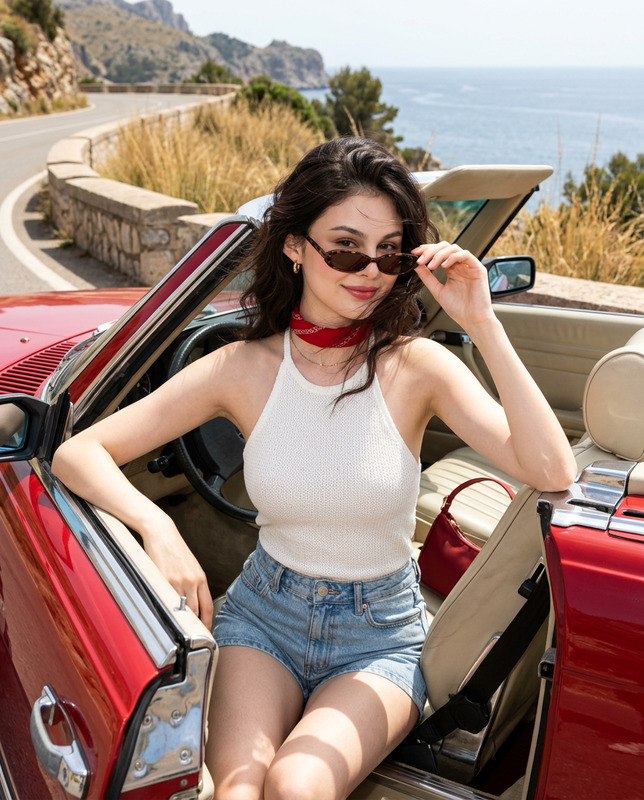
Reference Usage (Safe & Compliant)Use the uploaded reference images only as visual guidance for facial features and overall appearance of both people.Preserve strong resemblance, facial proportions, hairstyle, and natural expression.No age change, no beautification, no face morphing.Scene & StyleCreate a vibrant, high-end 3D caricature (bobblehead) couple portrait with oversized heads and expressive faces, while keeping realistic skin, fabric, metal, and water textures.Style:Premium Pixar / Gemini-like realismClean, polished, ultra-detailedCommercial-quality 3D renderSubjects & PoseA man and a woman sit side-by-side on the front hood edge of a vintage 1950s-style pickup truck parked on a sunny beach.Man (left):Natural hair, well-groomed beard (if present)Big friendly grin, wide open eyesOutfit matches the reference imageWoman (right):Natural hair tied backLaughing joyfully (natural smile, slightly squinted eyes)Outfit matches the reference imageFootwear rule (important):Both subjects are barefoot.No shoes, slippers, or sandals.Natural toes, relaxed feet posture.Their legs hang naturally over the hood edge, giving a relaxed vacation vibe.Background & EnvironmentBright tropical beach with clear turquoise water.Water interaction (important):Gentle ocean water reaches the truck tiresVisible soft splashes and ripples around the tiresWhite foam, wet sand reflectionsShallow, calm water — no dramatic wavesDistance:Tropical shoreline with lush green treesSubtle beach curveRight side:Tall palm trees leaning toward the oceanIndividual leaves visibleSky:Mid-day summer daylightBright sun overheadWarm, natural tonesScattered soft cloudsNo sunset, no golden hour, no evening moodVehicleVintage pickup truck with:Polished silver/blue metallic paintChrome grille, bumper, and headlight ringsHighly reflective surfaces showing sky, sand, and waterClean, showroom conditionLighting & CameraMid-day natural sunlightBright, neutral lightSoft natural shadowsNo dramatic contrastEye-level cameraMedium shotCentered compositionShallow depth of field (background slightly soft)Ultra-sharp faces, fabric texture, and water detailBrand Signature (Subtle)Add a small handwritten-style signature text:PromptPlum.com ❤️Placement: bottom-right or bottom-left cornerStyle: elegant, handwritten, premiumColor: soft white or charcoalNo glow, no shadow, no embossMust not overlap faces or main subjectsMust feel naturally compositedOutput QualityUltra-detailed 3D renderRealistic materialsHigh resolutionCrisp edgesNo noisePremium commercial finishAspect ratio: 4:5 (portrait)Negative PromptWatermark, sparkles, icons, shoes, slippers, sandals, low resolution, blurry faces, wrong likeness, extra fingers, deformed hands, incorrect body shape, plastic skin, harsh shadows, neon colors, cartoon outlines, cluttered background.
Any aspect ratio
Overview
The Vintage Beachside Vacation template in our AI Image Editor offers creators a unique tool to craft high-quality 3D caricature portraits. This template is designed to transform a simple couple image into a vibrant, Pixar-inspired masterpiece, perfect for product visuals or creative projects.
What It Does
This AI Image Editor template works with the nano-banana-pro model to generate ultra-detailed caricature portraits, preserving the essence and appearance conveyed in reference images. The output is a commercial-quality 3D render with exquisite realism and texture details, ensuring professional results.
Who It's For
This template is ideal for graphic designers, digital artists, and marketing professionals looking to enhance their visual content. Whether you're creating engaging social media visuals or professional-quality product shots, this tool helps you maintain the integrity of your original images while adding creativity and depth.
Summary
Explore the potential of transforming ordinary images into high-end, creative assets with the Vintage Beachside Vacation template. By leveraging our AI Image Editor, you can easily achieve a polished, Pixar-like render that captivates audiences.
How-To
Choose Your Template

Customize Your Inputs

Generate Your Image

Use Cases
Social Media Content
Product Visuals
Personalized Gifts
Best Practices
Maintain Image Quality
Use high-resolution images as input to ensure the final output is crisp and detailed.Attention to Detail
Pay close attention to facial details and expressions in your reference images to capture the subjects accurately.Consider Lighting
Select inputs with suitable lighting conditions to assist in achieving the desired ambient effects in the render.