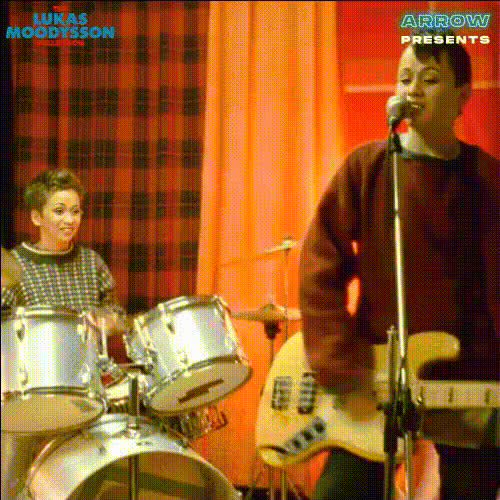
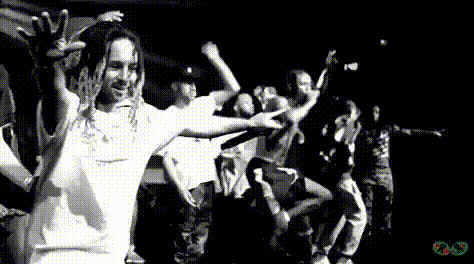
Live Fest Announcement
- Video
- 19.95 sec
Any aspect ratio
Overview
The Live Fest Announcement template enables creators to engage audiences with personalized festival videos. By utilizing the Video Face Swap technology, this template allows the seamless integration of a subject's face into promotional content, making the announcements more dynamic and relatable.
What It Does
This template leverages AI to swap faces in real-time video footage, making it ideal for festive, event-driven promotions. Perfect for integrating person's visage into pre-shot footage to create an immersive viewer experience. Additional tools like the AI Image Editor can further enhance the video quality, ensuring the final output is engaging and polished.
Who It's For
Targeted towards event planners, marketers, and social media managers, the Live Fest Announcement template is a powerful asset for anyone looking to enhance their video content with personalized touches. It aligns well with professionals seeking innovative ways to promote events, festivals, or product launches.
Summary
Enhance your festival promotions with the Live Fest Announcement Video Face Swap template. Leverage the robust capabilities of AI Talking Photo to add another layer of interaction to your announcements, driving higher engagement and reach.
How To
Choose Your Template

Customize Your Video

Generate and Download

Use Cases
Event Promotions
- Use for concerts, festivals, and gatherings
- Adapt for both internal and external communications
Social Media Campaigns
- Drive traffic with unique, interactive videos
- Boost viewer engagement on platforms like Instagram and YouTube
Brand Launches
- Make brand announcements visually appealing
- Combine with tools like the <a href="/products/image-to-video">Image to Video</a> for enriched impact
Best Practices
High-Quality Source Material
Ensure that both the source and target images are of high resolution to achieve the best results.Creative Script Writing
Draft a creative and concise script. Linking it with the Text to Video tool can enhance clarity and engagement.Test Different Angles and Expressions
Experiment with different facial expressions and angles to find the most realistic match.