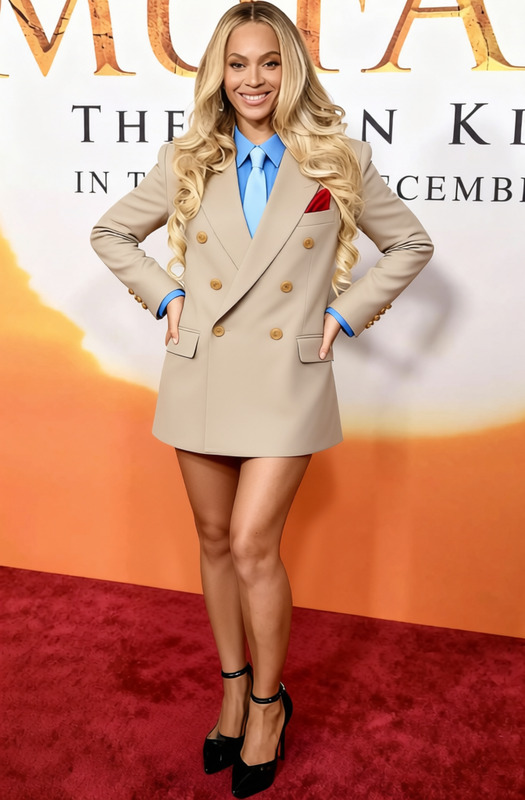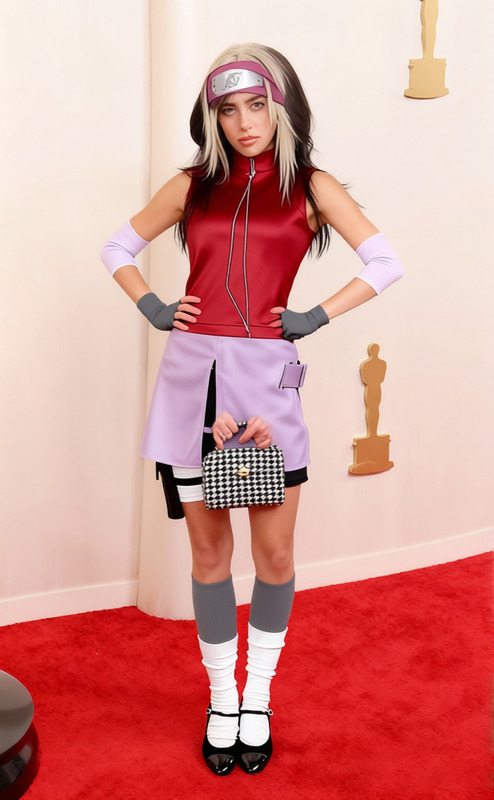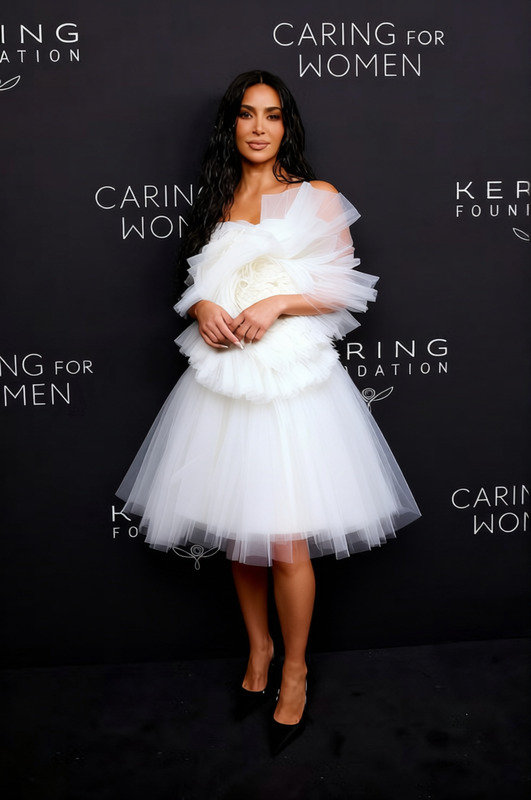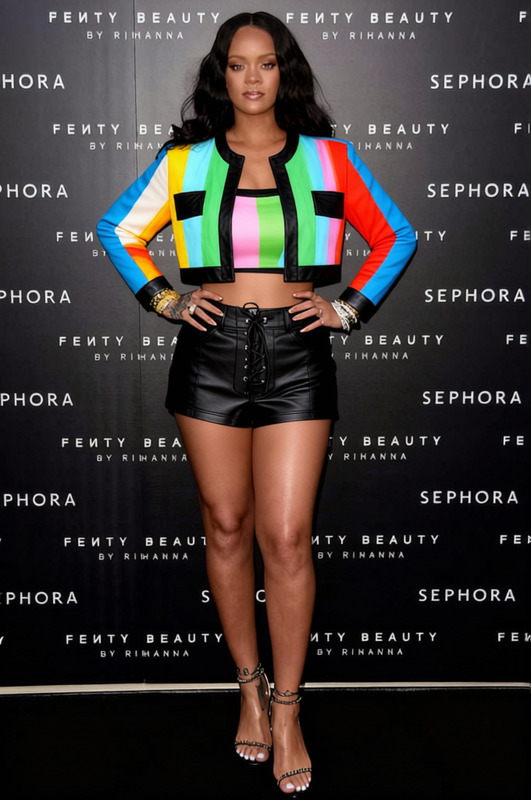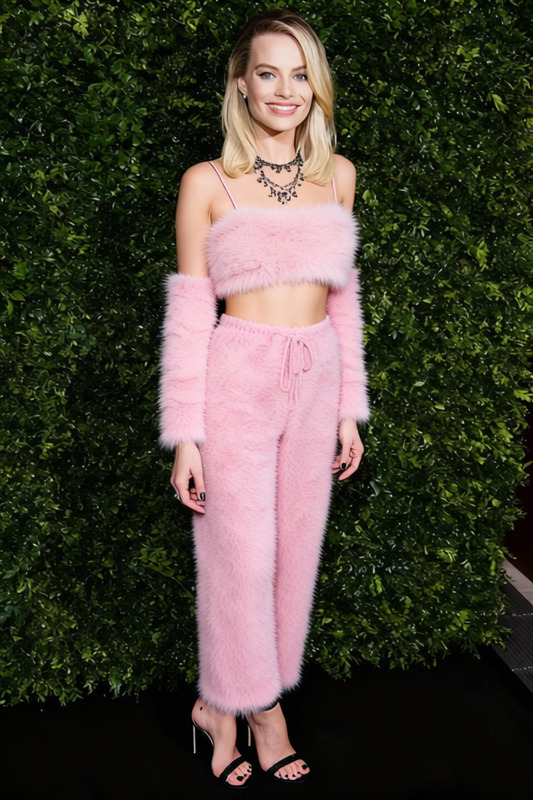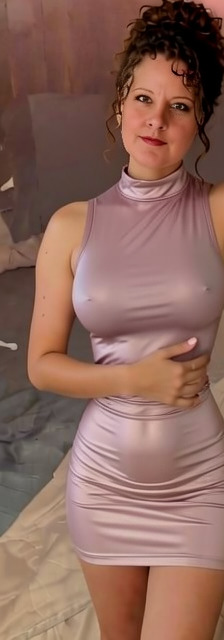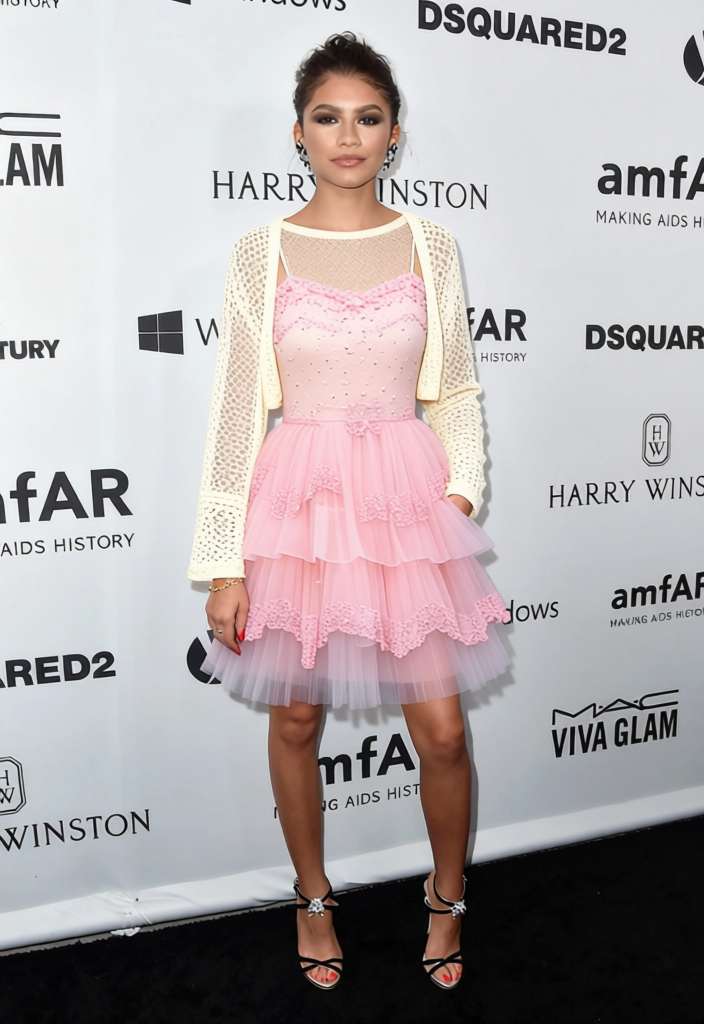
Iu Pastel K Pop Idol Dress
- Image
- 704 × 1024 px
Any aspect ratio
Overview
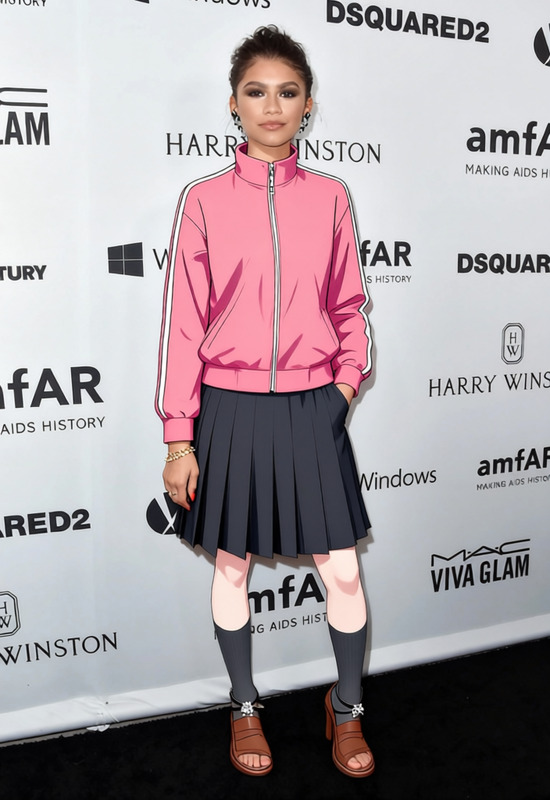
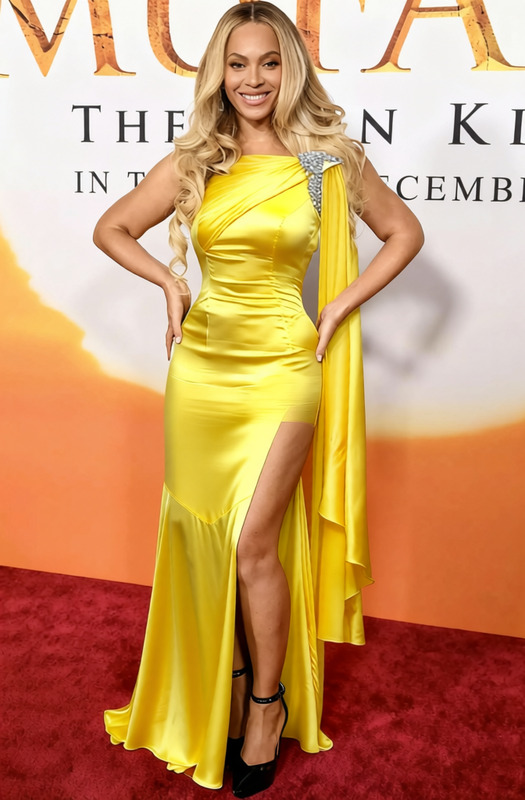
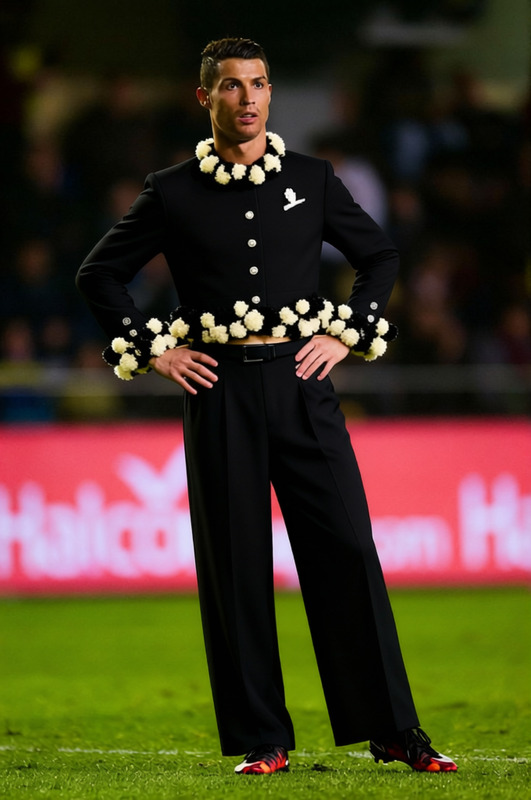
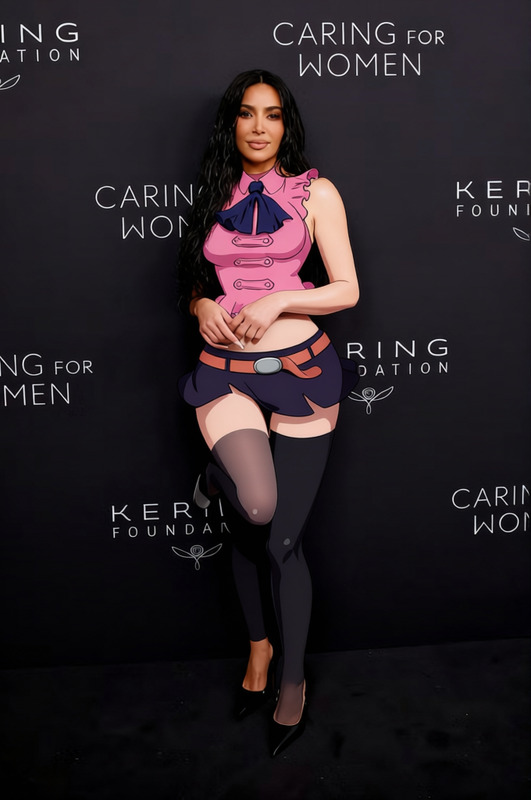
The Iu Pastel K Pop Idol Dress template is perfect for creating vibrant K-pop themed transformations. Utilizing advanced AI Clothes Changer technology, this template enables users to virtually dress models or themselves in trendy pastel apparel inspired by popular K-pop styles.
What It Does
This template allows you to apply a K-pop pastel dress style to any photo featuring people. It's designed for users looking to enhance images with stylish outfits without the need for physical attire changes. Compatible with multiple image formats, it's part of the integrated AI Image Editor suite.
Who It's For
Ideal for content creators, social media influencers, and anyone in the fashion industry looking to experiment with visual styles. Whether you're promoting a new album or simply updating your image, this template suits anyone drawn to the playful and creative world of K-pop fashion.
Summary
With the Iu Pastel K Pop Idol Dress template, you're equipped to transform ordinary photos into eye-catching K-pop themed visuals. Explore different styles swiftly, using our AI Multi-Angle Generator for varied perspectives. Perfect for digital portfolios, marketing campaigns, or social media highlights.
How-To
Choose Your Template

Customize Your Image

Generate Your New Look

Use Cases
Social Media Content Creation
- Create eye-catching Instagram posts
- Boost engagement with unique content designs
Fashion Marketing
- Test different styles without a physical wardrobe
- Speed up design approval processes
Digital Albums and Lookbooks
- Design thematic lookbooks with ease
- Ensure consistent style across your catalog
Best Practices
Choose High-Quality Images
For the best results, use high-resolution images to ensure clothing fits naturally over the subject.Refine with Exact Adjustments
Utilize sizing and positioning tools to make sure the dress overlay aligns properly with the photo subject.Explore Multiple Angles
Use compatible tools like the AI GIF Generator to show multiple angles of your dressed-up image, enhancing visual storytelling.
Frequently asked questions
More Like This