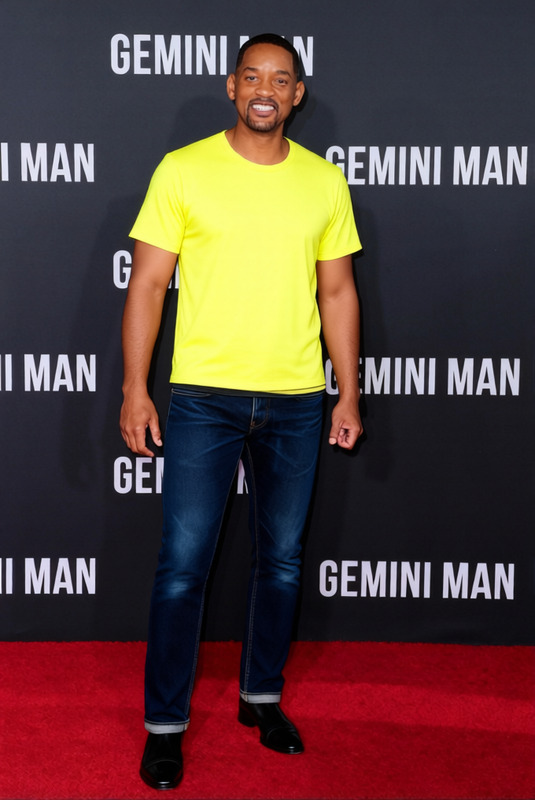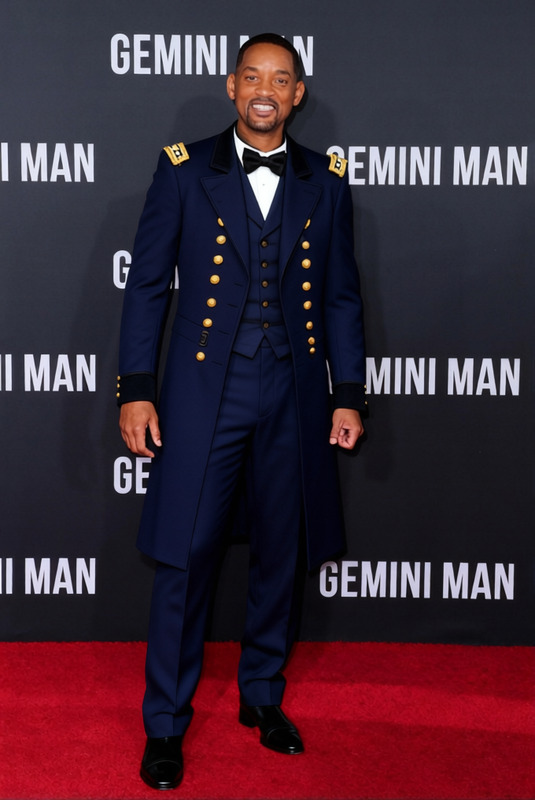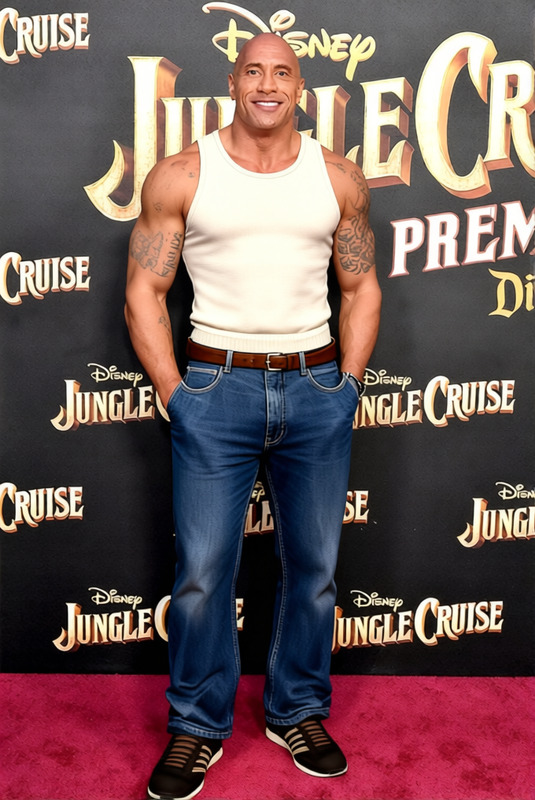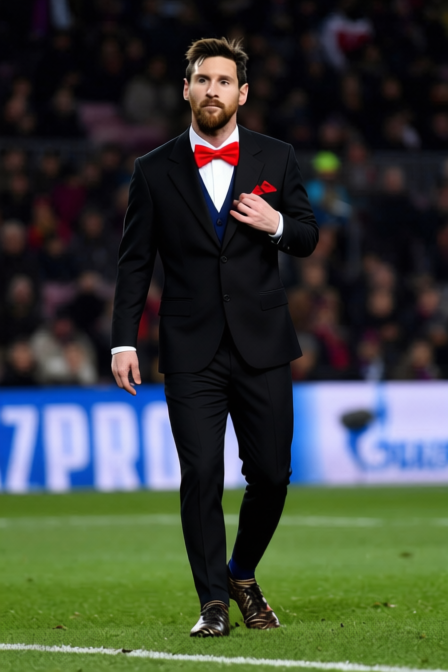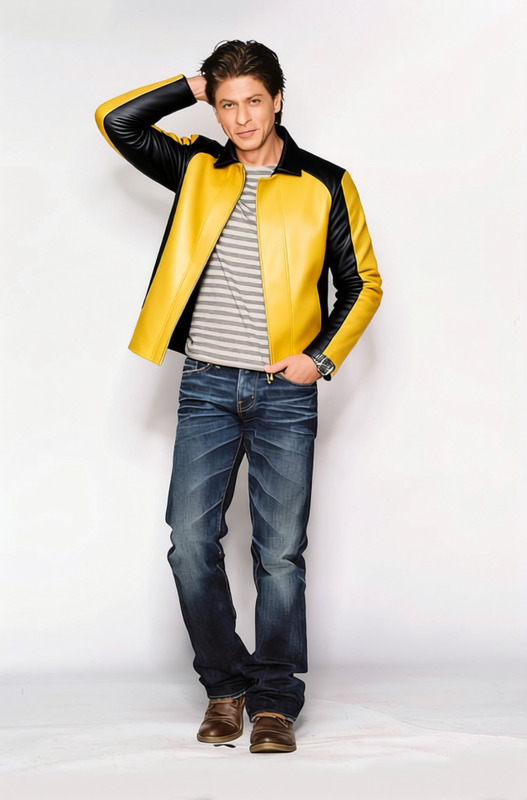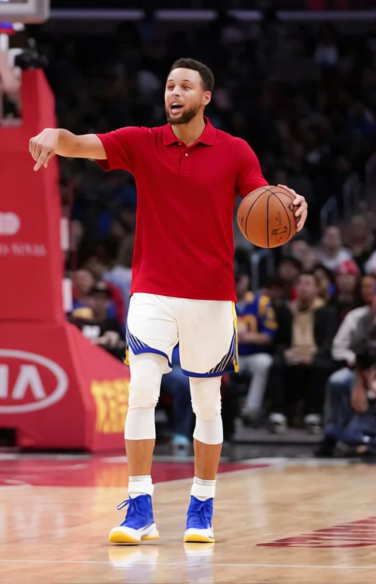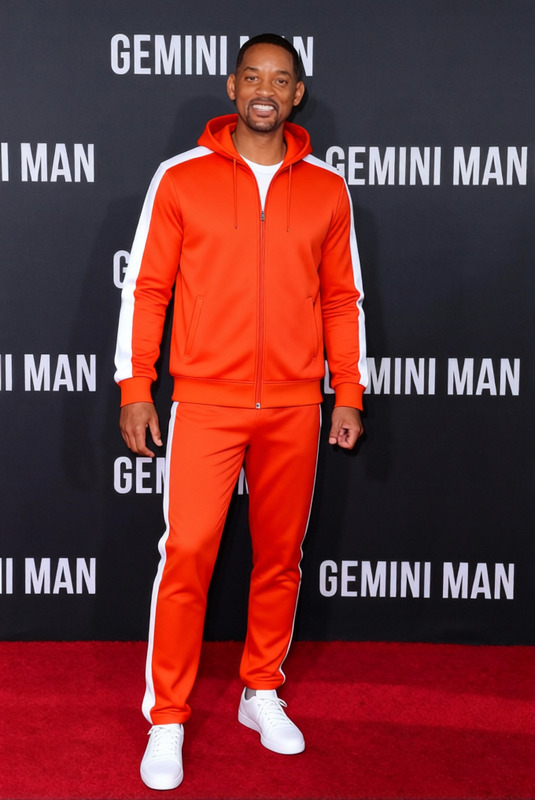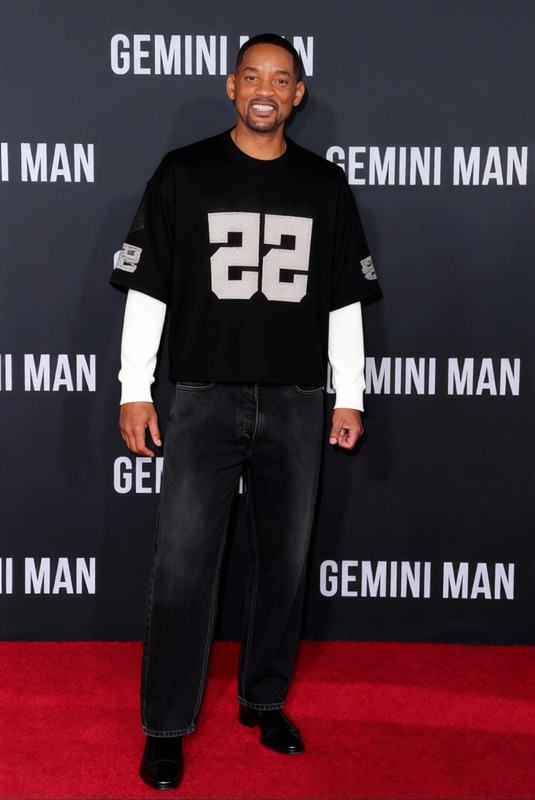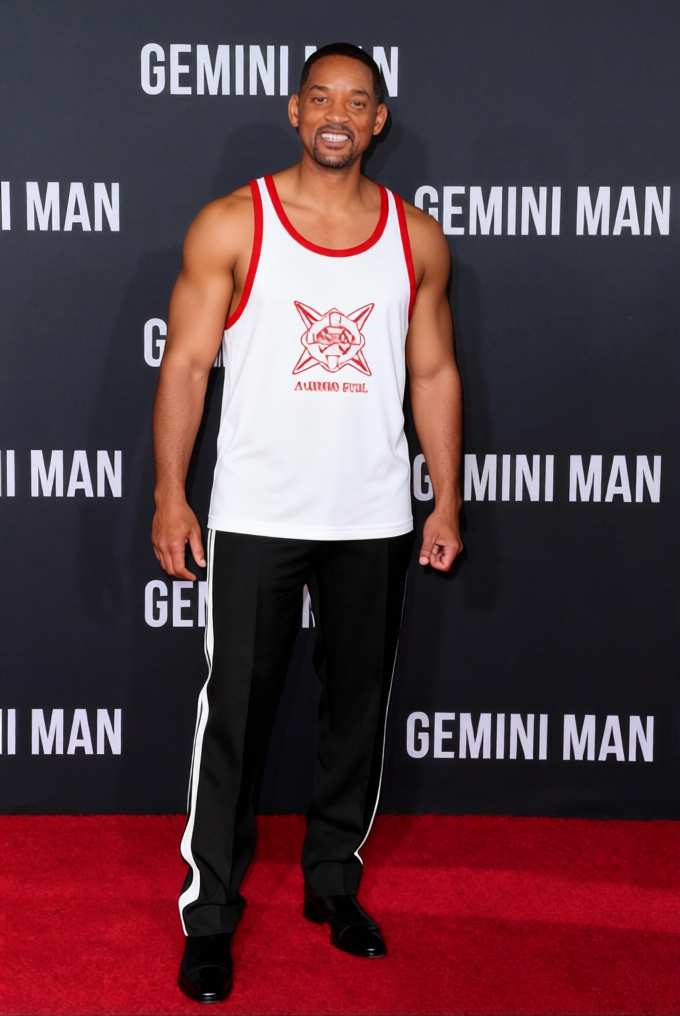
Billy Hargrove Lifeguard Red Lifeguard Tank With Red Shorts
- Image
- 680 × 1016 px
Any aspect ratio
Overview
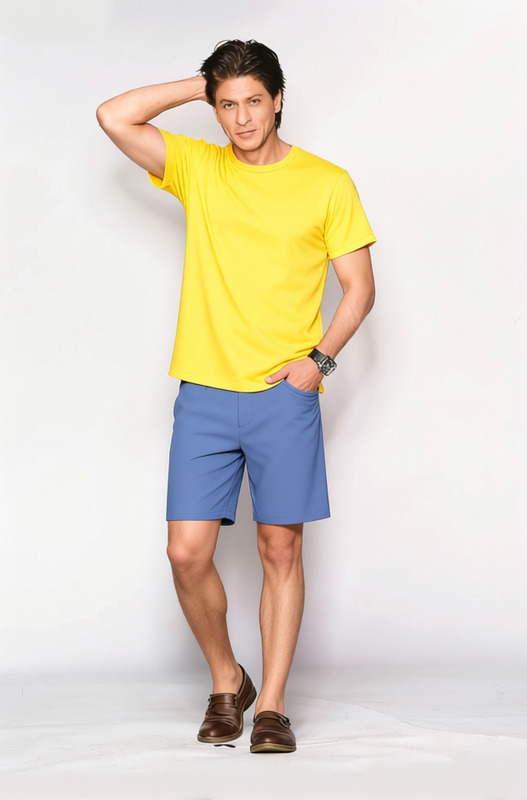
Transform your character's appearance with the Billy Hargrove Lifeguard Red Lifeguard Tank With Red Shorts template. Perfect for projects requiring a lifeguard look, this template is a quintessential addition to your creative toolkit. Whether you're producing a video or working on an animation, this clothes changer helps you maintain consistency and style across your scenes.
What It Does
This template from the AI Clothes Changer product line enables you to replace existing costumes with a vibrant and detailed lifeguard outfit. The system ensures that the new clothes blend naturally with the body shape and movement, producing realistic results tailored for high-quality production needs.
Increase your project's visual appeal while cutting down time on costume changes. This tool integrates seamlessly with other features, such as our AI Talking Photo, enhancing your characters' expressions while they don their new look.
Who It's For
Designed for filmmakers, animators, and content creators who need to apply quick wardrobe changes. This tool is ideal for those working in VFX Previs, animatics, or any production where visual consistency is key. It's perfect for anyone looking to add a lifeguard character into their narratives without the hassle of sourcing physical costumes.
Summary
The Billy Hargrove Lifeguard outfit template is an easy-to-use tool that streamlines wardrobe changes in digital content creation. By harnessing the capabilities of our AI Clothes Changer, you can focus on refining your project's narrative and artistic elements without getting bogged down by costume logistics.
How To
Choose the Template

Customize Your Content

Generate and Download

Use Cases
Film and TV Productions
- Ensure wardrobe consistency across multiple shots
- Fast integration into editing workflows
Animation Projects
- Rapid prototyping of different looks
- Adjustable during the animation process
Marketing Visuals
- Create eye-catching ads
- Uniform branding across visual assets
Best Practices
Balance Colors and Lighting
Ensure the lighting and colors of the lifeguard outfit match the scene for a cohesive look. This can often be fine-tuned using tools like the AI Image Editor.Align with Character Motion
Use the clothes changer in conjunction with video editing tools to make sure the outfit moves naturally with the character, achieving realistic results.Test Across Different Scenarios
Before finalizing, test the outfit on various backgrounds and lighting situations to ensure versatility.