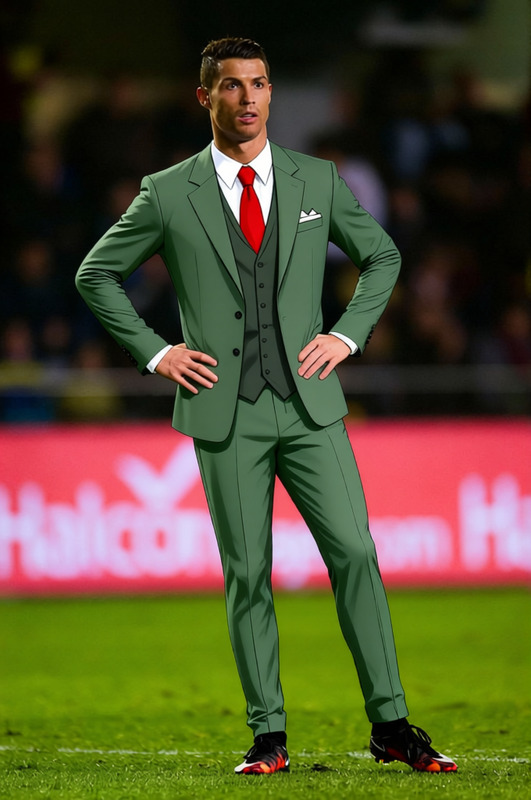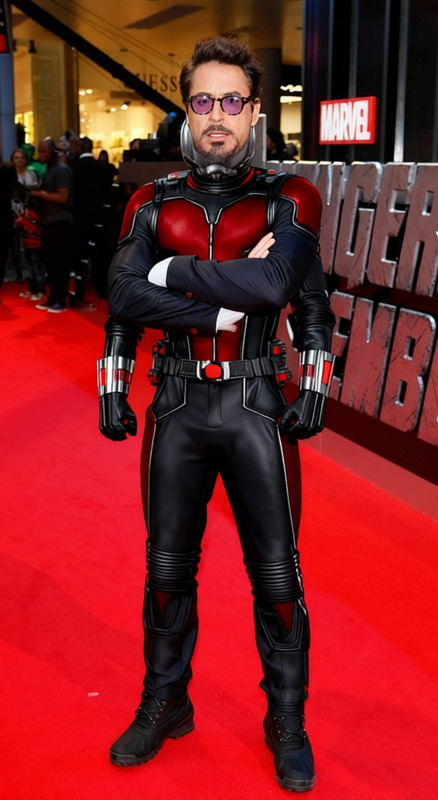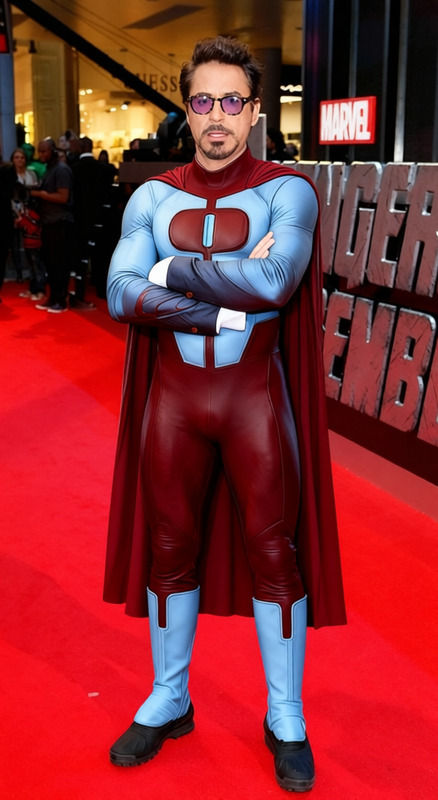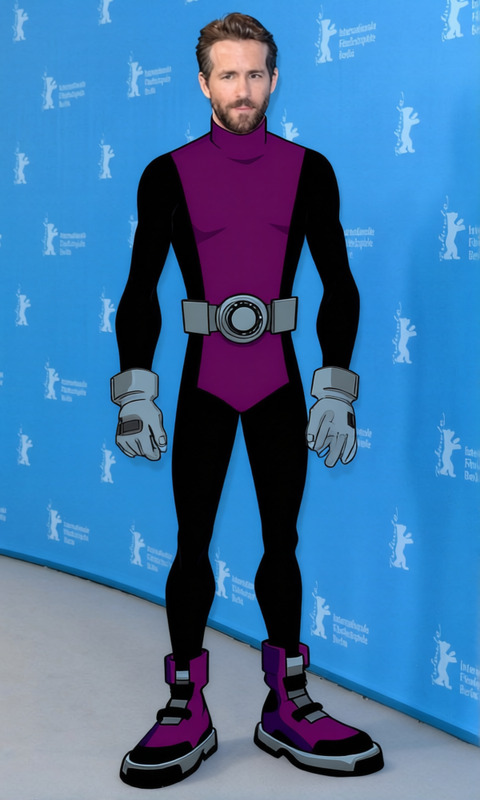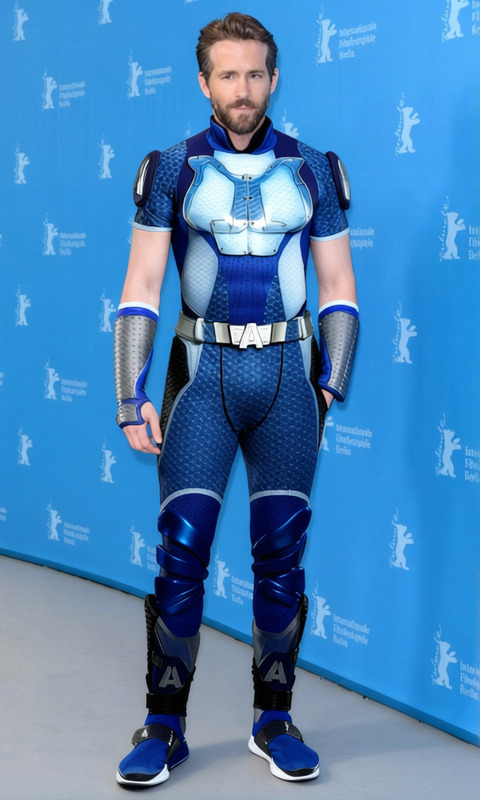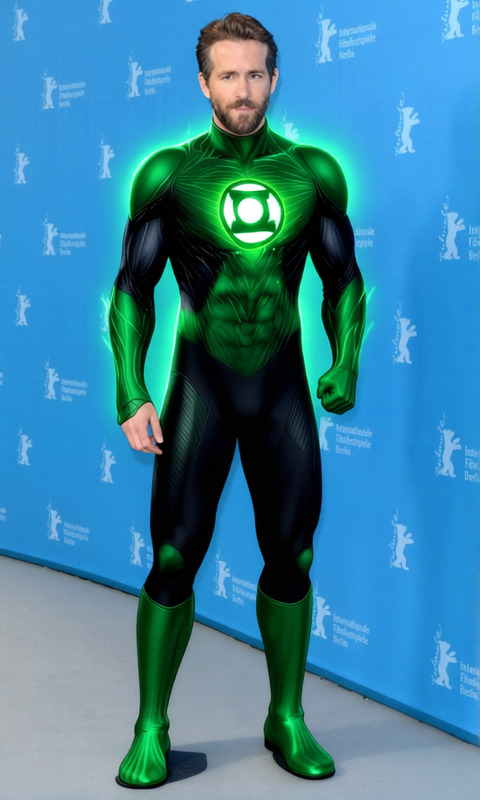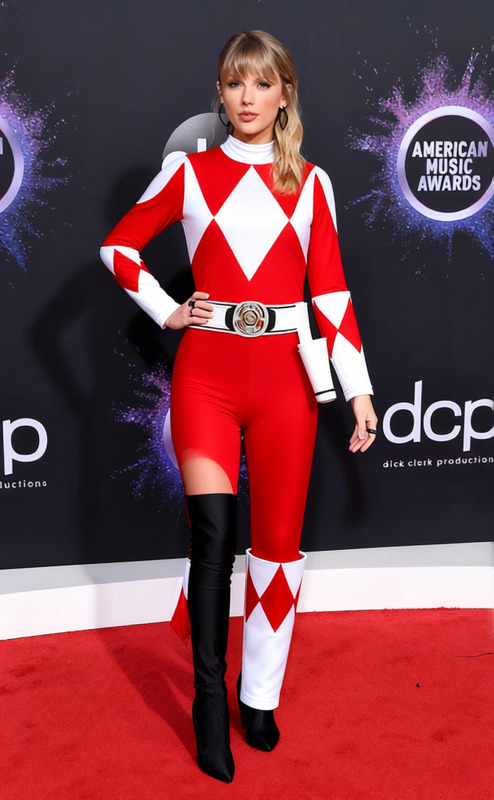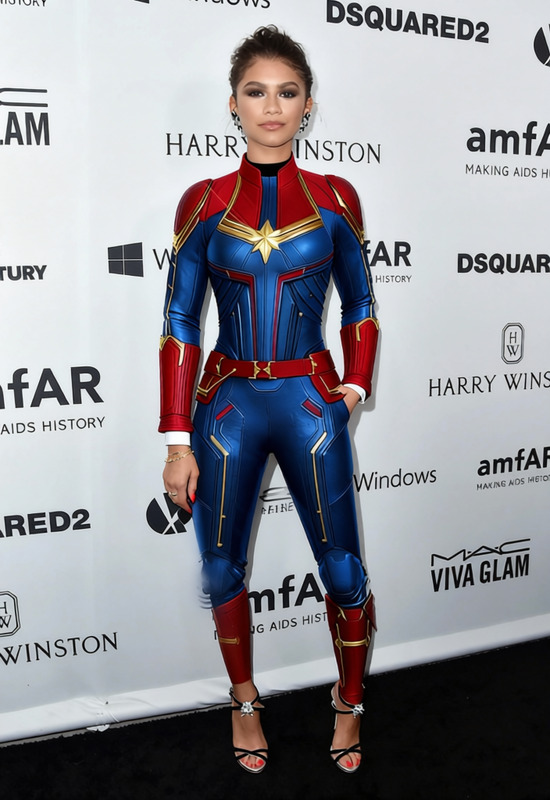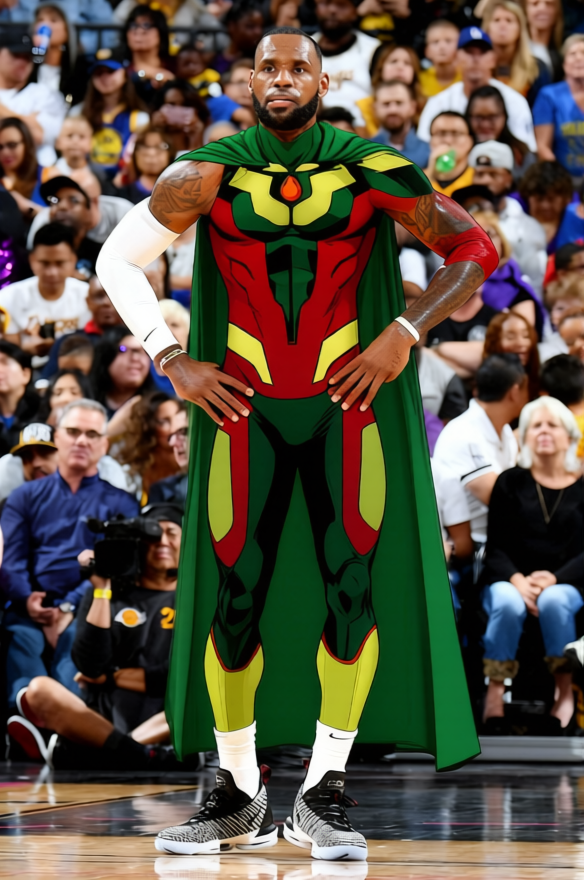
Vision Red And Green Synthetic Suit
- Image
- 584 × 880 px
Any aspect ratio
Overview
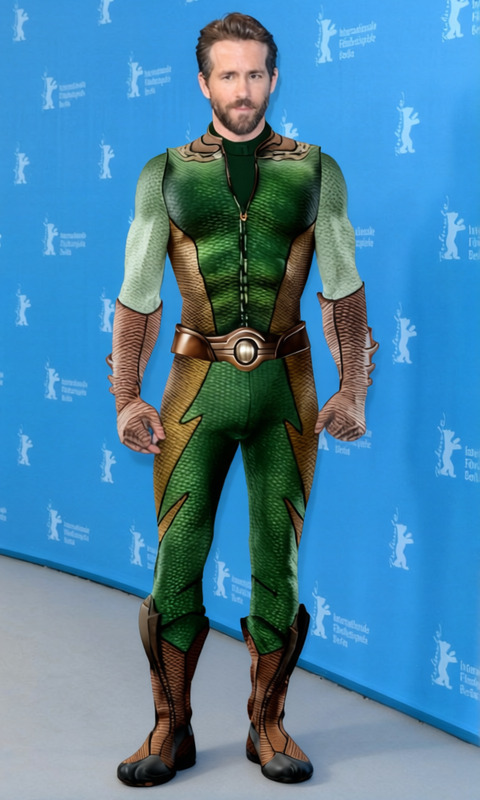
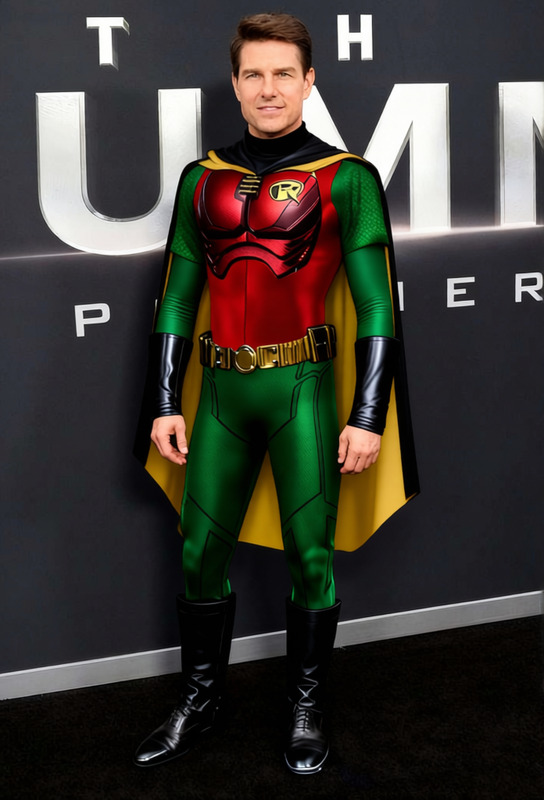
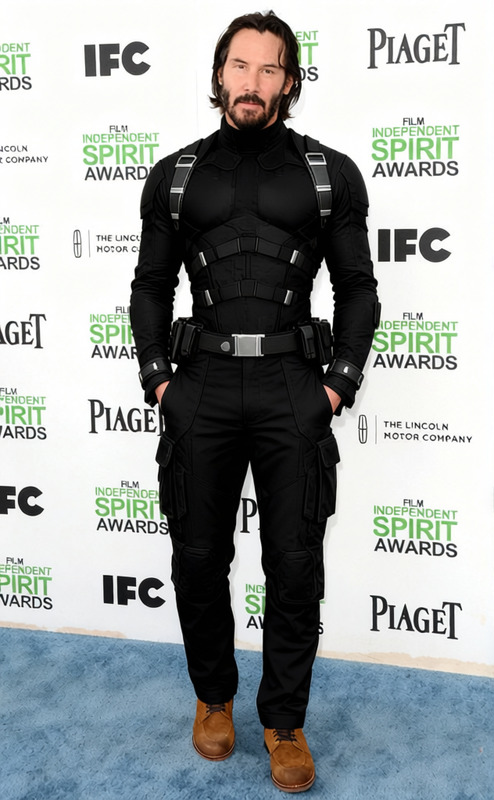
The Vision Red And Green Synthetic Suit template allows you to transform the attire in your images to a modern synthetic suit in striking red and green tones. Perfect for creating standout fashion portfolios, updating your wardrobe digitally, or experimenting with new styles without altering the original garment.
Utilize this in combination with our AI Clothes Changer for a seamless experience in clothing transformation. Discover a new dimension of style right from your browser.
What It Does
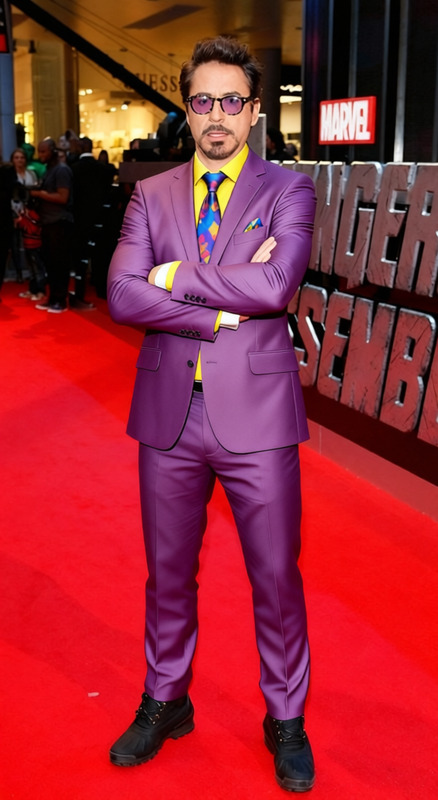
This template is designed to modify the clothes in your images, specifically changing them to a vibrant red and green synthetic suit. It's compatible with standard image formats like JPEG, PNG, and BMP, providing flexibility in the types of images you can work with.
By leveraging the AI Image Editor, the template accurately adapts the existing clothing in the image to the desired synthetic suit, maintaining the original proportions and contours.
Who It's For
This template is ideal for fashion designers, photographers, and content creators who wish to showcase dynamic and vibrant styles. It's also suitable for marketing professionals looking to innovate in their visual content by experimenting with varied fashion visuals.
Those involved in eCommerce advertisements will find it particularly useful as it enables quick adaptation of product imagery without the need for reshoots.
Summary
In summary, the Vision Red And Green Synthetic Suit template is a dynamic tool for creatively altering clothing in your images. It provides a quick and efficient way to visualize and experiment with fashion.
Take full advantage of our broader suite of tools, such as the AI Product Photography, to expand your creative capabilities and simplify your workflow.
How to Use
Choose the Template

Customize Your Input

Generate and Download

Use Cases
Fashion Design
- Create digital fashion portfolios
- Test color schemes and fabric simulations
Marketing Visuals
- Develop visual content for social media
- Revamp eCommerce imagery
Creative Content
- Storyboard fashion sequences
- Create mood boards for design inspiration
Best Practices
Choose High-Resolution Images
Use high-resolution images for the best transformation results, capturing finer details and textures.Balance Colors
Ensure that the original image has balanced lighting to preserve natural shadows and highlights when the suit is applied.Review Proportions
Before finalizing, review the proportions of the synthetic suit on the subject to confirm a realistic appearance.
Frequently asked questions
More Like This