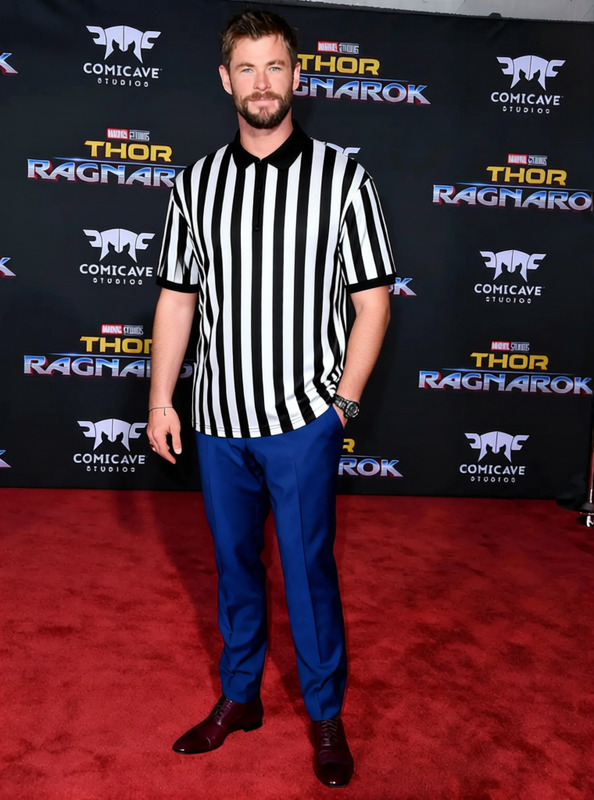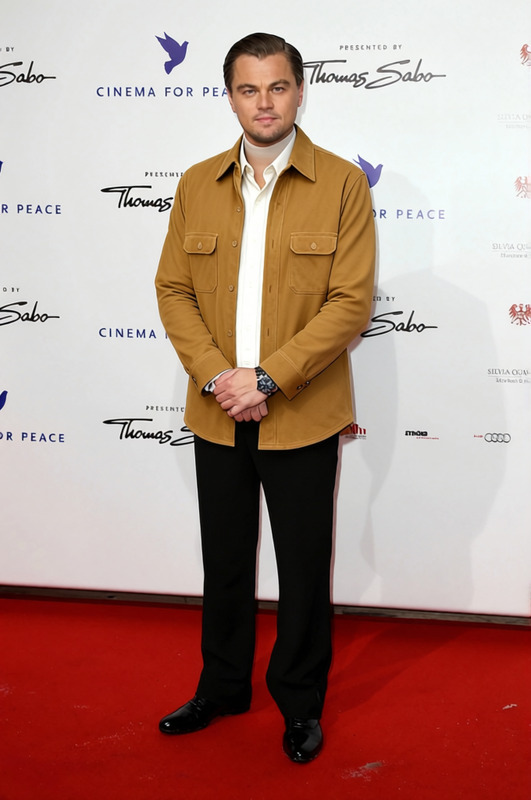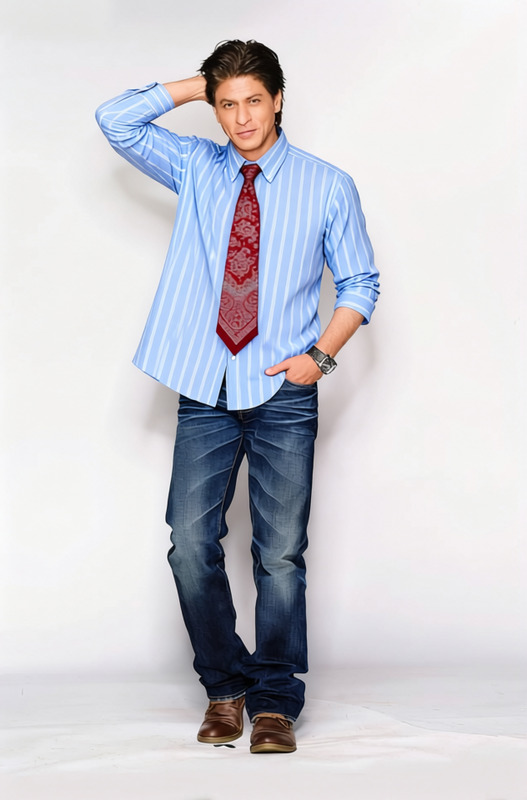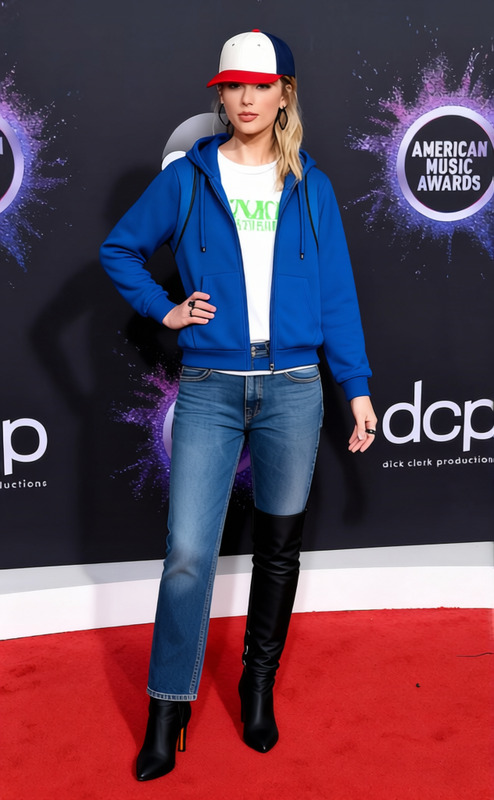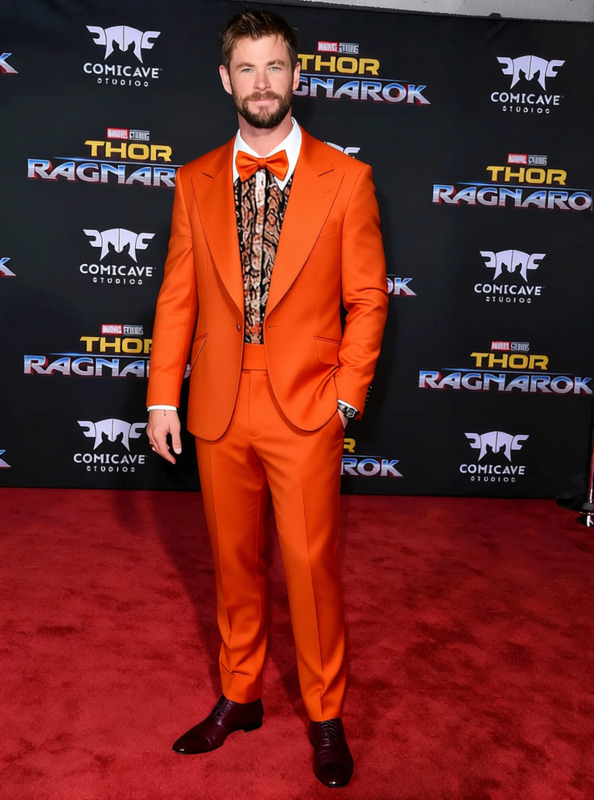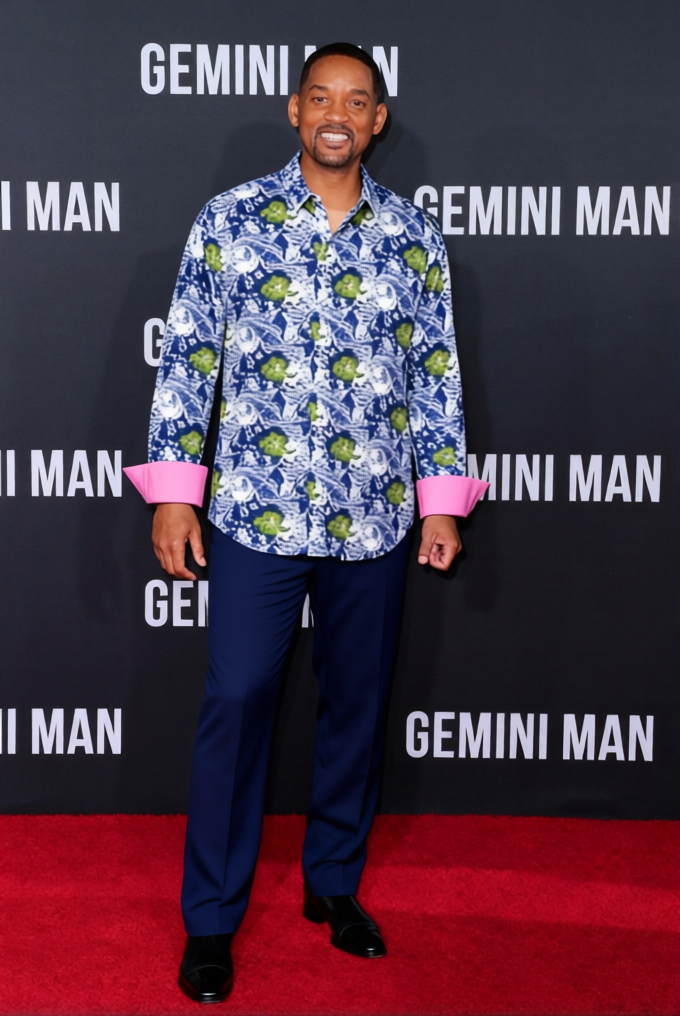
Cam Tucker Loud Patterned Dress Shirt
- Image
- 680 × 1016 px
Any aspect ratio
Overview
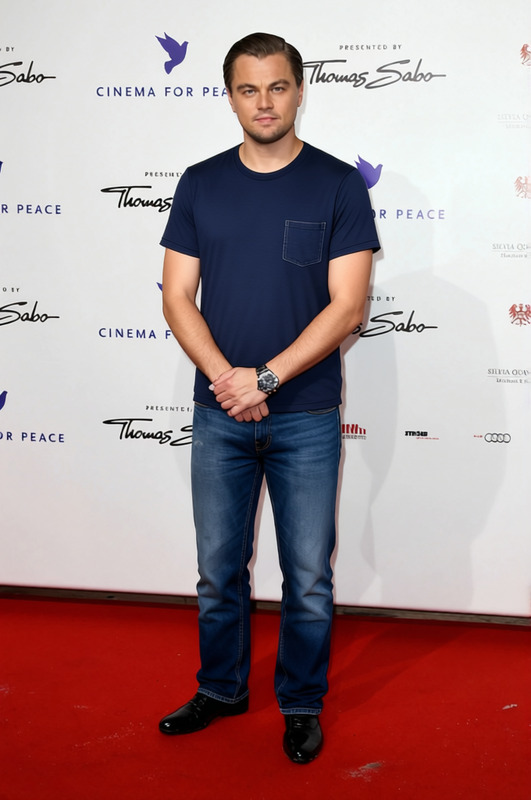
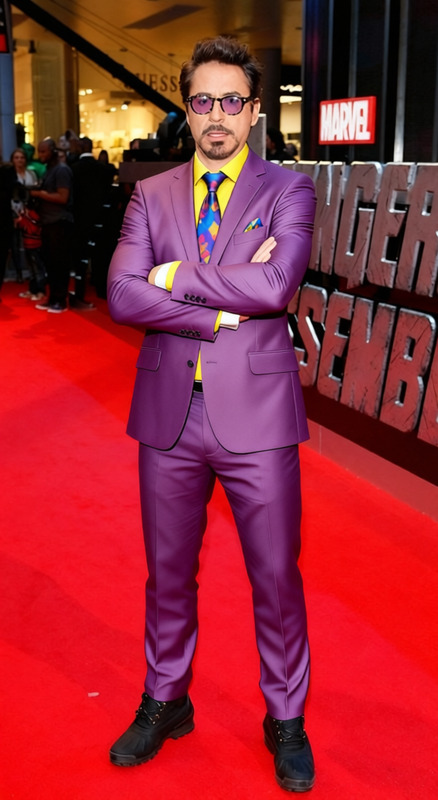
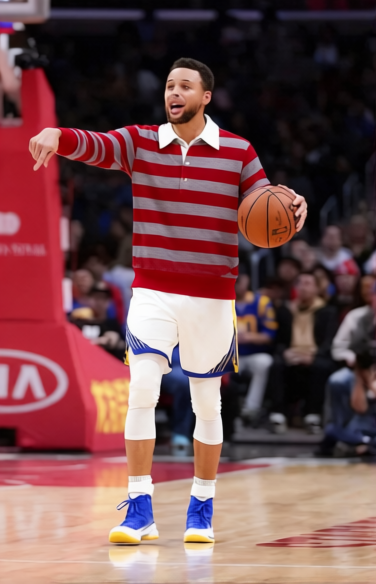
The Cam Tucker Loud Patterned Dress Shirt template lets you digitally experiment with vibrant shirt designs on photos of individuals. Perfect for testing bold fashion choices without any commitment, this template showcases the dynamic power of virtual garments.
What It Does
This AI Clothes Changer template is designed to transpose a loud, patterned dress shirt onto the subject in your photo. It maintains the original pose and setting while changing only the shirt design, making it ideal for virtual wardrobe trials or digital fashion projects.
Who It's For
Fashion designers, e-commerce businesses, and digital illustrators will find this tool particularly useful. Anyone involved in virtual styling or promotional content will benefit from the ability to refresh photos with new designs in moments. Discover more about similar services with our AI Product Photography tool.
Summary
The Cam Tucker template offers a hassle-free way to experiment with clothing designs. Transform your digital images by swapping out shirts for bold patterns. Enhance your creative projects with this tool, and don't miss our range of Face Swap products for more visual dynamism.
How To
Choose

Customize

Generate

Use Cases
Fashion Prototyping
- Visualize prototypes quickly
- Reduce production costs
E-commerce Display
- Showcase multiple designs
- Increase user engagement
Personal Styling
- Try on different styles
- Share virtual try-ons with friends
Best Practices
High-Quality Photos
Use high-resolution images for the best pattern application results.Correct Lighting
Ensure your original photo is well-lit to maintain consistency with the new graphic overlay.Experiment with Angles
Test designs on various poses to see different pattern applications.
Frequently asked questions
More Like This