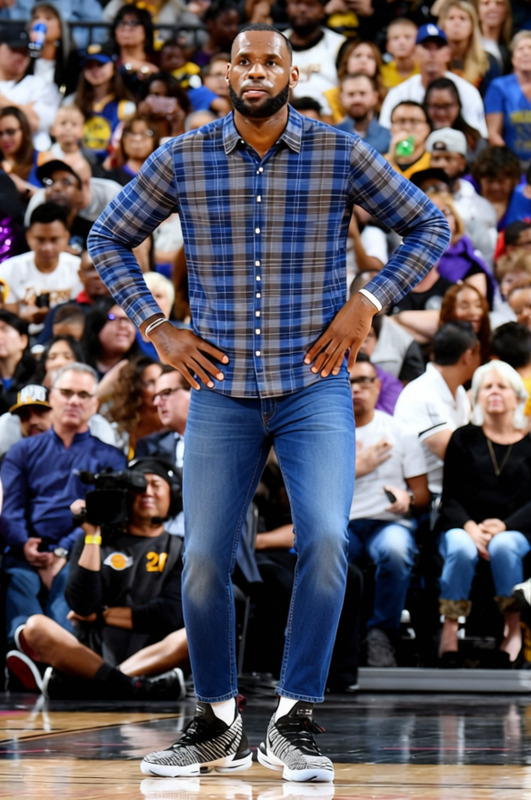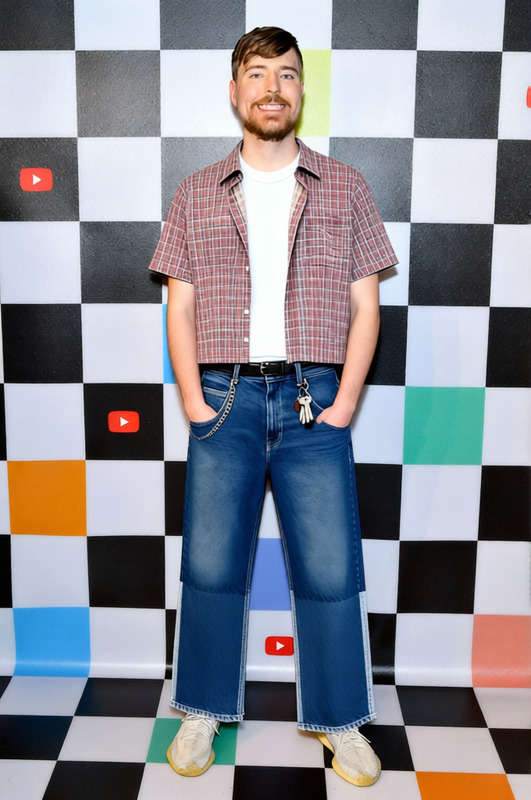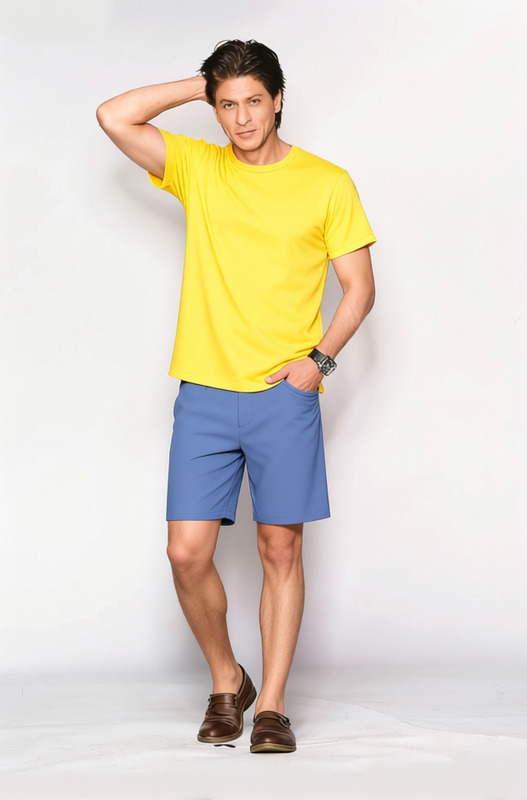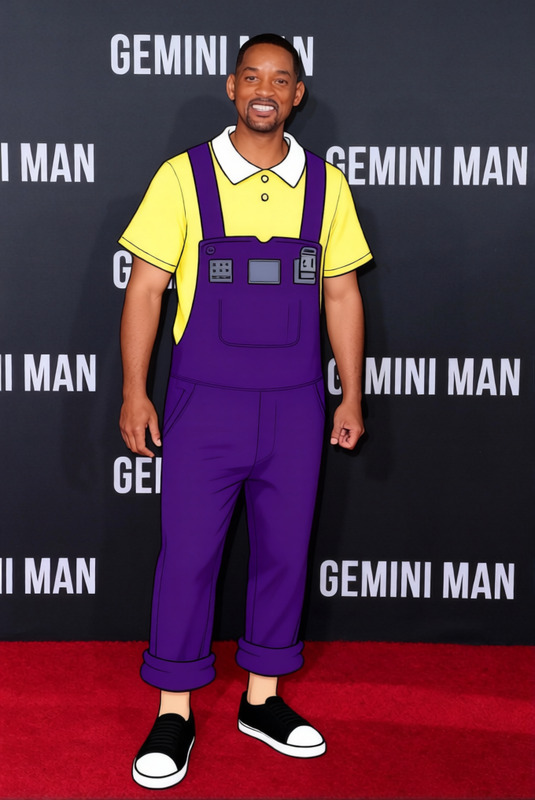
Al Bundy Blue Plaid Shirt
- Image
- 632 × 960 px
Any aspect ratio
Overview
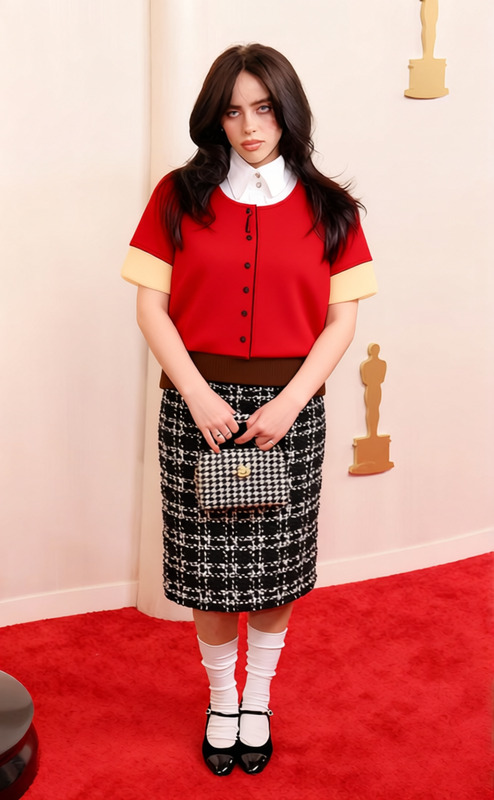
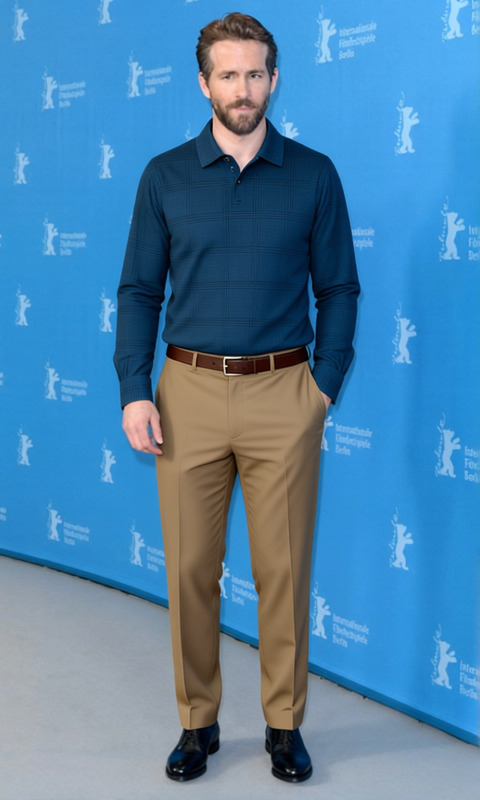
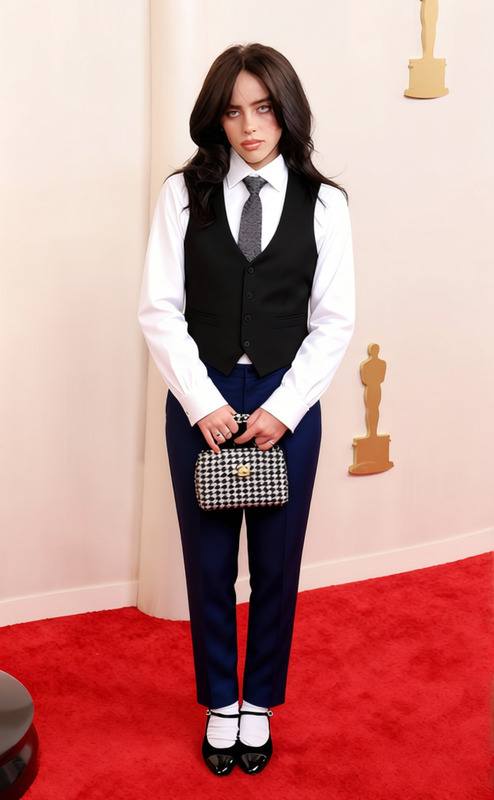
The Al Bundy Blue Plaid Shirt template is part of the AI Clothes Changer suite, allowing you to transform any outfit with ease. Perfect for fashion enthusiasts, this template lets you see how the classic blue plaid shirt looks on different personas in your images.
What It Does
This template provides a virtual dressing room experience by digitally overlaying a blue plaid shirt onto subjects in your photos. Leveraging AI technology, it precisely fits the garment to the person's body shape, maintaining natural shadows and texture. Integrate this with the AI Image Editor for further touch-ups or adjustments after applying the shirt.
Who It's For
The Al Bundy Blue Plaid Shirt template is ideal for ecommerce businesses looking to showcase clothing variations, fashion designers exploring outfit combinations, or social media influencers who want to engage their audience with unique looks. It's also a valuable tool for anyone involved in costume design, utilizing templates like Character Replace for versatile wardrobe changes.
Summary
Transform your digital wardrobe with the Al Bundy Blue Plaid Shirt template. From personalization to ecommerce enhancement, this tool equips you with the ability to easily visualize different clothing styles, expanding possibilities in fashion presentations and marketing.
How To
Choose the Template

Customize Your Design

Generate the Image

Use Cases
E-commerce Product Display
- Streamline photoshoots
- Enhance product pages
Social Media Content Creation
- Generate buzz
- Increase engagement
Fashion Design Prototyping
- Quick iterations
- Visual feedback loops
Best Practices
Ensure Proper Alignment
Use images where the subject faces directly forward to ensure the clothing fits accurately.Leverage Additional Editing
Combine with the AI Image Editor to tweak any minor details post-application.Use High-Resolution Images
For best results, upload high-resolution images to maintain quality after changes.
Frequently asked questions
More Like This