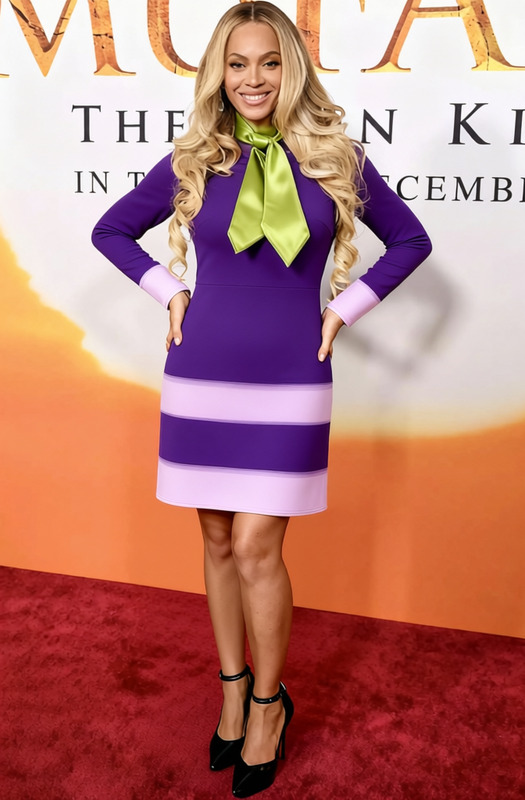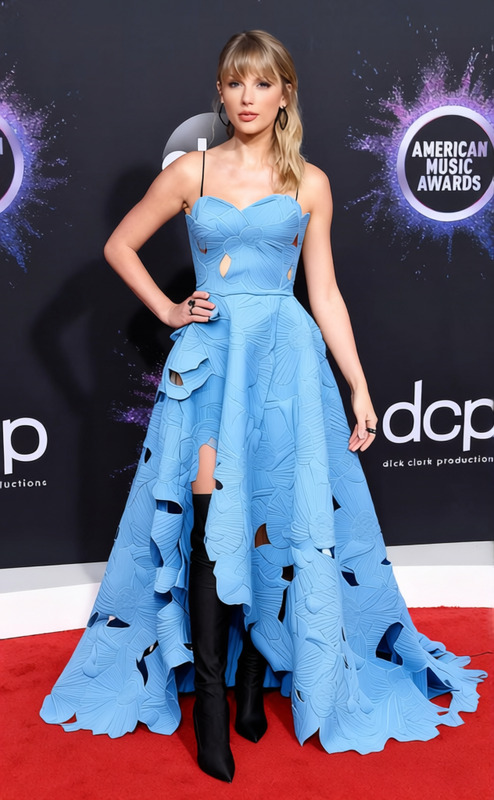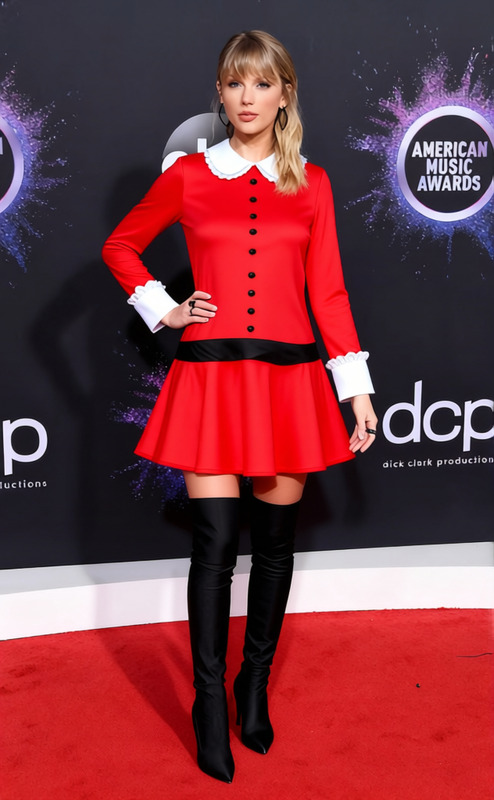
Taylor Swift All Too Well Red Scarf With Trench Coat 2
- Image
- 632 × 1024 px
Any aspect ratio
Overview
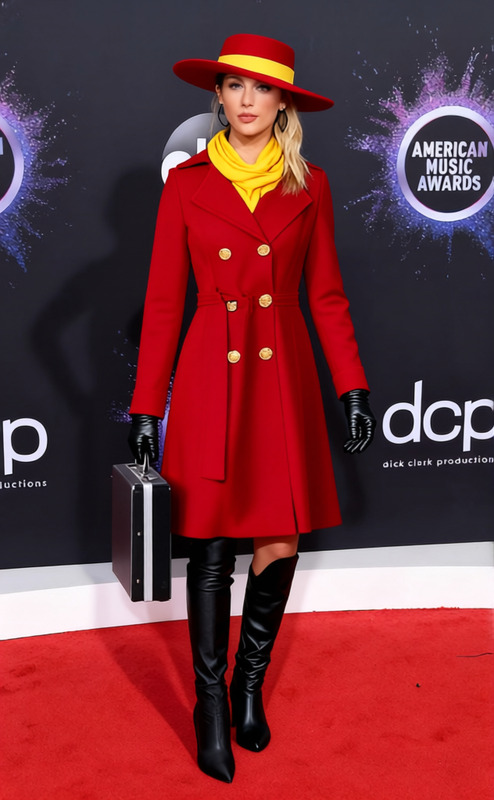
Revamp your look with the Taylor Swift All Too Well Red Scarf With Trench Coat 2 template. This Clothes Changer template allows you to transpose Taylor Swift's iconic fashion style onto your own images. Perfect for fan edits and themed visuals, this template offers a creative way to explore fashion digitally.
What It Does
This template takes your existing image and digitally outfits you in Taylor Swift's famed red scarf and trench coat. It's powered by advanced AI to ensure the clothing change looks as natural as possible. Using this template, you can transform any picture by incorporating signature pieces of an iconic wardrobe.
For detailed editing options, check our AI Clothes Changer for similar fashion transformations.
Who It's For
Whether you're a music lover, fashion blogger, or social media influencer, this template caters to your creative needs. Fans of Taylor Swift looking to celebrate her style can use this for personal projects. Additionally, digital marketers and content creators can incorporate this tool into campaigns targeting pop culture enthusiasts.
Summary
The Taylor Swift All Too Well Red Scarf With Trench Coat 2 template is your key to effortlessly embracing the iconic Taylor Swift look in your digital content. With AI-driven precision, switch out your attire for a stunning transformation, capturing the essence of your favorite artist's fashion.
Explore other unique transformations like the AI Profile Picture Generator to enhance your online presence.
How To
Choose Your Template

Customize Your Image

Generate & Download

Use Cases
Social Media Content
- Instagram posts
- Facebook cover photos
- TikTok profile updates
Fan Art Creations
- Fan club submissions
- Online community sharing
Marketing Campaigns
- Ad creatives
- Email marketing visuals
Best Practices
Image Quality
Use high-resolution images for the best output quality when changing clothes.Facial Alignment
Ensure your face is centered and well-lit for a seamless transformation.Test Varied Angles
Try different posing angles to see which one best suits the clothing transformation.
Frequently asked questions
More Like This