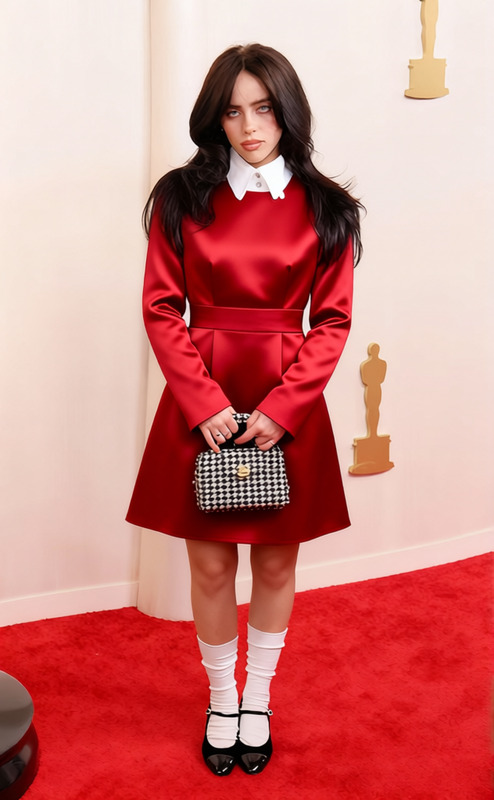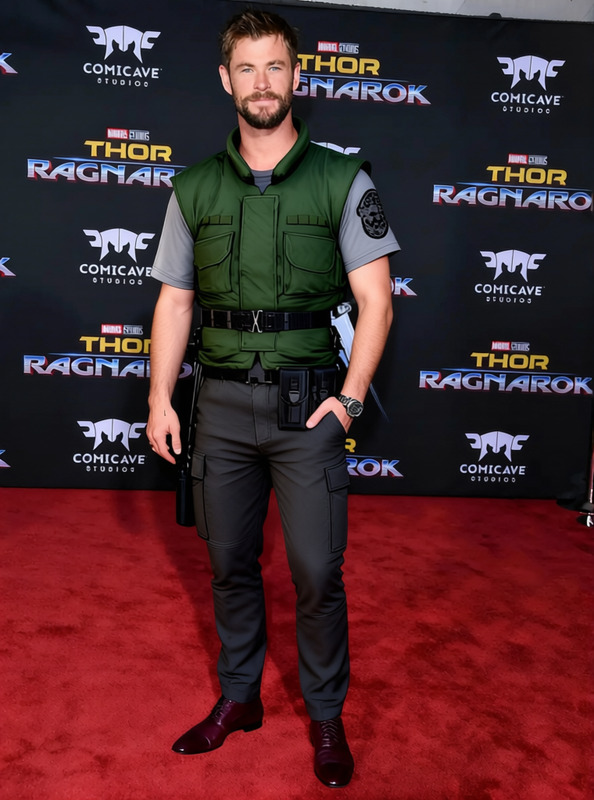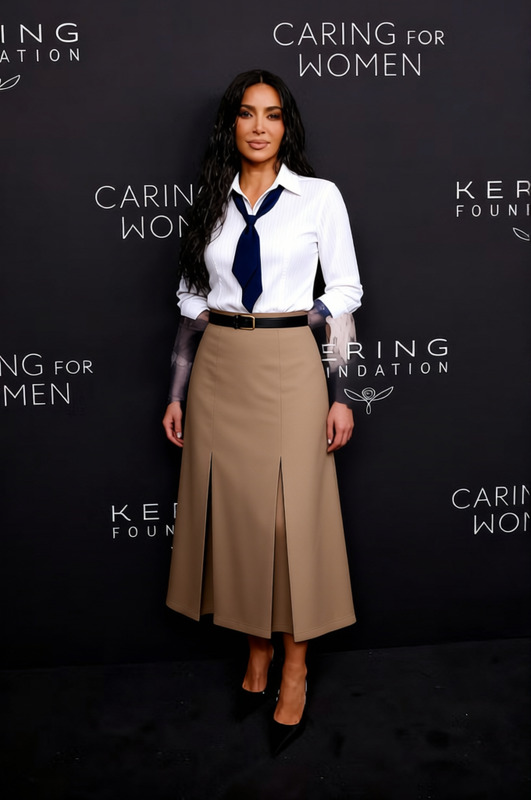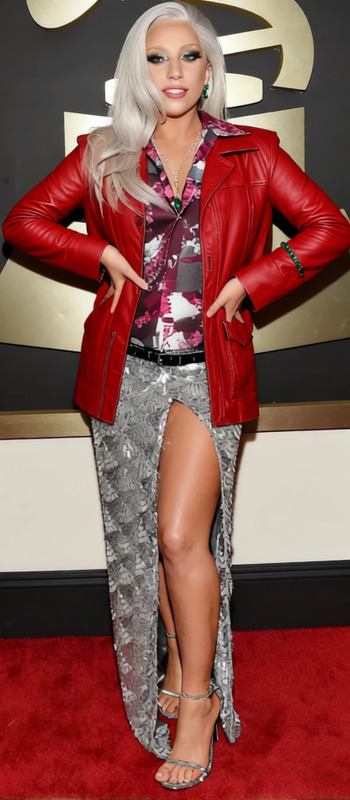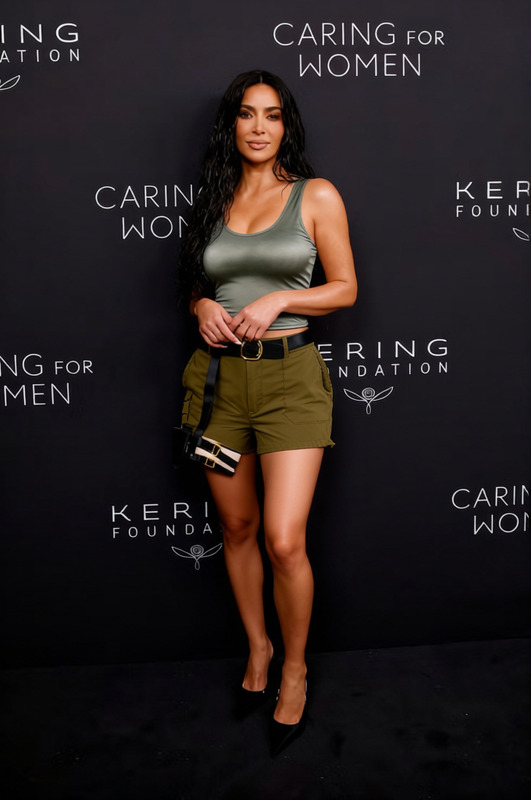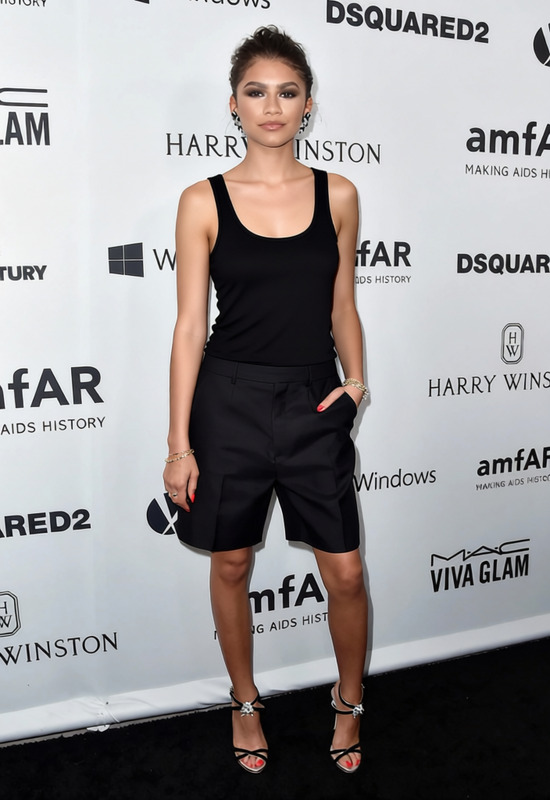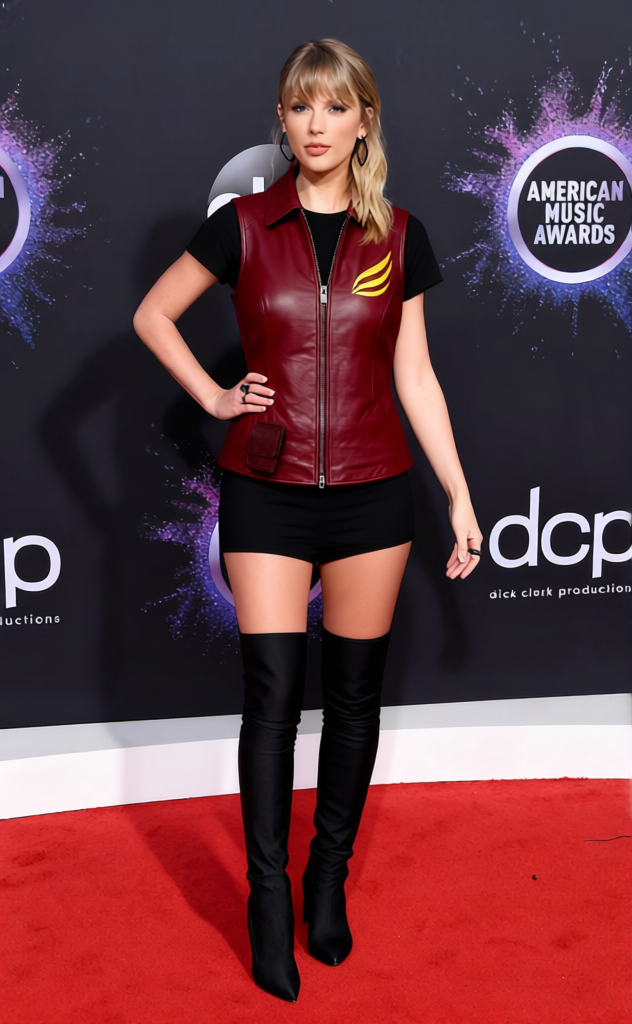
Claire Redfield Red Leather Vest With Black Shorts
- Image
- 632 × 1024 px
Any aspect ratio
Overview
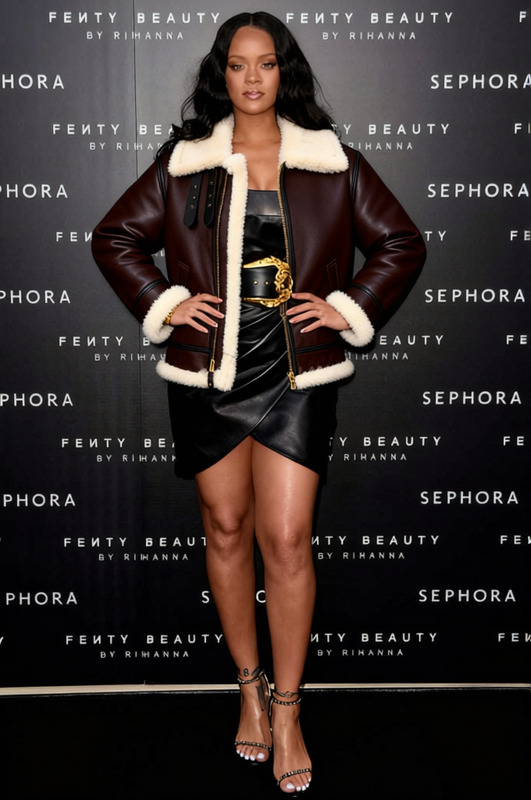
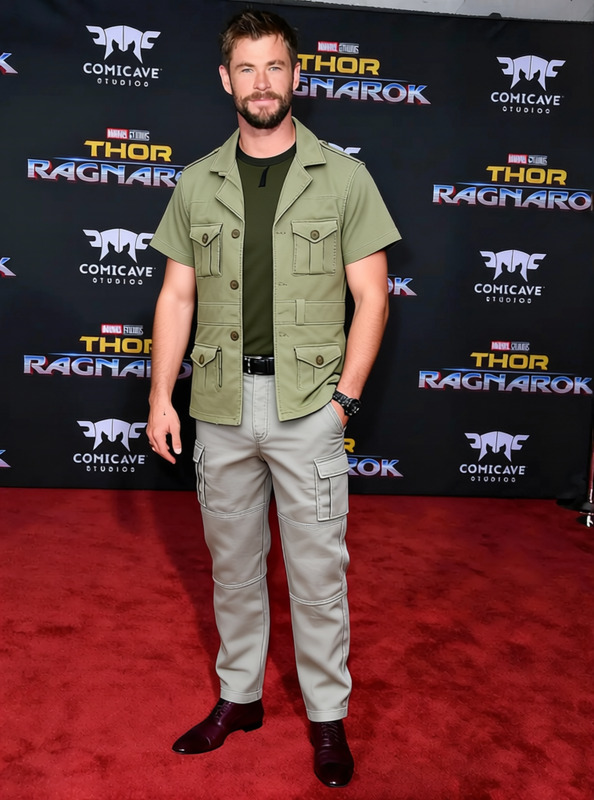
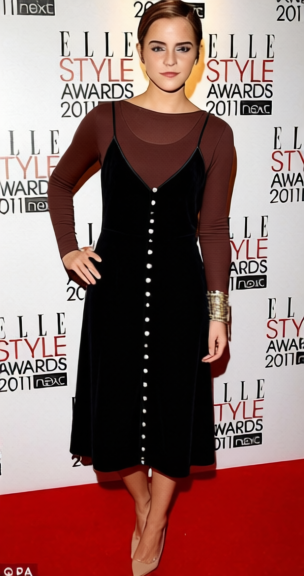
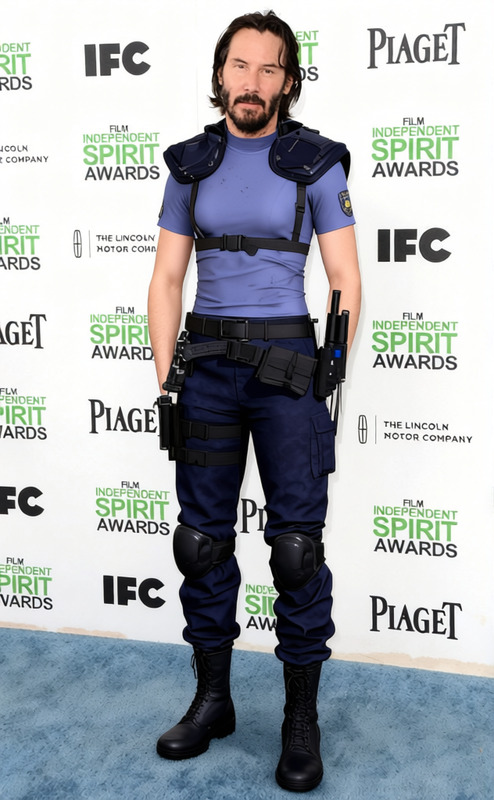
Transform your character's look with the "Claire Redfield Red Leather Vest With Black Shorts" template. This clothes-changing feature allows you to effortlessly blend striking fashion with your favorite characters. Ideal for gamers, designers, and creative professionals needing fresh and dynamic visuals.
What It Does
This template uses AI to replace existing outfits with a red leather vest and black shorts ensemble, inspired by iconic characters like Claire Redfield. Its compatibility with various file formats ensures seamless integration with your projects. Explore related tools like the AI Clothes Changer for more customization options.
Who It's For
Designed for digital artists, developers, and content creators who regularly update character designs. Whether you're enhancing a gaming project or creating stunning visual presentations, this template aligns perfectly with tools like the Face Swap and AI Face Editor to bring your characters to life.
Summary
Effortlessly swap your character's clothing to keep your designs fresh and engaging. Use the "Claire Redfield Red Leather Vest With Black Shorts" template to maintain an exciting visual appeal across various media. Complement your creations with the Image to Video tool for added dynamism.
How To
Select the Template

Customize the Inputs

Generate the Final Image

Use Cases
Character Design
- Gaming avatars
- Comic book heroes
- Digital art pieces
Marketing and Promotions
- Social media campaigns
- Trailer and teaser visuals
- Promotional posters
Storyboarding and Previsualization
- Film and animation pre-productions
- Prototyping promotional sequences
- Interactive storytelling
Best Practices
Choose High-Resolution Images
For optimal results, select high-quality images that capture clear details of your character's current outfit.Align Style Elements
Ensure the new outfit aligns with your project's visual theme to maintain a cohesive look.Experiment with Angles
Try different character angles to see how the clothing fits under various perspectives. This helps in adjusting the final output for diversified uses.
Frequently asked questions
More Like This