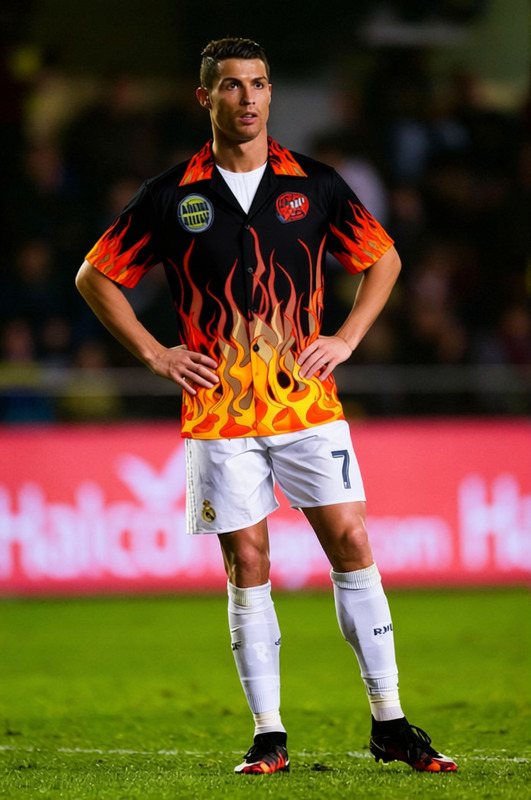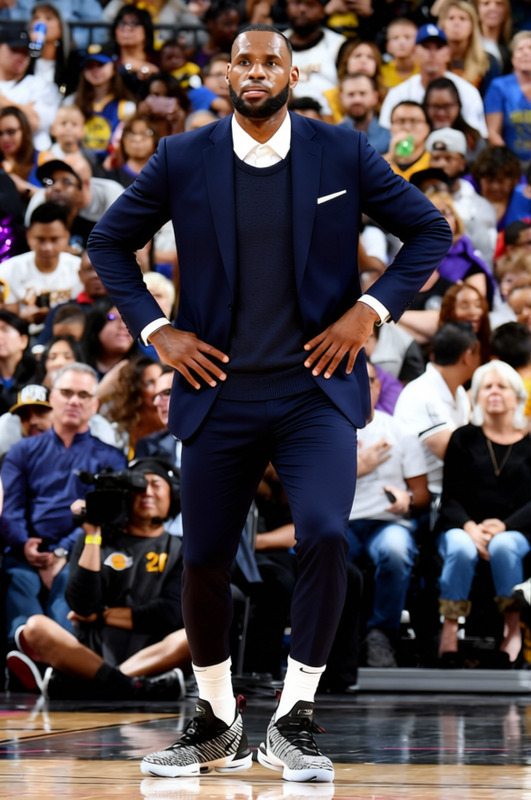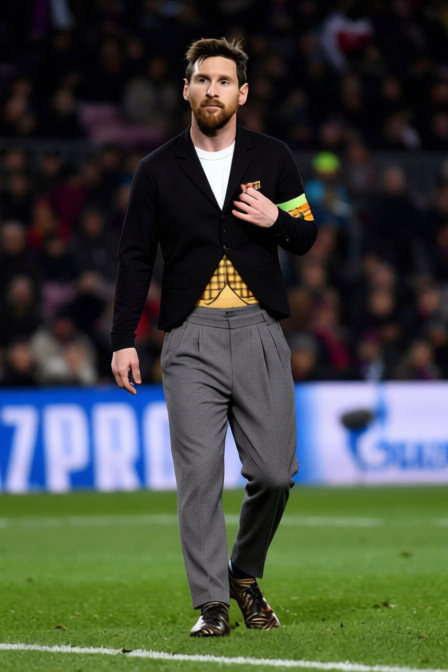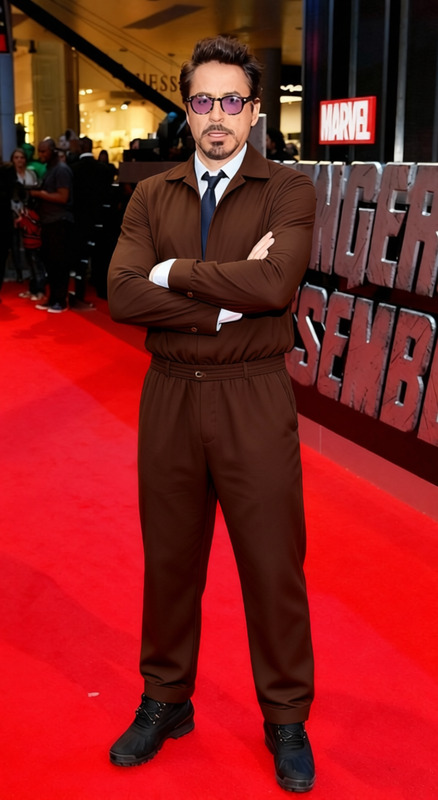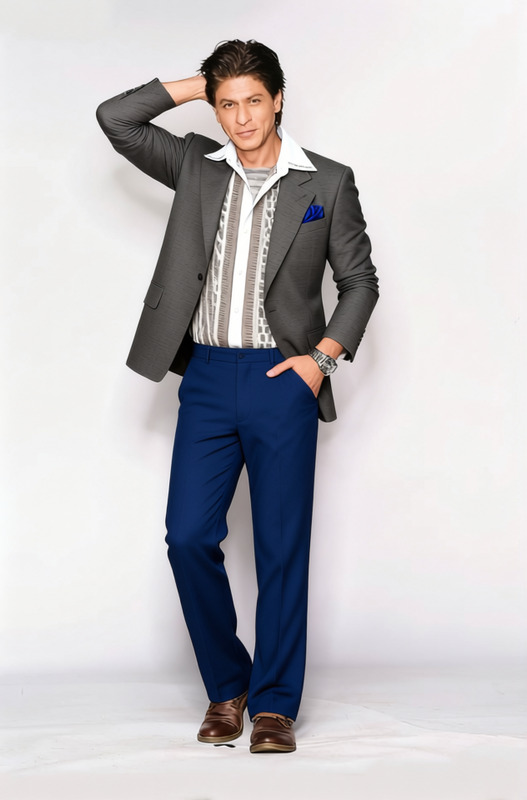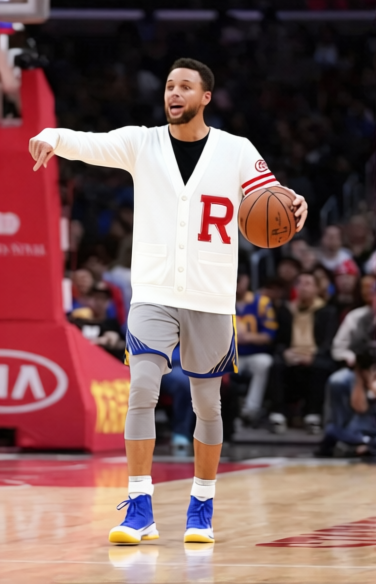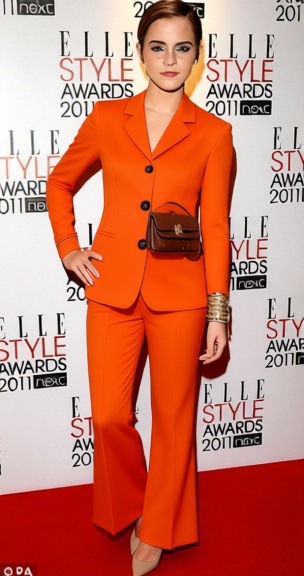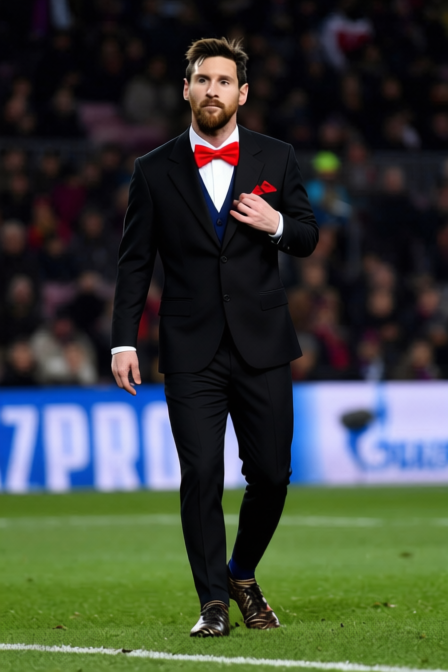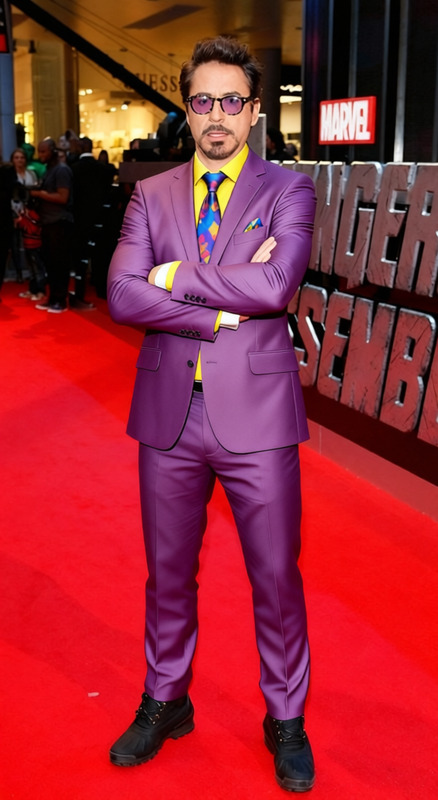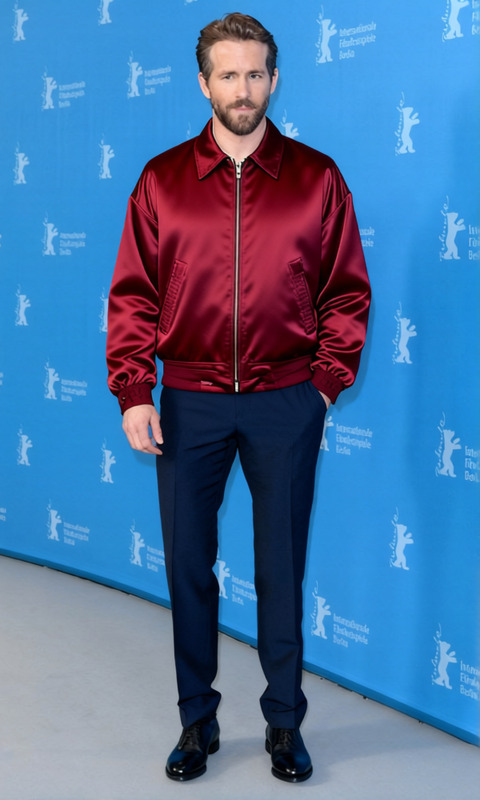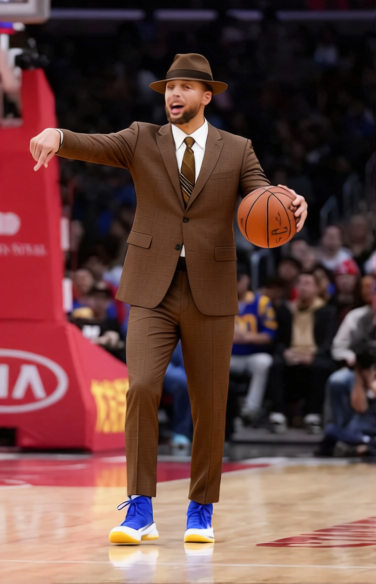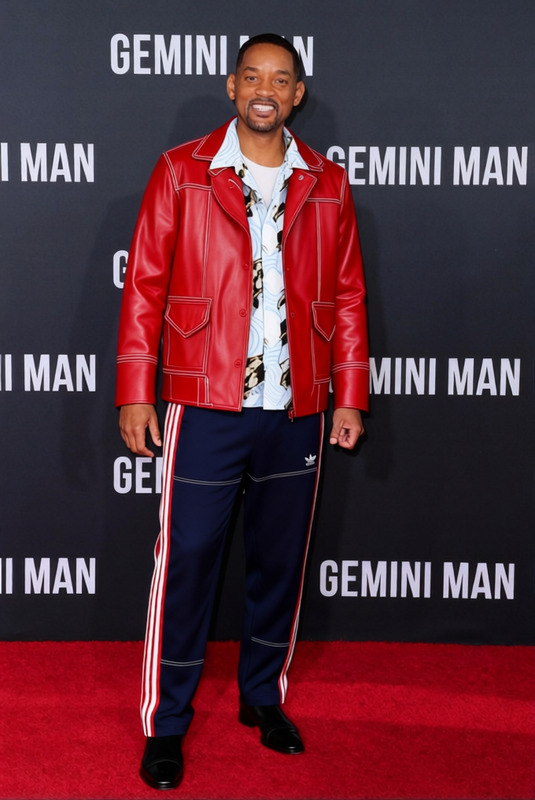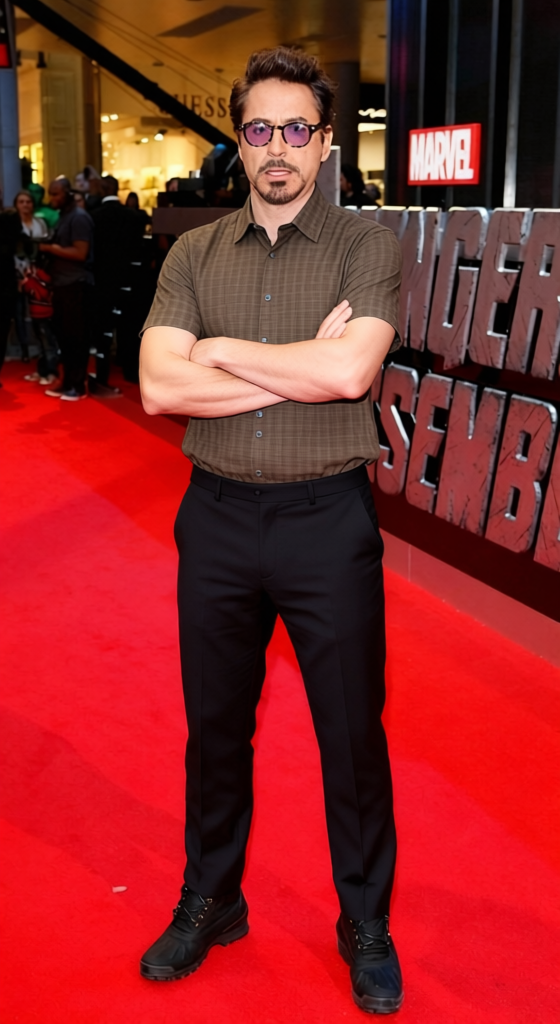
Tony Soprano Patterned Bowling Shirt With Dark Trousers 2
- Image
- 560 × 1024 px
Any aspect ratio
Overview
The "Tony Soprano Patterned Bowling Shirt With Dark Trousers 2" template facilitates clothing transformations in your images, swapping out old outfits for a new, stylish ensemble. Using the Clothes Changer feature, this template allows you to update fashion elements without altering the original setting or character.
What It Does
This template enables users to interchange the existing outfit in their images with a Tony Soprano-inspired patterned bowling shirt and dark trousers. Leveraging advanced AI capabilities, this template preserves body posture and lighting nuances for a seamless integration of new clothing.
Integrate this with our AI Clothes Changer to see the transformation instantly or pair it with the Face Swap tool for a full-body makeover. Discover the potential of modern outfit transformations while maintaining the original background and context.
Who It's For
This template is ideal for fashion enthusiasts, marketers, and influencers looking to showcase different wardrobes without the need for manual photography or extensive post-production work. It's also perfect for creative professionals seeking to spice up visuals in lookbooks or promotional content.
Summary
Transform your personal or professional images with the "Tony Soprano Patterned Bowling Shirt With Dark Trousers 2" template. Ideal for users who want to diversify their image content creatively, it's a powerful tool for seamless attire substitutions.
For more dynamic results, explore our AI Talking Photo tool to animate your stylish images. Whether for storytelling or simply for fun, this template caters to a diverse range of creative needs.
How To
Choose Your Template

Customize Your Inputs

Generate and Download

Use Cases
Fashion Lookbook
- Enrich your collection with stylish options without additional photoshoots.
- Experiment with different fashions instantly.
Social Media Content
- Engage your audience with creative outfit showcases.
- Stay trendy without frequent wardrobe changes.
E-commerce Catalogs
- Test different clothing combinations for product previews.
- Enhance customer experience by showing multiple variations.
Best Practices
Use High-Resolution Images
For the best results, ensure the images you upload are high in resolution and clear. This reduces distortion and enhances detail when applying new clothing.Match Lighting Conditions
Select images with consistent lighting to avoid discrepancies between the original and applied clothing's shadows and highlights.Check Alignment
Adjust the fit and alignment of the clothing using customization options to make sure it matches the subject’s body posture and dimensions accurately.
Frequently asked questions
More Like This