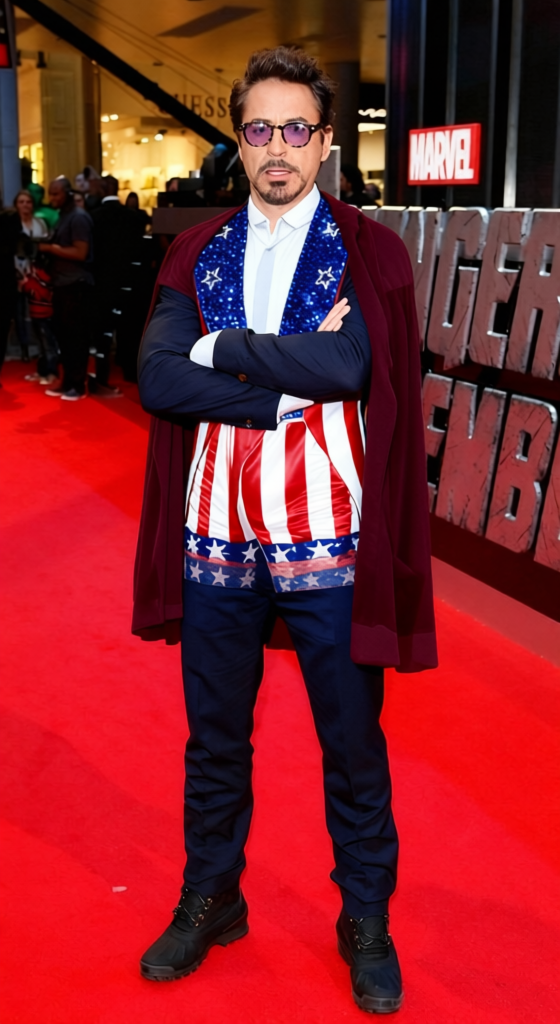
Apollo Creed Uncle Sam Stars And Stripes Boxing Outfit 2
- Image
- 560 × 1024 px
Any aspect ratio
Overview
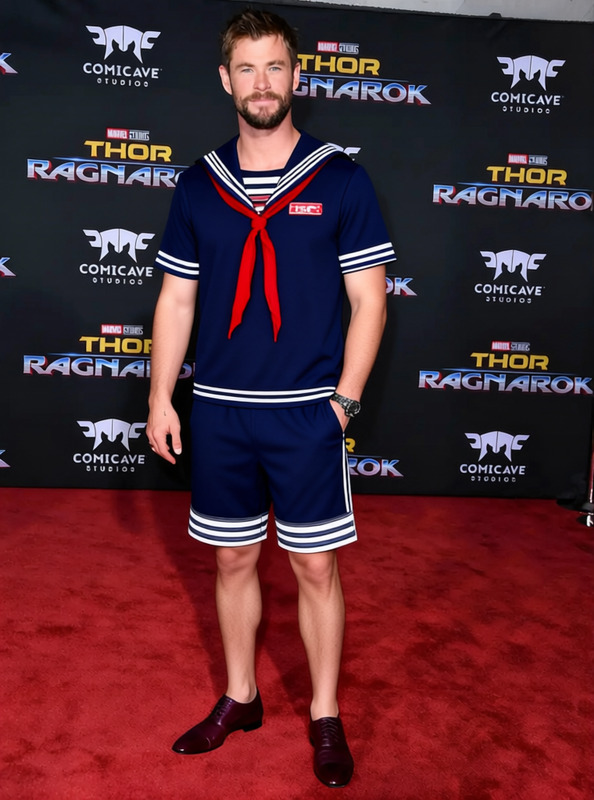
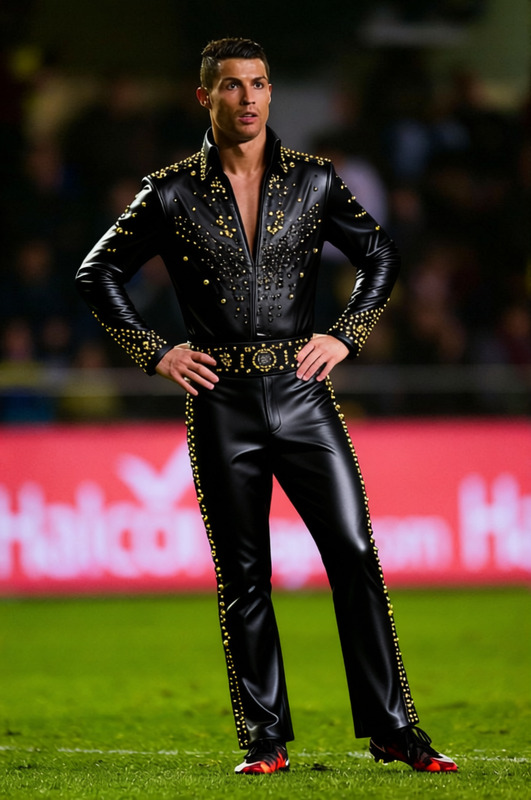
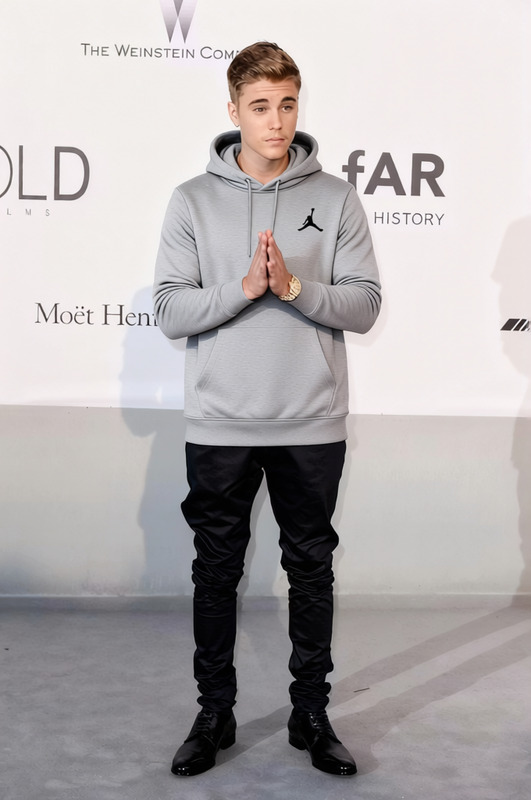
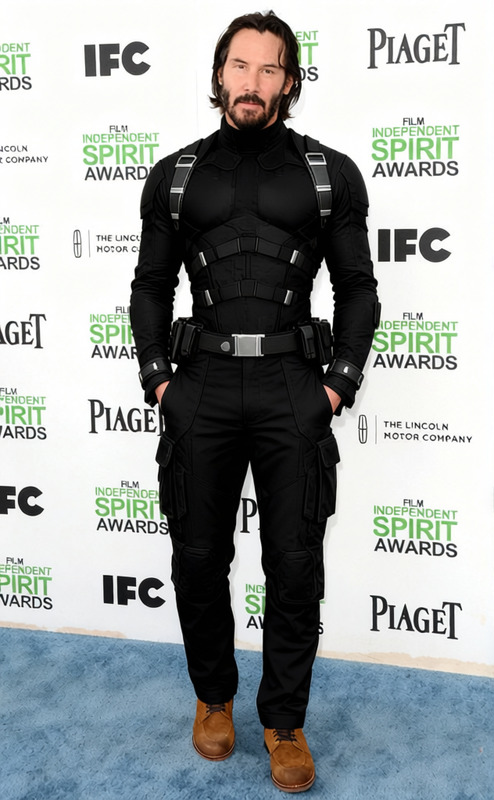
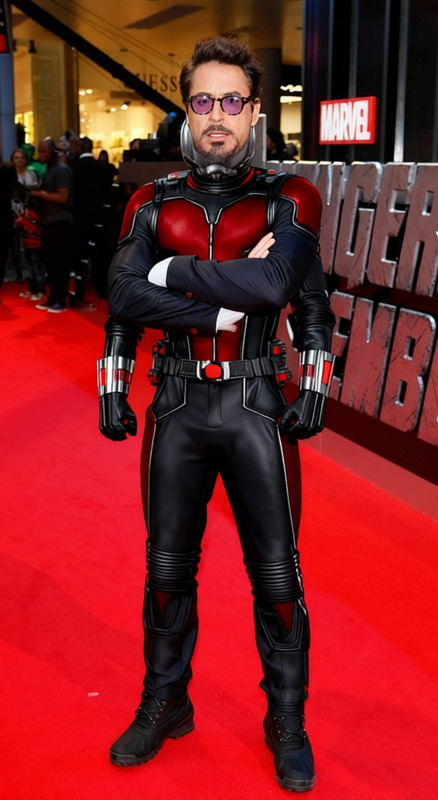
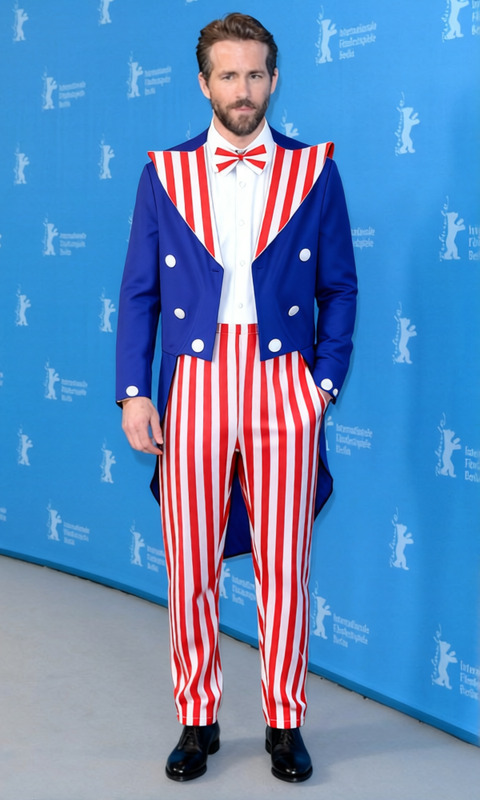
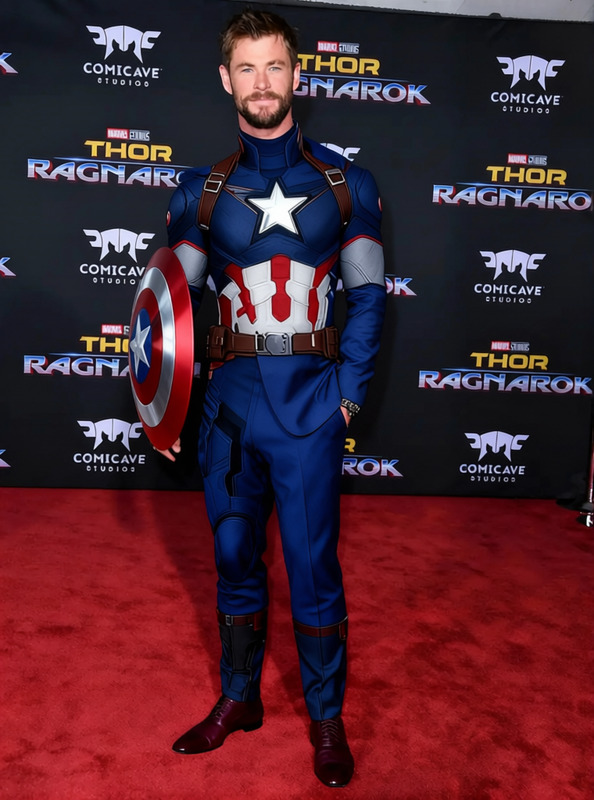
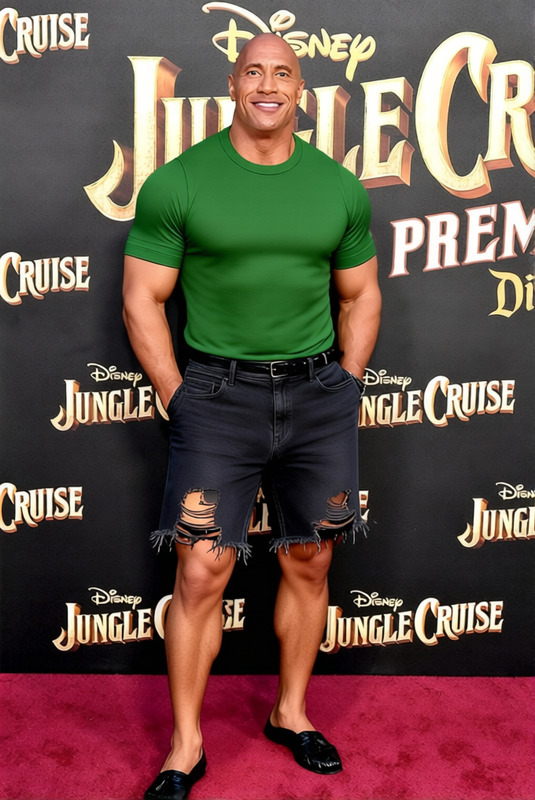
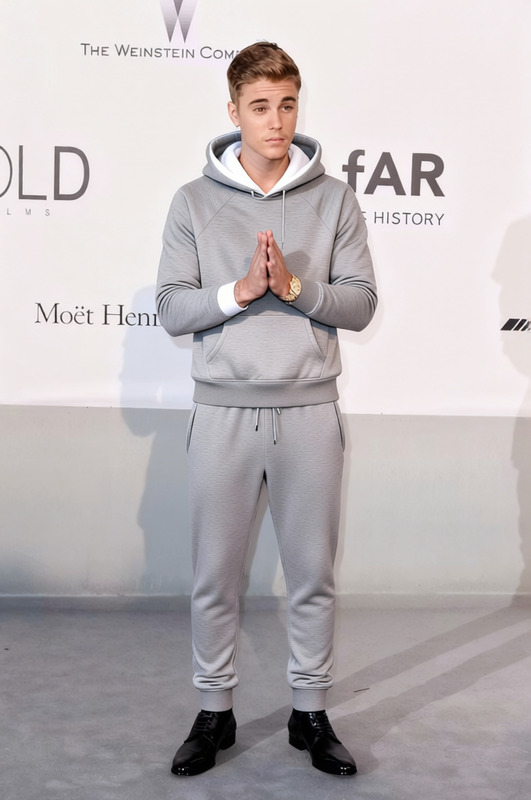
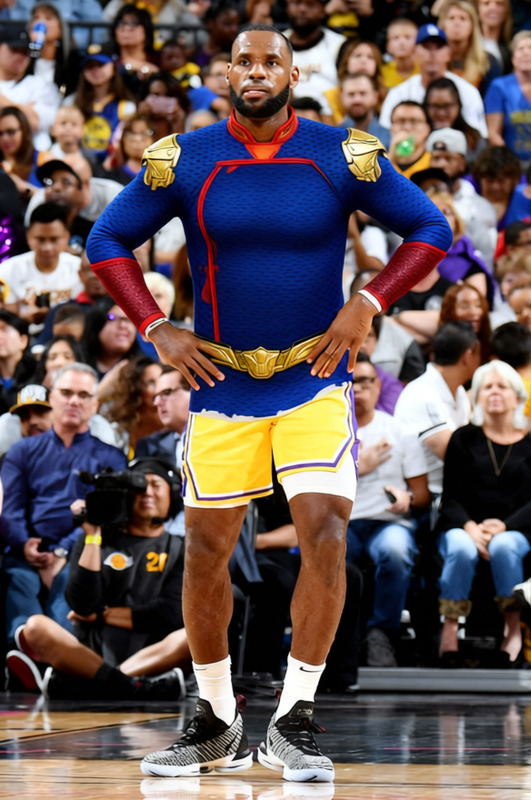
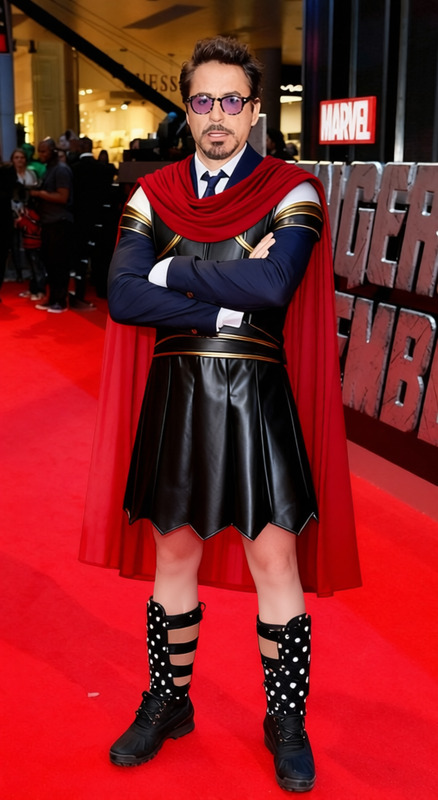
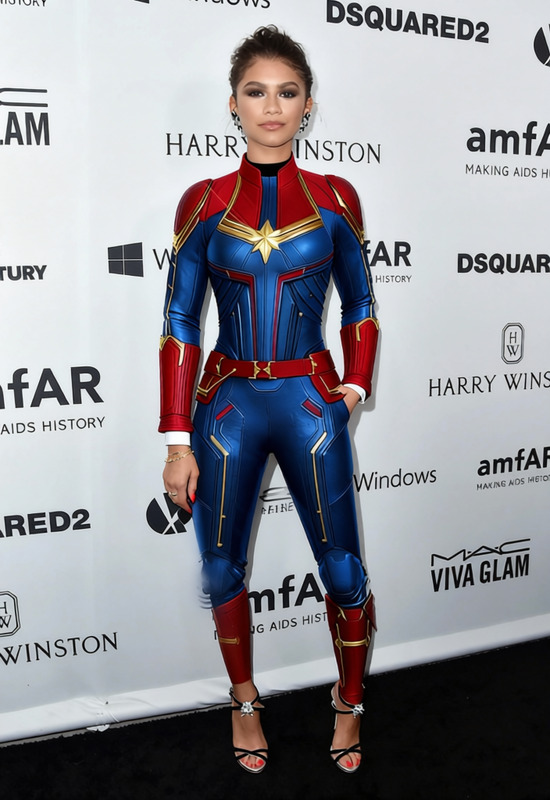
The Apollo Creed Uncle Sam Stars And Stripes Boxing Outfit template brings the flashy style of the iconic boxer to your photos. Whether you're editing personal pictures or working on media projects, this clothes changer template lets you transform any subject's outfit into the patriotic red, white, and blue ensemble of Apollo Creed.
What It Does
This template is designed to change the clothes of the subject in your image to the legendary stars and stripes boxing outfit inspired by Apollo Creed from the Rocky film series. Ideal for creating themed photos, this template retains the original pose and expressions while enhancing it with a bold American-themed outfit.
Who It's For
This template is perfect for designers, social media enthusiasts, and fans of pop culture looking to add a creative flair to their images. It's also an excellent tool for marketing professionals who want to capture attention with visually striking content.
Summary
With this clothes changer template, you can bring a touch of Hollywood glam to your images. Ideal for both personal and professional projects, this tool enhances your visuals with a recognizable and stylistically bold outfit. Discover more image transformation options with our AI Clothes Changer and explore other innovative editing tools such as the AI Image Editor and the Photo Colorizer to diversify your creative capabilities.
How to Use
Choose Your Template

Customize Your Image

Generate and Download

Use Cases
Social Media Content
- Showcase themed outfits for special occasions
- Engage followers with recognizable imagery
Marketing Campaigns
- Create memorable ad content
- Capture audience attention with a bold visual style
Event Promotions
- Use in event posters featuring special guests
- Enhance digital invites with unique visuals
Best Practices
Choose High-Quality Images
For optimal overlay effect, use high-resolution images where subjects are clearly visible.Position Correctly
Ensure the template aligns with the subject for a seamless appearance. Make small adjustments for complex poses.Test Different Scenarios
Try the template on various images to find the most effective style and impact.
Frequently asked questions
More Like This