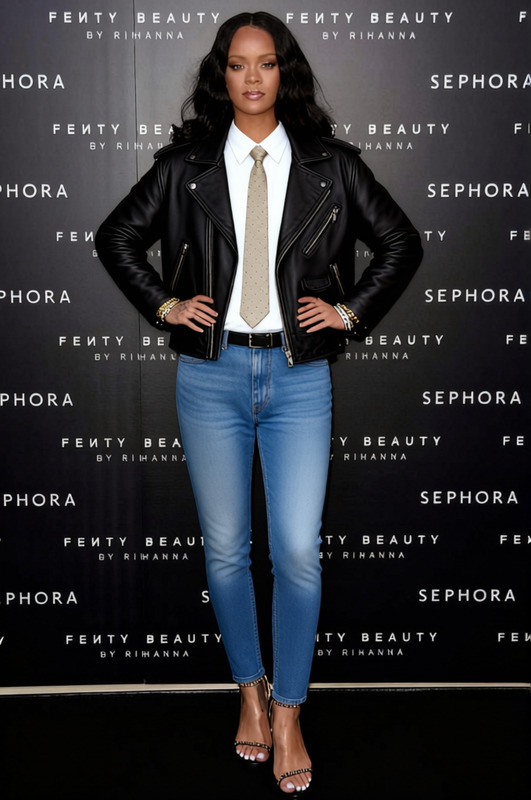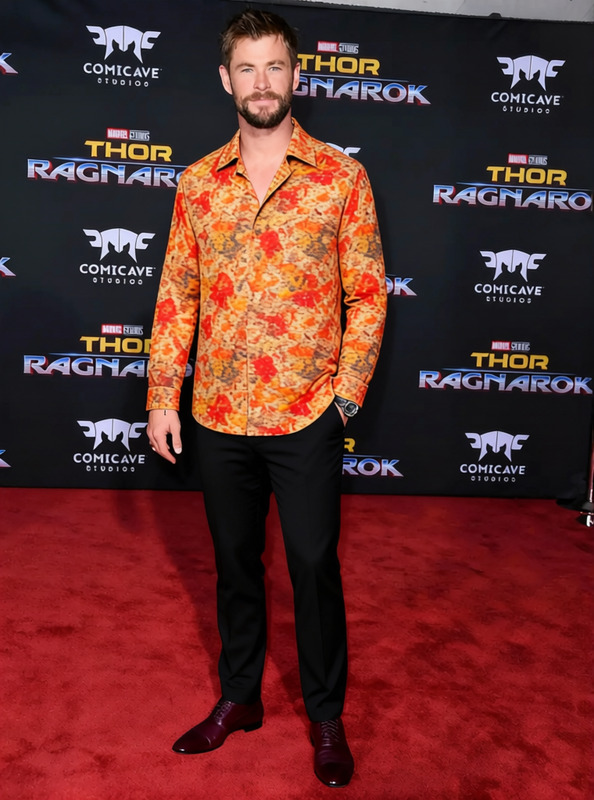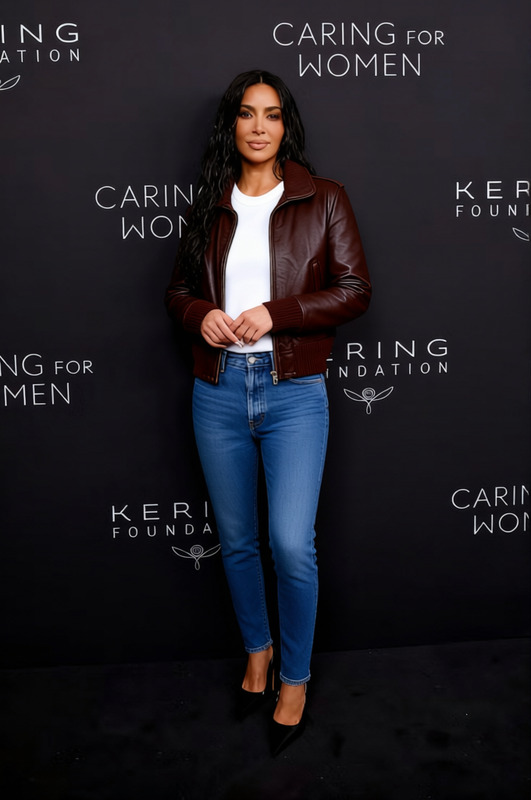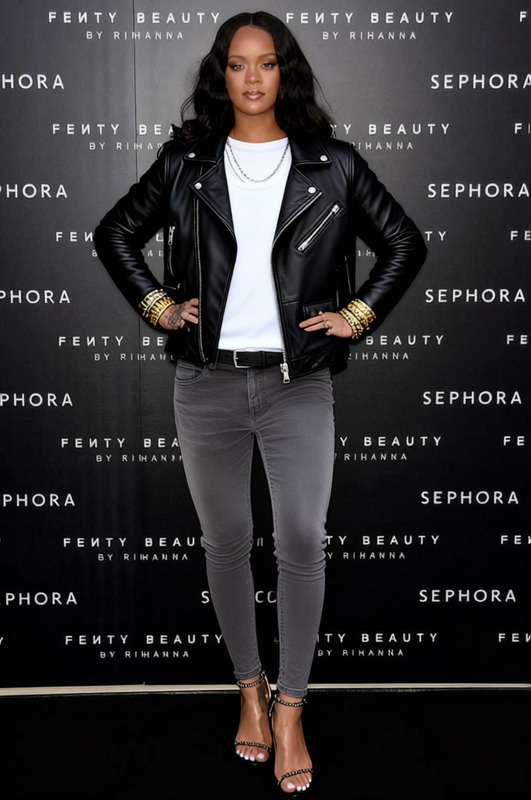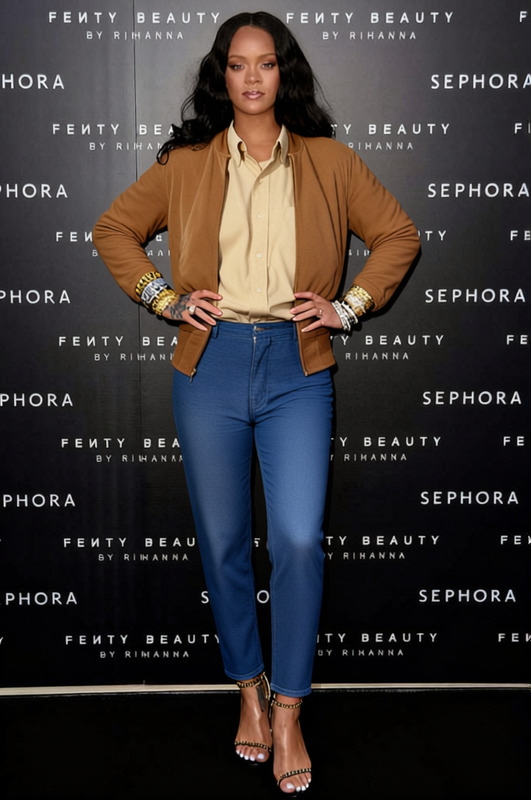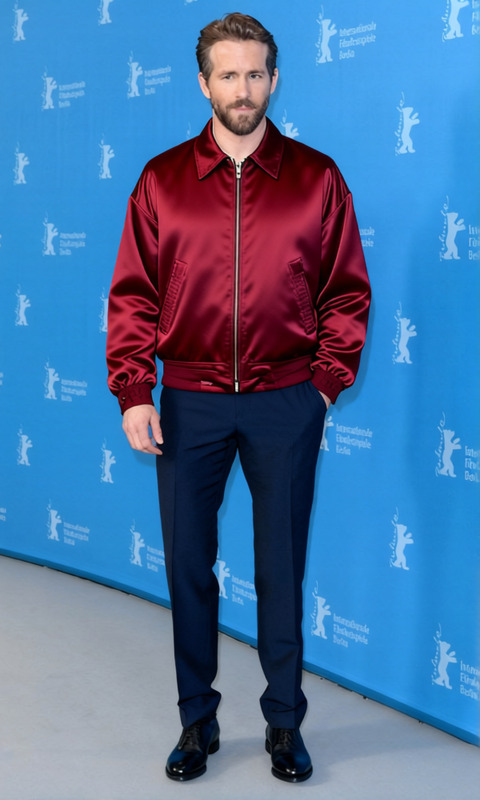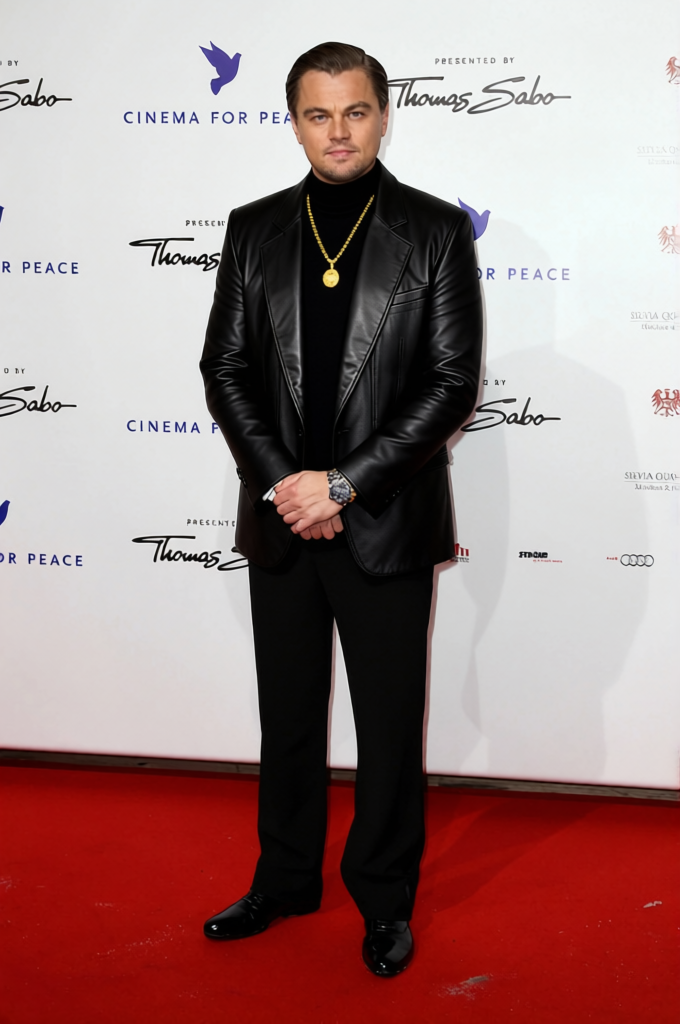
Vincent Gambini Black Leather Jacket
- Image
- 680 × 1024 px
Any aspect ratio
Overview
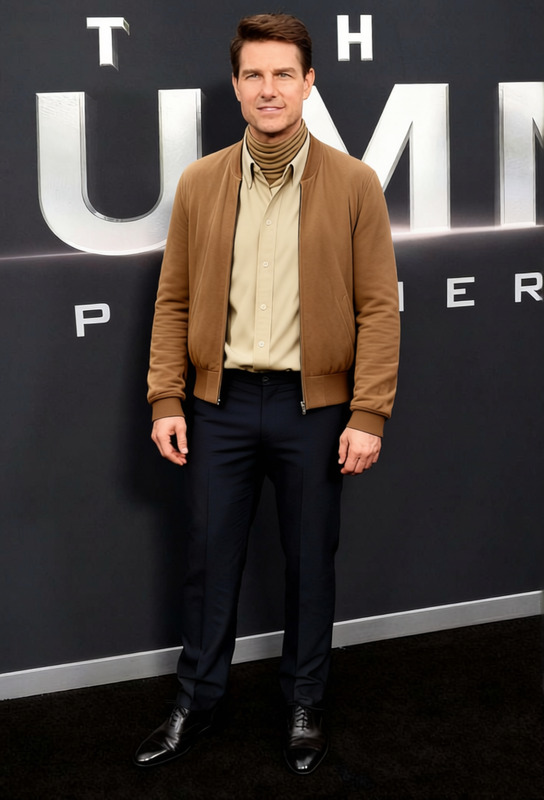
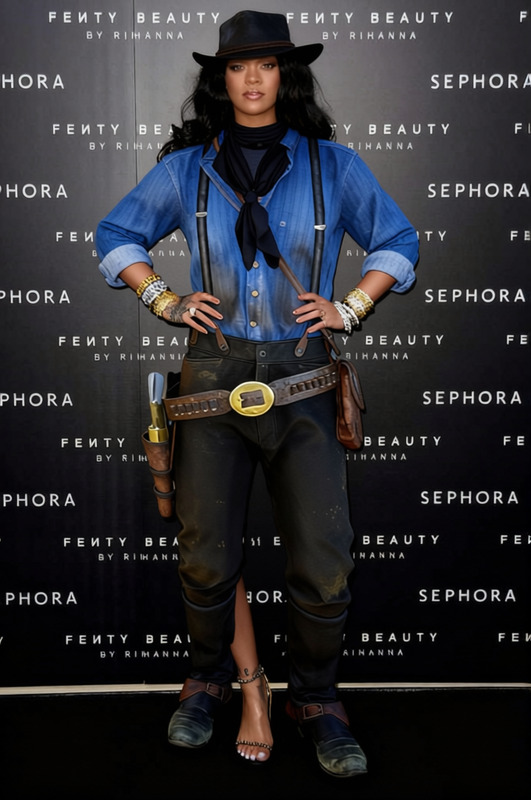
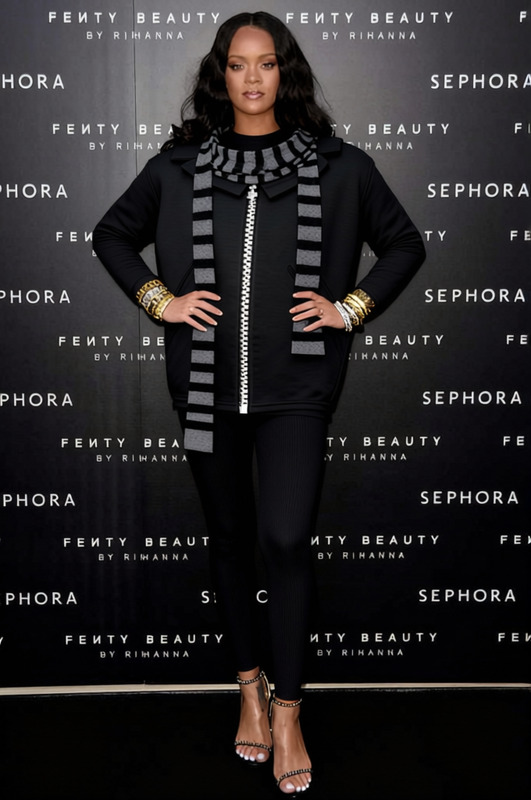
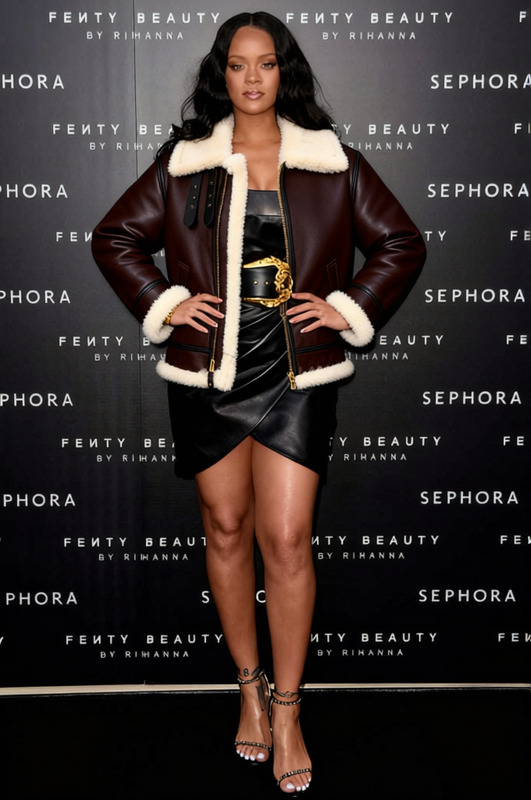
The Vincent Gambini Black Leather Jacket template allows you to modify images by adding a sleek black leather jacket to any subject with ease. Perfect for both casual and professional settings, this template aligns with the AI Clothes Changer for lifelike results that enhance photographic narratives.
What It Does
Utilizing advanced AI technology, this template applies a black leather jacket to your selected subject in an image. The process involves adjusting the jacket's fit to match the posture and size of the subject, ensuring natural and convincing results. This is part of our broader suite of image transformation tools like the AI Image Editor.
Who It's For
Fashion designers, marketers, and photographers will find this template invaluable. Whether you are seeking quick edits for a fashion shoot or need to demonstrate a wardrobe piece in different contexts, this template offers flexibility and precision. It's also ideal for creating dynamic marketing visuals for online stores and social media campaigns, complementing the AI Product Photography.
Summary
Explore new creative possibilities with the Vincent Gambini Black Leather Jacket template. This tool not only streamlines the photo editing process but also elevates any image with a sophisticated touch, making it a staple for creative professionals who regularly engage with digital media.
How To
Select the Template

Customize Your Image

Generate Your Edited Image

Use Cases
E-commerce Product Images
- Test new clothing items for model shots
- Showcase styling options in listings
Social Media Campaigns
- Create engaging content for fashion lines
- Easily adjust looks for ongoing campaigns
Personal Branding
- Add variety to personal photo collections
- Align wardrobe in professional headshots
Best Practices
Start With High-Resolution Images
For the best results, use high-quality images. This ensures details of the leather jacket fit naturally onto the subject.Fine-Tune Jacket Placement
Use the customization tools to carefully adjust the jacket's fit. Pay attention to the contours and angles to maintain realism.Experiment with Different Angles
Test various images of your subject to explore how different angles impact the jacket's look and feel.
Frequently asked questions
More Like This