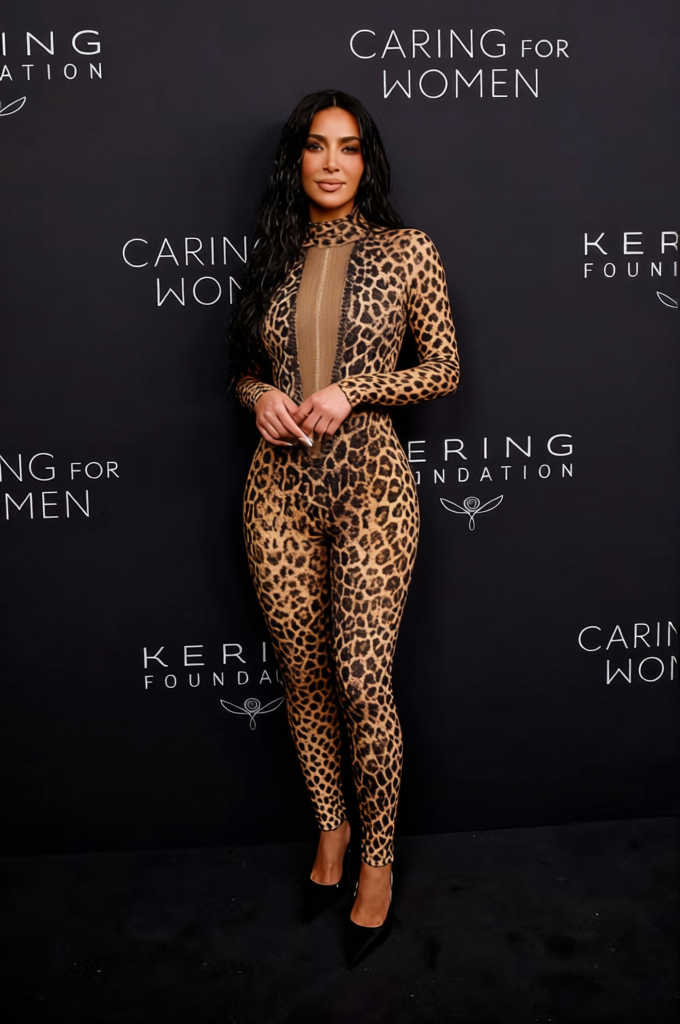
Spice Girls Scary Spice Animal Print Outfit
- Image
- 680 × 1024 px
Any aspect ratio
Overview
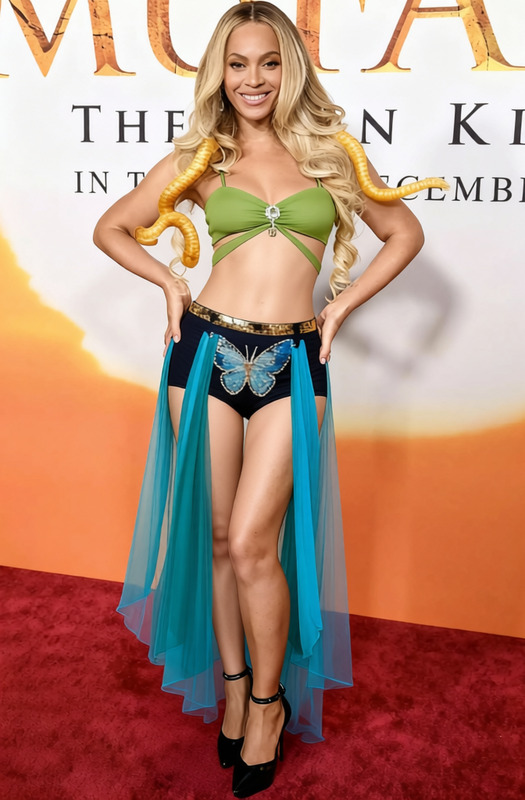
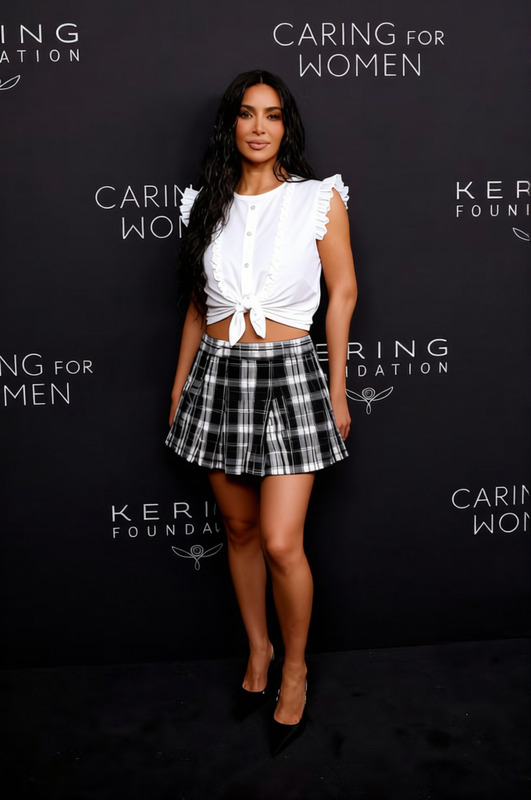
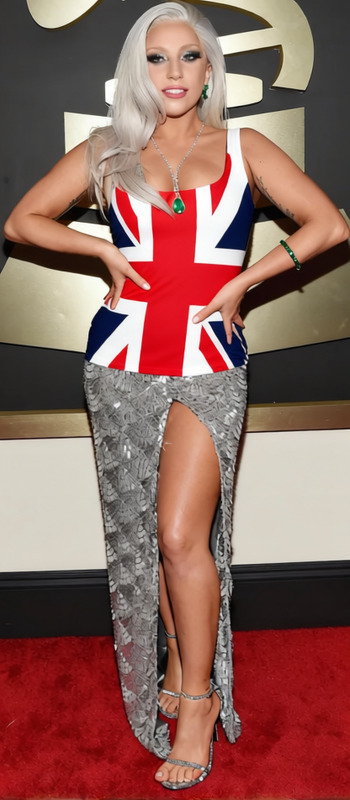
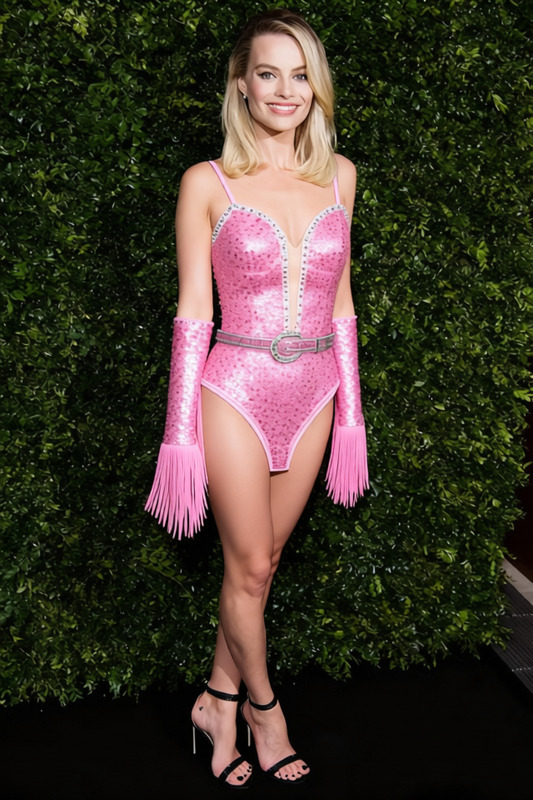
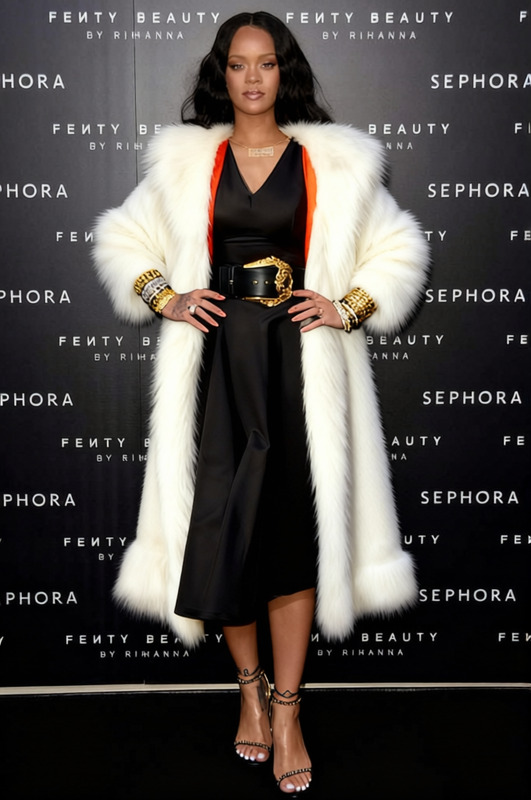
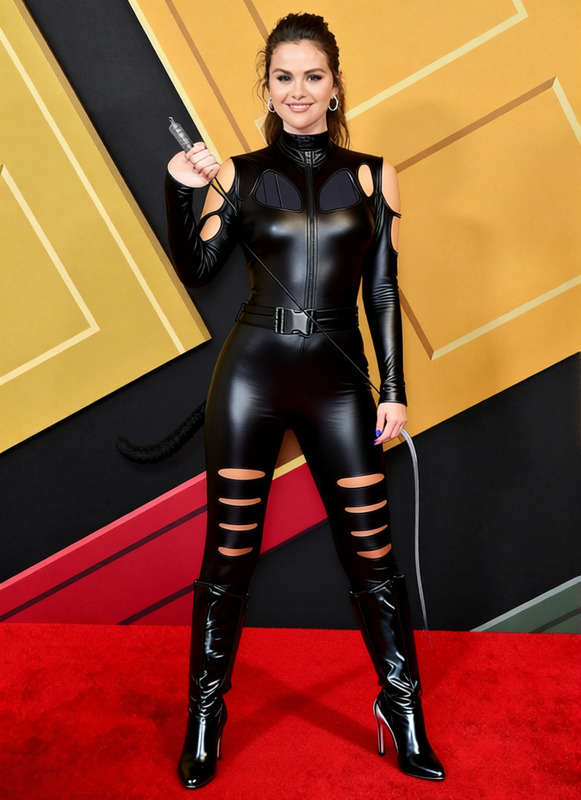
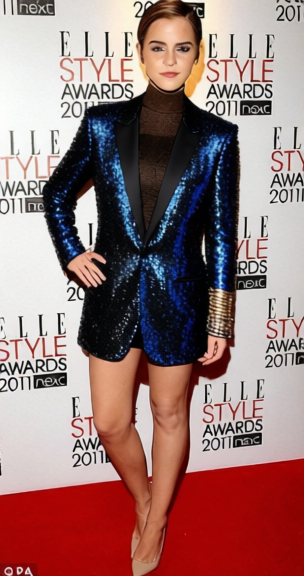
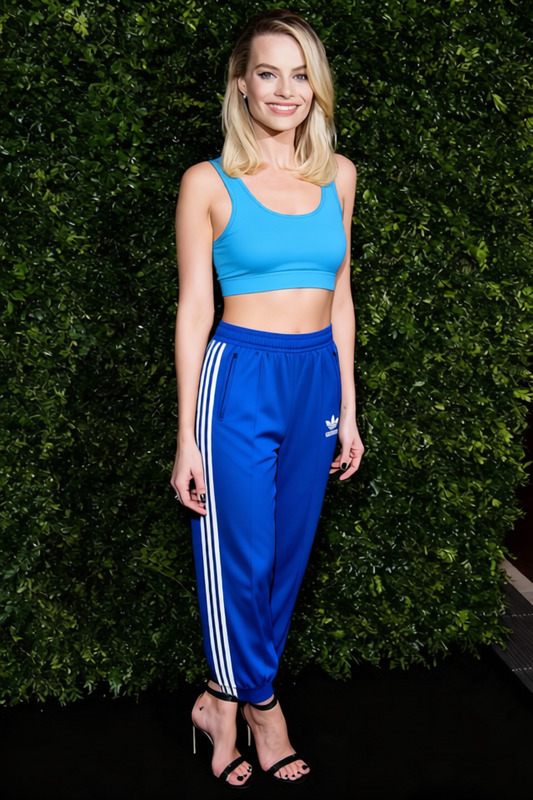
The Spice Girls Scary Spice Animal Print Outfit template lets you experiment with iconic styles by virtually dressing your subjects in an animal print outfit reminiscent of Scary Spice's vibrant fashion. Whether enhancing social media content or creating themed events, this template brings a touch of fun and nostalgia to your projects.
What It Does
This template is part of the AI Clothes Changer suite, which enables users to replace clothing in photos with specific aesthetic choices. By leveraging AI technology, it seamlessly maps the chosen outfit to the subject, ensuring realistic integration of the clothing with your images.
Who It's For
This tool is perfect for social media influencers, digital marketers, and event planners who want to create eye-catching content without the need for a wardrobe change. Fashion designers and marketers testing new looks will also find it highly valuable.
Summary
With the Spice Girls Scary Spice Animal Print Outfit template, transform any photo to reflect an iconic fashion statement. Integrated with tools like the AI Image Editor, it promises a user-friendly experience with dynamic results.
How-To
Choose the Template

Customize Your Inputs

Generate Your Image

Use Cases
Social Media Posts
Event Promotion
Fashion Experimentation
Best Practices
Use High-Quality Images
For the best results, use high-resolution images to ensure all outfit details are captured clearly.Align the Outfit Correctly
Ensure the clothing map fits with the subject’s posture and orientation for a natural look.Experiment with Lighting
Adjust lighting settings as necessary when editing to match the image's overall tone using the AI Image Editor.
Frequently asked questions
More Like This