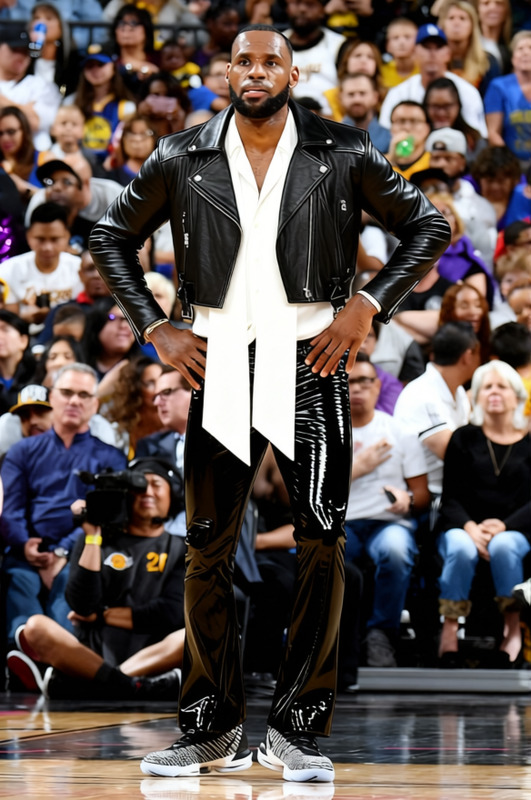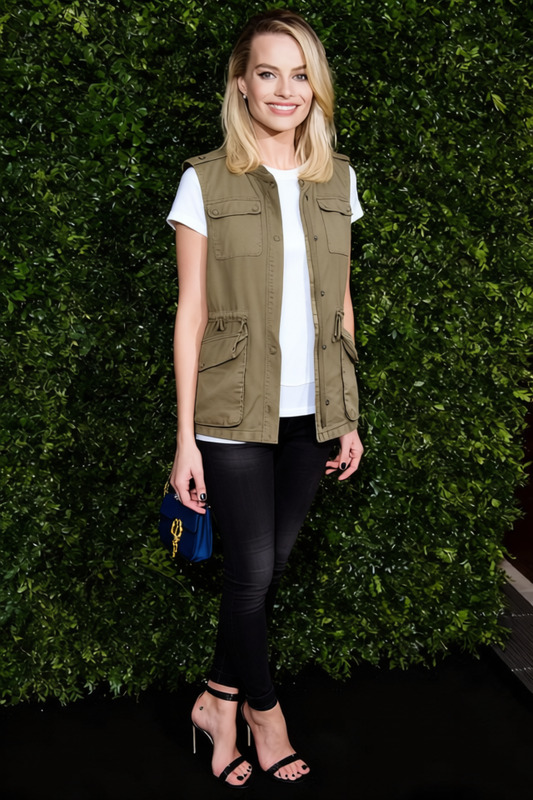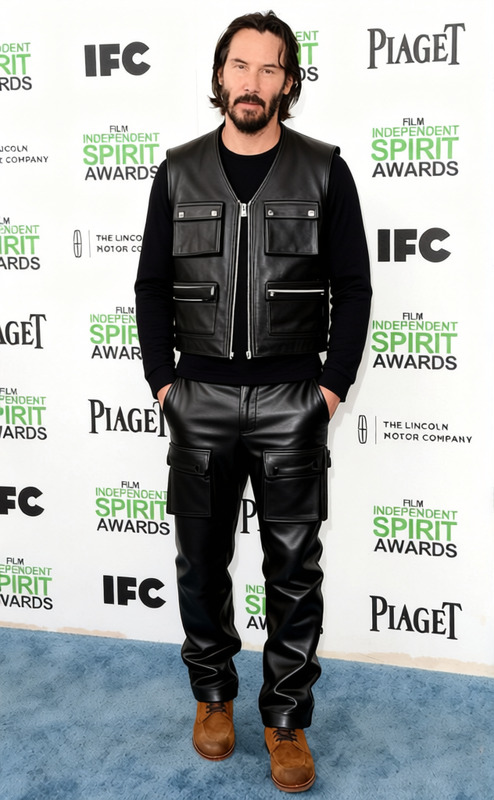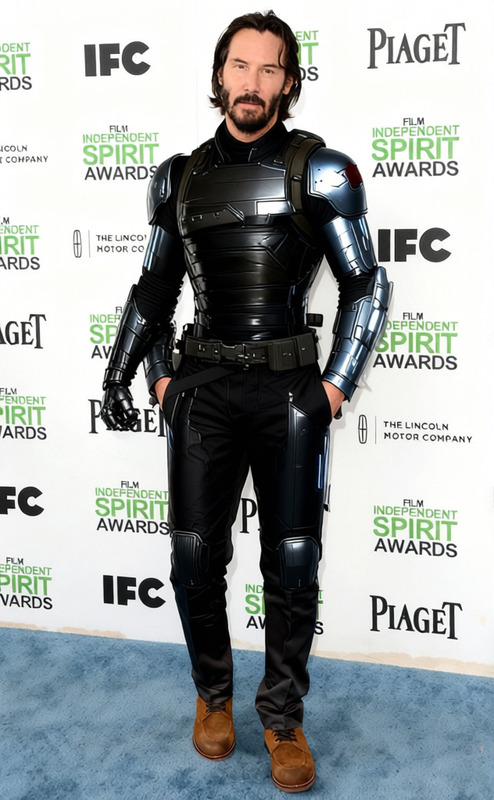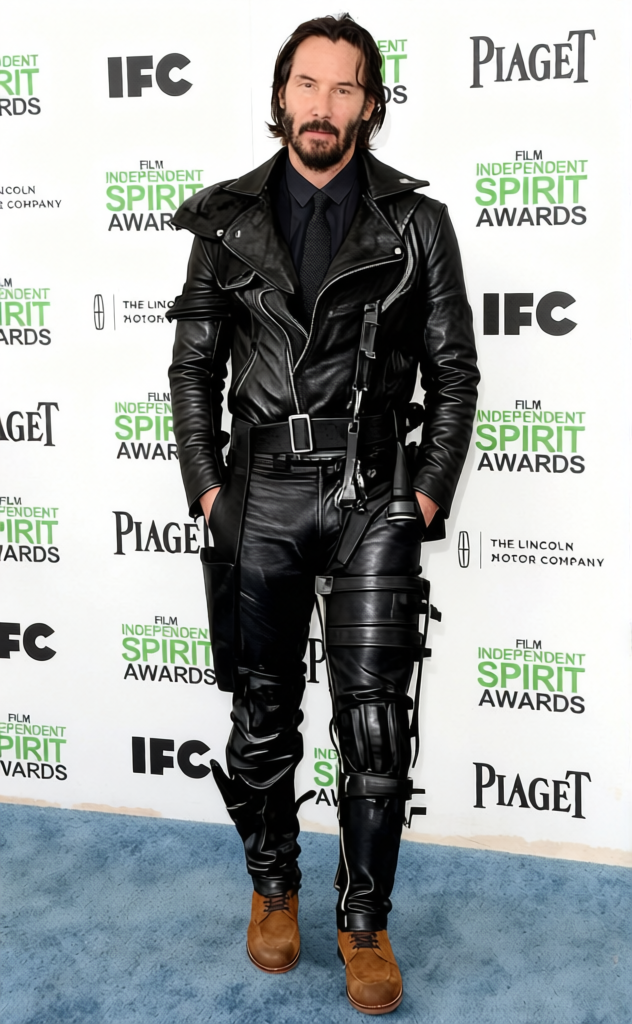
Mad Max Black Leather Vest With Leg Brace 2
- Image
- 632 × 1024 px
Any aspect ratio
Overview
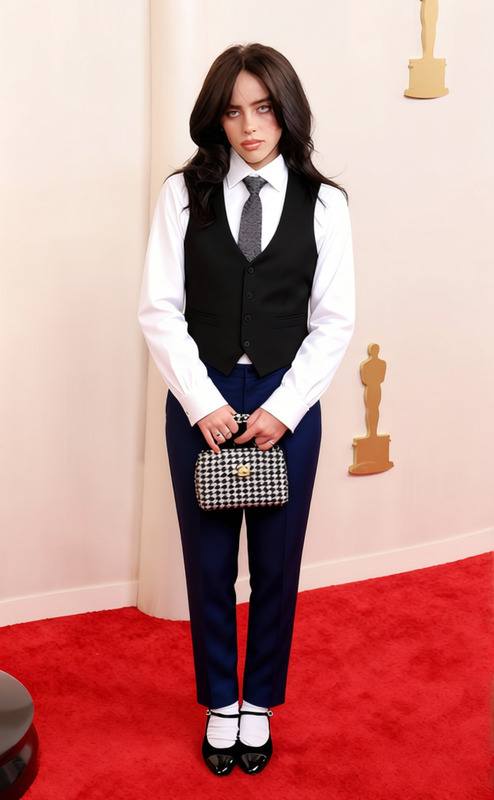
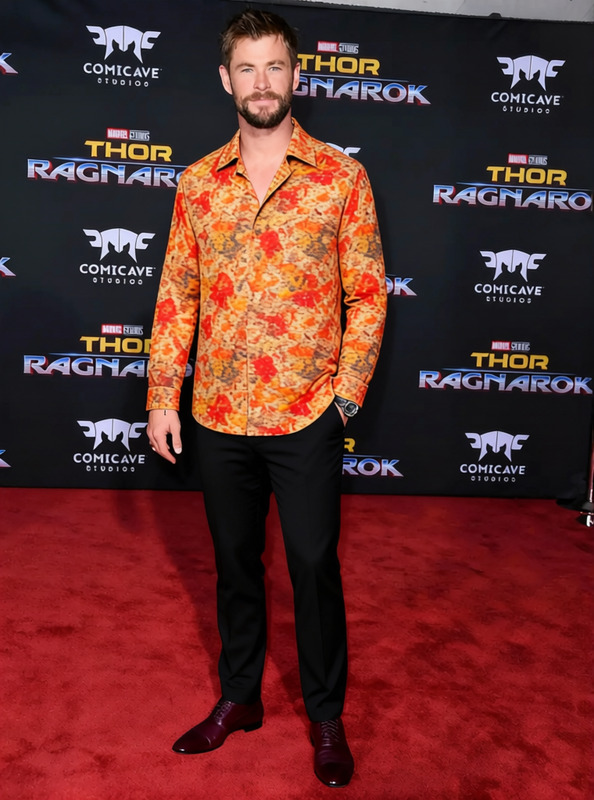
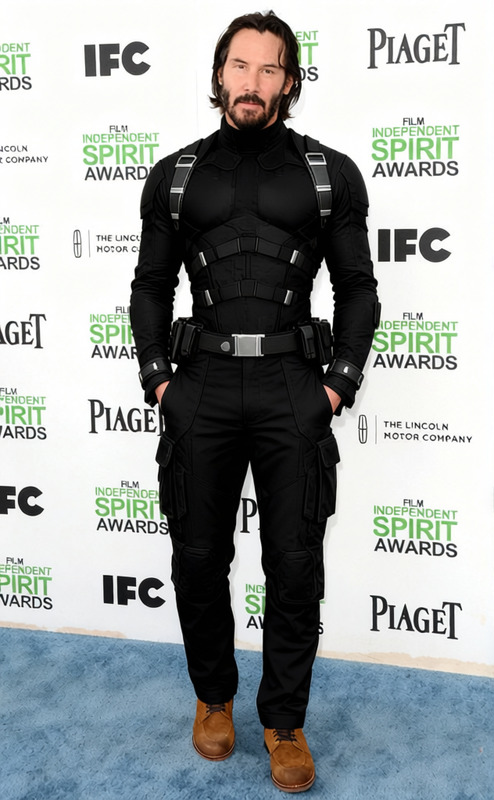
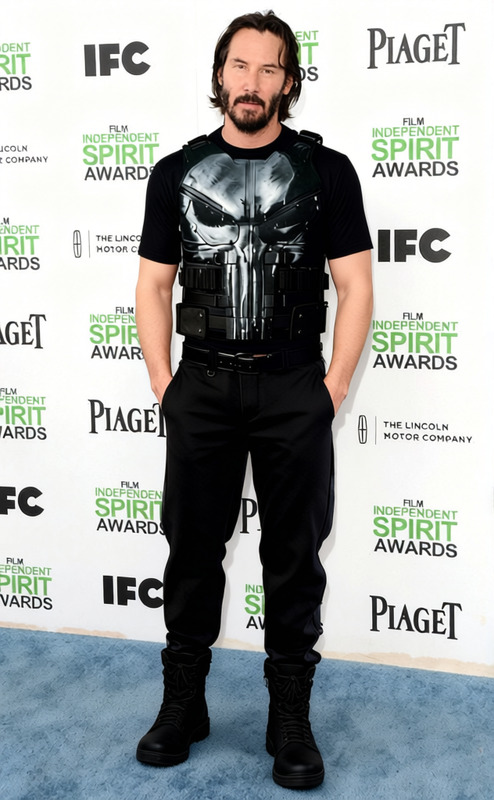
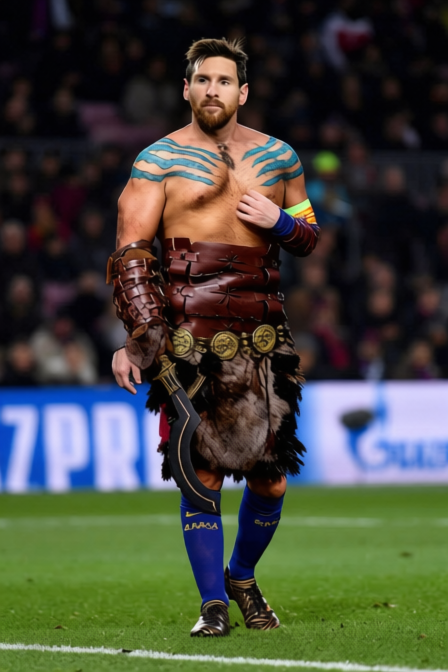
With the "Mad Max Black Leather Vest With Leg Brace 2" template, you can transform any outfit into a visually striking ensemble that evokes the rugged style of post-apocalyptic fashion. Designed to be used with our AI Clothes Changer, this template enables you to precisely modify attire in images and videos.
What It Does
This template is specifically engineered to integrate a black leather vest and a distinct leg brace into your character's ensemble. It's perfect for stylists, designers, and video creators looking to infuse a Mad Max-inspired aesthetic into their projects. Try it within our AI Image Editor for static imagery or Video-to-Video editing to maintain dynamic continuity in motion scenes.
Who It's For
The "Mad Max Black Leather Vest With Leg Brace 2" template is an ideal tool for filmmakers, costume designers, and creatives working on post-apocalyptic themes. It's also suitable for marketing teams seeking dramatic visual punch in ad creatives or social media campaigns. Use it within our AI Talking Photo platform to explore dynamic character interactions.
Summary
Enhance your visual projects with stylized clothing changes that capture the essence of the Mad Max universe. This template integrates seamlessly with our suite of AI tools to deliver visually compelling results, helping your content stand out.
How To
Choose the Template

Customize the Inputs

Generate the Output

Use Cases
Film Production
- Create costume variations
- Save time on adjustments
- Enhance post-apocalyptic themes
Marketing Campaigns
- Engage audiences visually
- Create thematic consistency
- Elevate advertising content
Gaming Cinematics
- Evoke strong visual themes
- Streamline character design
- Optimize storytelling elements
Best Practices
Ensure Proper Fit
Adjust the template's controls to align with your character's proportions for a natural look.Consistent Lighting
Keep lighting consistent between the original media and the edited attire to maintain realism.Test in Multiple Environments
Preview the final output in various media players to ensure the edited elements appear correctly across formats.
Frequently asked questions
More Like This