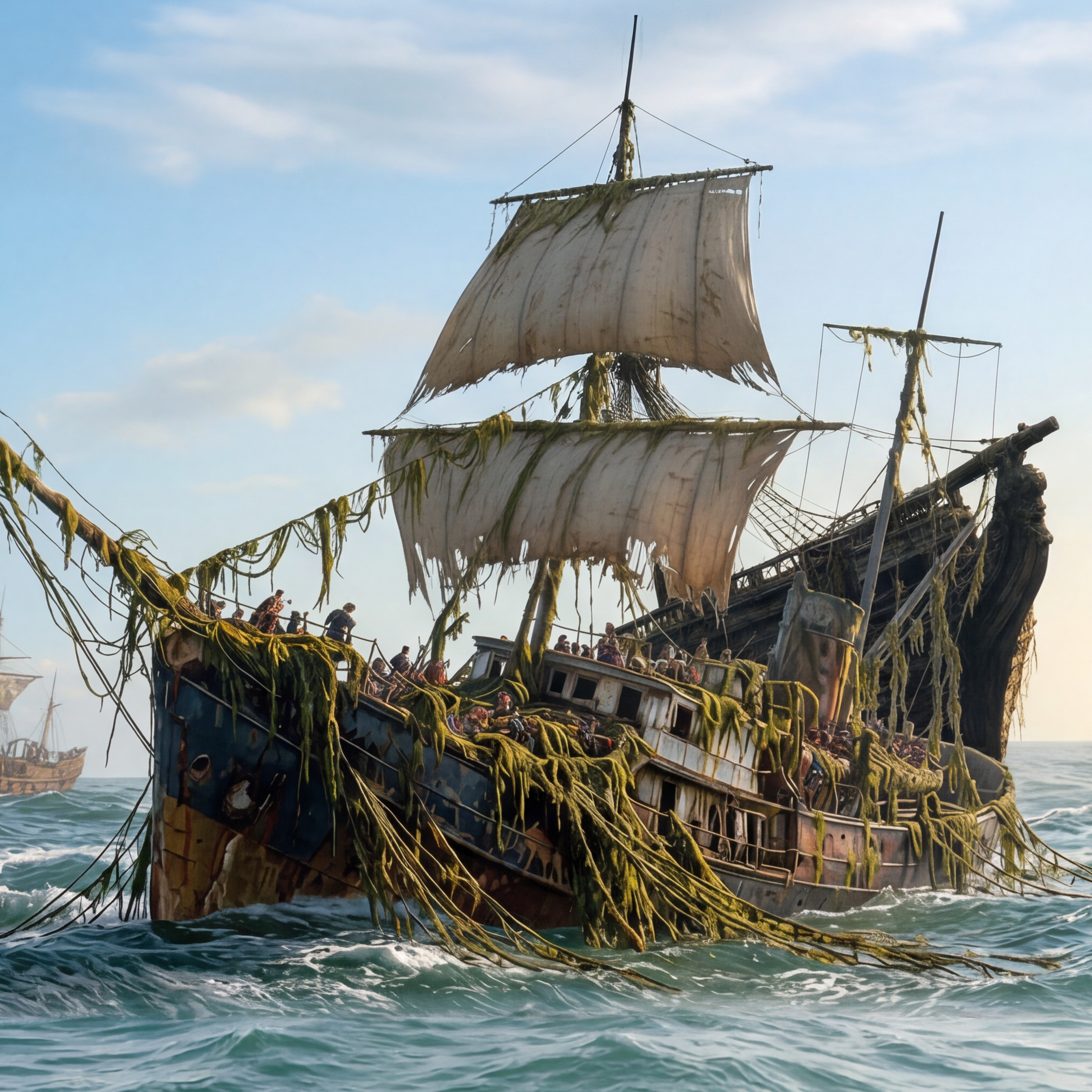
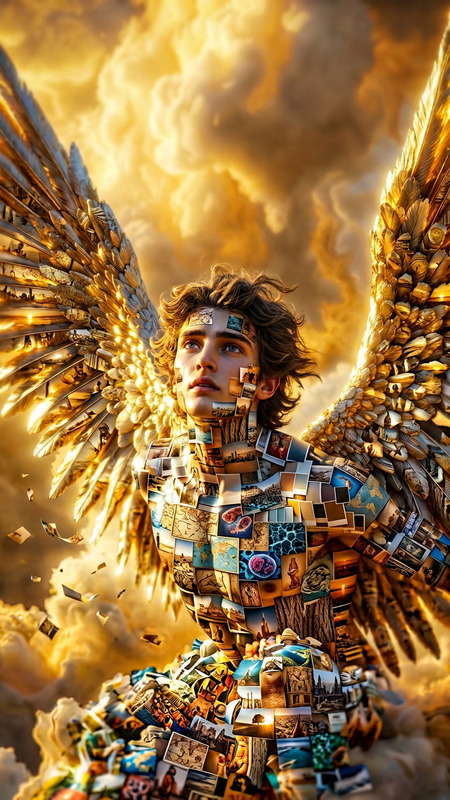
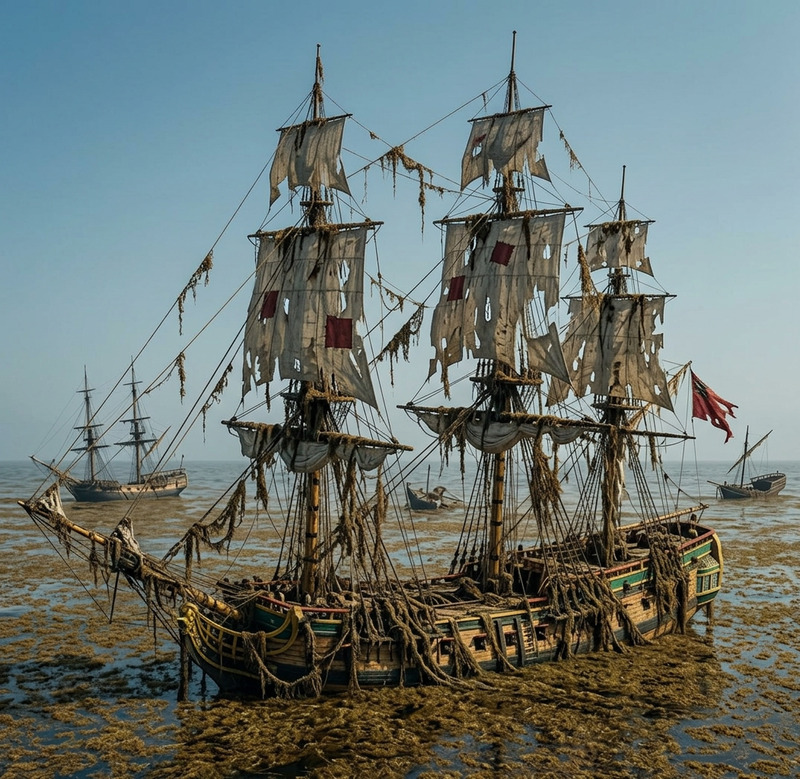
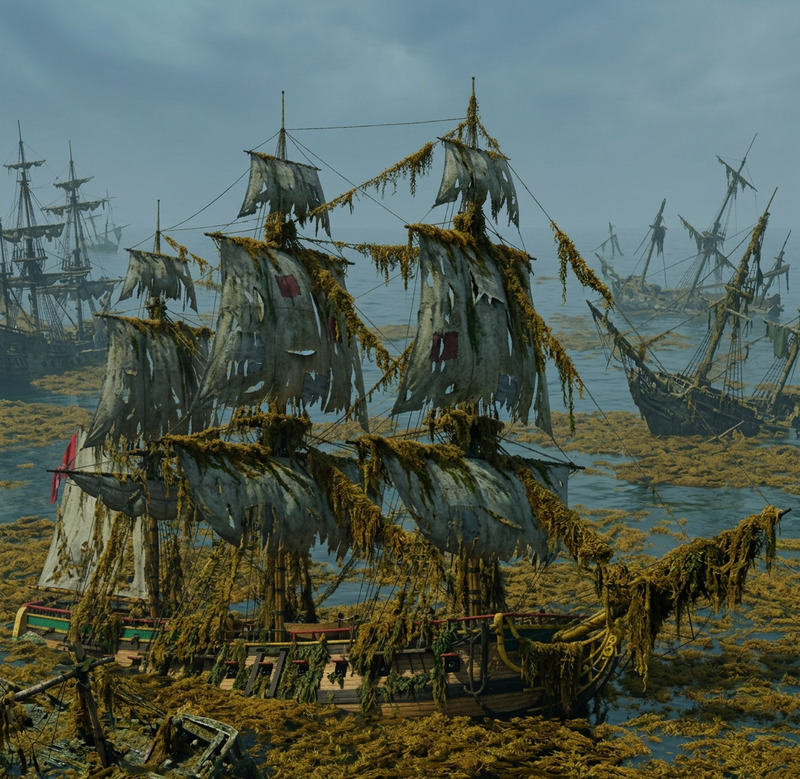
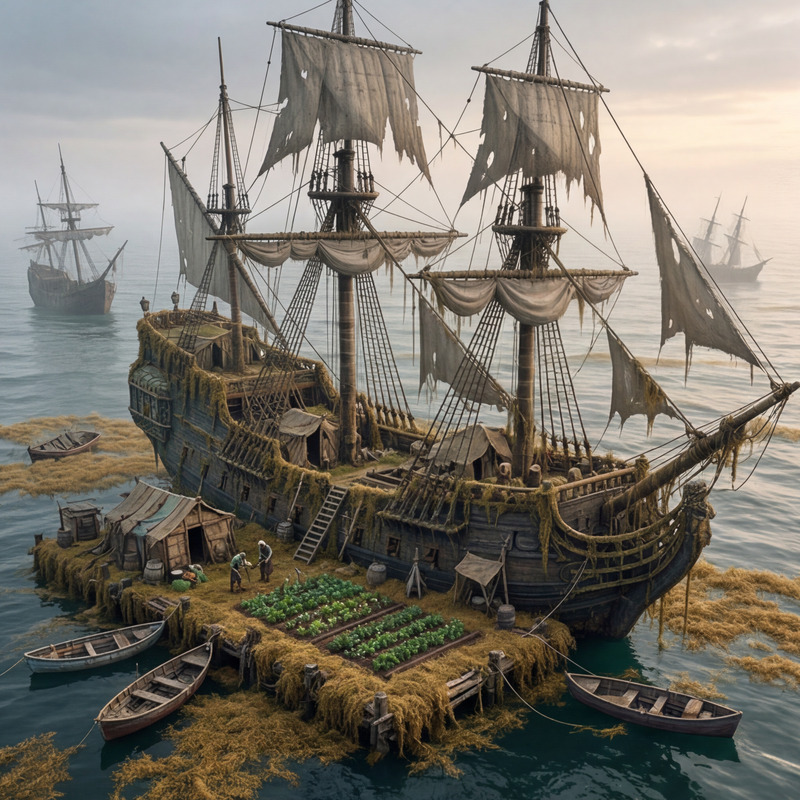
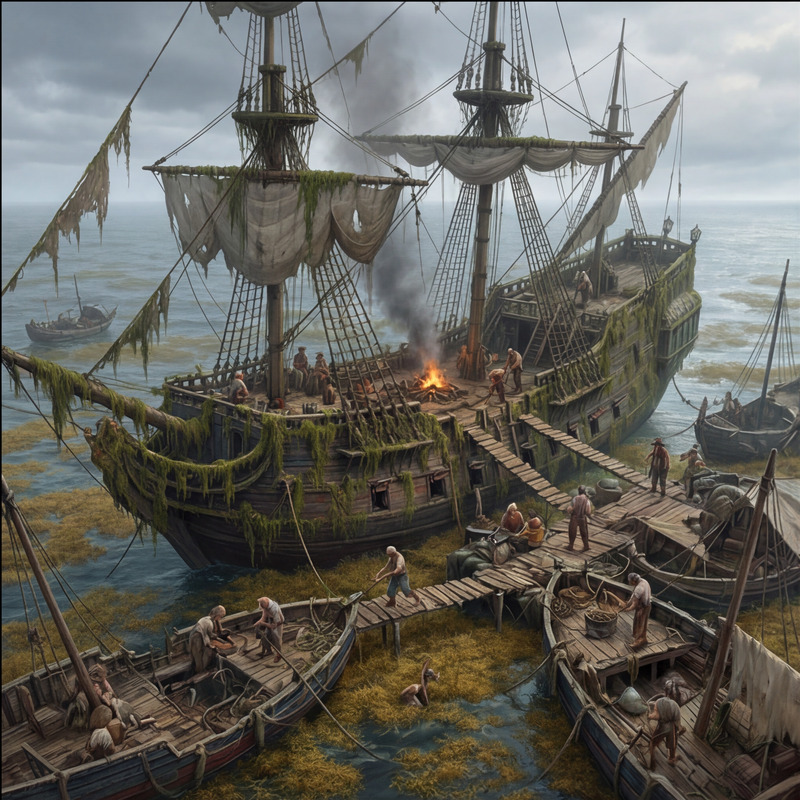
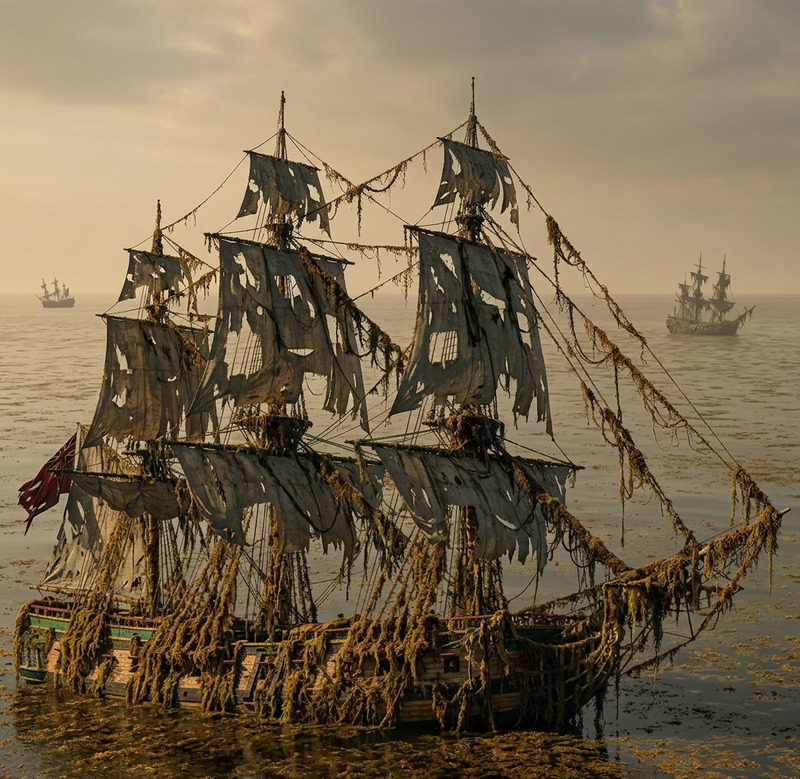
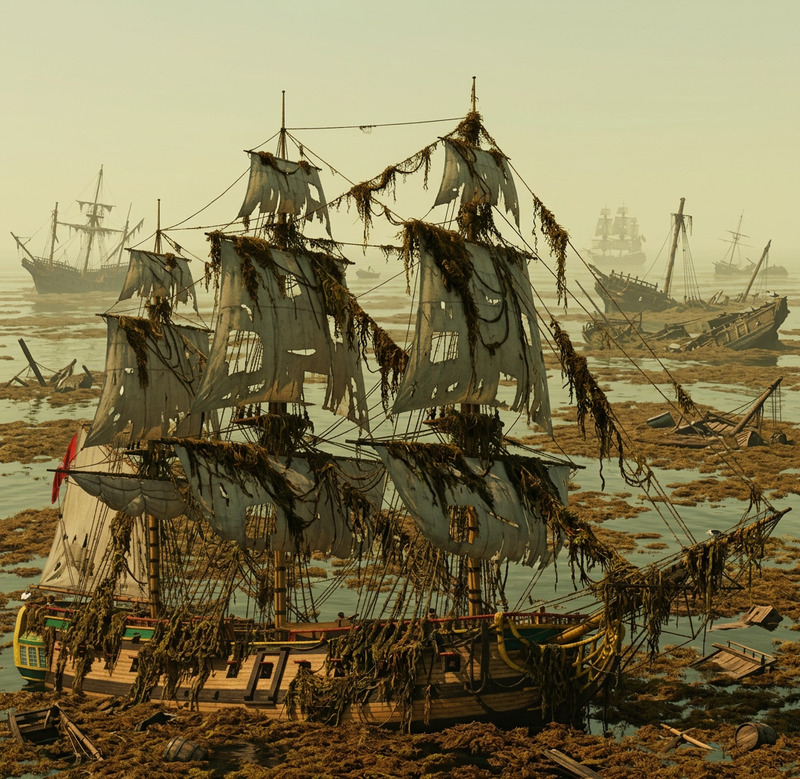
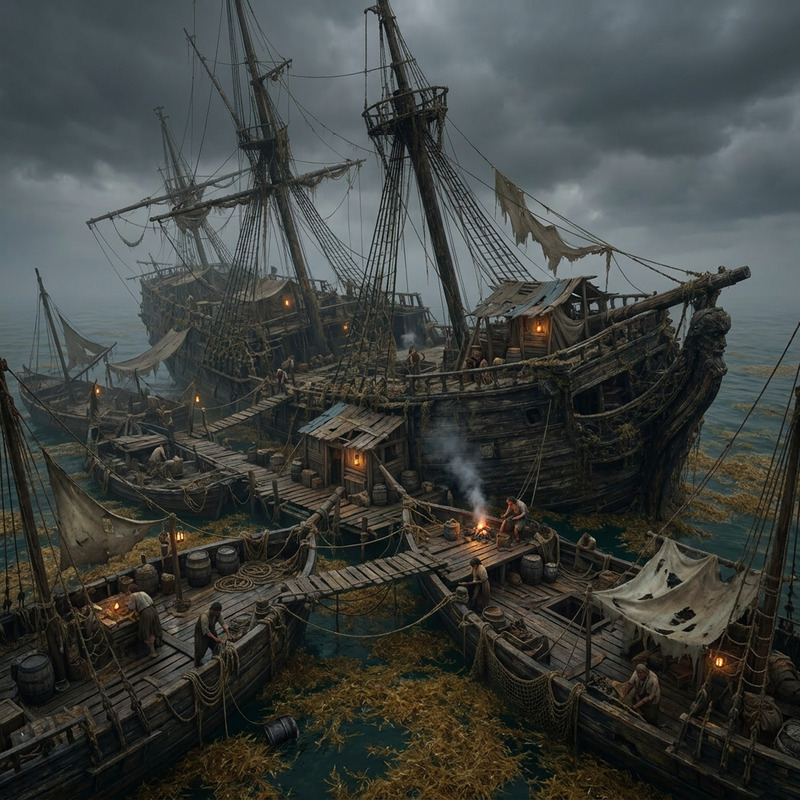
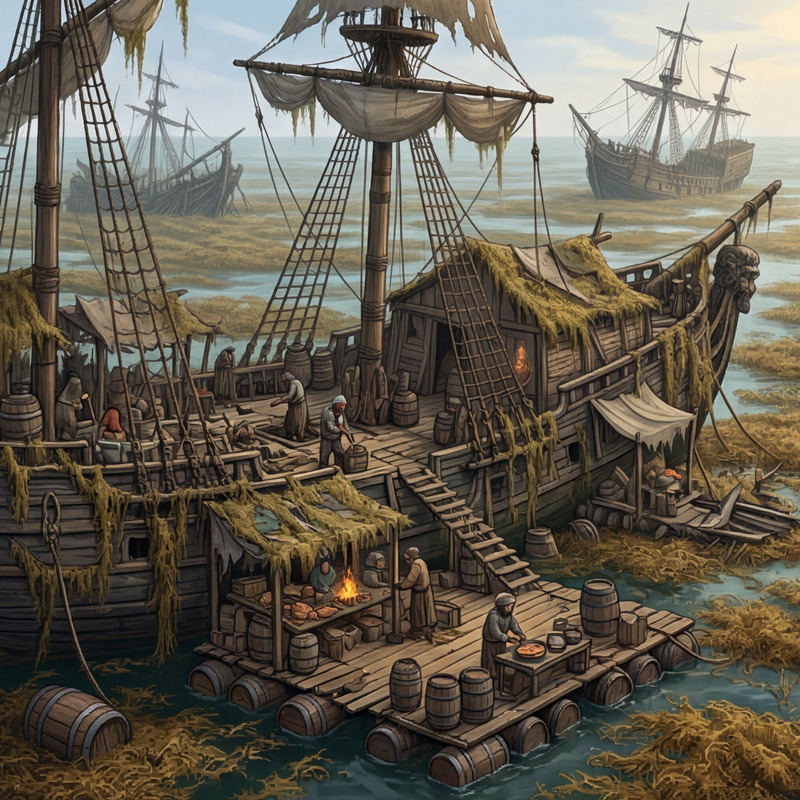
Place the wrecked ship from the first image into the scene of the second image. Position it in the background, partially hidden by the seaweed-covered ship in the foreground. Ensure the lighting and shadows on the wrecked ship match the new environment. Maintain the same atmosphere and mood in both images.
Any aspect ratio
visual effectsstyles
Overview
Transform your images by seamlessly integrating a wrecked ship into a new scene. This template allows you to position a shipwreck from one image into another background, ensuring it blends perfectly with matching lighting and shadows. Create a cohesive atmosphere that maintains the original mood of your images.
How To
Follow these steps to create a stunning wrecked ship composite in your images:
01
Choose Your Images
Select two images: one with the shipwreck and another for the new background scene.
02
Customize
Upload your selected images. The tool will automatically position the shipwreck, ensuring it matches the new environment's lighting and shadows.
03
Generate Your Image
Once the images are uploaded, click Generate. The resulting composite will integrate the shipwreck into the new scene seamlessly.
Use Cases
🎨
Artistic Creations
Create intriguing art pieces by blending real-world elements with fictional settings.
📚
Storyboard Enhancement
Enhance storyboards with dramatic visuals by adding realistic elements to imaginative scenes.