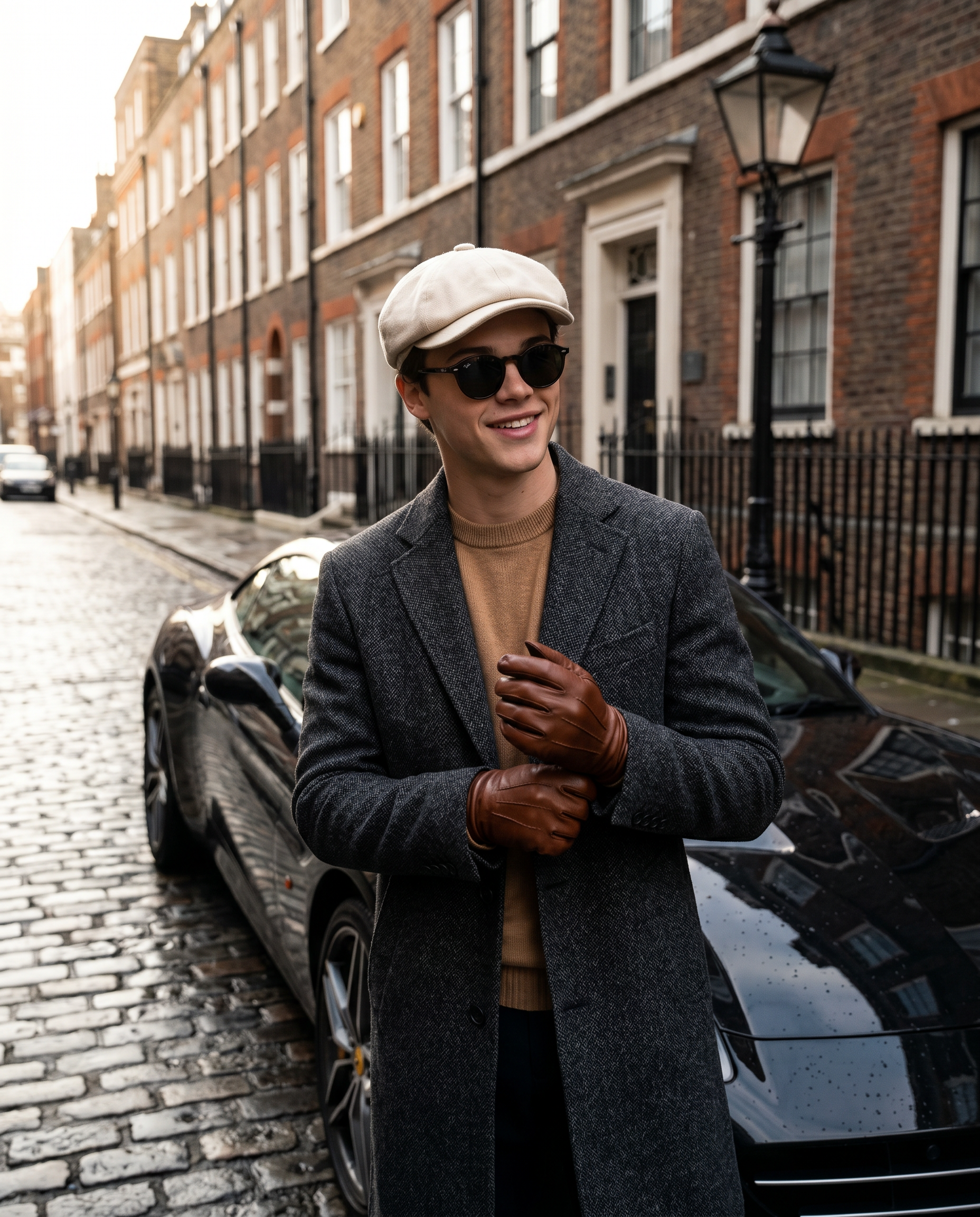
The Sartorial Standard
- Model
- Nano Banana 2
- Image
- 1856 × 2304 px
Prompt
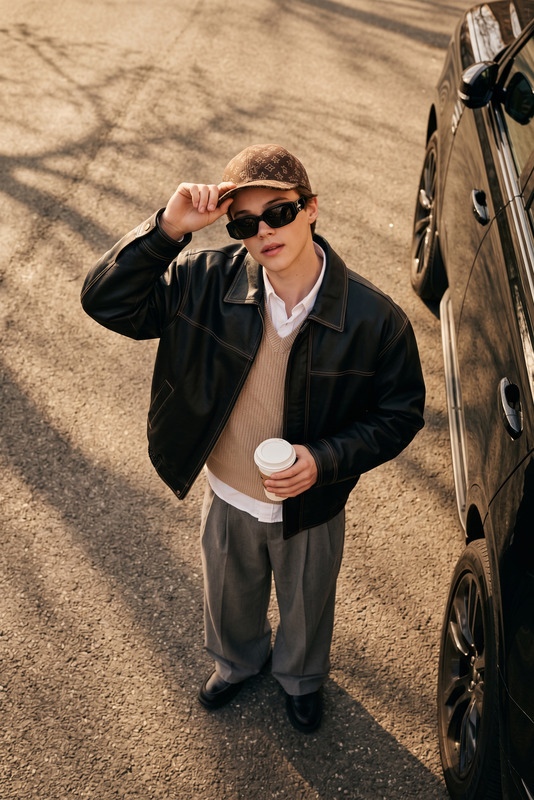
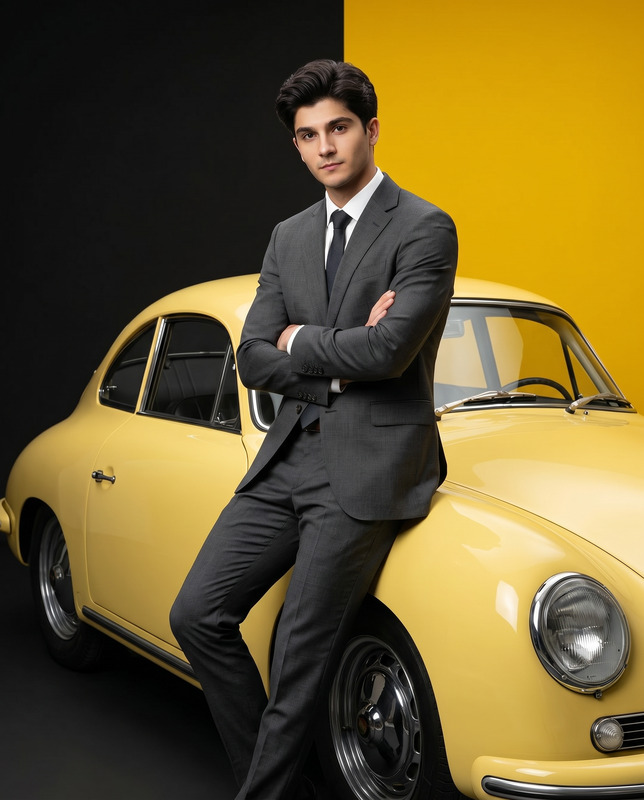
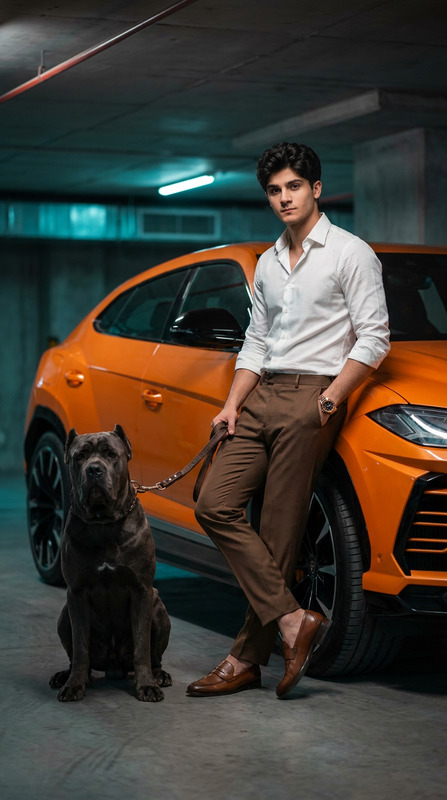
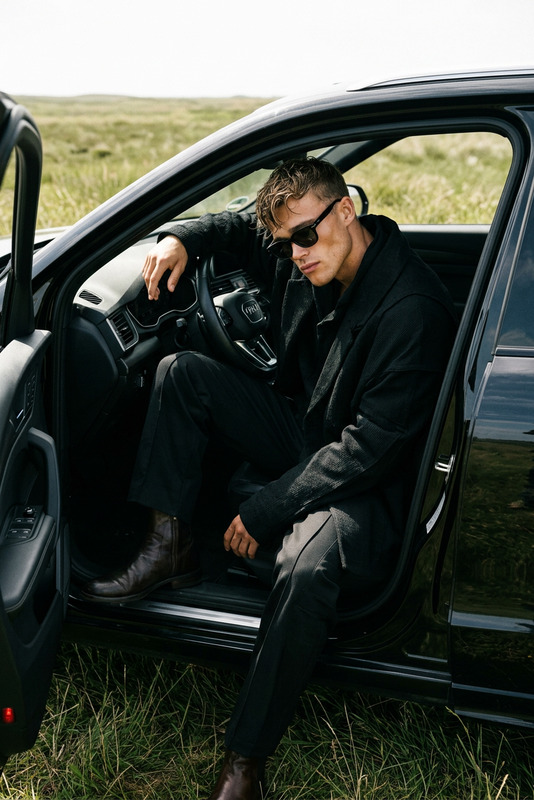
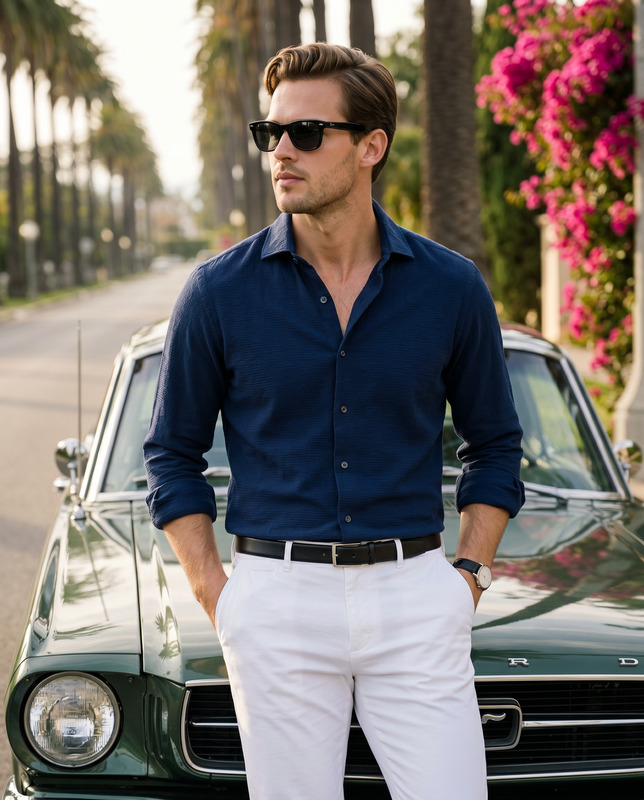
A cinematic high-angle street photograph of a stylish, well-dressed man standing beside a sleek black luxury sports car on a rainy city street. Shot from above, looking directly up into the camera, with the subject centered in frame. He wears a cream newsboy flat cap, dark round sunglasses, a textured grey tweed overcoat worn open, a camel knit cardigan underneath, a crisp white dress shirt, and a dark navy tie with small white polka dots. He is in the process of putting on cream-colored knitted gloves, slim cream trousers, and polished dark brown leather dress shoes with a wet sheen. The man has a light tan complexion with neatly groomed stubble. The black sports car (resembling a Porsche 911) on the left frame, glossy and rain-covered, reflecting the overcast sky and surrounding buildings. The asphalt street is wet and dark, with subtle reflections and scattered autumn leaves. A stone curb and sidewalk with paving stones appear on the right, along with a black metal bollard. Soft, diffused overcast lighting, no harsh shadows. Shallow depth of field but surroundings remain clear. Ultra-realistic textures: wool coat fibers, knit gloves, wet leather shoes, rain droplets on car paint. Muted “old money” color palette of greys, creams, tans, browns, and black. Urban environment, cobblestone pavement edge, soft natural daylight, cinematic street photography, high fashion editorial style, sharp focus, 8k resolution. Aspect ratio 4:5
Any aspect ratio
Overview
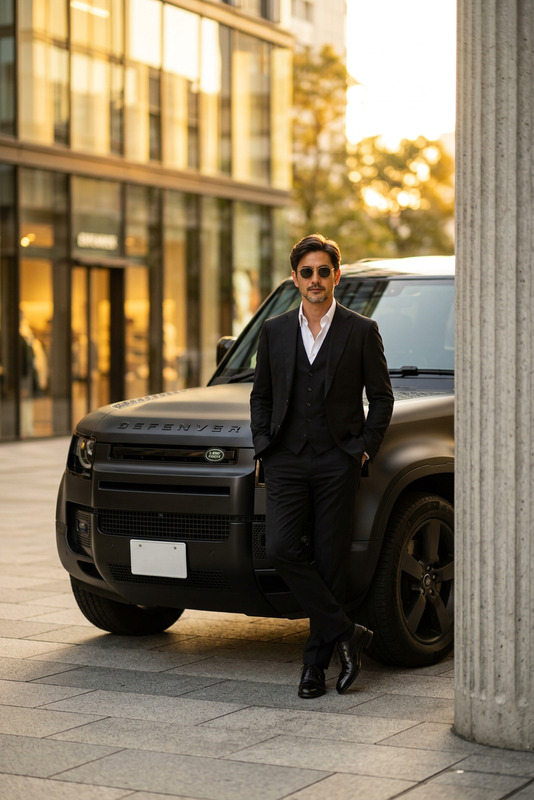
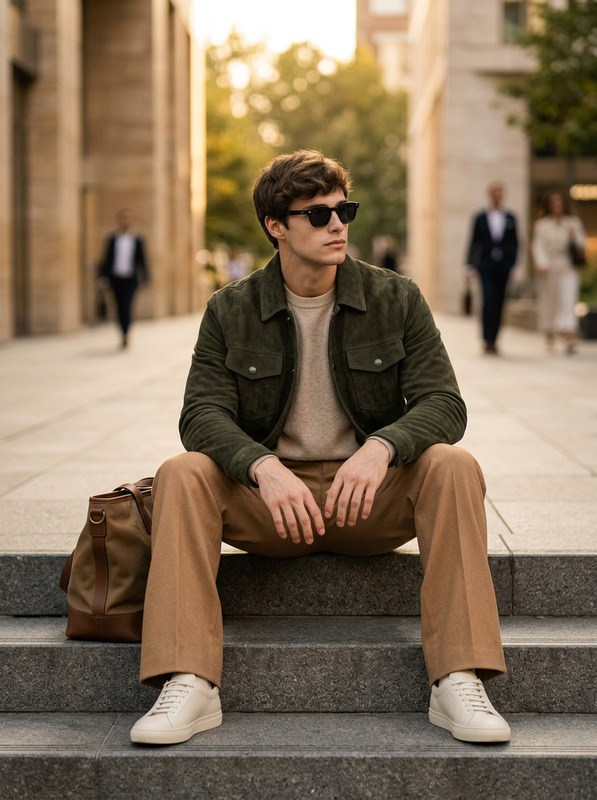
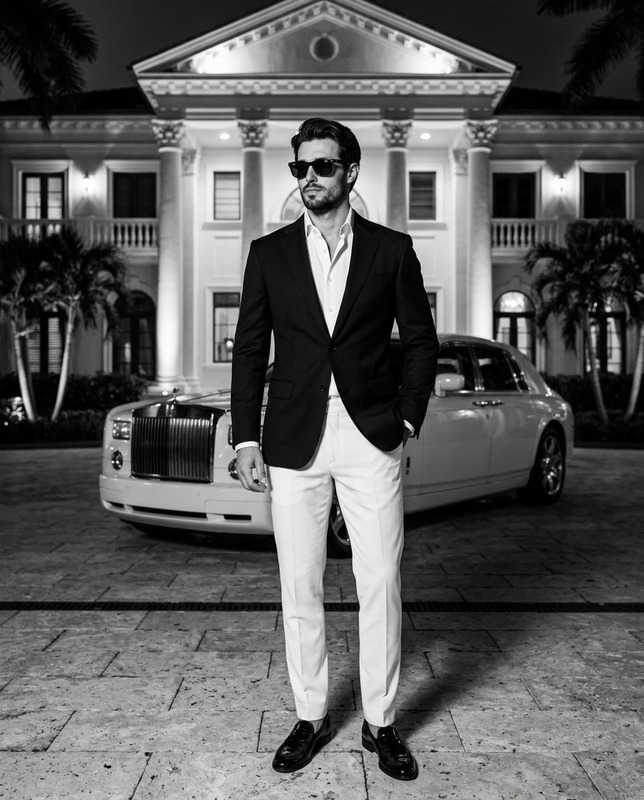
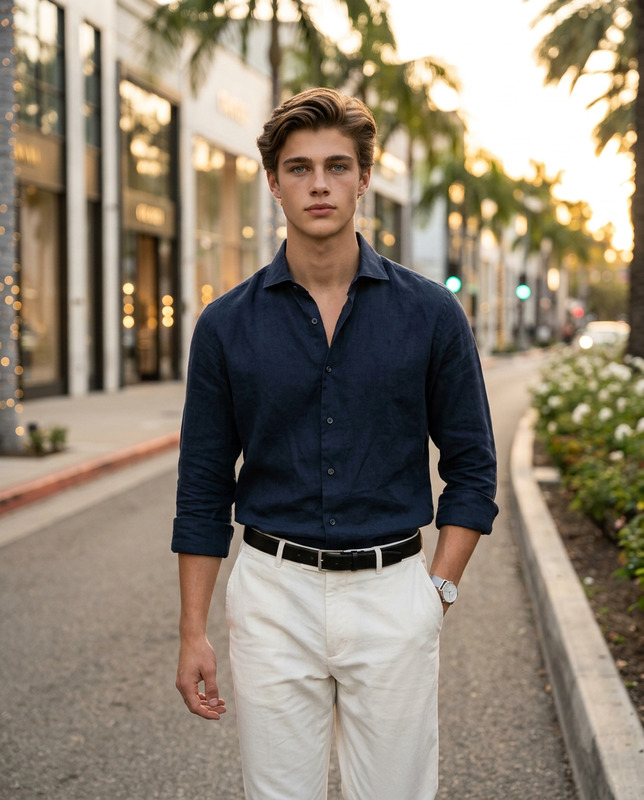
The Sartorial Standard template leverages the power of the nano-banana-2 model in our AI Image Editor. This template creates an ultra-realistic, high-angle street photograph of a fashion-forward man next to a luxury car. Designed for exacting detail and cinematic flair, it reproduces textures like wool and leather at an 8k resolution.
What It Does
This template captures a stylish scene with remarkable detail, from the texture of a newsboy cap to the gloss of a Porsche 911. It uses a muted "old money" color palette and soft, diffused lighting typical of high-fashion street photography. The composition centers on the well-dressed subject, utilizing a sharp focus and wide aspect ratio to maintain clarity and depth.
Who It's For
The Sartorial Standard is ideal for fashion photographers, editorial designers, and commercial advertisers looking to produce high-quality visual content with ease. It's also suited for creators focusing on ecommerce ads or social media ads who require a luxurious and detailed depiction of style and sophistication.
Summary
With The Sartorial Standard template, create impactful and visually luxurious images effortlessly. The AI caters to high fashion and editorial needs, offering detailed textures and cinematic street photography qualities at high resolution. Perfect for those who demand precision and style in their visual content.
How-To

Customize

Generate

Use Cases
Luxury Fashion Campaigns
- High-resolution textile textures
- Elegantly styled subject and scene
Urban Editorial Spreads
- Realistic urban backdrops
- Cinematic compositions
High-End Social Media Posts
- Boosts engagement with unique visuals
- Distinguished, professional imaging
Best Practices
Focus on Detailing
Utilize the template's capacity for detailed textures by focusing on elements like fabric, automotive detailing, and environmental reflections.Leverage Lighting
Ensure your customization maintains the template's soft, diffused natural lighting to preserve the editorial look.Tap into Realism
Adapt the subject's posture or attire slightly but stay true to the ultra-realistic feel by not over-customizing defining features.