Birthday Frames
- Model
- Nano Banana 2
- Image
- 1696 × 2528 px
Prompt
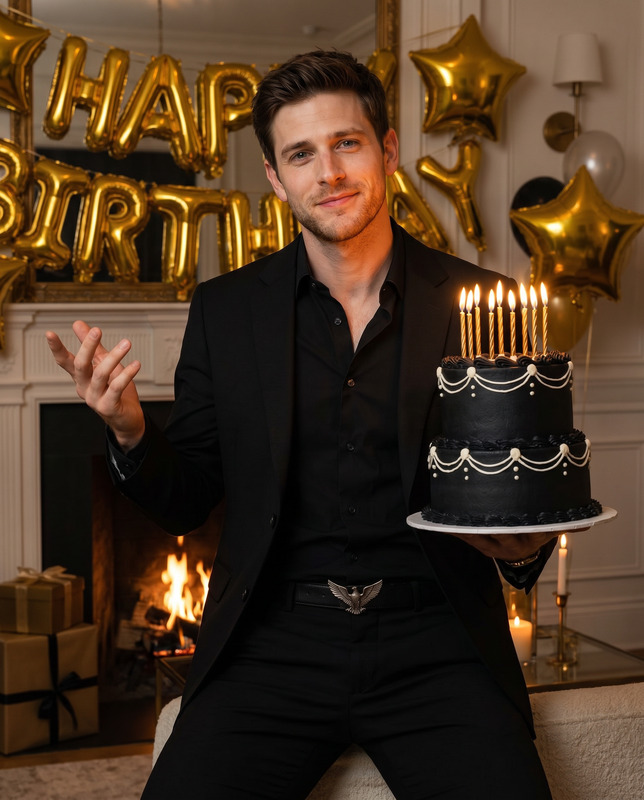
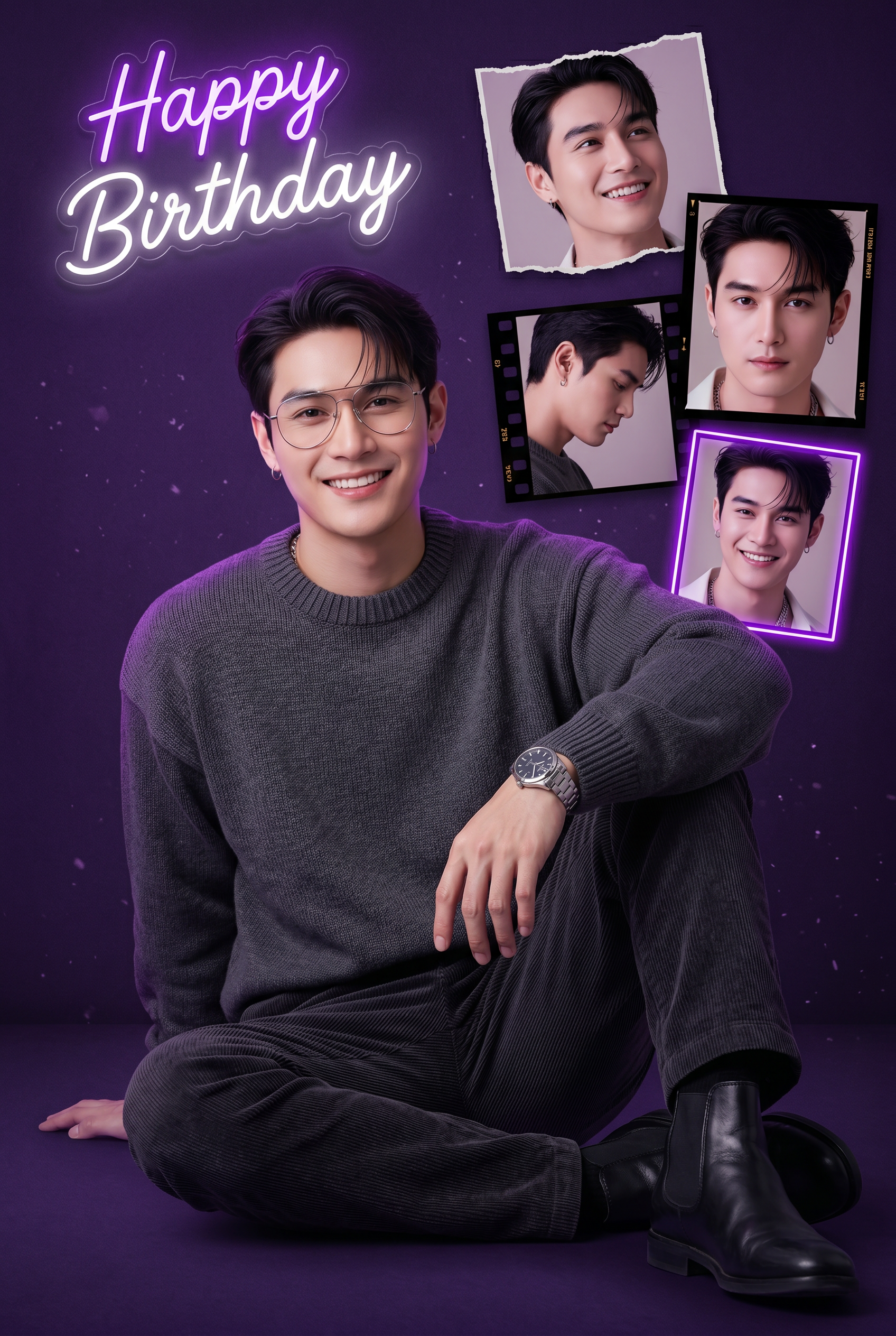
Create a stylish, vertically oriented (2:3) premium birthday digital collage using the uploaded reference photo, with STRICT facial identity preservation. 🔒 Face-Match Enforcement (Very Important) The generated face must be 100% identical to the reference image Use the reference image as the only facial source Do not alter facial structure, proportions, skin tone, or hairline Preserve natural skin texture, pores, beard density, and real facial details No beautification, no face morphing, no stylization of facial features Face must remain fully visible and unobstructed Glasses must match natural proportions and sit realistically on the face 🧍 Central Subject (Main Portrait) Young man sitting on the floor in a relaxed, confident pose Body angled slightly to the right, face turned directly toward the camera Left knee raised, left hand resting on it, clearly showing a silver watch with a dark dial Right leg folded flat on the ground Expression: bright, confident, joyful smile (birthday vibe) Appearance Fair skin Short dark brown hair styled in a modern quiff / pompadour Well-groomed short beard (If available in reference image) Thin wire-rim aviator-style glasses Outfit Oversized dark grey knit sweater with ribbed crew neck and cuffs Dark trousers with vertical ribbed texture (corduroy-like), black or deep charcoal Black leather Chelsea boots 🖼️ Background & Collage Inserts Background: solid dark purple matte texture, deep violet tones Subtle purple rim-light / haze on the subject’s left side (viewer’s left) Soft floating dust / particle overlays for depth Four Smaller Portrait Inserts (Floating Cluster – NOT a grid) Positioned above and to the right of the main subject: Top Right – smiling headshot, looking upward, framed with a torn paper edge Middle Right – serious direct-gaze headshot, framed like a classic film negative Middle Left (slightly tilted) – profile shot looking downward/sideways, framed inside a film strip Bottom Right (of cluster) – smiling headshot with a glowing purple neon frame Each insert must clearly depict the same person with perfect face match. ✨ Typography Top left corner text: “Happy Birthday” Style: neon-light typography, glowing purple with white highlights Looks like a real neon sign mounted on a dark wall Clean, modern, premium — not cartoonish Overall mood: trendy, urban, sophisticated, premium birthday aesthetic High clarity, cinematic lighting, professional poster-quality output 🚫 Negative Prompt (Highly Recommended) blurry face, face distortion, incorrect facial features, different person, beautified skin, plastic skin, over-smooth skin, exaggerated beard, wrong glasses shape, cartoon style, anime, painterly style, low resolution, washed colors, messy collage, grid layout, duplicated faces, extra limbs, warped body, incorrect pose, text artifacts, misspelled text, watermark, logo
Any aspect ratio
Overview
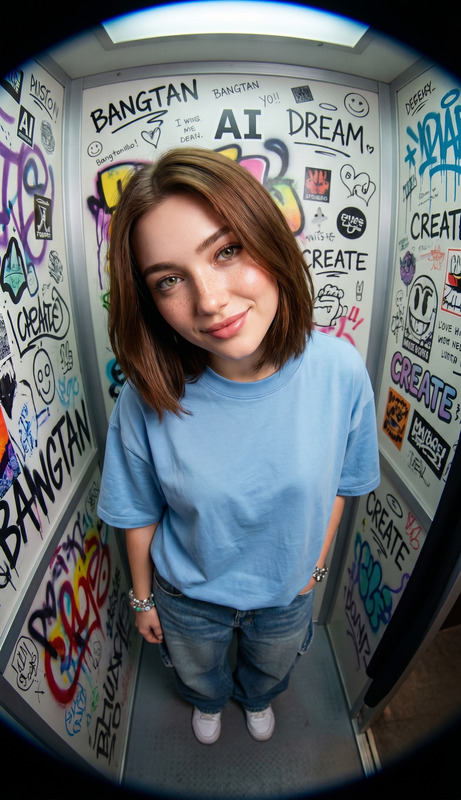
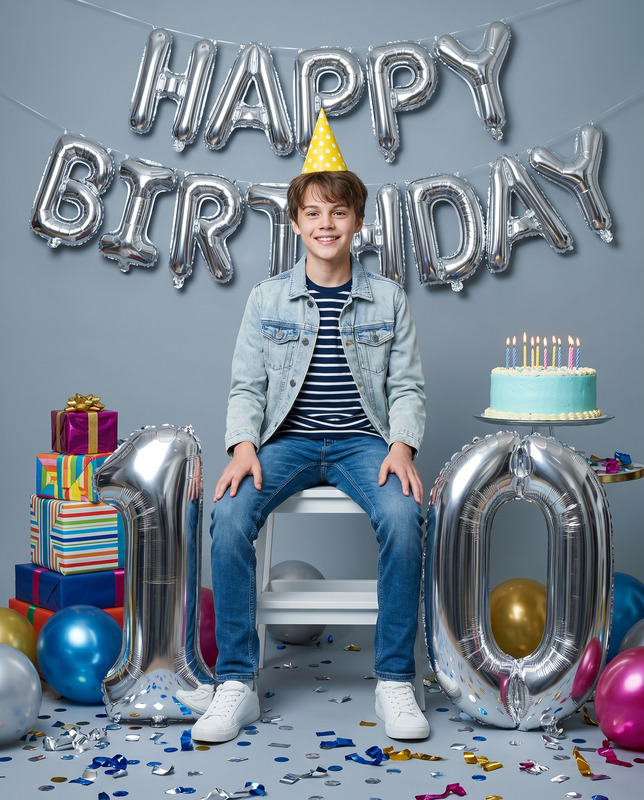
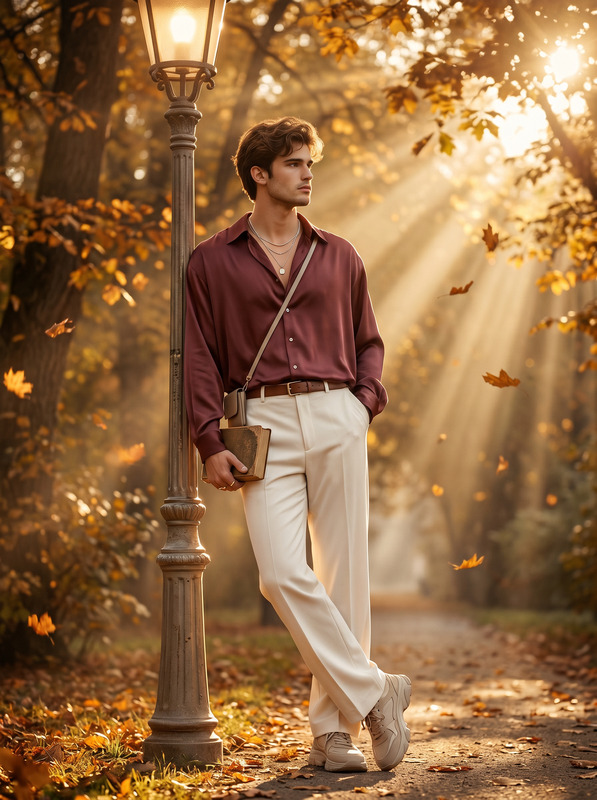
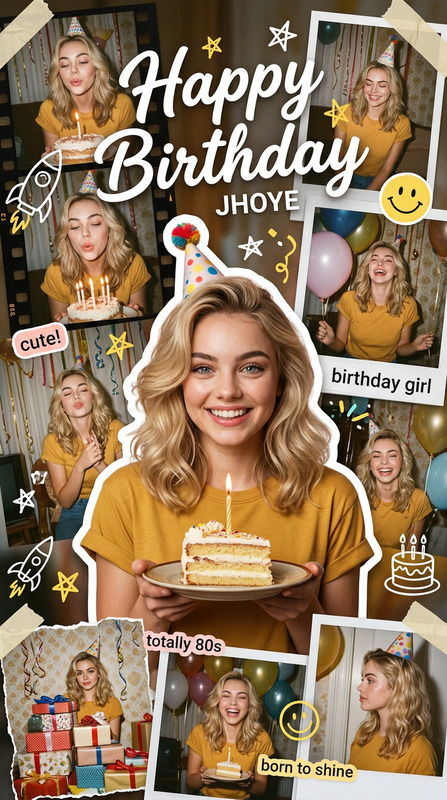
Transform your reference photo into a stylish, premium birthday digital collage with the Birthday Frames template. This AI Image Editor template, built on the robust nano-banana-2 model, ensures perfect face-match enforcement, preserving every nuance of the original facial identity. Emphasizing professional quality, this template brings a sophisticated blend of personalized and cinematic aesthetics to your celebratory imagery.
What It Does
The Birthday Frames template generates a vertically oriented collage that places the subject in a central, confident pose against a rich purple backdrop. Key features include four smaller, uniquely framed portrait inserts, each maintaining strict facial identity preservation. The template enhances your photo's birthday theme with premium neon typography that says “Happy Birthday” in glowing hues, adding a touch of urban sophistication to your visuals.
Who It's For
Designed for both personal enthusiasts and professional creators, this template is perfect for those who demand high-quality, customized birthday visuals. Whether you're an experienced designer searching for an efficient tool to refine your projects, or an individual looking to celebrate a special occasion with flair, the Birthday Frames template offers the ideal solution. It pairs well with those already using products like the AI Image Editor or the AI Image Generator for advanced photo manipulation and creation.
Summary
The Birthday Frames template creates a trendy, cinematic birthday collage that stands out with its commitment to facial identity accuracy and professional quality. Its features like premium framing, sophisticated background effects, and neon-light typography result in a comprehensive and high-quality visual experience, suited for any birthday celebration. For those focused on quality and precision, this template aligns well with related tools like the AI Face Editor, offering seamless integration into broader creative workflows.
How To Structure
Choose the Template

Customize Your Content

Generate Your Collage

Use Cases
Personal Birthday Cards
- High-quality, customized visuals
- Perfect for digital and print mediums
Social Media Posts
- Attention-grabbing designs
- Ideal for personal and branding purposes
Event Invitations
- Sophisticated layout
- Customizable to fit your style
Best Practices
Maintain High Resolution
Always use high-resolution images to ensure clarity and detail in your final collage.Adhere to Facial Match Guidelines
Strictly preserve the facial features of your reference image to maintain cohesion across all inserts.Enhance with Matching Tools
Complement your collage with tools like the AI Background Changer for even more striking results.