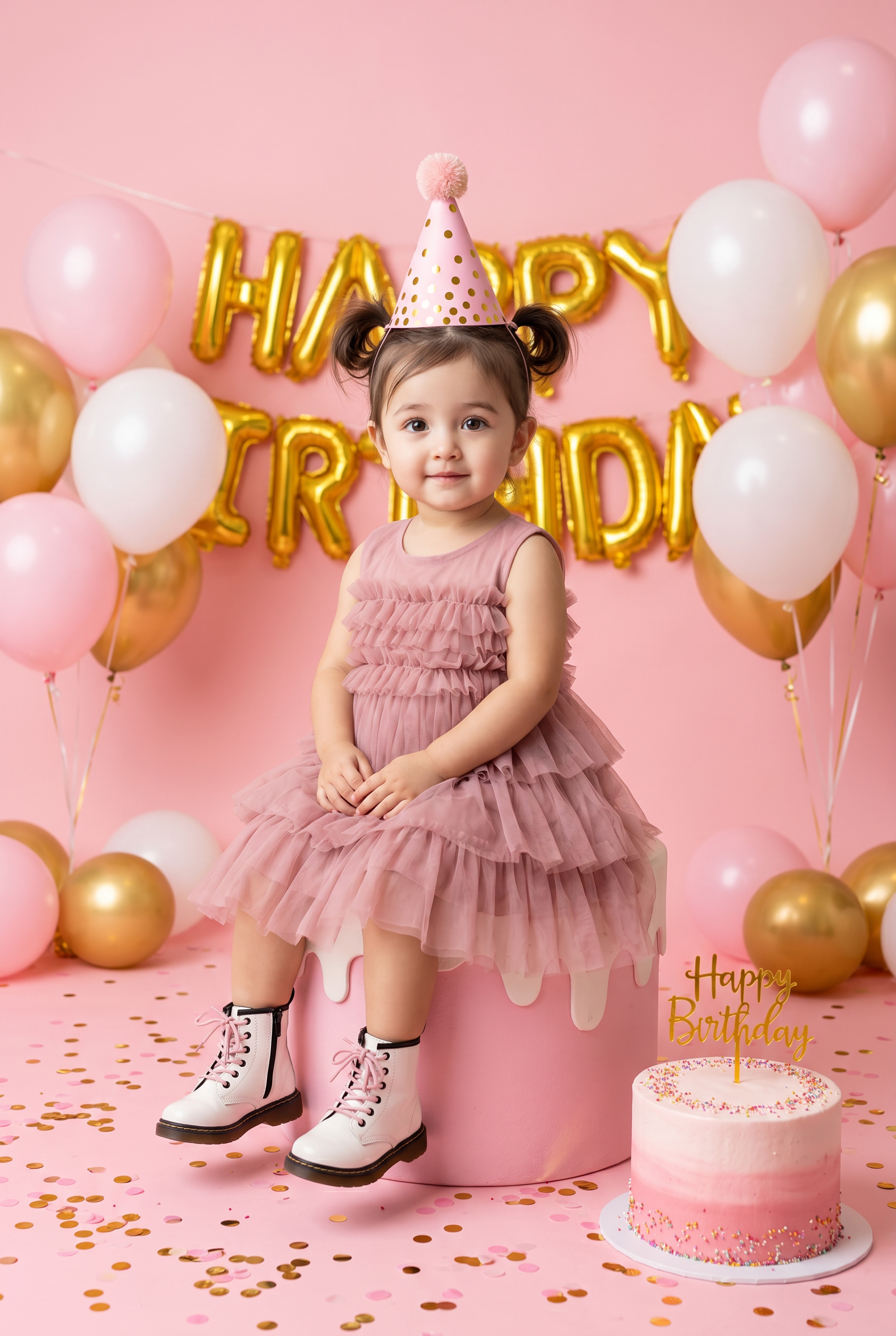
Birthday Bliss in Pink
- Model
- Nano Banana 2
- Image
- 1696 × 2528 px
Prompt
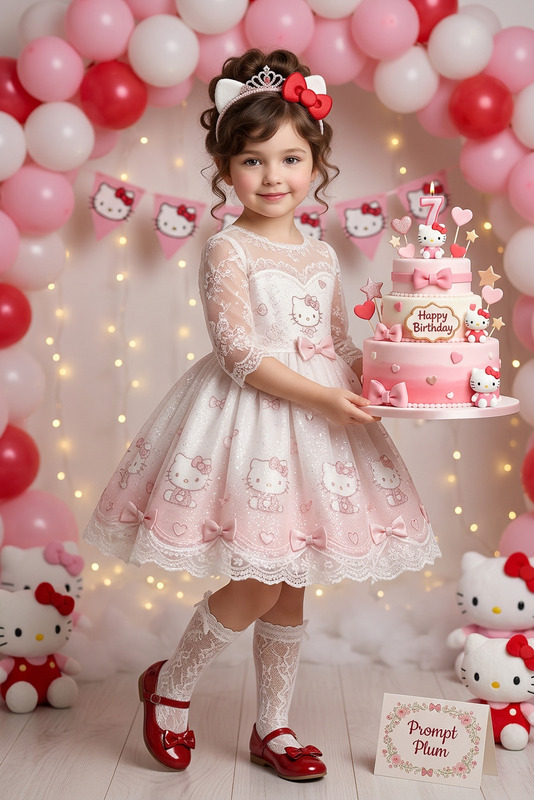
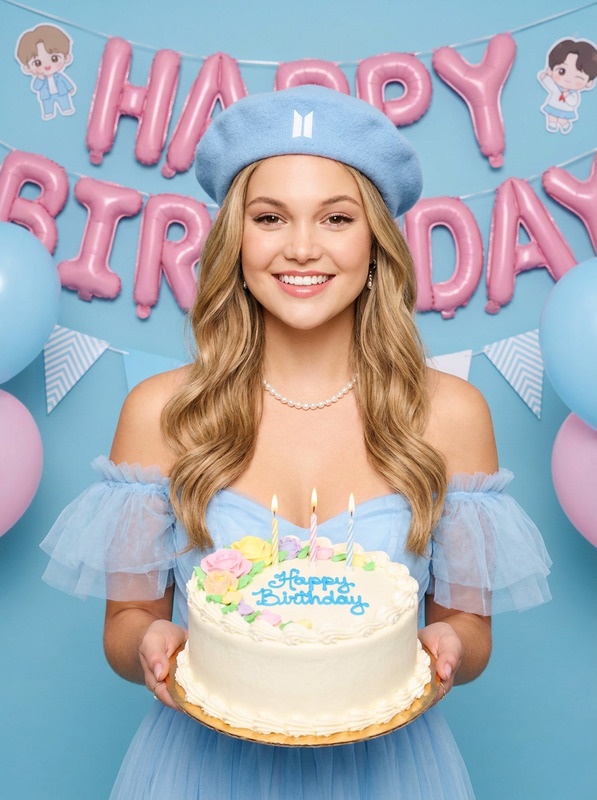
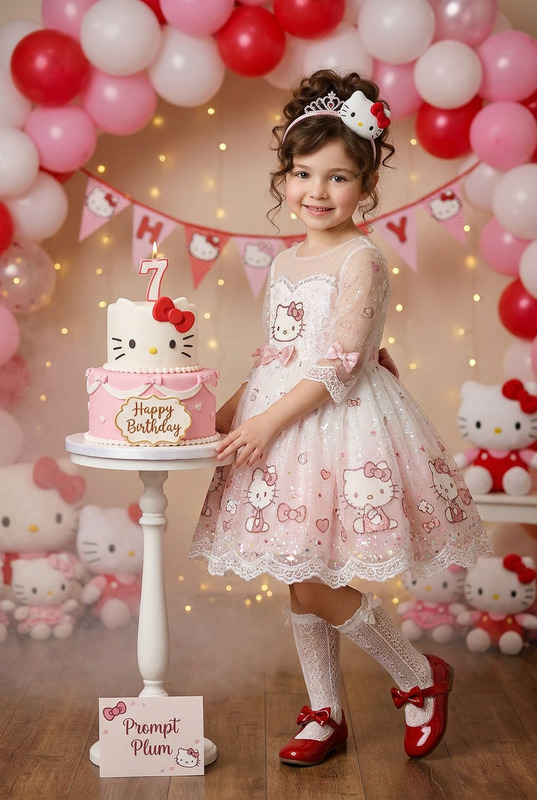
Use the face from the reference image as the exact identity. Preserve 100% facial consistency with the uploaded photo, including identical face shape, eyes, nose, lips, ears, skin tone, hairstyle characteristics, facial proportions, and all unique facial features. Maintain the exact same child from the reference image. Strict face match, strict age match, strict identity match. No beautification, no age alteration, no facial enhancement, no identity drift, no stylization. Create a bright, high-key, professionally shot studio birthday portrait based on the provided reference image with strict face + age + identity match. Subject & Sitting Angle (IMPORTANT) A young girl (about 4–10 years old) sits on a large pink cake-shaped prop. Her body is angled slightly to the viewer’s left (about 10–20°) while her face remains turned toward the camera, giving a gentle 3/4 seated pose. She sits upright with a clean posture, shoulders relaxed, hands softly folded together on her lap, legs hanging down naturally with both boots fully visible. Outfit & Accessories Sleeveless dusty-rose pink dress with multiple layers of soft, voluminous tulle ruffles spread outward while seated. White combat-style boots with thick black soles and bright pink laces. Pink cone party hat with gold polka dots and a fluffy pom-pom on top. Scene & Placement Soft pink studio wall background with gold foil balloon letters spelling “HAPPY BIRTHDAY” hanging behind her. Balloon clusters on both sides: pastel pink, matte white, and metallic gold balloons, some floating in the air held by visible strings, and additional balloons resting on the floor. Pink floor covered with scattered gold/pink confetti. A real two-tier cake sits on the bottom-right floor, pink-to-white ombré frosting, sprinkles around both tiers, and a gold “Happy Birthday” topper. Brightness & Lighting (VERY BRIGHT / HIGH-KEY) Use strong, bright high-key studio lighting with large softboxes from the front and slightly above, creating clean, even illumination with minimal shadows. The overall image should feel bright, airy, and pastel, with soft highlights, clear subject visibility, and crisp detail. Add natural eye catchlights and gentle background falloff while keeping the entire scene well-lit. Camera & Quality 4:5 or 2:3 aspect ratio, centered vertical composition, subject in sharp focus, shallow-to-medium depth of field with slight background softness. Ultra-clean professional kids birthday photography, realistic textures, studio-grade clarity, 4K quality. Important: Keep the exact face from the reference image unchanged. The child must remain the same person as in the uploaded photo. Preserve facial structure, facial proportions, age, expression characteristics, skin tone, and identity with maximum accuracy. No face swapping errors, no different child, no beautification filters, no AI-generated facial modifications.
Any aspect ratio
Overview
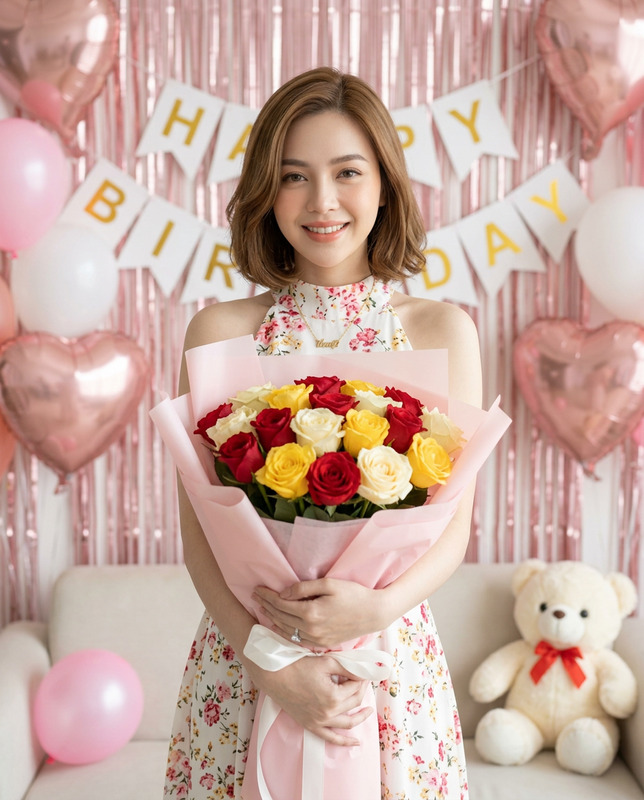
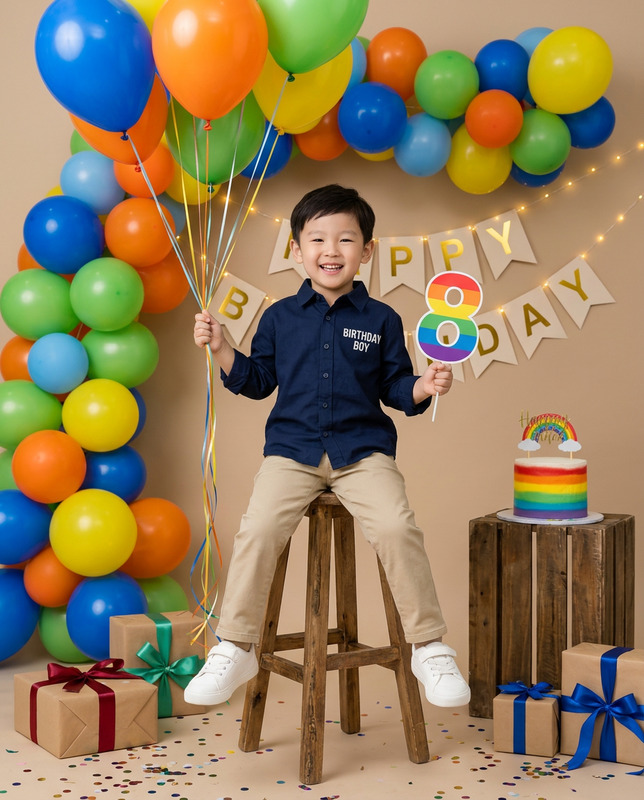
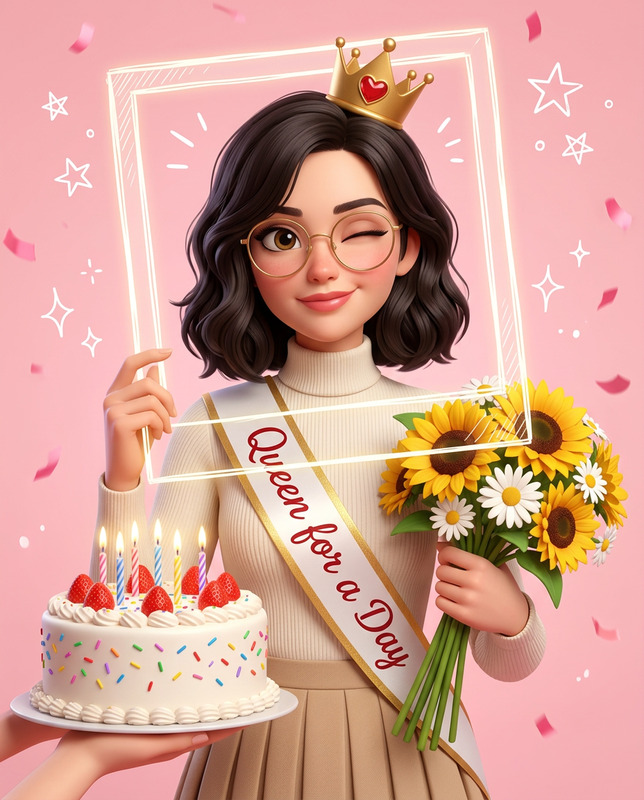
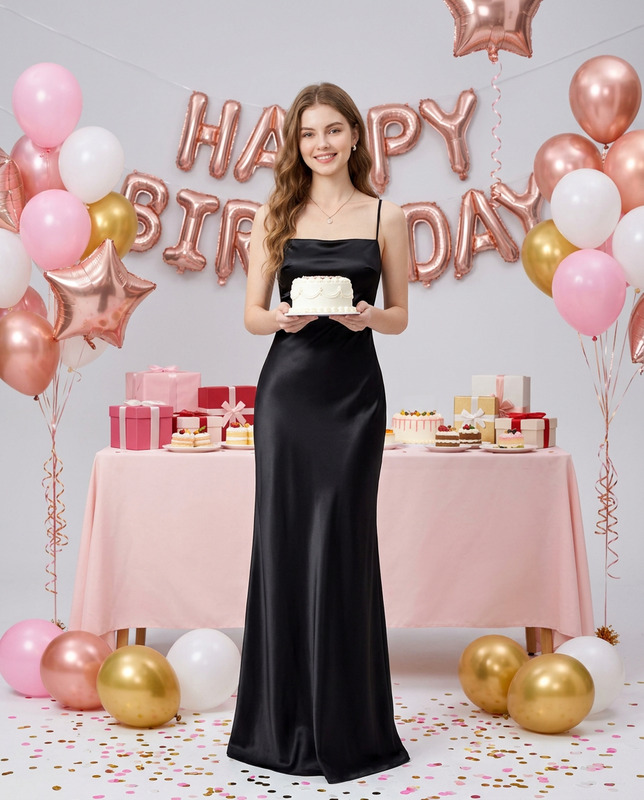
The "Birthday Bliss in Pink" template is an exquisite option for creating a professionally styled kids' birthday photo. Leveraging the power of the nano-banana-2 model, this AI Image Editor tool maintains perfect facial identity and age accuracy with no modifications. Ideal for crafting a charming studio-shot look, this template ensures that the child's face remains consistent with your reference image.
What It Does
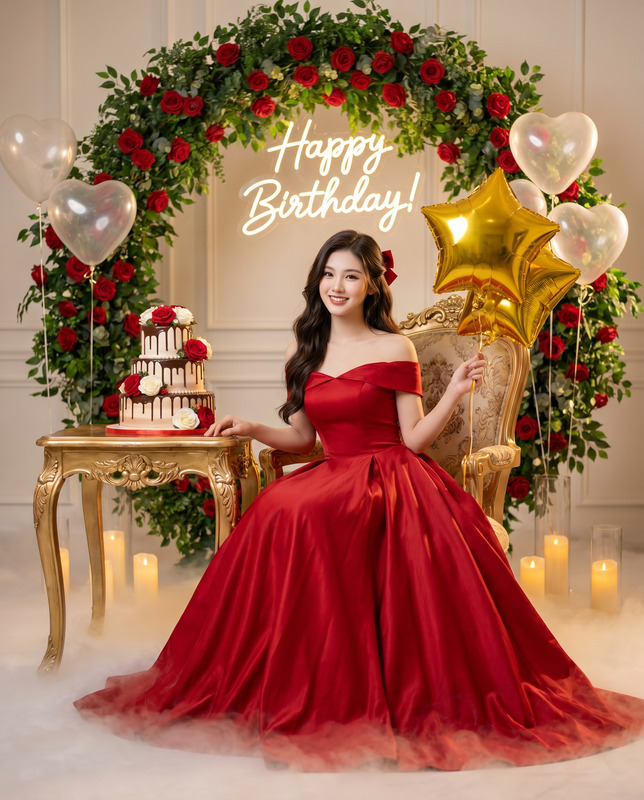
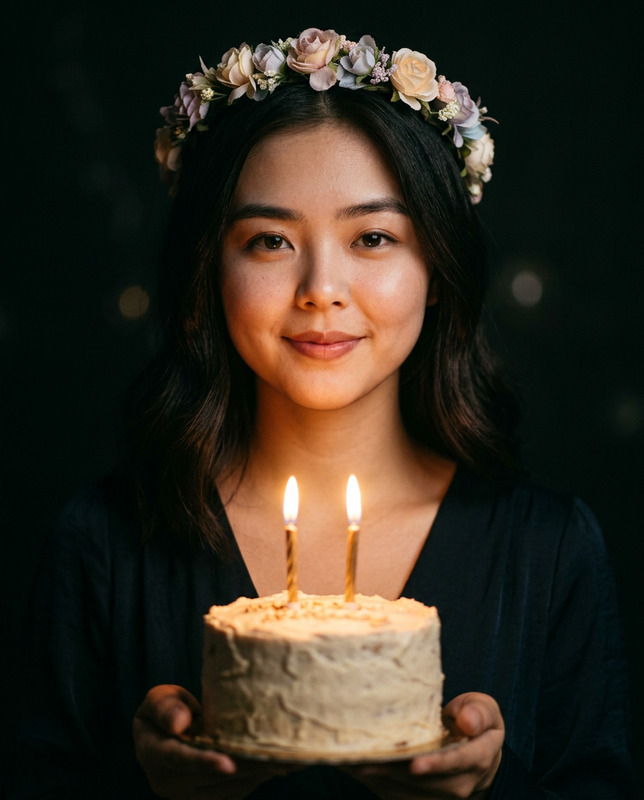
By choosing "Birthday Bliss in Pink," users can generate a high-key, intricate birthday portrait with ease. It meticulously preserves the unique facial features of the child from the reference image. The scene includes a charming setup with pink and gold elements, balloons, and a birthday cake, all captured in ultra-clear 4K quality imagery. This template ensures photo realism with no unwanted changes in the subject's identity.
Explore more about our AI capabilities in the AI Image Generator for producing customized and consistent images to suit any creative need.
Who It's For
This template is perfect for parents, photographers, and content creators looking to capture a child's birthday milestone with pristine detail and consistency. It's particularly beneficial for those who require a professional-grade image while preserving the child's natural features and expressions. Creators in need of tightly controlled and repeatable results will find the fidelity of facial attributes in this template invaluable.
If you're working on diverse image projects, combine with the AI Background Changer to seamlessly adjust backgrounds while keeping the prime focus on the subject.
Summary
"Birthday Bliss in Pink" is a specialized AI Image Editor template designed for those who value facial precision and professional aesthetics. Using high-key lighting, it produces vibrant, meticulously detailed images suitable for personal keepsakes or professional portfolios. This template strictly adheres to keeping the child's facial integrity intact, making it a trusted option for authentic and consistent output.
Explore related solutions like the AI Profile Picture Generator for crafting tailored profile visuals that preserve personal identity.
How-to
Choose Template

Customize Inputs

Generate Image

Use Cases
Birthday Photography
- Vivid birthday portraits
- Age and identity correct
Photo Realism Projects
- Preserves unique facial features
- No AI distortions
Marketing and Advertisement
- Realistic portrayal of children
- Ideal for storefront displays
Best Practices
Ensure Image Accuracy
Always use a clear and high-resolution reference image to guarantee the best results.Maintain Consistency
Check settings to ensure no beautification effects modify the child's appearance.Optimal Lighting
Utilize images that align well with bright, high-key lighting to maintain consistency.