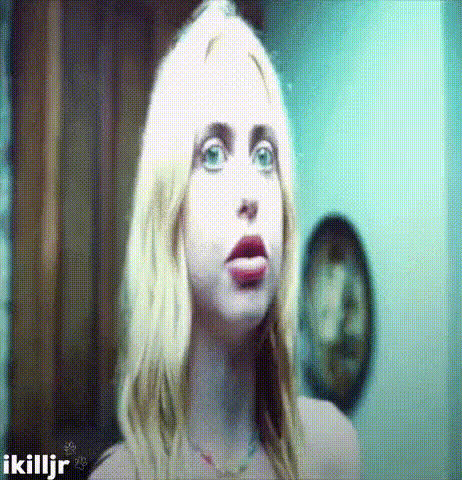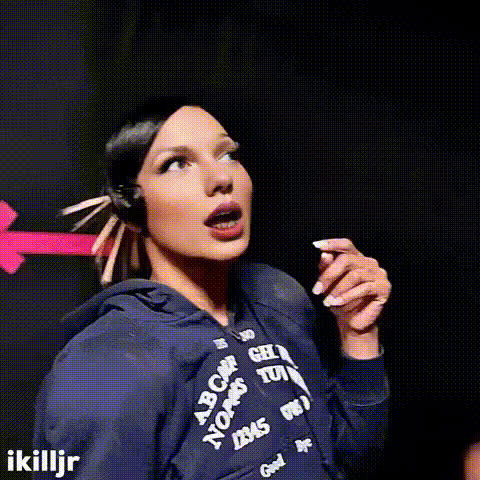
woman-with-shocked-expression
Overview
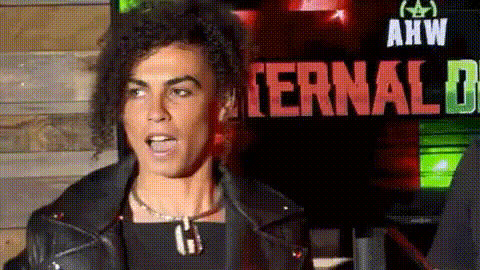
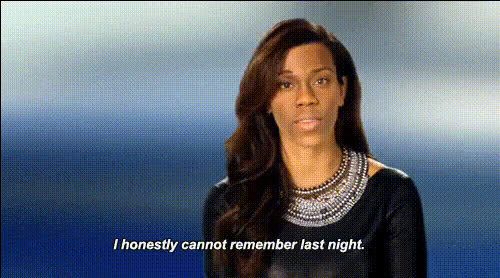
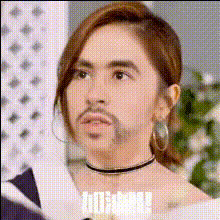
Enhance your content with the 'Woman with Shocked Expression' Video Face Swap template. This tool is perfect for creating engaging and humorous videos by swapping faces in a seamless manner. Use this template to give any character a shocked and amusing expression, ideal for surprising your audience.
What It Does
This Video Face Swap template takes a video of a woman with a shocked expression and allows you to swap in faces of your choice. It's optimized for producing high-quality, realistic results that maintain the original video's emotions and nuances. The template can process various video formats, making it versatile for different projects.
Who It's For
This template is designed for creators looking to inject humor or surprise into their videos. It's especially useful for social media marketers, content creators, and meme enthusiasts who use platforms like TikTok or Instagram. By pairing this with the Image to Video tool, you can further enhance your creative output.
Summary
Whether it's for a marketing campaign, a social media post, or a fun personal project, this Video Face Swap template offers endless possibilities for creativity. Combine it with tools like the AI GIF Generator and AI Meme Generator to expand your content's reach and engagement.
How-To
Choose the Template

Customize Your Input

Generate and Download

Use Cases
Social Media Content
- Capture viewer attention with unexpected expressions.
- Enhance memes with personalized reactions.
Marketing Campaigns
- Introduce surprise elements to captivate your audience.
- Drive higher engagement with relatable expressions.
Personal Projects
- Create birthday videos or virtual party invites.
- Spice up vlogs with comedic elements.
Best Practices
Choose High-Quality Inputs
Use high-resolution videos for the best results. This ensures that the swapped faces look natural and visually appealing.Match Facial Angles
Select source faces that match the angle and lighting of the target video to maintain realism.Combine with Other Tools
Enhance your project by using it alongside the AI Image Editor to adjust colors or touch up details.