woman-with-glasses-and-blocks
Overview
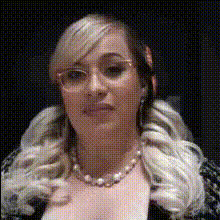
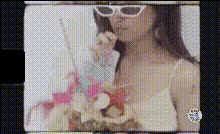
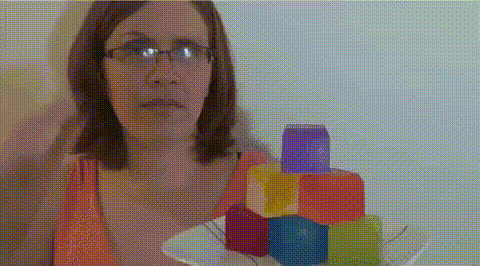
Welcome to the "Woman with Glasses and Blocks" Video Face Swap template. This engaging template lets you creatively replace faces with ease, using a model featuring a woman wearing glasses and vibrant blocks. It's ideal for creating distinctive and shareable video clips.
What It Does
This template facilitates seamless face swapping in videos, allowing you to overlay or replace the face of the woman with glasses with any other face of your choosing. The vibrant block background adds a fun and dynamic element to your video. Perfect for personal projects or promotional content, it supports formats compatible with platforms like Image to Video and Text to Video.
Who It's For
This tool caters to creatives seeking to add a transformative element to their content. Whether you're a marketer crafting eye-catching ads, a content creator looking to spice up your social media, or simply experimenting with new video techniques, this template provides a versatile solution. It's particularly useful for those already utilizing tools like Face Swap for broader transformations.
Summary
Utilizing the "Woman with Glasses and Blocks" Video Face Swap template offers a straightforward yet powerful method to enhance your videos. By integrating easy face replacement capabilities, this template serves as a valuable asset for anyone looking to expand their creative toolkit with tools found in products like AI Talking Photo.
How-To
Choose Your Template

Customize Your Input

Generate Your Video

Use Cases
Social Media Content
- Instagram stories
- TikTok videos
- Facebook posts
Marketing Campaigns
- Product launches
- Brand awareness campaigns
Personal Projects
- Birthday videos
- Family compilations
Best Practices
Select High-Quality Input Images
Ensure the images you upload for face swapping are high-resolution to achieve the best results.Use Consistent Lighting
Try to match the lighting of your input face with the template for more realistic outcomes.Preview Before Finalizing
Take advantage of any preview options to see how your video looks before final rendering to make necessary adjustments.