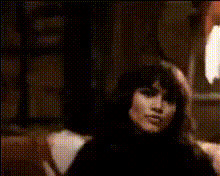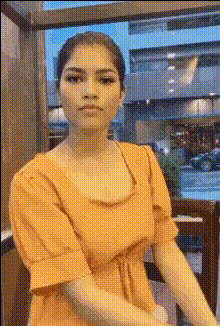
woman-looking-out-window
Overview
The Woman Looking Out Window template is a Video Face Swap tool designed to bring your creative visions to life. This template allows you to overlay a new face onto the character staring out the window in a beautifully cinematic fashion, offering endless opportunities for transformation and storytelling.
What It Does
This Video Face Swap template expertly replaces the face of the woman looking out the window with another selected face. Leveraging advanced AI, the template ensures that facial expressions and features are naturally integrated, resulting in high-quality transformations. This template is perfect for creative video projects seeking to merge imagination with reality.
Who It's For
This template is perfect for video creators, digital marketers, and content enthusiasts who aim to convey stories through transformative visuals. Whether you’re in the business of creating personalized marketing content or simply engaging in creative projects, this Video Face Swap tool offers simplicity and precision for your needs.
Summary
Utilizing the Woman Looking Out Window Video Face Swap template amplifies your ability to create compelling narratives through face transformation. It connects seamlessly with other tools such as the Video Face Swap for GIFs, Body Swap, and AI Image Editor to extend your creative limits.
How to Use
Choose Your Template

Customize Your Inputs

Generate and Download

Use Cases
Personalized Ad Campaigns
- Dynamic marketing content
- Increased viewer engagement
Film and Theater Previews
- Storyboard visualizations
- Actor role exploration
Social Media Content
- Trendy visual content
- Boosted shares and likes
Best Practices
Use High-Resolution Images
For best results, ensure that the face images you upload are high quality, offering clear details for effective swapping.Experiment with Angles
Test different face angles to see which integrates best with the window view, offering a more natural effect.Pair with Other Tools
Enhance your project by utilizing complementary features from the AI Video Extender and Image to Video.