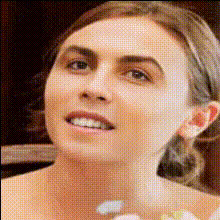
woman-smiling-close-up-2
Overview
Explore the transformative power of our Video Face Swap template, specifically designed for close-up shots. Swap faces in videos effortlessly while maintaining a realistic and natural look, perfect for personalizing your content or adding a unique twist to social media posts.
What It Does
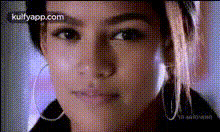
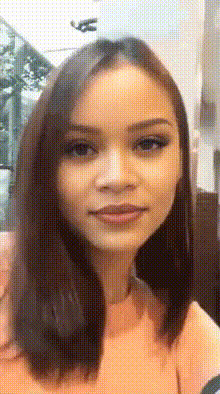
This template offers a high-quality face swap feature that smoothly integrates a new face onto a smiling woman in a close-up video. Thanks to advanced video processing algorithms, the results are both impressive and believable. To further enhance your video projects, consider pairing this template with the Face Swap tool for more intricate transformations.
Who It's For
Ideal for video creators, social media influencers, and content marketers, this template is perfect for those looking to innovate and personalize their video content. If you're venturing into social media advertising or engaging storytelling, this tool offers the flair you need. Integrate with other creative tools like the AI Image Generator for a diverse content strategy.
Summary
The 'Woman Smiling Close-Up' Video Face Swap template is a powerful asset for anyone seeking to create authentic, eye-catching video content. Its ease of use and realistic output make it a staple choice in modern video editing. Image to Video can also complement your projects by transforming still images into dynamic videos.
How To
Choose the Template

Customize Your Content

Generate the Video

Use Cases
Social Media Content
- Instagram reels featuring personalized filters
- Facebook stories with a twist
Video Advertisements
- Localized video ads for target audiences
- Memorable eCommerce ads with character swaps
Film and Entertainment
- Innovative short films with character transformation
- Engaging virtual reality experiences
Best Practices
Select High-Quality Footage
Ensure that the original video is of high quality and that the lighting is consistent with the face you plan to swap.Sync With Emotion
Match the expressions of the face being swapped in, such as a smile, to keep the video realistic.Experiment with Angles
test different face angles to achieve the best possible match and avoid noticeable discrepancies.