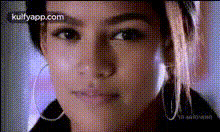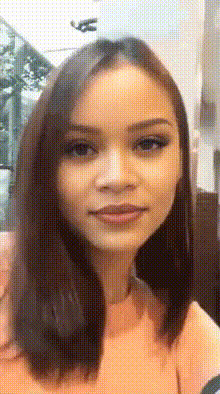
woman-smiling-close-up-1
Overview
Our Video Face Swap template makes it incredibly easy to transform your videos with stunning realism. Ideal for achieving professional-quality face swaps in close-up settings, this tool is perfect for anyone looking to enhance their video creativity. Whether you're working on social media content, a short film, or a captivating ad, this template fit seamlessly into your production workflow.
What It Does
This template specializes in close-up transformations by swapping faces in video footages. Using advanced AI models, it ensures a natural look without compromising on detail, making it suitable for creating high-impact scenes where expressions matter. Pair it with our Face Swap tool for comprehensive editing, or explore our AI Image Editor for pre-editing faces.
Who It’s For
Designed for content creators, filmmakers, and digital marketers, this template is ideal for those who need precision and quality in their video face swaps. It's particularly useful for creators aiming to produce engaging social media posts or advertisers looking to create memorable ads. Combine it with tools like the Video-to-Video editor for dynamic results.
Summary
With our Video Face Swap template, produce captivating transformations that are both realistic and compelling. Perfect for close-up shots, this template integrates seamlessly with our other tools, such as the AI Voice Changer for complete multimedia projects. Deliver professional-grade results without the need for complicated post-production work.
How To
Choose Your Template

Customize Your Inputs

Generate Your Video

Use Cases
Social Media Engagement
Advertising Campaigns
Creative Film Projects
Best Practices
Select High-Resolution Images
To achieve the best results, use high-quality, well-lit images that match the video's resolution.Align Facial Expressions
Ensure that the expressions in the source and target faces are similar for natural-looking swaps.Consider Context and Tone
Match the swapped face's style to the video's mood and aesthetic for better integration.