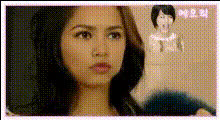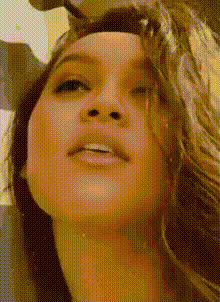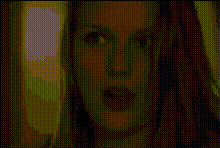
woman-making-funny-face-laptop
Overview
The Woman Making Funny Face Laptop template is your go-to tool for adding a comedic twist to your video content. Designed for easy Video Face Swap transformations, this template allows creators to swap faces in a few simple steps, enabling you to produce engaging and humorous videos quickly.
What It Does
This template specializes in face swapping within videos. By selecting this template, you can replace the original face in the video with a different one, creating a funny and entertaining output. It leverages advanced algorithms to ensure the swapped face matches the video environment seamlessly, preserving the video's original quality.
Who It's For
Tailored for video creators, social media managers, and anyone who enjoys adding humor to their content, the Woman Making Funny Face Laptop template is perfect for fostering engagement. It's also an excellent choice for brands looking to connect with audiences through comedic video content, enhancing their social media ads campaigns.
Summary
In summary, the Woman Making Funny Face Laptop template offers a fast and user-friendly way to apply face swaps to your videos. By integrating this template with tools like the AI Image Editor, you enhance your content's creative potential while maintaining high production value. Perfect for humor-driven projects, this face swap template is both versatile and fun to use.
How To
Choose the Template

Customize Your Video

Generate Your Video

Use Cases
Social Media Content
- Create humorous posts for Instagram Reels and TikTok
- Boost engagement with shareable content
Marketing Campaigns
- Produce unique video ads for <a href="/use-cases/ecommerce-ads">eCommerce</a> platforms
- Capture audience attention with comedic content
Personal Fun
- Swap faces in videos for personal amusement
- Share funny moments with friends and family
Best Practices
Choose Clear Footage
Use high-quality video footage to ensure that the face swap looks realistic and integrates well with the original video's environment.Ensure Lighting Consistency
For the best results, make sure that the lighting on the face you are swapping in is similar to that of the original video.Test Different Faces
Experiment with different faces to see which combination produces the funniest or most engaging results in your videos.