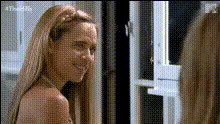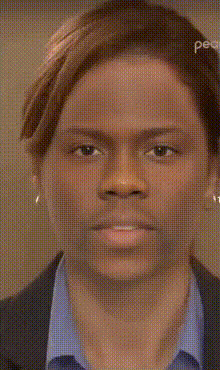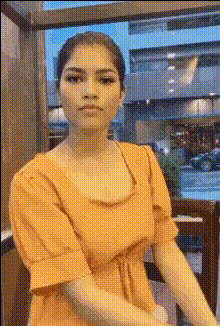
woman-in-kitchen-looking-back
Overview
Experience a new level of creativity with the "Woman in Kitchen Looking Back" video face swap template. Designed for those who love to experiment with playful transformations, this template allows you to insert any face into a kitchen setting video. It's an excellent choice for creators wanting to add a twist to their videos.
What It Does
This Video Face Swap template enables you to replace the original face in a kitchen scene with another face of your choice. Whether you're working on a social media post or a creative project, this tool helps you craft engaging and humorous content. The output is a dynamic video featuring seamless face swap effects that enhance your storytelling.
Combine this with tools like the AI Voice Changer for added humor or the Text-to-Video product for integrating additional text elements into your project.
Who It's For
This template is ideal for social media influencers, digital content creators, and marketing professionals looking to create eye-catching videos. It's also perfect for enthusiasts who enjoy playful videos that mix reality with creativity. Use this template to stand out in the crowded digital space by bringing an extra layer of humor and intrigue to your content.
Summary
The "Woman in Kitchen Looking Back" template offers a straightforward way to produce captivating face swap videos. From TikTok challenges to meme creation, its application versatility makes it a favorite among creators. Unleash the power of humorous transformations using this innovative video face swap tool.
How To
Choose the Template

Customize Your Inputs

Generate Your Video

Use Cases
Social Media Content
- Stand out in challenges with creative face swaps.
- Enhance storytelling in a humorous way.
Advertising and Marketing
- Captivate your audience with unique ad content.
- Perfect for product launches in a kitchen setting.
Content Creation
- Ideal for meme creation projects.
- Perfect for collaborative video mashups.
Best Practices
Select High-Quality Images
Ensure the image used for the face swap is high quality. This helps achieve a more realistic and smooth result.Match Lighting Conditions
To make swaps appear natural, try using images with similar lighting conditions as the original video.Experiment with Different Angles
Test various facial angles to find the best fit for the template, enhancing the overall effect.