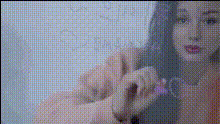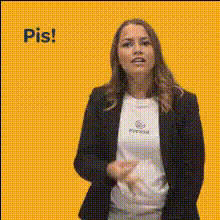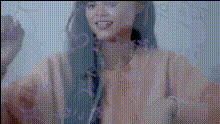
woman-drawing-on-whiteboard
Overview
Transform your videos using our Video Face Swap template. This tool enables you to swap faces seamlessly in scenes where someone is drawing on a whiteboard, allowing for fresh and engaging content creation. Ideal for enhancing visual storytelling, it's a perfect fit for content creators looking to spice up their videos.
What It Does
The woman-drawing-on-whiteboard template leverages our cutting-edge Face Swap Video technology to replace faces in video clips specifically during whiteboard interactions. This allows users to personalize or customize educational or instructional videos without needing to shoot new footage. It integrates well with products like AI Video Generator for creating comprehensive video projects.
Who It's For
This template is tailor-made for educators, marketers, and content creators who want to inject personality into their instructional or promotional content. Whether you're creating course modules, corporate training materials, or engaging social media content, the Video Face Swap in whiteboard settings makes your message more dynamic and relatable.
Summary
With the woman-drawing-on-whiteboard template, you can effortlessly swap faces in video clips, adding a layer of customization. This not only personalizes the content but also engages viewers by merging realism with creativity. Explore more about how this can elevate your projects on our Face Swap products page.
How To
Choose Your Template

Customize Your Inputs

Generate Your Video

Use Cases
Educational Content
- Personalized online courses
- Dynamic classroom videos
- Corporate training materials
Marketing and Promotions
- Brand storytelling
- Social media ads
- Product demonstration videos
Interactive Social Media Content
- Funny clips on TikTok
- Instagram Reels
- Interactive Twitter videos
Best Practices
Select High-Quality Source Images
Use clear, high-resolution images for better face swap results. Blurry or low-quality images may result in less accurate swaps.Match Lighting and Angles
For best results, ensure that the face you're swapping matches the lighting conditions and angle of the scene.Leverage Other Tools for Enhancement
Combine with the AI Image Editor for post-editing adjustments and to enhance overall video quality.