will-smith-smiling-formally
Overview
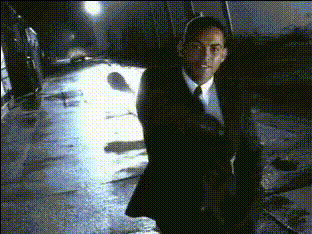
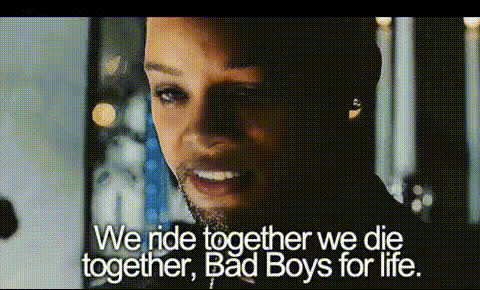
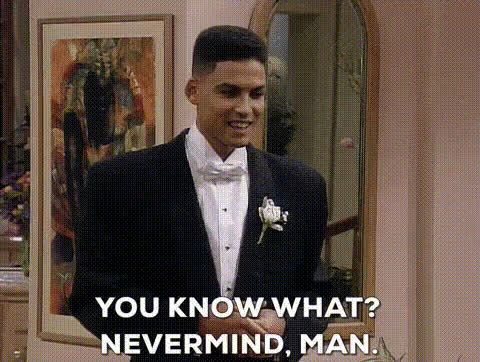
With the Will Smith Smiling Formally video face swap template, you can inject a dose of Hollywood charm into your projects. This template allows creators to replace any face in their video footage with that of Will Smith, creating a unique and memorable experience. Ideal for spicing up presentations, creating comedic content, or simply having fun, this template is a versatile tool for any video enthusiast.
What It Does
This Video Face Swap template enables you to switch faces with Will Smith, maintaining the movement and expressions of the original footage. Using advanced AI technology, the swap is integrated seamlessly into the video, allowing for a professional-quality result. Different from static image swaps, this dynamic transformation keeps the narrative flow of your original video intact.
Who It's For
Whether you're a content creator, a social media influencer, or part of a marketing team looking to make engaging ads, this tool is perfect for you. It's designed for those who want to stand out with their video content without needing extensive video editing skills. The interface is user-friendly and does not require prior experience with complex editing software.
Summary
The Will Smith Smiling Formally template is a powerful resource for anyone looking to create standout video content with minimal effort. From making viral meme videos to spice up a corporate project, this face swap tool offers endless creative possibilities. By integrating this template, you tap into advanced facial recognition and swapping technology already appreciated in our AI Image Editor suite.
How-To
Choose Your Template

Customize Your Input

Generate Your Video

Use Cases
Social Media Content
- Instagram stories
- YouTube shorts
- TikTok trends
Marketing Campaigns
- Facebook ads
- Google ads
- Product demonstrations
Personal Projects
- Birthday messages
- Family holiday videos
- Virtual meetups
Best Practices
Start with High-Quality Footage
Ensure your input video is high resolution and well-lit to get the best face swap results.Align the Expressions
Choose videos where the face movements align closely with the available templates for a seamless swap.Combine with Other Tools
Enhance your final video by integrating features from the AI Video Extender tool to adjust runtime or apply additional effects.