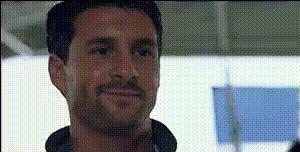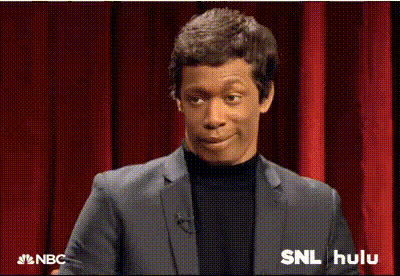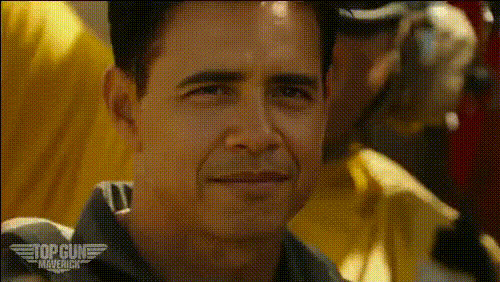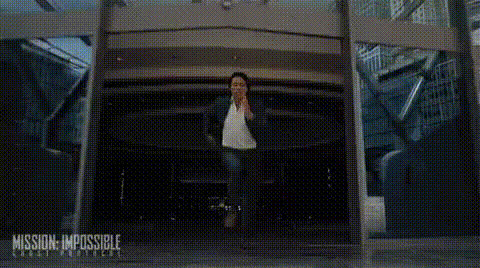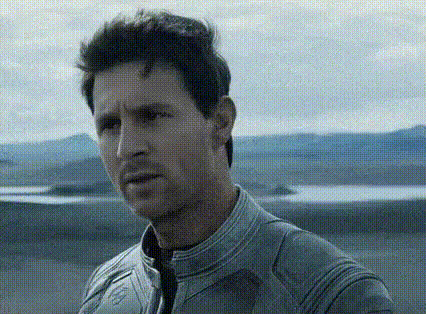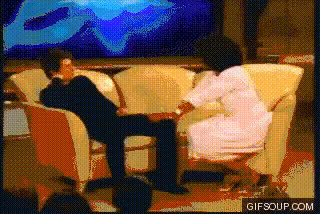
tom-cruise-awkward-dance
Overview
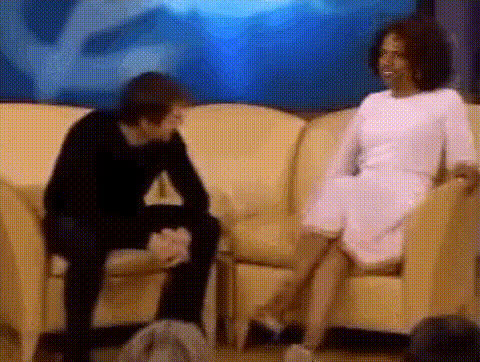
Bring the laughter and charm of an awkward Tom Cruise moment right to your digital projects. With the 'Tom Cruise Awkward Dance' Video Face Swap template, you can overlay his iconic dance onto your own footage for engaging and shareable content. Perfect for social media and beyond, this transformation is both amusing and viral-worthy.
What It Does
This template allows you to swap faces in existing video clips, replacing them with Tom Cruise's face in a famous dance scene. Utilizing AI models, such as those in our AI GIF Generator, the template seamlessly integrates the new face, maintaining expressions and movements. The result is a humorous transformation that keeps the essence of the original clip while adding a new twist.
Who It's For
This template is ideal for content creators aiming to capture their audience's attention with funny and engaging visuals. Social media influencers, marketers creating Social Media Ads, and anyone looking to add a comedic element to their videos can benefit from this template. It's an excellent tool for those wanting to experiment with face swaps without needing extensive editing skills.
Summary
Transform any video with the hilarity of Tom Cruise's dance using the Video Face Swap template. With simple steps and powerful AI, add a famous face to your video for memorable and viral content. Check out our AI Image Editor and AI Meme Generator for more creative possibilities.
How-To
Choose Template

Customize Input

Generate Video

Use Cases
Social Media Engagement
- Boost your follower interaction
- Take part in viral trends
Marketing Campaigns
- Enhance ad recall
- Create shareable content
Personal Entertainment
- Host virtual dance-offs
- Make custom birthday videos
Best Practices
Select High-Quality Clips
Start with a clear and steady video to ensure the face swap appears natural and convincing.Adjust Lighting Conditions
Ensure consistent lighting in your original clip to match the template better, improving the overall appearance of the swap.Experiment with Different Angles
Try using various clips to see how angles affect the output, leading to more diverse and interesting results.