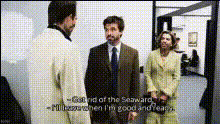
the-office-us-scene
Overview
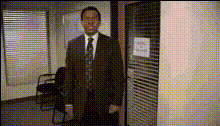
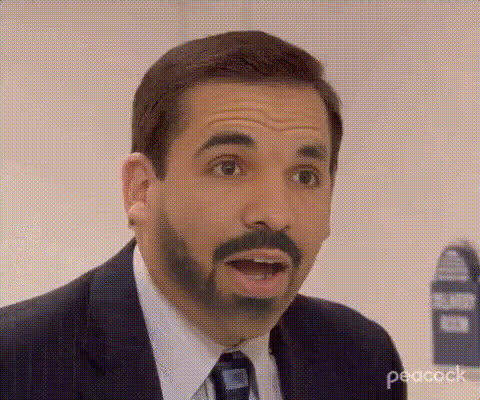
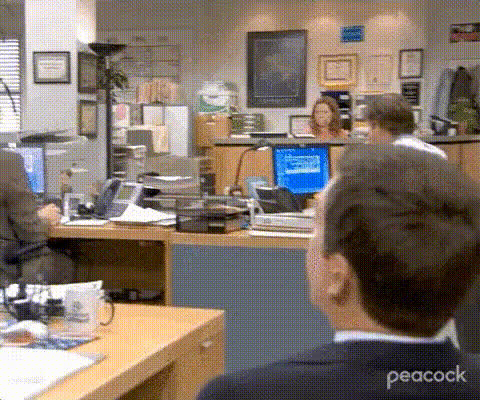
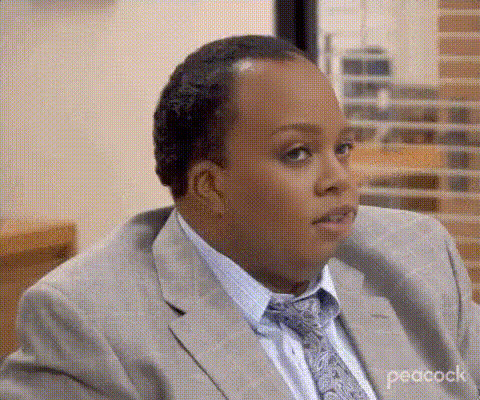
Step into the hilarious world of "The Office US" with our Video Face Swap template. Whether you're looking to create fan edits or add a humorous twist to your social media posts, this template offers an engaging way to transform yourself into your favorite character from the show. Use actual show scenes and replace faces with your own or your friends' for a fun transformation.
What It Does
The Video Face Swap template lets you seamlessly replace the face of a character in a "The Office US" clip with your own or someone else's. This transformation can bring a new level of personalization and entertainment to your content. Ideal for sharing across platforms, this template maintains the original expressions and actions of the scene while adding your chosen face.
Explore other tools like the Video Face Swap for different settings, or the AI Talking Photo to animate still images.
Who It's For
This template is perfect for fans of "The Office US" looking to inject some personality into their social media content. It's also ideal for digital creators producing meme videos or engaging fan edits. Marketing professionals in search of unique, eye-catching content for video campaigns will find this tool especially useful.
Consider using the AI Meme Generator for additional comedic content and the AI Video Generator for broader video creation needs.
Summary
Incorporate yourself into the world of "The Office US" using Video Face Swap technology. Designed for personal and professional use, this template offers a straightforward path to creating humorous, easily shareable content. Achieve high-quality swaps that reflect the nuances of the original scene.
Check out the Face Swap GIF for quick and shareable GIF content.
How To
Choose

Customize

Generate

Use Cases
Social Media Content
- Engage followers with humorous swaps.
- Create relatable memes featuring popular faces from "The Office US".
Fan Edits
- Show off your creativity with personalized scenes.
- Easily insert friends into beloved TV moments.
Marketing Videos
- Capture attention with quirky advertisements.
- Implement a new trend for creative campaigns.
Best Practices
Choose High-Quality Images
Use a high-resolution, front-facing photo to ensure the best results.Align Faces Carefully
Pay attention to the alignment of the eyes and mouth for a more realistic swap.Select Appropriate Scenes
Choose scenes where facial expressions are clear and distinct for a natural look.