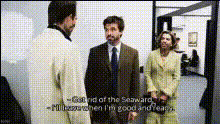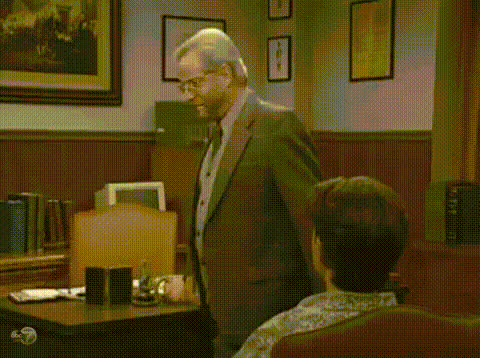
the-office-character-shocked-expression
Overview
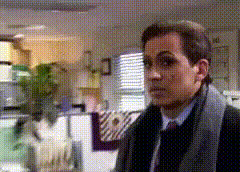
Bring a comedic twist to your videos with the 'The Office Character Shocked Expression' face swap template. Ideal for meme enthusiasts and social media creators, this template superimposes an iconic surprised face from the popular TV show onto your chosen video, guaranteeing laughs and shares.
What It Does
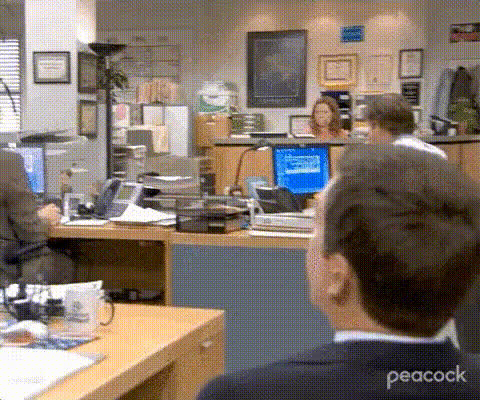
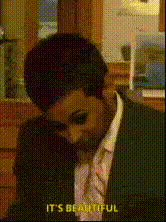
This template takes your selected video and swaps in a shocked expression of a character from The Office. Designed to create engaging memes, it instantly transforms ordinary moments into comic gold by overlaying a memorable facial reaction.
Who It's For
Perfect for meme creators, social media influencers, and video enthusiasts looking to add a humorous flair to their content. Those familiar with The Office will particularly appreciate the reference, though the universal appeal of a shocked expression ensures it resonates widely.
Summary
Enhance your video content with an amusing twist using this Video Face Swap template. It's simple to use, uniquely funny, and perfect for a variety of entertainment-based applications. Elevate your social media presence with this dynamic editing tool.
How-To
Choose Your Template

Customize Your Inputs

Generate and Download

Use Cases
Meme Creation
- Create viral content
- Engage with audiences
- Make friends laugh
Social Media Content
- Stand out in feeds
- Increase engagement
- Attract more followers
Video Edits for Friends
- Surprise friends
- Add humor to group videos
- Liven up personal content
Best Practices
Choose the Right Video
Select scenes with clear faces for the best results. Close-ups and stable shots work particularly well.Optimize Lighting
Good lighting in your original video enhances the final output, making the face swap appear more realistic.Test Different Angles
Experiment with various angles and expressions in your videos to find the most humorous and effective results.